Web Platform: Console, Workspace & Portal
Install FieldOps, connect payments, messaging and AI, and learn every console, workspace, portal and website screen.
Start Here: Who Does What
FieldOps splits the work into two kinds. Running the business happens in the browser: the platform console (/admin) and the company workspace (/company), both reached by signing in at https://your-domain.com/login. No code and no server access are needed there. A few one-time or technical tasks need a server administrator or a developer (hosting panel or SSH, cron, queue worker, Flutter). If you are not technical, have someone do the server tasks once; after that you run everything from the browser.
| Task | Who | Where |
|---|---|---|
| Site name, light and dark logo, favicon, website design (Classic, Modern, Minimal, Corporate), panel theme, default language, currency and time zone, maintenance mode, reCAPTCHA, SEO defaults | Platform console | System → Platform settings (Branding) |
| Multi-vendor marketplace on/off, vendor applications, categories and service areas | Platform console | Marketplace (Multi-Vendor Marketplace) |
| Vendor plans, coupons, commission, dunning, the payment gateways that take vendor subscription payments | Platform console | Billing & revenue (Billing & Revenue) |
| Languages and translations, email templates, become-a-vendor page, SEO and redirects | Platform console | Content (Content, Languages & RTL) |
| Backups, system update, platform health, activity log, staff users and roles | Platform console | System, Access control (System) |
| Your company: users, roles, branches, work orders, dispatch, customers, inventory, price book, invoices | Company workspace | Sidebar groups (Company Workspace) |
| Customer payment gateways (SSLCommerz, Stripe, bKash, PayPal, Razorpay, Paystack, Flutterwave, manual, bank transfer) | Company workspace | Website & online → Online payments (Payment Gateways) |
| SMS, WhatsApp and push credentials of a company, message templates | Company workspace | Automation → Customer notifications (SMS, WhatsApp & Push) |
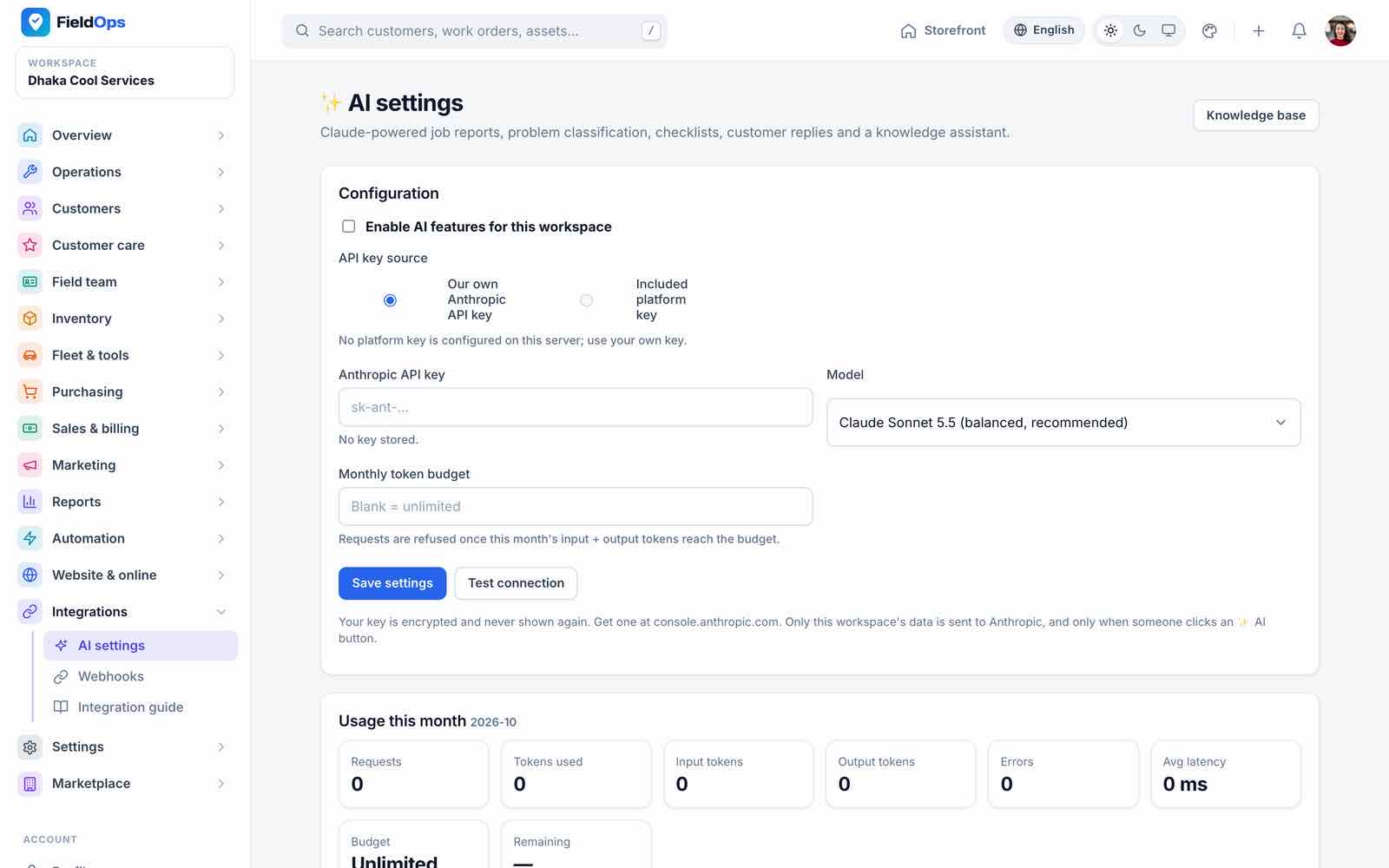
| Claude API key of a company, model and monthly token budget | Company workspace | Integrations → AI settings (AI Assistant) |
| Website texts and home page sections, online booking, booking widget | Company workspace | Website & online (Public Website) |
| Create merchant accounts and webhooks at the gateways; Meta WhatsApp app; Firebase project; Anthropic API key; SMS provider account | Browser: provider console | Each provider’s own dashboard (Third-Party Services & Costs) |
| Upload the files, create the database, domain and SSL certificate, folder permissions | Server / developer | Hosting panel / SSH (cPanel Install, Common Setup) |
| Cron entry, queue worker, Reverb live-chat server | Server / developer | Scheduler, Queue, Reverb |
.env values: APP_URL, MAIL_*, ANTHROPIC_API_KEY, FCM_*, REVERB_*, OSRM_URL | Server / developer | .env Reference |
| Build, rebrand, sign and publish the Android/iOS app | Server / developer | Mobile App |
Before launch, read Ready to Go Live? and Third-Party Services & Costs (which accounts you need and who pays).
What You Get
FieldOps is field service management software for AC, appliance, cleaning, repair and similar service companies. One Laravel 13 application holds four things: a public website with a service catalogue, online booking and live job tracking; a platform console (/admin) where you, the site owner, run the platform and the optional multi-vendor marketplace; a company workspace (/company) where a service company runs its work orders, dispatch, technicians, stock and billing; and a customer portal (/portal). A native Flutter app for Android and iOS (no WebView) gives technicians and managers the field side, and customers their own panel, through the REST API (/api/v1, Sanctum tokens).
Platform console
35 screens in 8 groups: vendors, billing & revenue, marketplace, vendor support, content, languages, system, access control.
Open →Company workspace
94 sidebar entries in 17 groups: operations, dispatch, customers, team, inventory, fleet, sales, reports, automation and more.
Open →Marketplace
Optional multi-vendor mode: vendor sign-up, approval, plans, commission, dunning, featured listings.
Open →Flutter app
Technician job flow, offline outbox, GPS tracking, signatures, payments, dispatcher mode, plus a customer panel. 72 screens.
Open →| Fact | Value |
|---|---|
| Version | 1.0.0 (web config/fieldops.php, app pubspec.yaml 1.0.0+1) |
| Routes | 1,121 web routes, of which 170 are REST API v1 routes under /api/v1 (29 of them for the customer app); 71 customer portal routes; 9 online booking routes; 7 installer routes |
| Web stack | Laravel 13, PHP 8.3+, MySQL, Blade + jQuery 4 + Alpine.js 3 + Tailwind CSS 3.4 + Vite 8, Sanctum 4, Reverb 1.12 + Laravel Echo, mPDF 8.3 + dompdf 3.1, Leaflet 1.9.4 + OpenStreetMap |
| App stack | Flutter 3.47 / Dart 3.13, Riverpod 3, go_router 18, Dio 5, sqflite (offline cache + outbox), Material 3 |
| Languages | English, Bangla, Arabic (RTL) and French on the web and in the app |
| Payment gateways | 9: SSLCommerz, Stripe, bKash, PayPal, Razorpay, Paystack, Flutterwave, manual / offline, bank transfer |
| Automation | 28 fieldops:* artisan commands, 123 migrations |
| Tests (counted) | Web: 142 PHPUnit test files with 978 test methods and 12 Playwright spec files (21 tests). App: 26 test files with 198 tests |
Installing? Follow the Installation guide for your hosting. Short on time? See the Quick Start. Server details (web server, HTTPS, cron, queue, Reverb, mail, backups and the .env reference) are in Common Setup.
Screenshots in this guide were captured on a seeded, region-neutral demo database: the main company “Metro Cool Services” (AC and appliance service, prices in USD) with three marketplace vendors. Names, numbers and amounts are sample data.
Server Requirements
The first installer step checks the PHP version, the extensions and the writable paths before it lets you continue (app/Services/Install/Requirements.php).
| Item | Minimum |
|---|---|
| PHP | 8.3.0 or newer (composer.json requires ^8.3) |
| PHP extensions (checked) | pdo_mysql, mbstring, openssl, tokenizer, xml, ctype, json, fileinfo, dom, curl, gd, zip. Also recommended: bcmath, intl, and redis when you use Redis |
| Database | MySQL 8 (charset utf8mb4, collation utf8mb4_unicode_ci) |
| Writable paths (checked) | .env (or the project folder while .env does not exist yet), storage/, storage/app/public, storage/framework, storage/logs, bootstrap/cache |
| Web server | Nginx or Apache 2.4 with mod_rewrite; the document root is the public/ folder |
| HTTPS | Required in production: payment webhooks and callbacks, the mobile app, signed portal and payment links all use APP_URL |
| Cron | Required: one schedule:run entry every minute (Scheduler) |
| Background processes | A queue worker (queue:work) for notifications and webhooks; optionally reverb:start for real-time live chat. Supervisor or systemd keeps them running |
| PHP settings | memory_limit 256M, upload_max_filesize and post_max_size 64M (System Update zips up to 50 MB, media and documents up to 20 MB), max_execution_time 120 (deploy/php/99-fieldops.ini) |
| Composer / Node.js | Composer 2 to install the PHP libraries (vendor/). The compiled CSS/JS are in public/build; Node.js 20+ is only needed to rebuild them (npm ci && npm run build), for example after setting the VITE_REVERB_* keys |
| mysqldump (optional) | Used by backups; without it backups are written as JSON |
Point the domain at public/, never at the project root. Serving the project root would expose .env.
Installation Guides
Complete step-by-step guides are on the Installation page, one for each kind of hosting:
Web Installer
Upload the files, make the paths writable, create an empty database and open your domain. While .env has APP_INSTALLED=false (or empty), or the database has no platform_settings table, every page goes to /install and API calls answer 503 {"reason":"not_installed"} (routes/install.php, app/Http/Controllers/InstallController.php). The wizard has five steps:
Requirements
PHP 8.3+, each of the 12 extensions and each writable path with pass/fail. The installer generates
APP_KEYif.envhas none.License
Enter your Envato purchase code (CodeCanyon → Downloads → License certificate & purchase code; it looks like
1a2b3c4d-1234-5678-9abc-1234567890ab). The code is checked against the seller’s license server or the Envato API when those are configured (ENVATO_VERIFY_URL, orENVATO_PERSONAL_TOKEN+ENVATO_ITEM_ID); otherwise only its format is checked. The code, buyer and support date are stored in the platform settings.Database
Host, port, database, user and password. The installer tests the connection, writes the
DB_*values to.env, runs the migrations and seeds the base data: permissions, languages, the vendor plans and the default branding (platform roles come with the migrations; no demo company and no default staff account).Site & admin
Site name and URL, optional logo (PNG/JPG/WebP, 2 MB) and favicon (PNG/ICO), the Multi-vendor marketplace checkbox (ticked by default), your main company’s name and its owner account (name, e-mail, password). This owner is the company’s Workspace Admin and the platform admin.
Finish
Writes
APP_INSTALLED=true,APP_NAME,APP_URL,APP_ENV=production,APP_DEBUG=false,APP_DEMO=falseto.env, creates thepublic/storagelink and shows the sign-in and home links.
How the lock works. Installed means APP_INSTALLED=true and a platform_settings table. A database that cannot be reached while APP_INSTALLED=true counts as installed, so a database outage never exposes the installer. To reinstall deliberately: back up, point DB_* at an empty database and set APP_INSTALLED=false.
/login)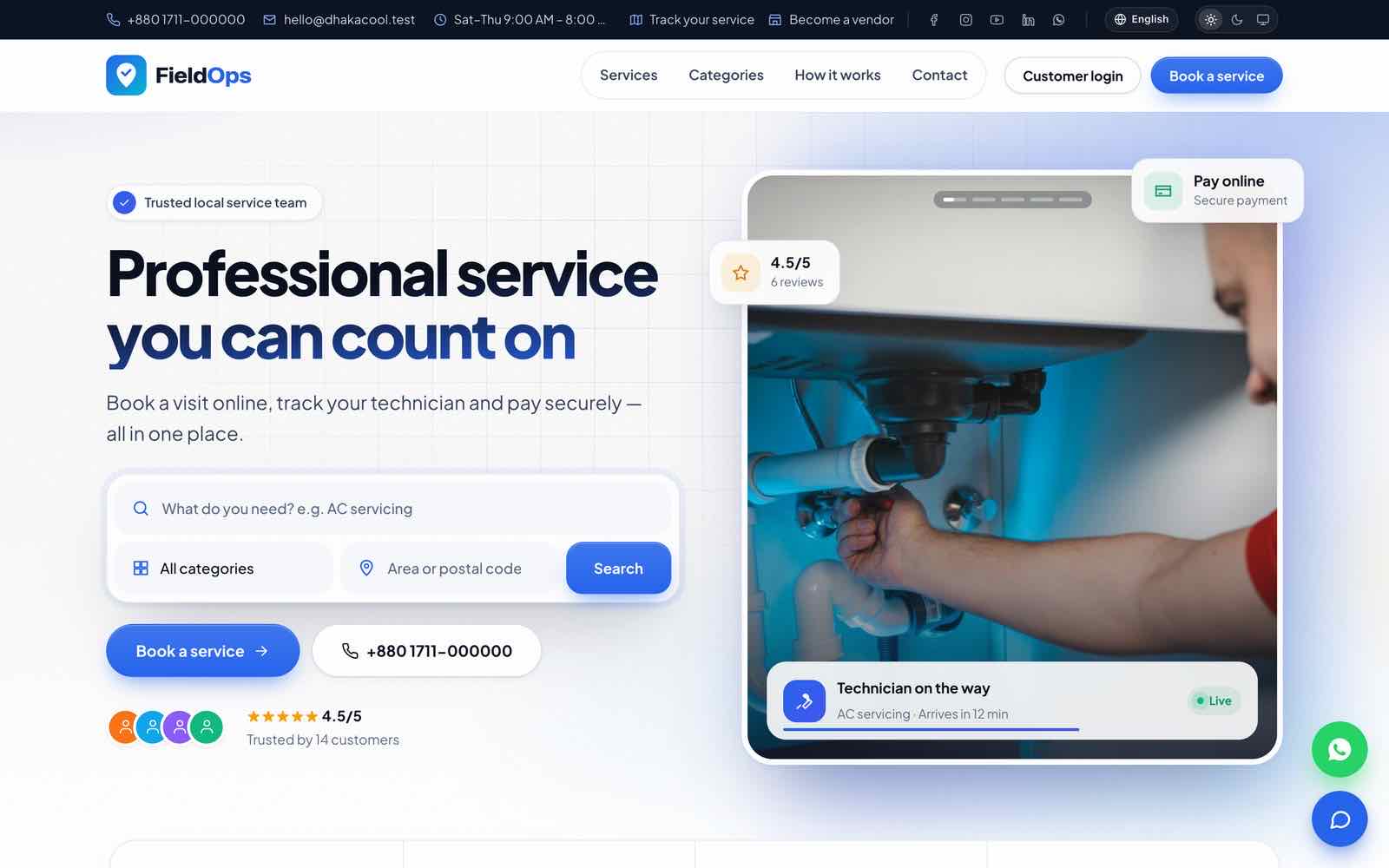
/Command-Line Install
With SSH you can do the same without the browser wizard:
cp .env.example .env                 # set APP_URL and the DB_* values; APP_ENV=production, APP_DEBUG=false, APP_DEMO=false
composer install --no-dev --optimize-autoloader
php artisan key:generate
php artisan migrate --force
php artisan db:seed --class=PermissionSeeder --force
php artisan db:seed --class=LanguageSeeder --force
php artisan fieldops:install --company="Acme Services" --name="Owner" [email protected] \
    --password='a-strong-password' --no-interaction      # add --single-vendor for one company only
php artisan storage:link
fieldops:install creates the main company and its admin, sets the multi-vendor switch (--single-vendor turns it off) and writes APP_INSTALLED=true. Optional platform staff account: [email protected] --super-admin-password='another-strong-password'.
.env.example starts with APP_ENV=local. The web installer switches it to production for you; on the command line set APP_ENV=production, APP_DEBUG=false and APP_DEMO=false yourself.
Never run plain php artisan db:seed on a live site: DatabaseSeeder adds a demo workspace and test users and needs the development-only Faker library. SaasSeeder run by hand creates [email protected] / password, which fieldops:check-production reports as critical until you change it.
After Installing
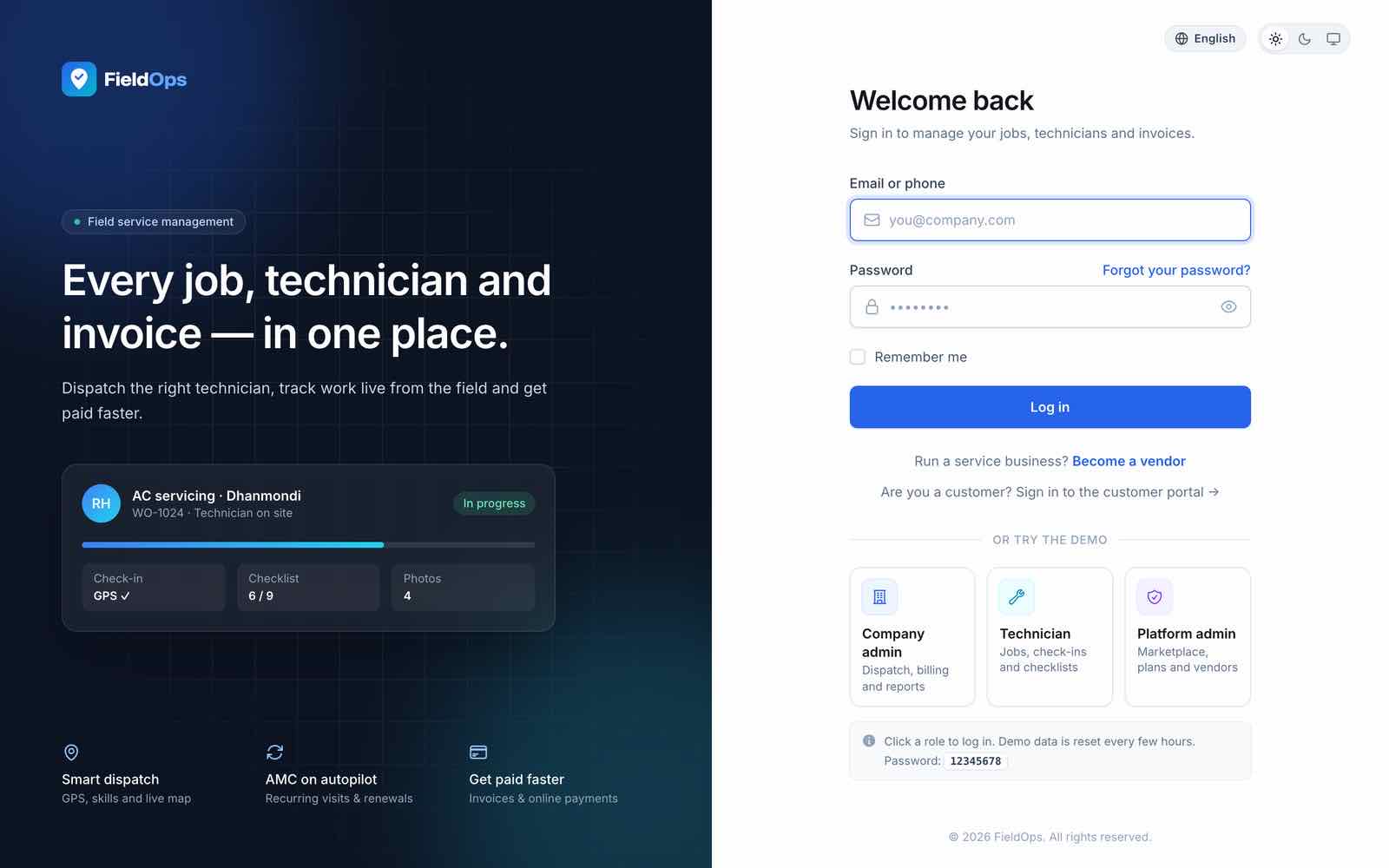
Sign in
Open
/loginwith the owner account from the installer. You land in your company workspace (/company); the platform console is/admin(also linked from the Marketplace group of the workspace sidebar).Add cron and the queue worker
Without them reminders, SLA escalation, review requests, recurring invoices and notifications never run. See Scheduler and Queue.
Run the readiness report
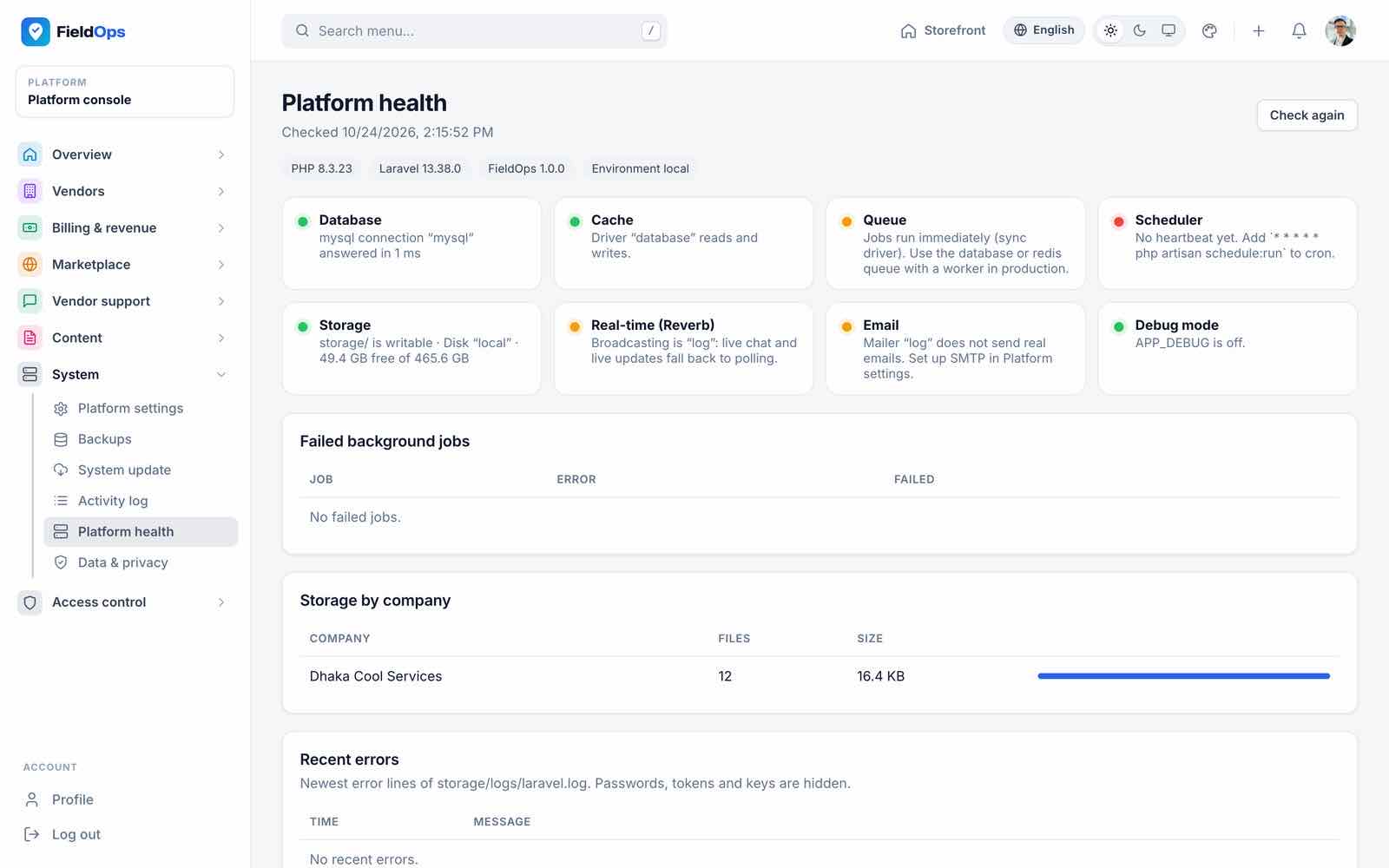
php artisan fieldops:check-productionlists what is still missing or on development defaults (app, database, queue/cache, mail, storage, messaging, AI, payments, backups, default passwords). It changes nothing.Check Platform health
System → Platform health (/admin/health) checks the database, cache, queue, scheduler heartbeat, storage, Reverb and mail.Brand the platform
System → Platform settings: name, logos, favicon, website design, panel theme, currency, time zone, languages (Branding).Set up your company
Settings → Workspace settings (company details, currency, time zone, tax), Branches, Users & access, Price book, then Website & online for the website, online booking and payments.Connect services
Mail in
.env; a payment gateway in Online payments; SMS / WhatsApp / push in Customer notifications → Channels; optionally a Claude key in AI settings.Decide on the marketplace
Keep multi-vendor on to let other service companies sign up as vendors, or switch it off in Marketplace settings to run a single company (Marketplace).
Demo Accounts
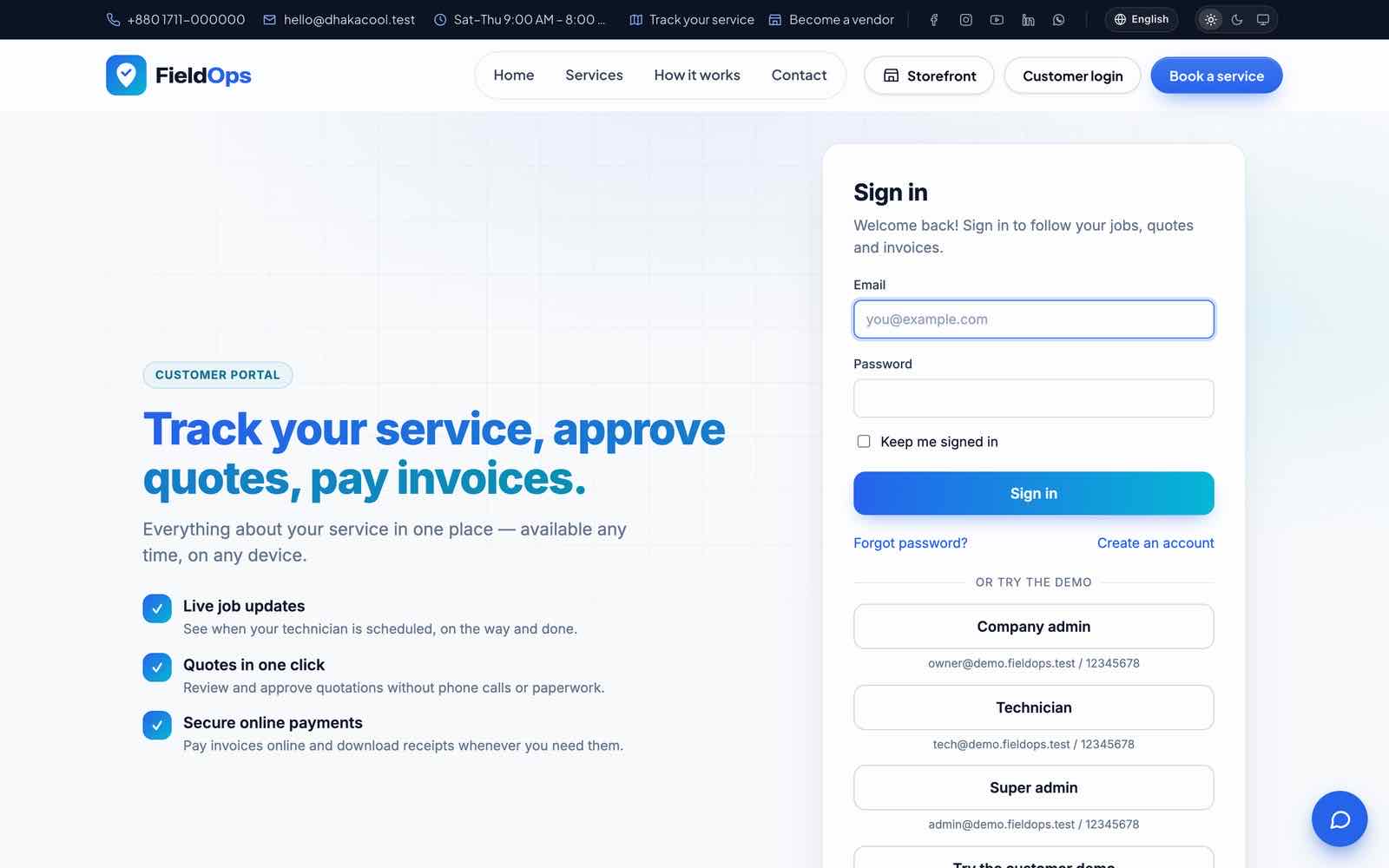
The live demo runs with APP_DEMO=true and the demo data of DemoSeeder. Every account uses the password 12345678; /login, /portal/login (“or try the demo”: company admin, technician, super admin, customer) and the app (“Try the demo” for staff and for the customer panel) show them as one-click logins.
| Role | Where | |
|---|---|---|
| Platform admin (main company) | [email protected] | /login → /admin |
| Company owner (Sarah Mitchell, Metro Cool Services) | [email protected] | /login → /company; manager screens in the app |
| Dispatcher | [email protected] | /login |
| Technician (Ryan Cooper; three more technicians are seeded) | [email protected] | Flutter app, or /login |
| Customer | [email protected] | /portal/login, or Customer sign in in the app |
| Marketplace vendor owner (Sparkle Clean Co.) | [email protected] | /login |
The demo company has jobs in every status, quotations with Good/Better/Best options, invoices and payments, a price book, online bookings, job chat, vehicles, tools, feedback and sample rows on every list page. The marketplace is on with three approved vendors (Sparkle Clean Co., Safe Home Pest Control, Rainbow Paint & Wood Works), one pending application and 12 months of vendor subscription invoices.
Demo mode (APP_DEMO=true) blocks password changes, payment and messaging gateway credentials, system update, backup download and delete, and deleting companies, accounts or users. fieldops:demo-reset wipes and re-seeds every 6 hours by default (FIELDOPS_DEMO_RESET_CRON, 0 */6 * * *). To build your own demo server: install normally, set APP_DEMO=true, then run php artisan fieldops:demo-reset --force once.
Never enable demo mode on a real installation. The demo reset deletes every company and every row of every table except the migrations log.
Branding Without Code
Everything below is done in the browser. Changes are live as soon as you save.
1. Name, logos, favicon, design and theme
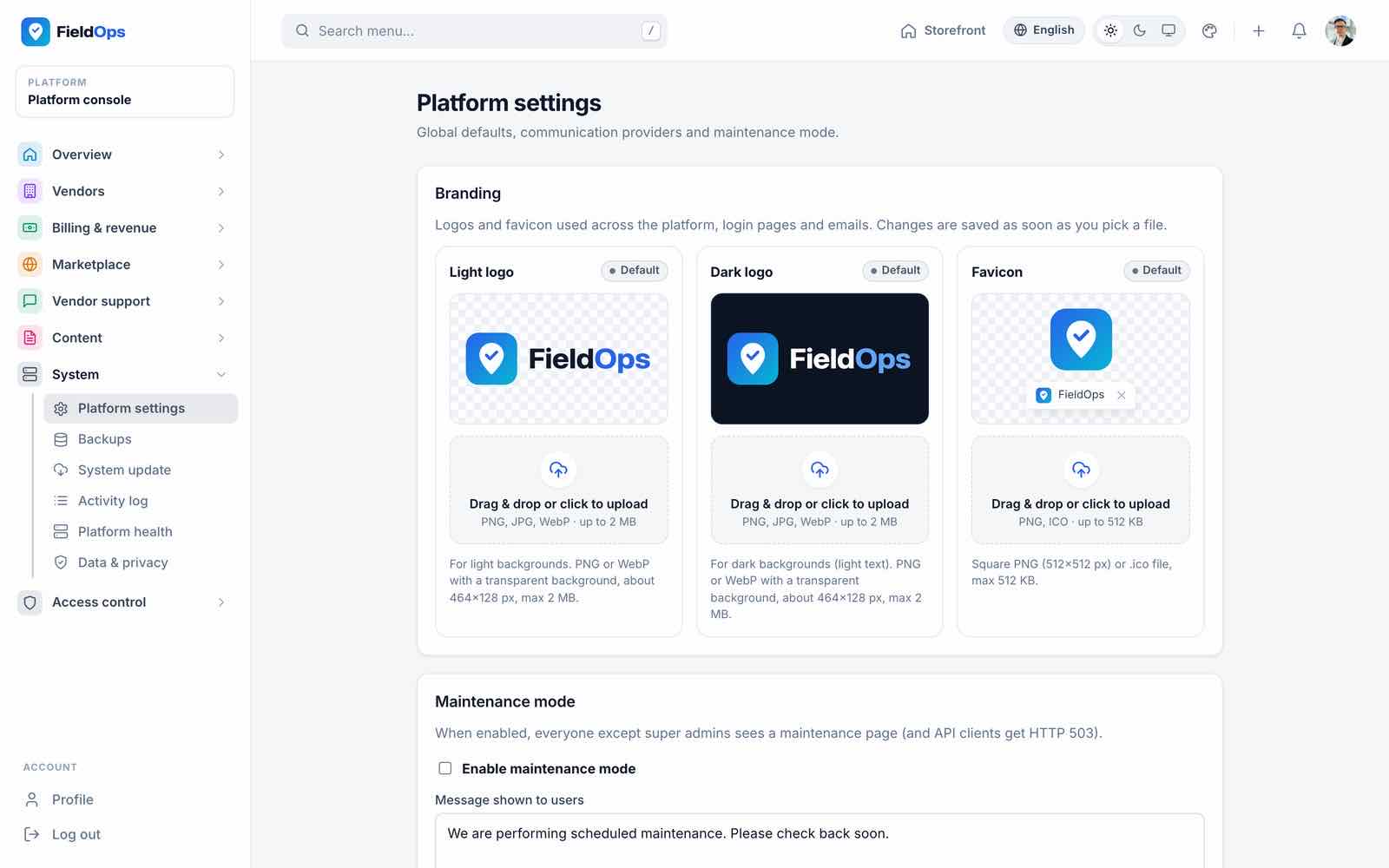
System → Platform settings (/admin/settings): platform name, light and dark logo (PNG, JPG or WebP), favicon, support e-mail, default currency, time zone, default and admin language, website design and panel theme. The same name, logos and brand colour are served to the mobile app (GET /api/v1/branding), so the app’s name and sign-in screen follow them without a rebuild.
| Setting | Options |
|---|---|
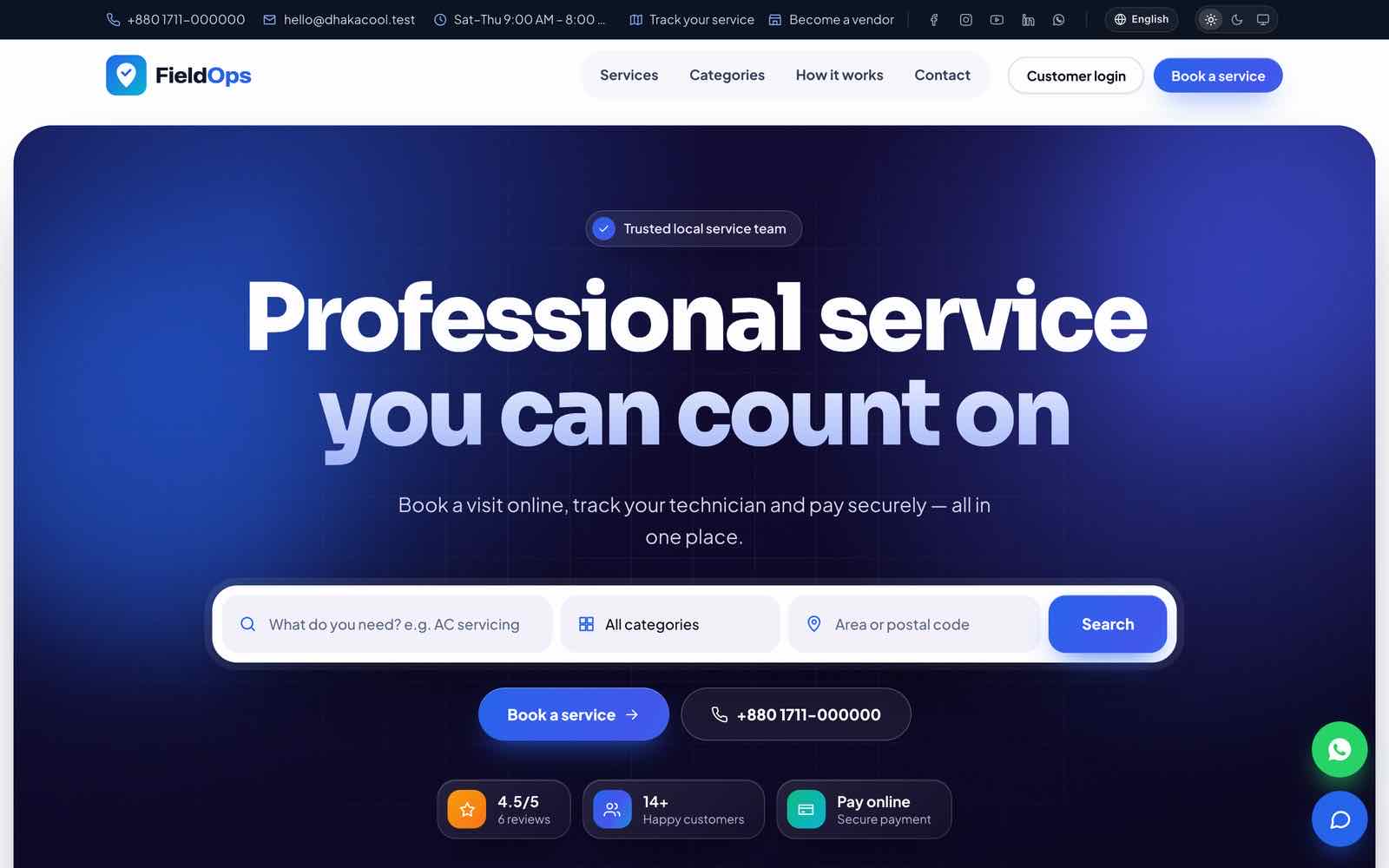
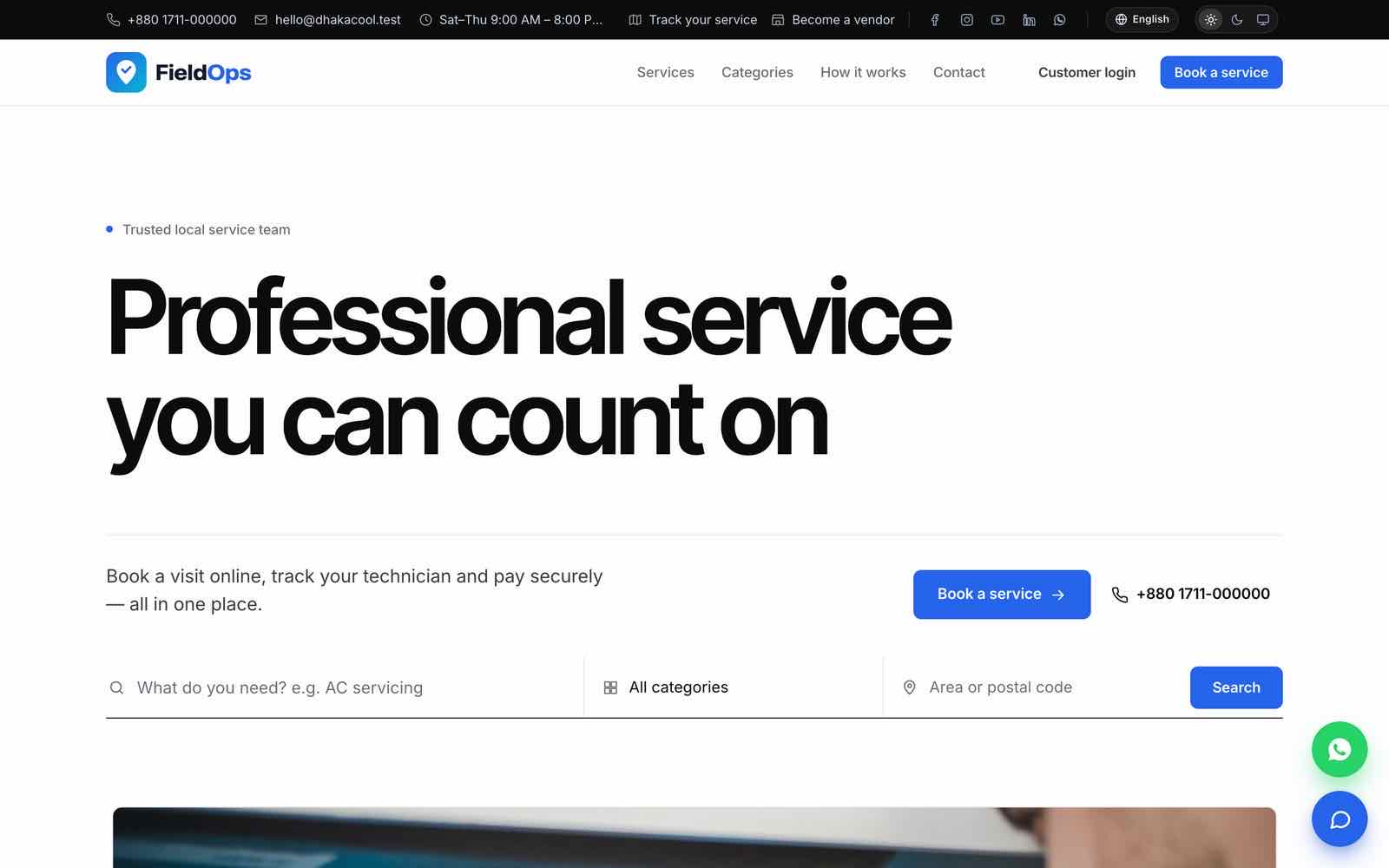
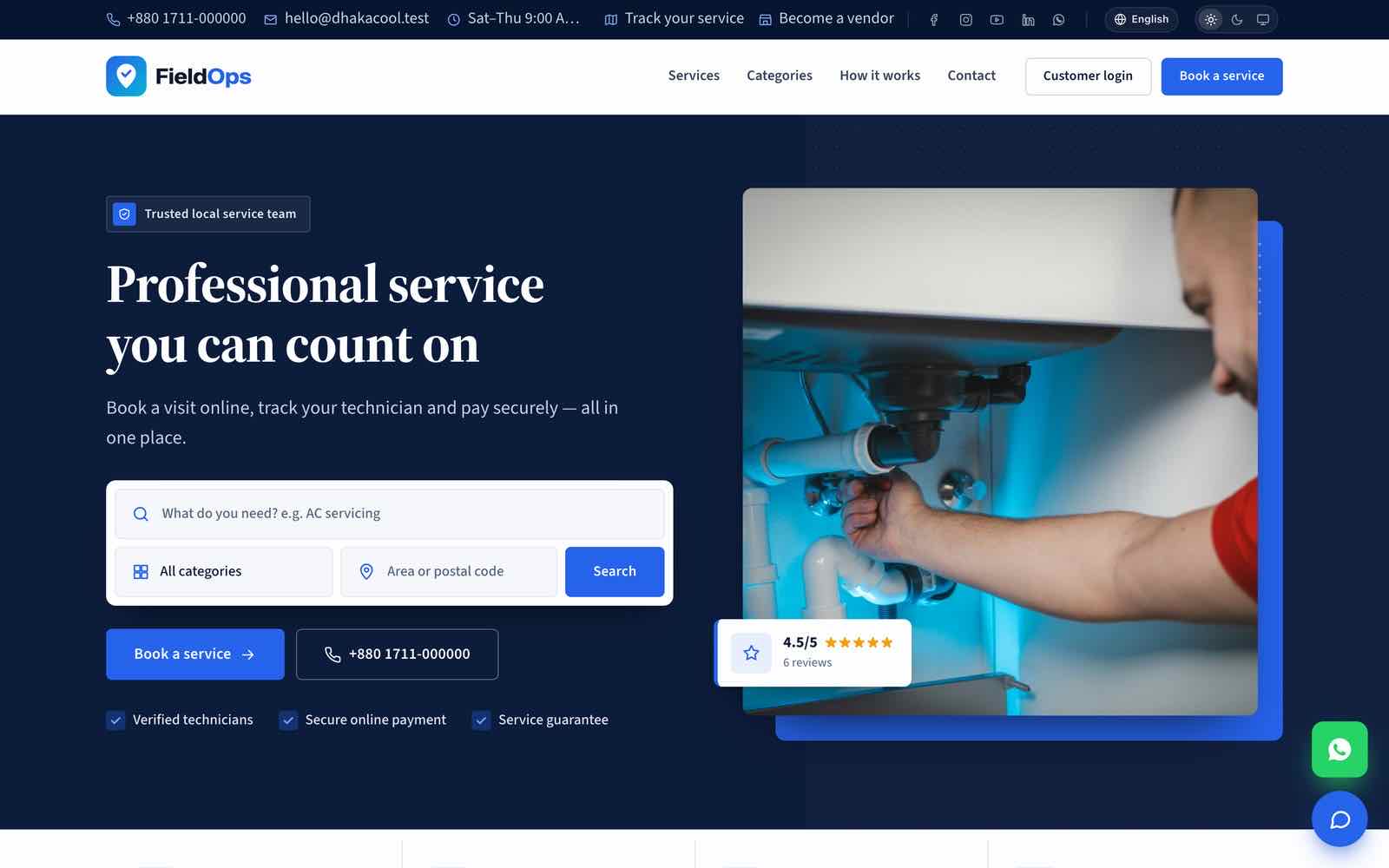
| Website design (public website, vendor pages, service catalogue) | Classic (photo slider hero, floating cards), Modern (bold centred headline on a dark gradient), Minimal (clean typography, white space), Corporate (trust-first navy layout with stats). Platform admins can preview with ?design=modern without saving |
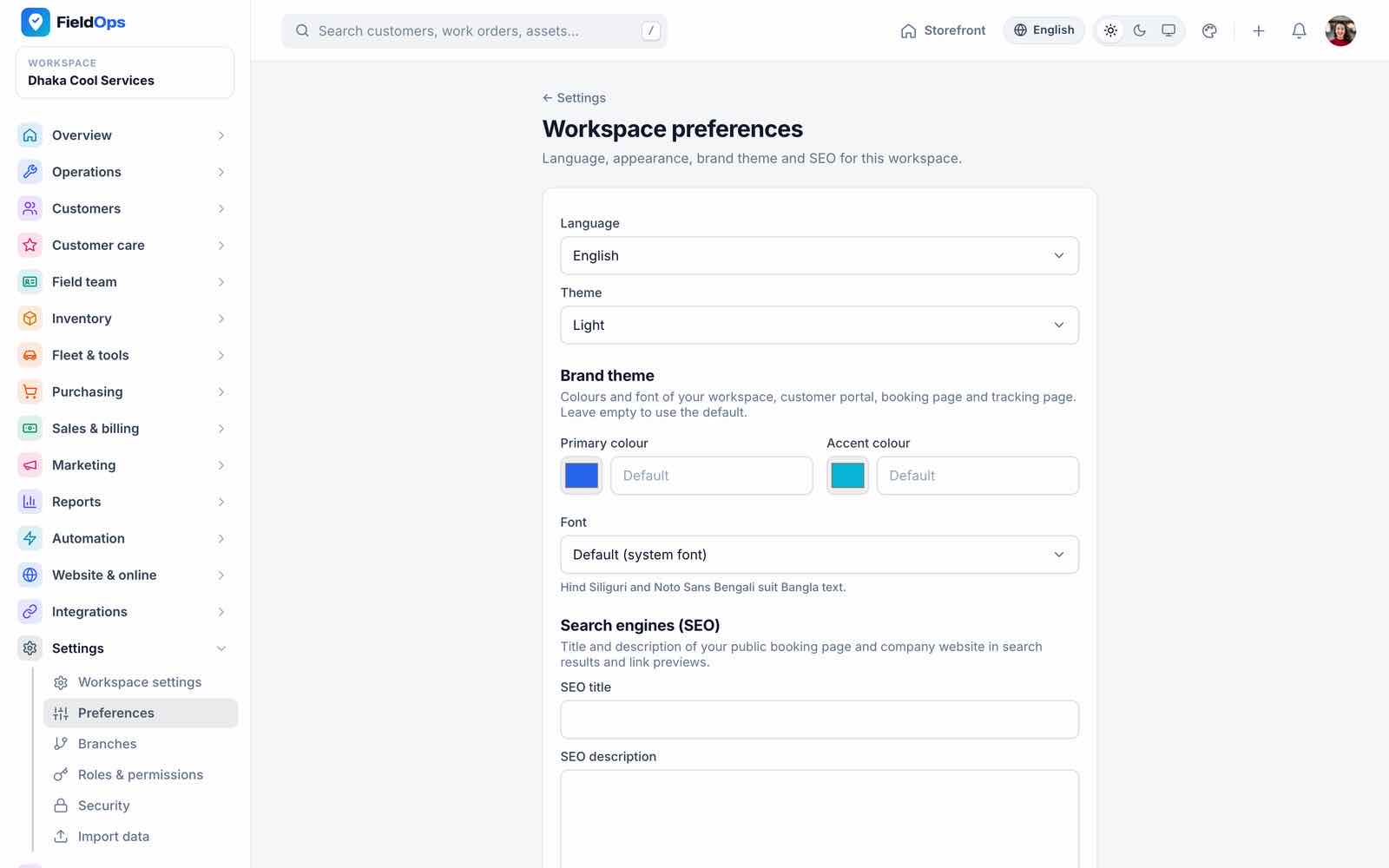
| Panel theme (console, workspace, portal) | Brand (default), Ocean, Forest, Sunset, Graphite; every user can switch light/dark |
2. Website content
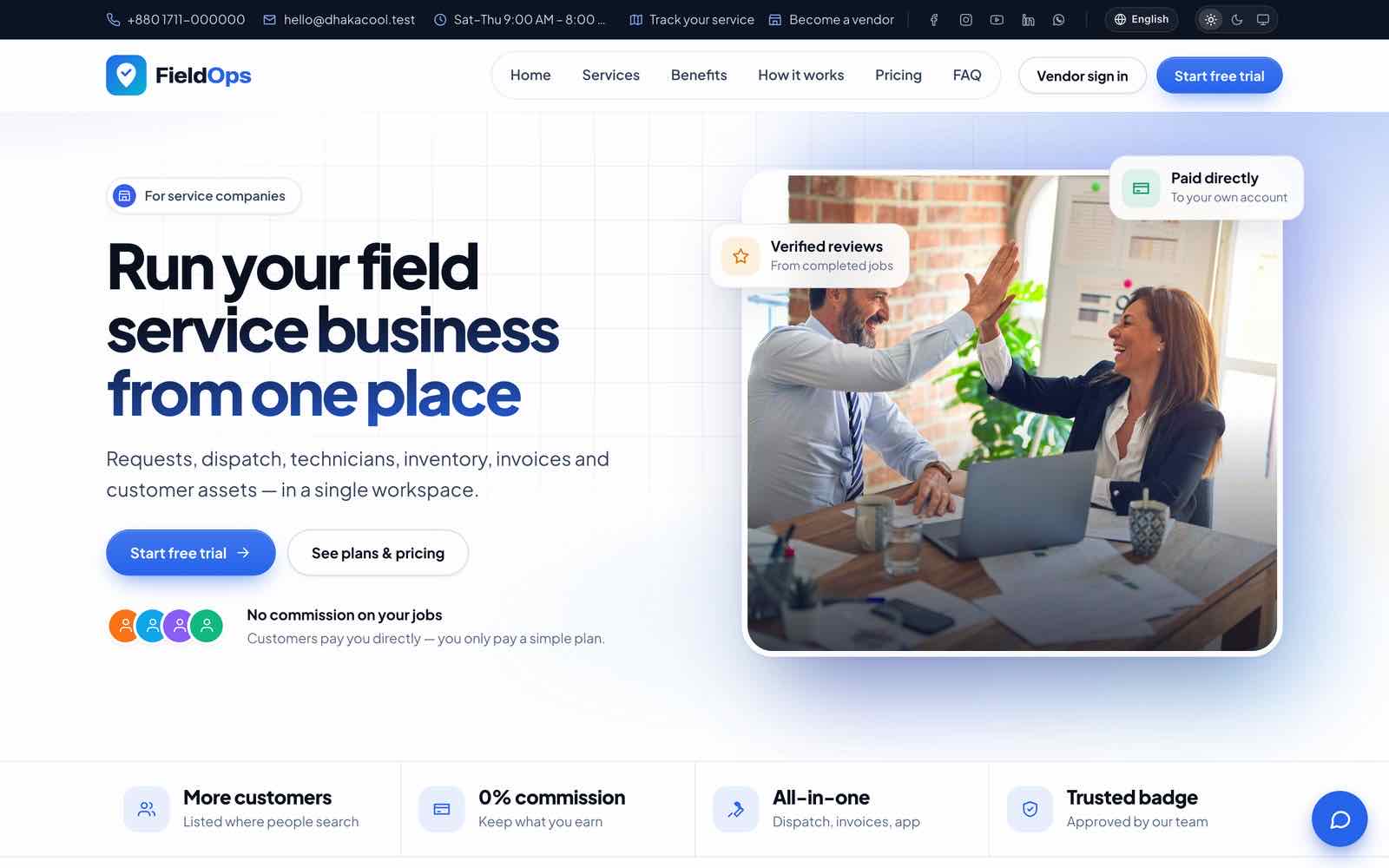
The main company’s Website & online → Website holds the home page sections, logo, banner and texts per language; Content → Become-a-vendor page in the console edits the vendor landing page. Details in Public Website.
3. Texts and translations
Every interface string can be changed per language in Content → Languages (Languages & RTL), also for English. E-mail texts are in Content → Email templates; customer SMS/WhatsApp texts in each company’s Message templates.
Changing layouts beyond these options means editing the Blade templates in resources/views and, for CSS/JS changes, rebuilding with npm ci && npm run build. Keep a list of your edits: an update replaces these files.
Third-Party Services & Costs
The item price covers the source code. Running FieldOps uses outside services that you (or each company) sign up for and pay directly. Everything except hosting, a domain and mail is optional.
| Service | Needed for | Required? | Who pays |
|---|---|---|---|
| Hosting (VPS or cPanel) + domain + SSL | Running the web app | Required | You |
| SMTP / e-mail service (any SMTP, Amazon SES, Postmark, Mailgun) | Invites, password resets, invoices, notifications | Required | You |
| Payment gateways: SSLCommerz, Stripe, bKash, PayPal, Razorpay, Paystack, Flutterwave | Customers paying invoices online; vendors paying subscriptions | Optional (manual and bank transfer need no account) | Each company for its own gateway; you for the platform gateway. Gateway fees per transaction |
| SMS provider with an HTTP API | SMS notifications and campaigns | Optional | You (platform fallback) or each company |
| WhatsApp Cloud API (Meta) | WhatsApp notifications | Optional | You or each company; Meta charges per conversation |
| Firebase project (Cloud Messaging) | Push notifications to the app | Optional | You |
| Anthropic API key (Claude) | AI assistant features | Optional | You (platform key) or each company (own key), per token |
| OSRM routing server | Road-distance route optimisation | Optional (haversine works offline) | You, if you host one |
| Google reCAPTCHA | Bot protection on forms | Optional | Free tier |
| Geocoding: Photon (search) and Nominatim (address from map pin) | Booking page location search and “use my current location” | Works out of the box with the free public servers (fair-use policies); set GEOCODING_SEARCH_URL / GEOCODING_URL to your own at scale | Free, or you if you host one |
| Apple Developer Program, Google Play Console | Publishing the app | Only to publish | You |
Every gateway, SMS, WhatsApp, FCM, Claude, OSRM, reCAPTCHA and Envato integration was tested with simulated HTTP responses. Run one real sandbox transaction or test message per service before going live (Ready to Go Live?).
Ready to Go Live?
Required
APP_ENV=production,APP_DEBUG=false,APP_DEMO=false,APP_URLis your publichttps://address.- Valid TLS certificate;
http://redirects tohttps://;SESSION_SECURE_COOKIE=true. - Cron entry added; Platform health shows a recent scheduler heartbeat.
- Queue worker listening on
notifications,webhooks,default;php artisan queue:failedstays empty. MAIL_MAILERis notlog; a password-reset e-mail arrives in an outside inbox (SPF/DKIM set for the sender domain).php artisan fieldops:check-productionreports 0 critical items.- Backups enabled in System → Backups, one backup restored into a scratch database, and a copy kept off the server.
APP_KEYstored safely (it decrypts the saved gateway credentials). - Strong, unique passwords on every admin account; two-factor authentication for platform staff.
Optional, test once each with real credentials
- Each payment gateway you use: a sandbox payment, its webhook showing
200, then a small live payment and a refund from the invoice (the refund request should reach succeeded) (Payment Gateways). - SMS, WhatsApp and push: Send test in Customer notifications → Channels; Bangla SMS text arrives unbroken.
- Claude: AI settings → Test, then one AI feature; usage appears in AI settings.
- Reverb: Platform health shows Reverb reachable; a website live-chat message arrives in the inbox without delay.
- App: release build against your domain; a technician receives a push when a job is assigned.
Platform Console: Dashboard & Menu
The platform console (/admin) is for you, the site owner, and your platform staff. The main company’s Workspace Admins are platform admins automatically; other staff get a platform role. The console has 35 screens in 8 groups; screens marked ★ appear only while the marketplace is on.
| Group | Screens |
|---|---|
| Overview | Dashboard |
| Vendors | All vendors ★, Vendor approvals ★, Verification documents ★, Review moderation ★, Disputes |
| Billing & revenue | Plans ★, Subscriptions & invoices ★, Revenue report ★, Commissions ★, Dunning ★, Coupons ★, Payment gateways ★ |
| Marketplace | Marketplace settings, Categories & areas, Featured listings ★, Vendor referrals ★ |
| Vendor support | Support tickets ★, Announcements ★ |
| Content | Email templates, Become-a-vendor page (Hero & call to action, Feature highlights, FAQ, Testimonials) ★, SEO & redirects, Languages (one editor per language) |
| System | Platform settings, Backups, System update, Activity log, Platform health, Data & privacy |
| Access control | Staff users, Roles, Login security |
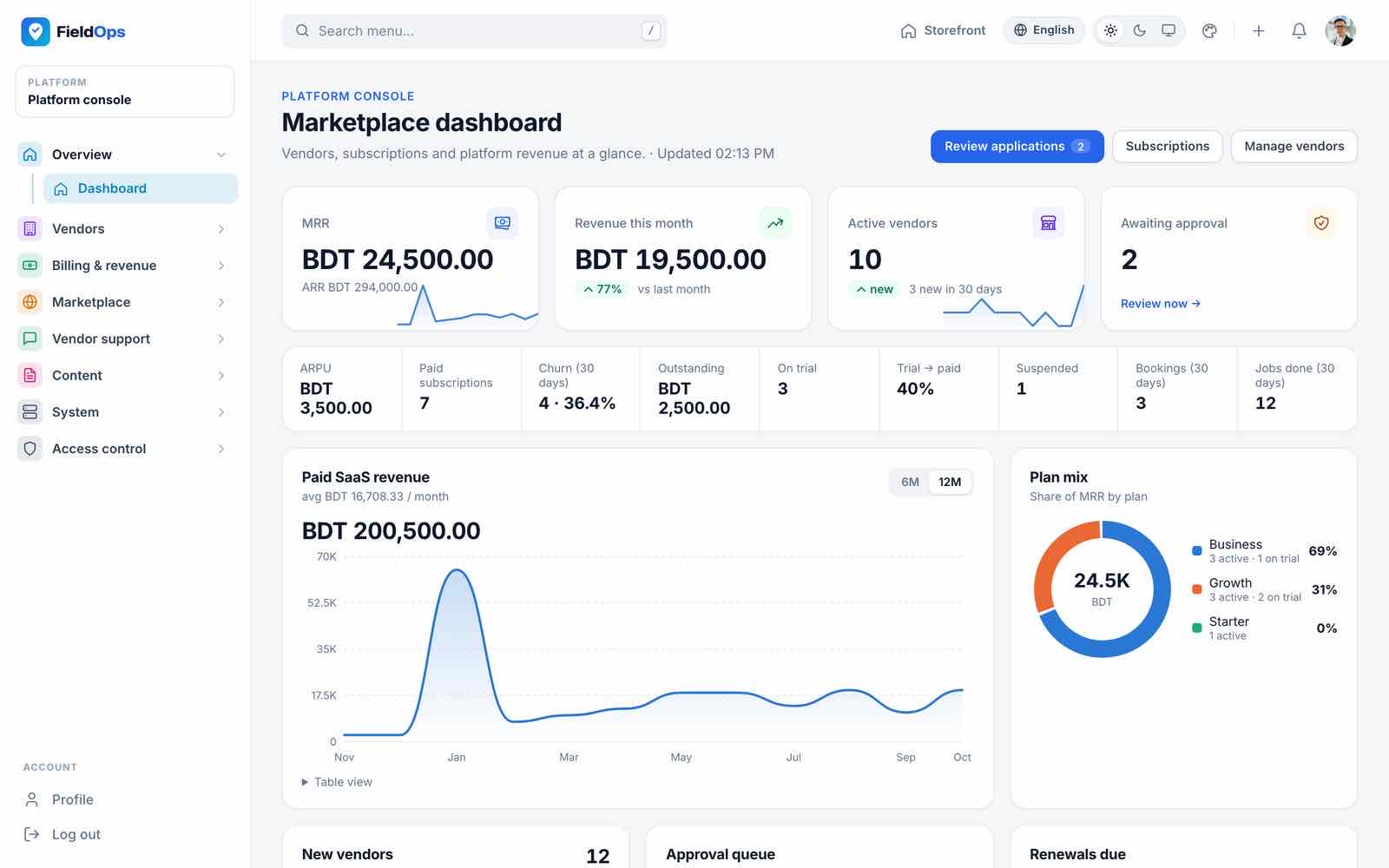
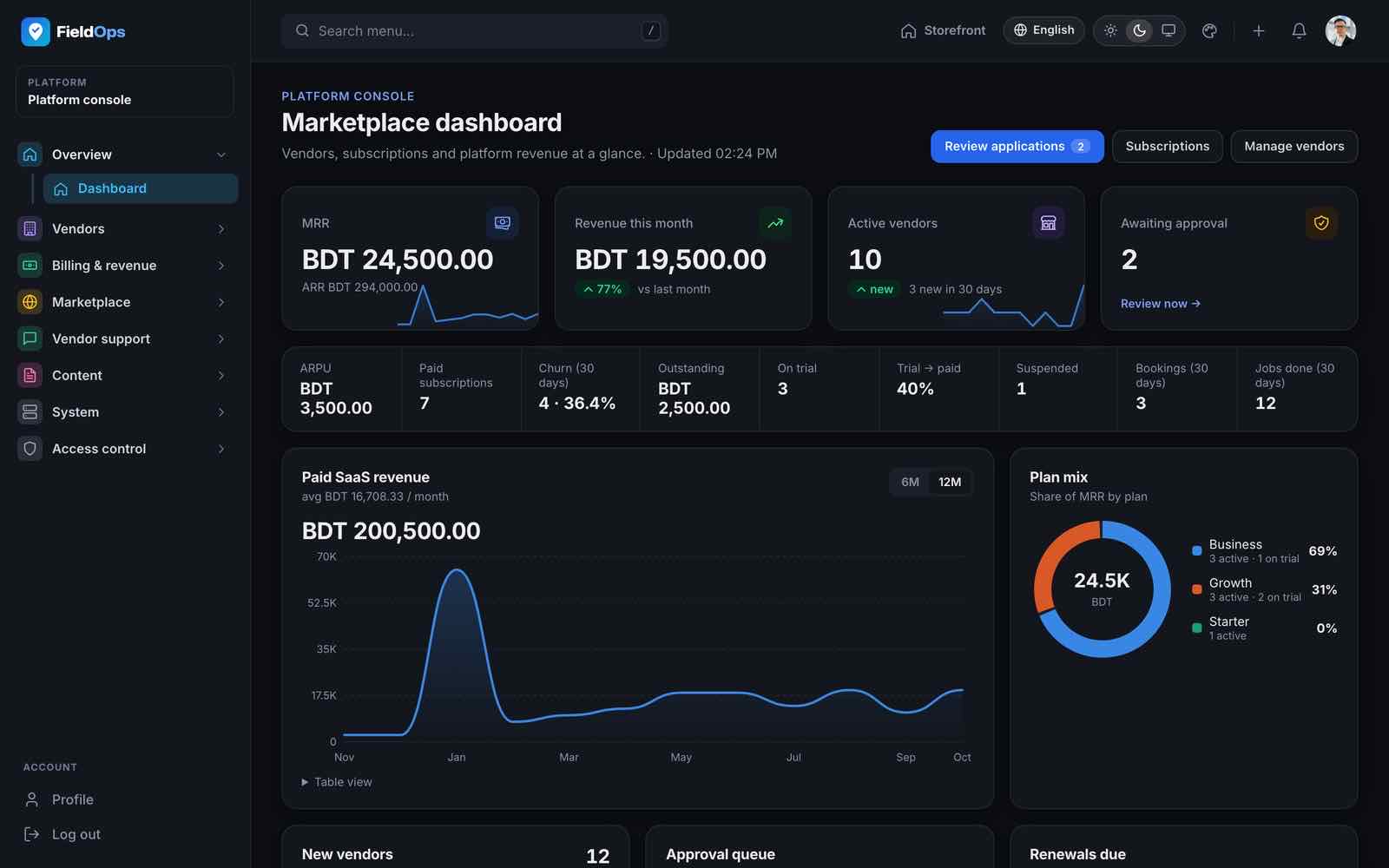
The dashboard shows monthly recurring revenue, revenue, active vendors, a revenue trend chart, the plan mix, subscriptions expiring soon, recent payments and top vendors. The top bar has a Storefront button (opens the public website in a new tab), a quick-action + menu (New plan, New coupon, Add language), search, theme, language and notifications.
Vendors
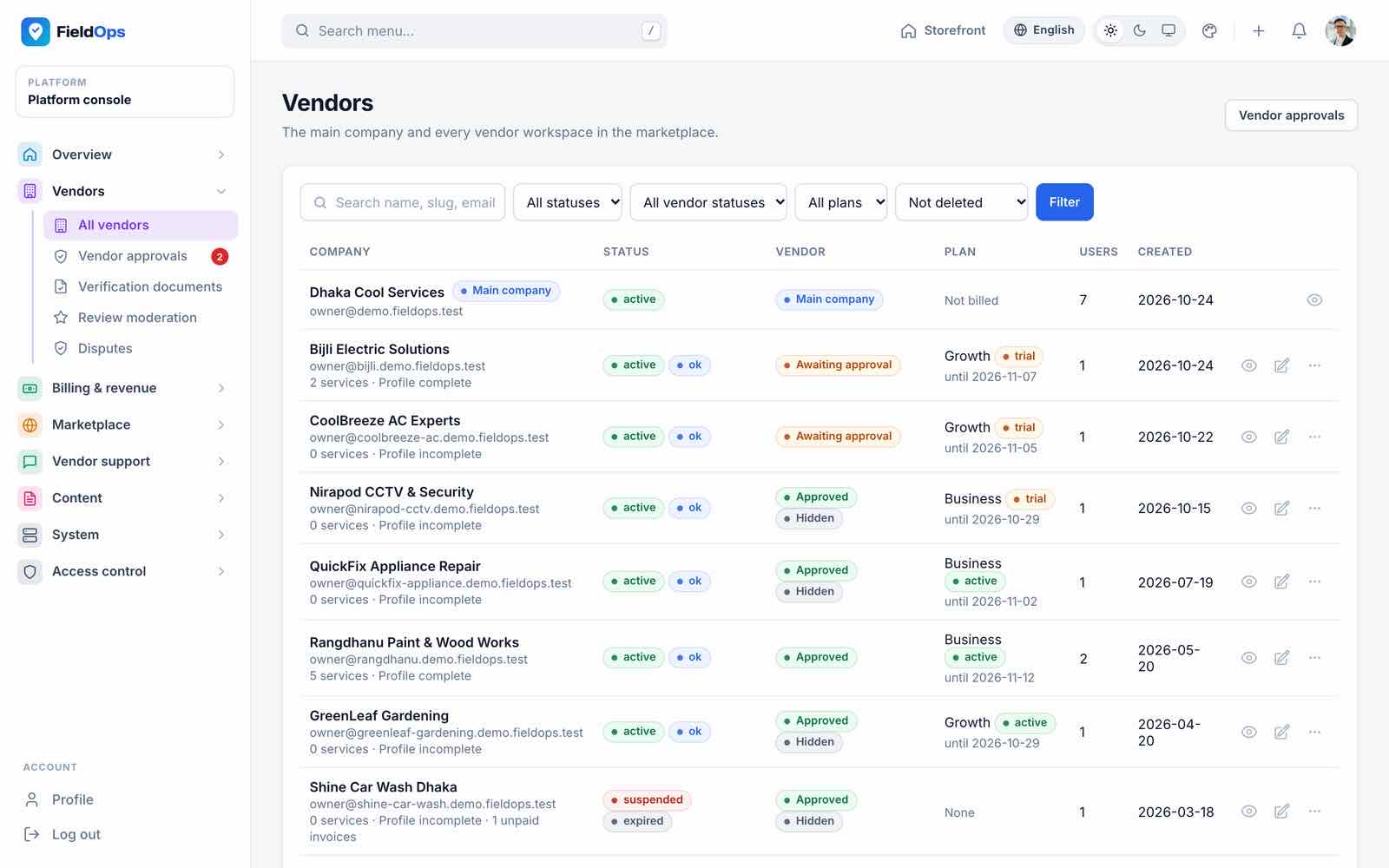
- All vendors (
/admin/tenants): every company with status, approval, plan and user count; the main company carries a badge. Open a vendor to edit, suspend or impersonate it (sign in as that company’s admin for support; Stop impersonating returns you; every impersonation is written to the activity log). - Vendor approvals (
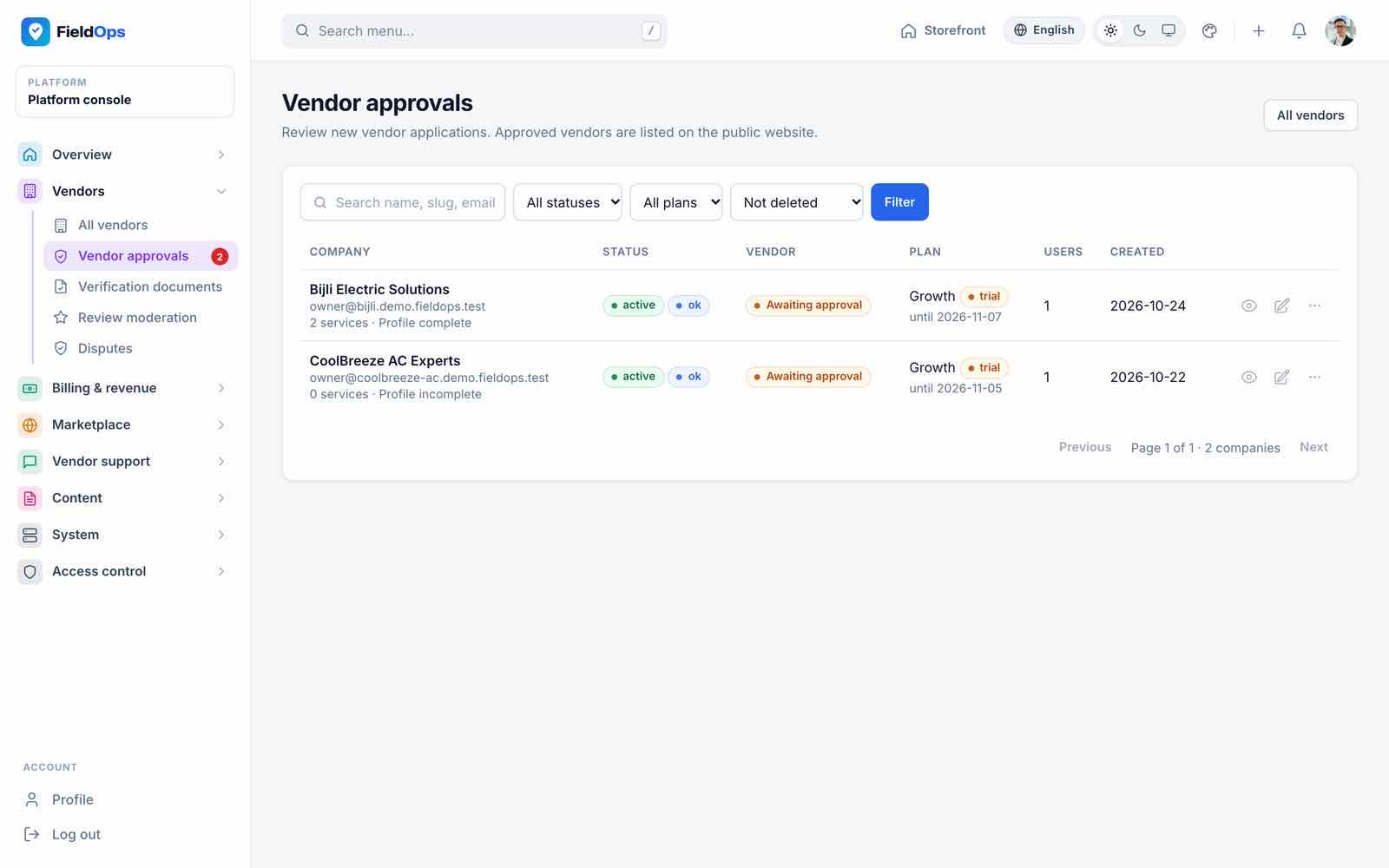
/admin/vendor-approvals): new vendor applications wait here until approved or rejected. - Verification documents (
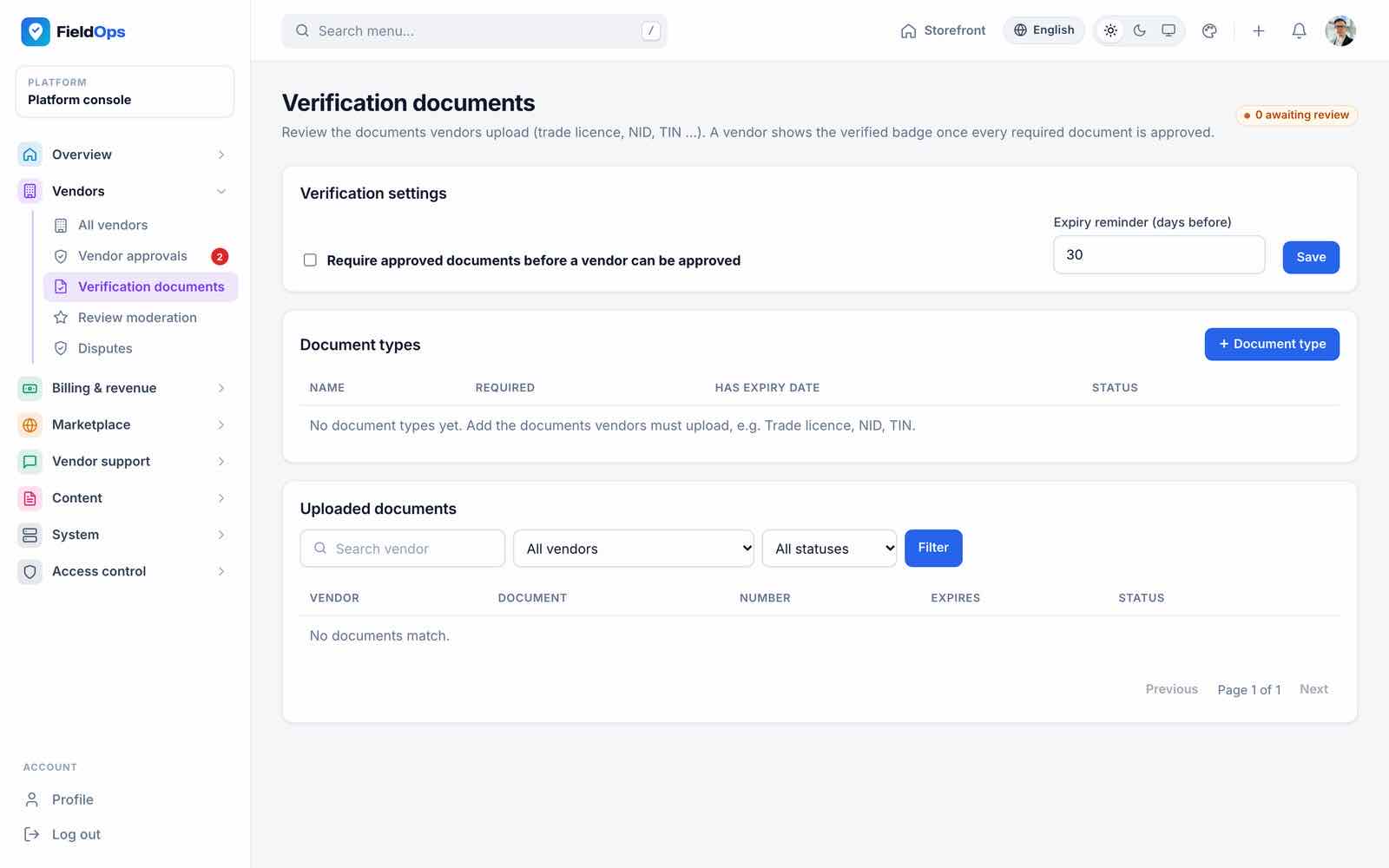
/admin/vendor-documents): the KYC documents vendors must upload (trade licence and similar), review and expiry; vendors get expiry reminders (fieldops:notify-vendor-documents). - Review moderation (
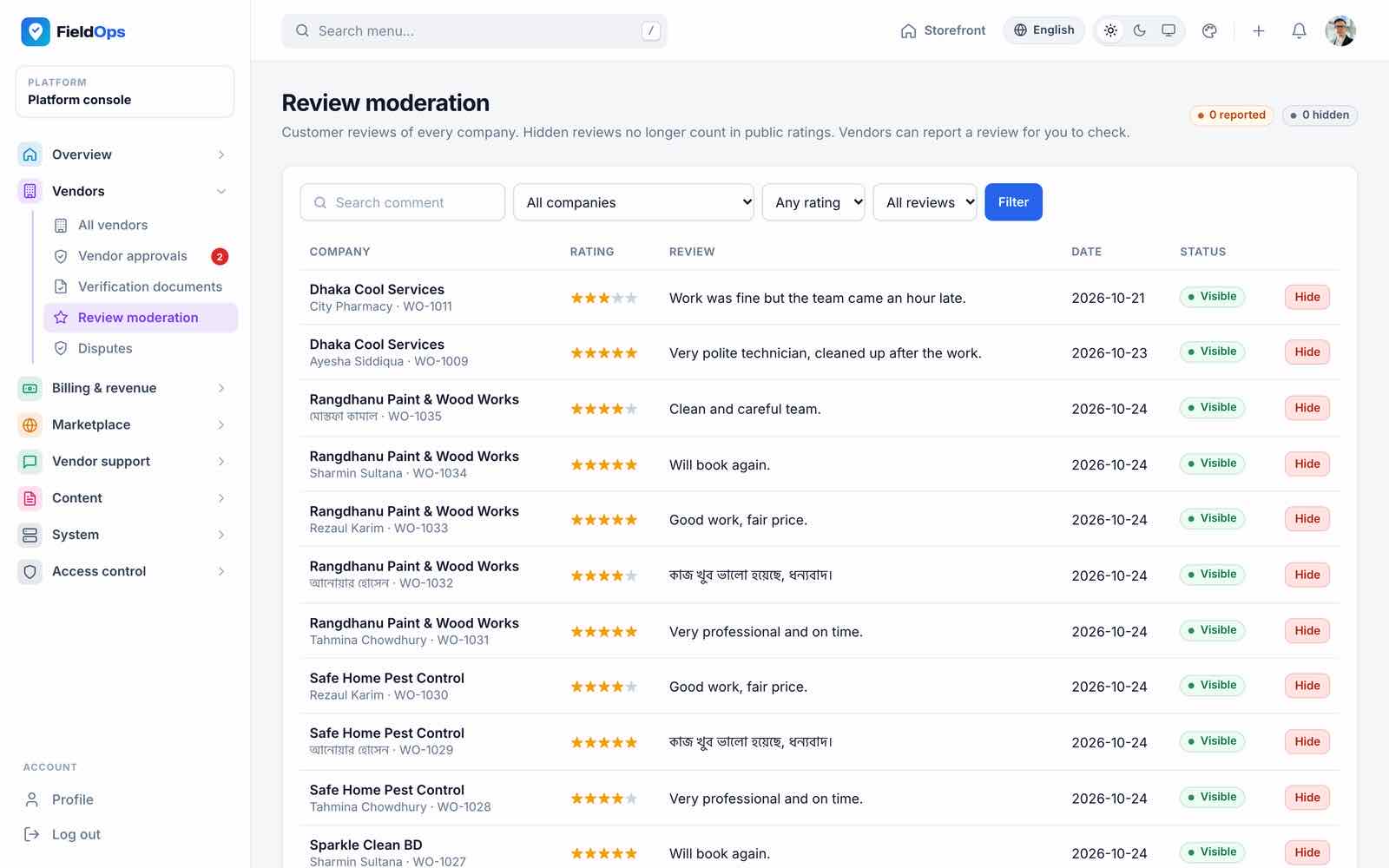
/admin/reviews): customer reviews across all vendors, with hide. - Disputes (
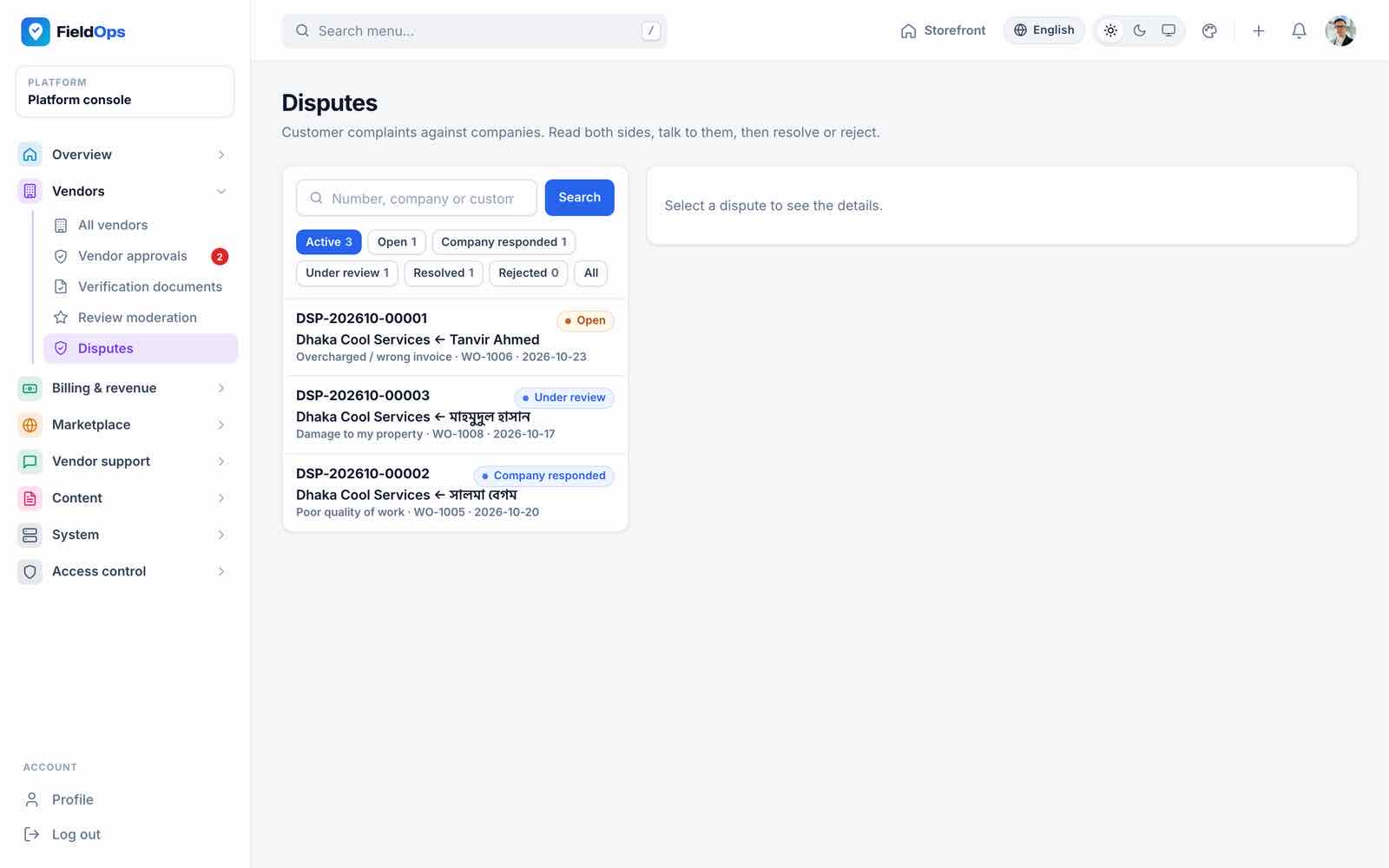
/admin/disputes): disputes customers raise against a company, with open / under review / company responded states.
Billing & Revenue
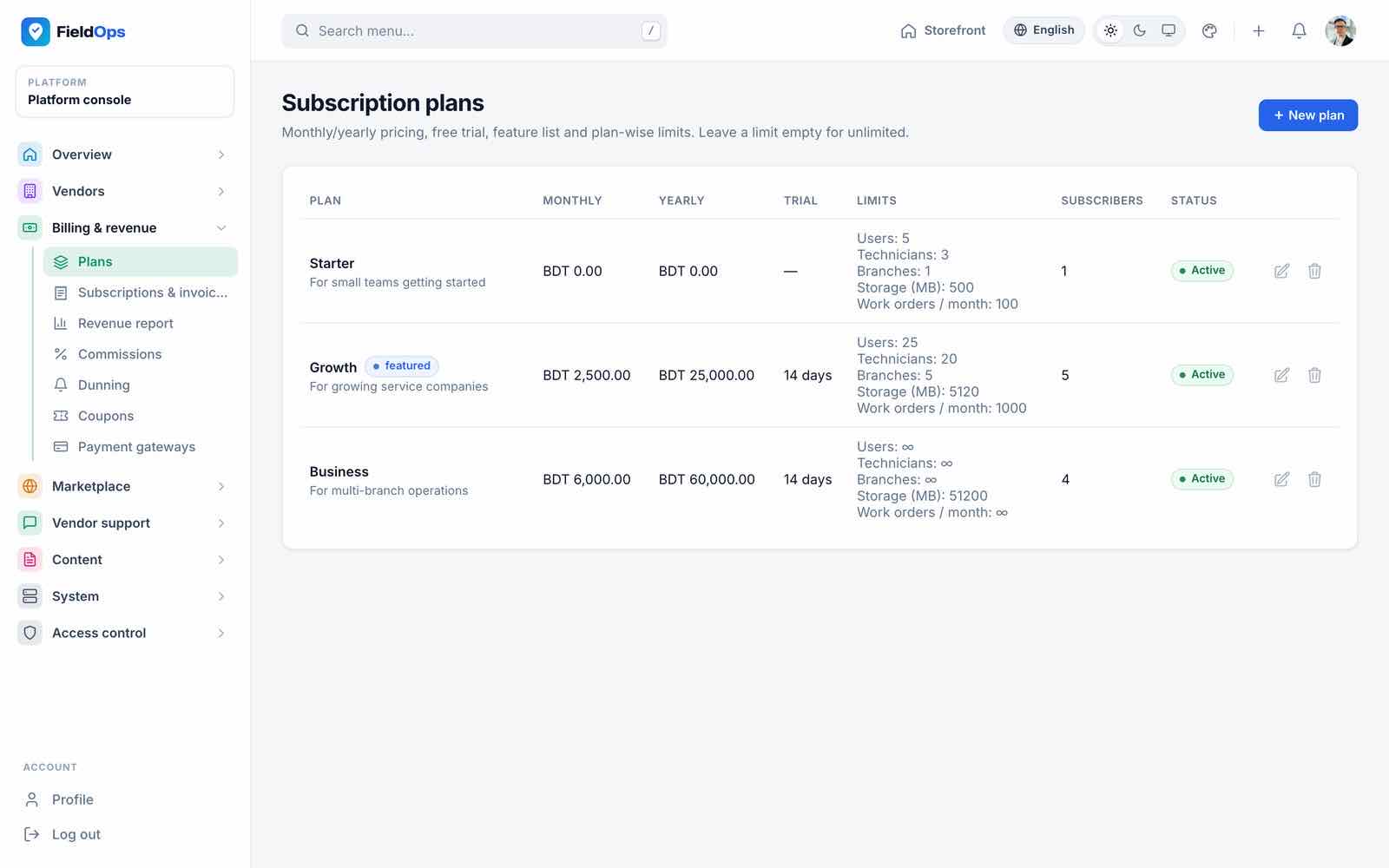
- Plans (
/admin/plans): vendor subscription plans with monthly/yearly price, trial days and limits. Seeded: Starter (free), Growth (USD 29/month or 290/year) and Business (USD 79/month or 790/year), the last two with 14-day trials. The main company has no plan. - Subscriptions & invoices: every vendor subscription (trial, active, expired) and its invoices.
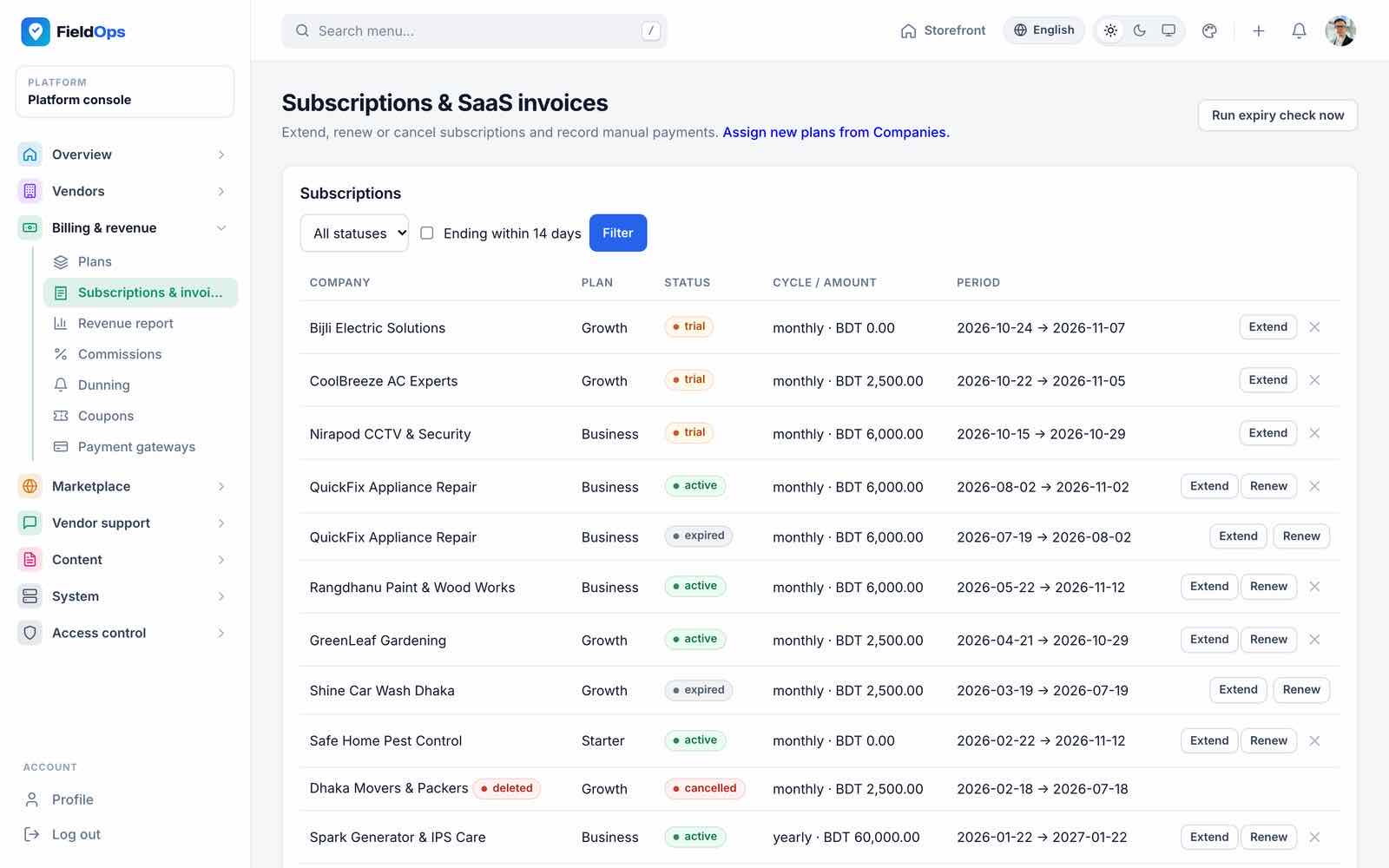
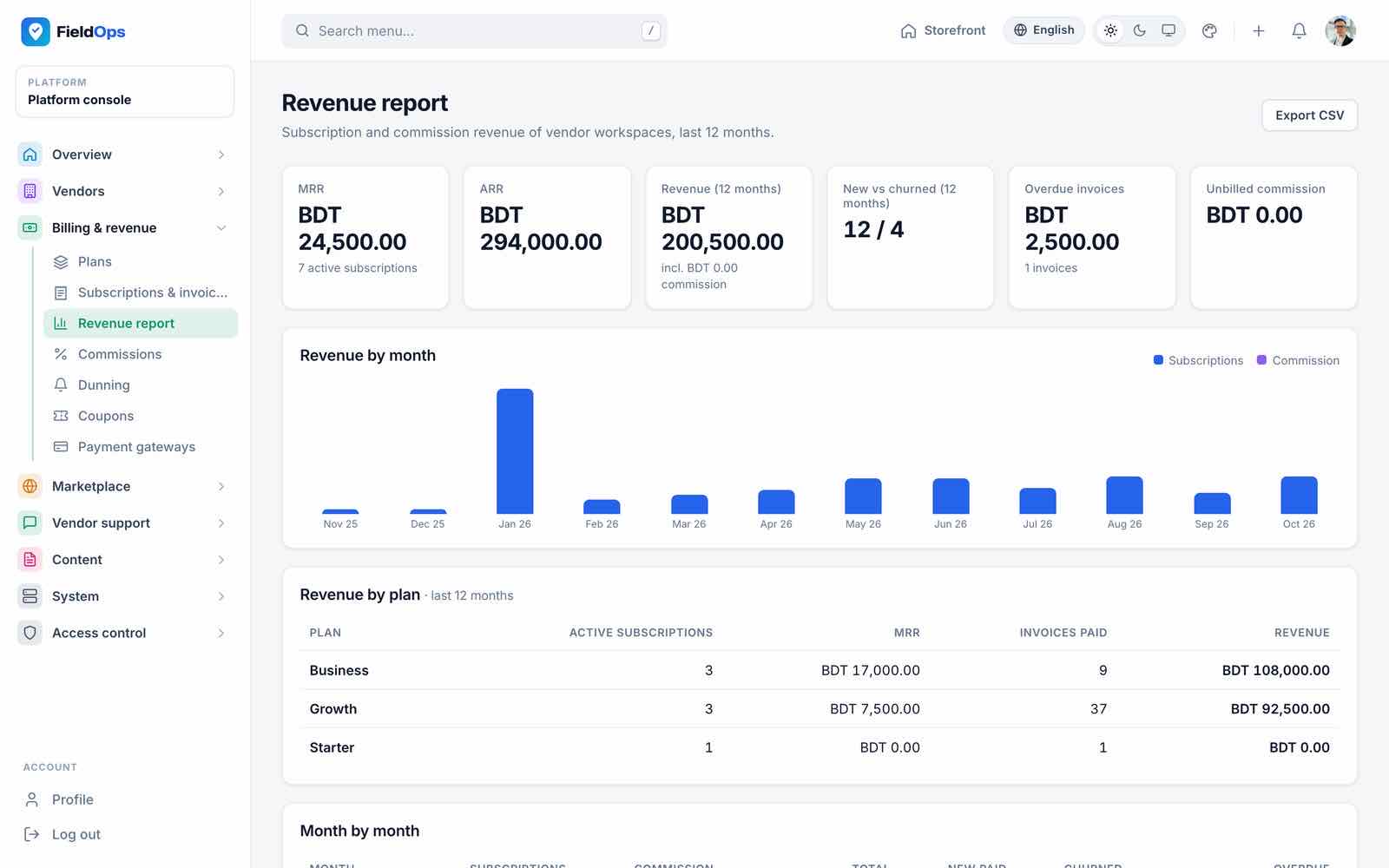
fieldops:expire-subscriptionsruns daily at 00:30. - Revenue report: MRR, ARR, revenue by month and by plan.
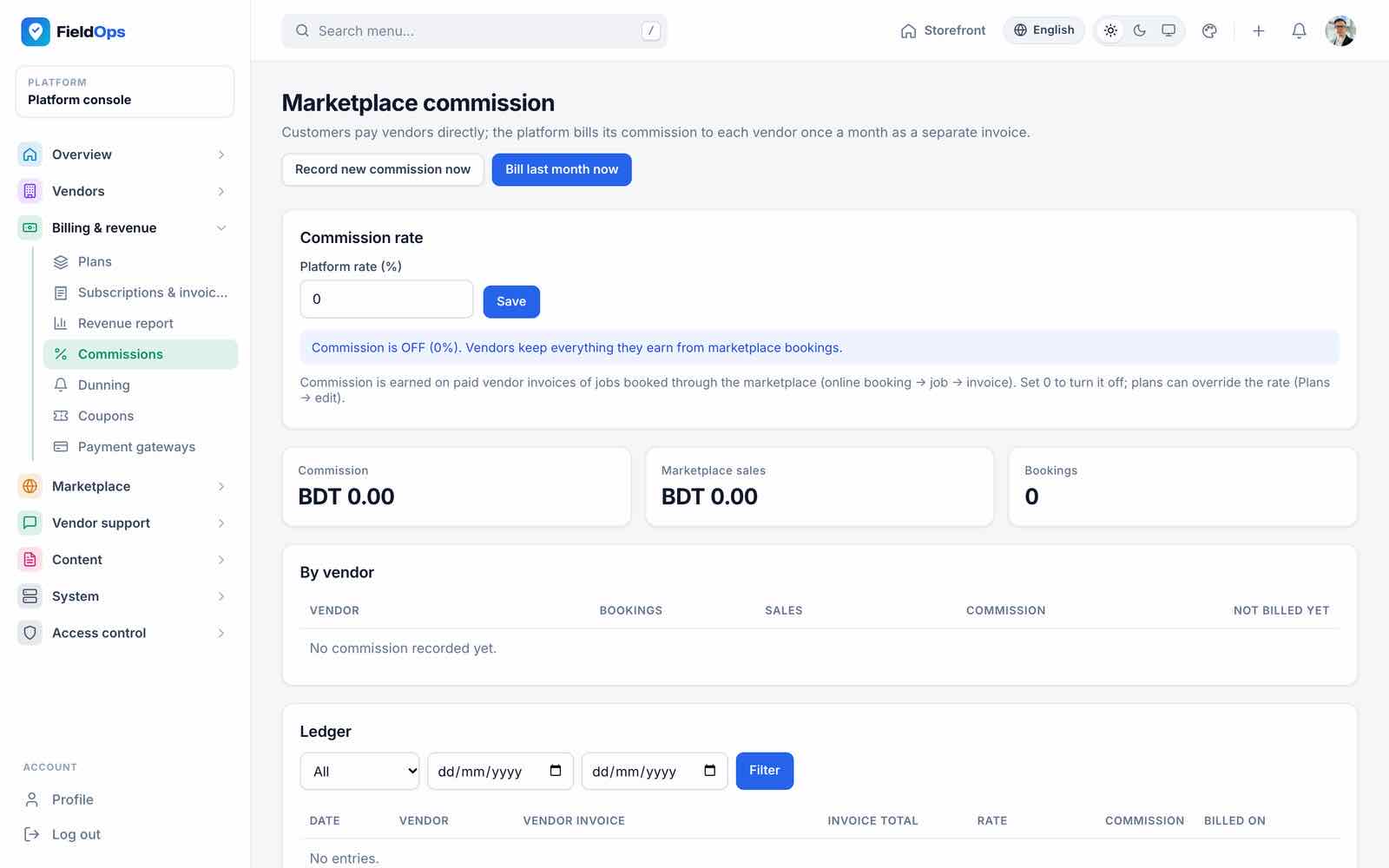
- Commissions: the commission rate on marketplace bookings and the ledger. Commission is recorded when a vendor invoice from a marketplace booking is paid (daily,
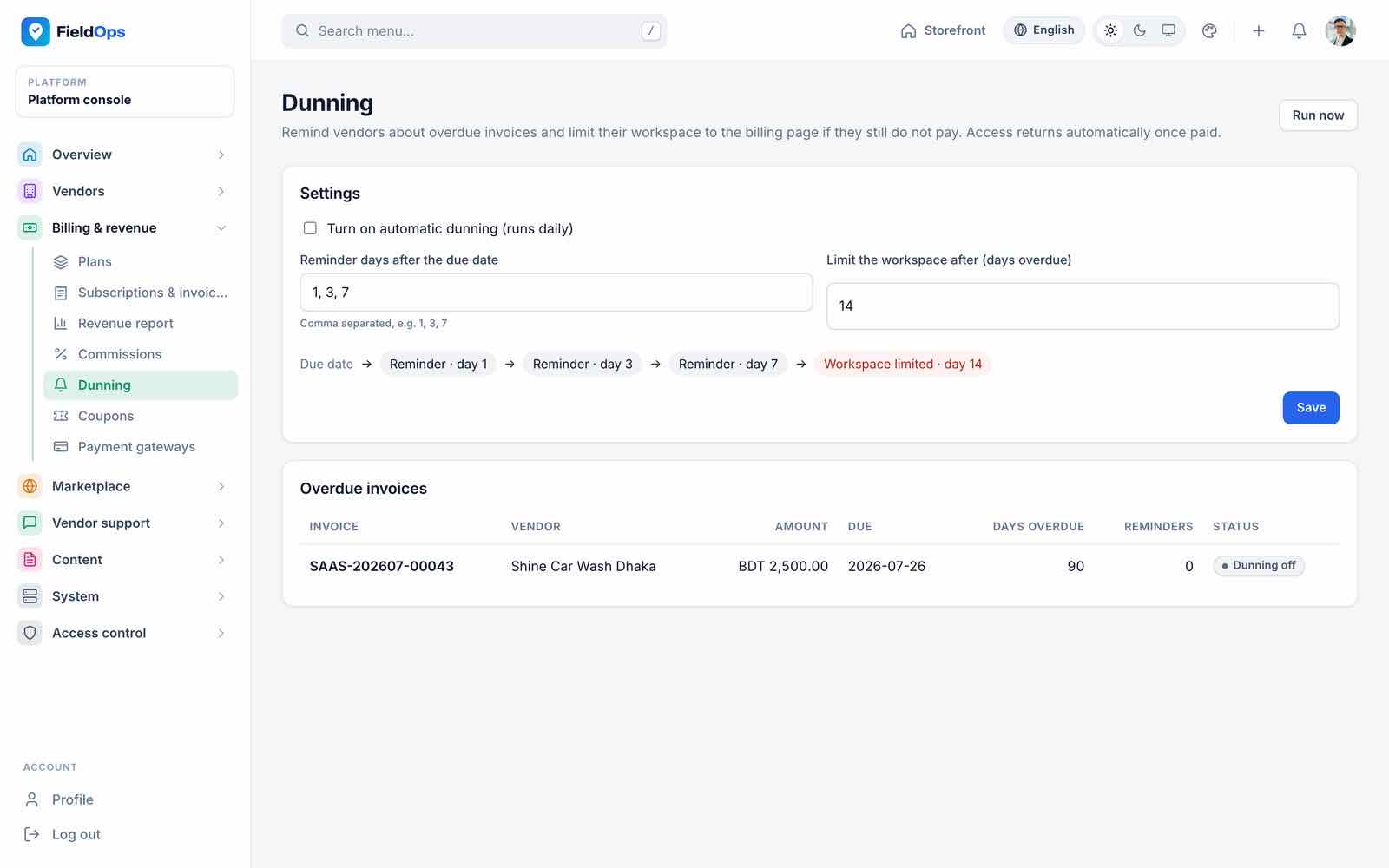
fieldops:marketplace-commissions) and billed as a commission invoice on the 1st of each month (--bill). - Dunning: reminder days for unpaid vendor invoices and when an overdue workspace is limited (
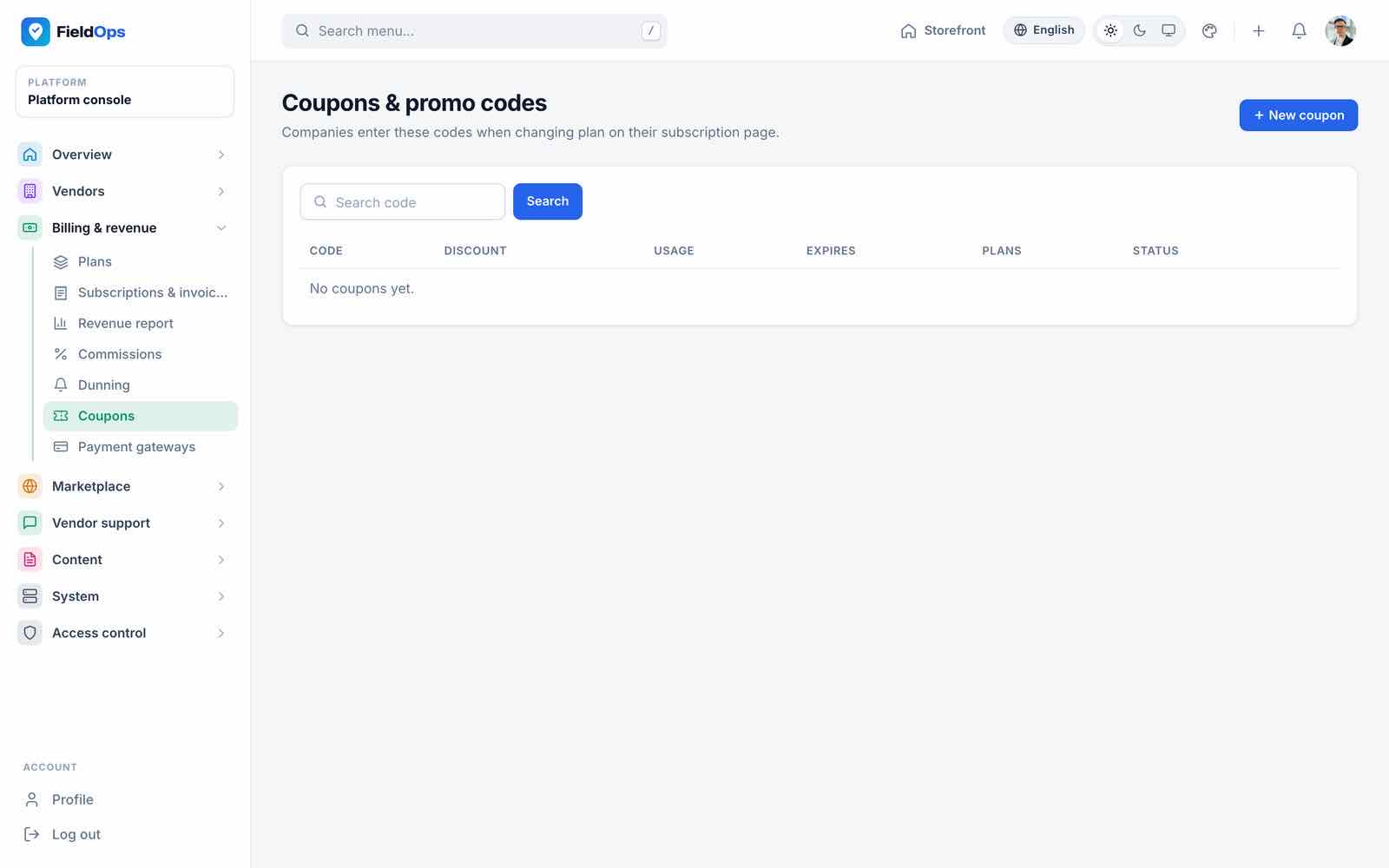
fieldops:saas-dunning, daily). A blocked vendor sees a “workspace blocked” screen on the web and in the app until it pays. - Coupons: promo codes for vendor plans.
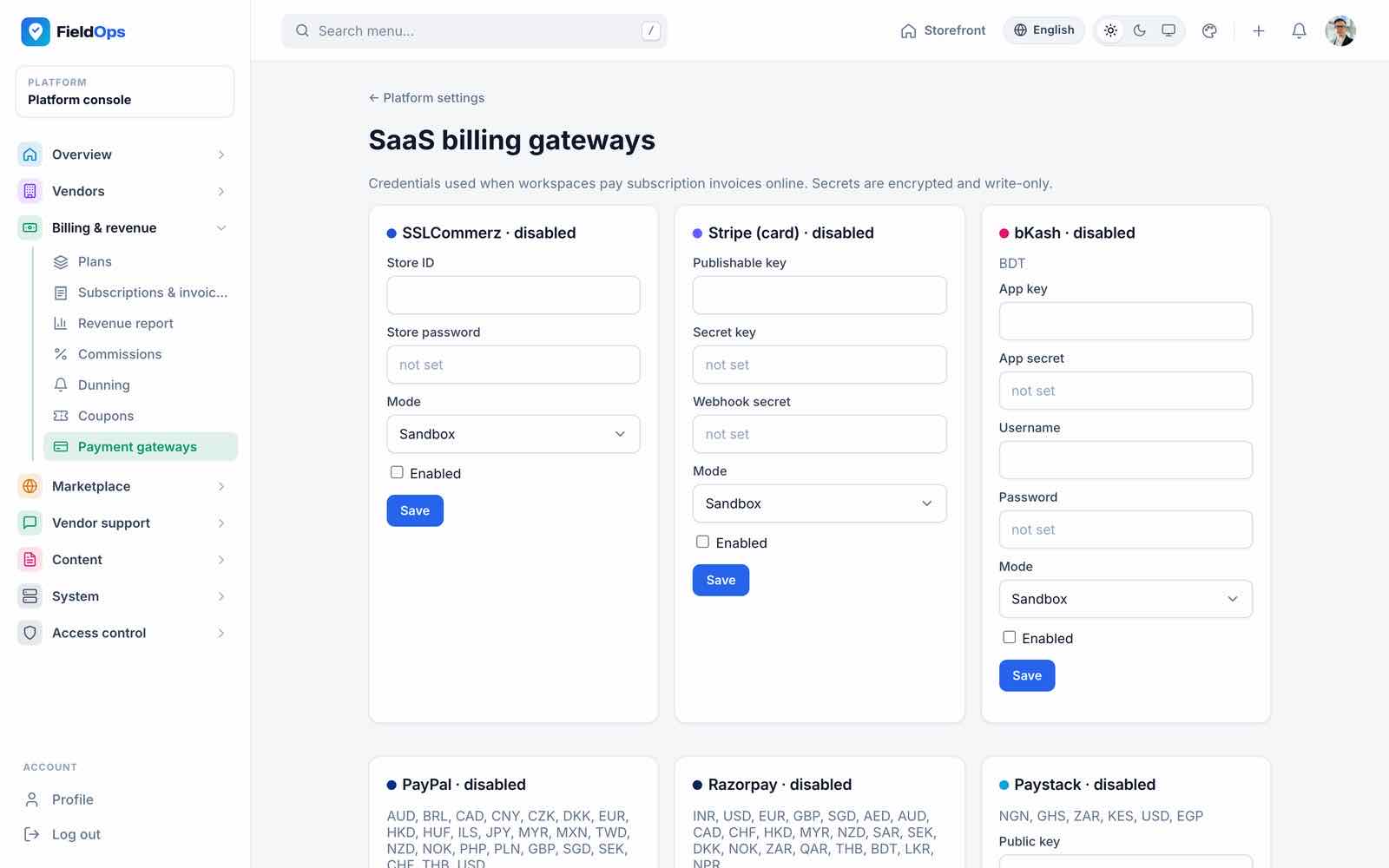
- Payment gateways (
/admin/payment-gateways): the gateways that take vendor subscription payments: SSLCommerz, Stripe, bKash, PayPal, Razorpay, Paystack, Flutterwave (Payment Gateways).
Marketplace Screens
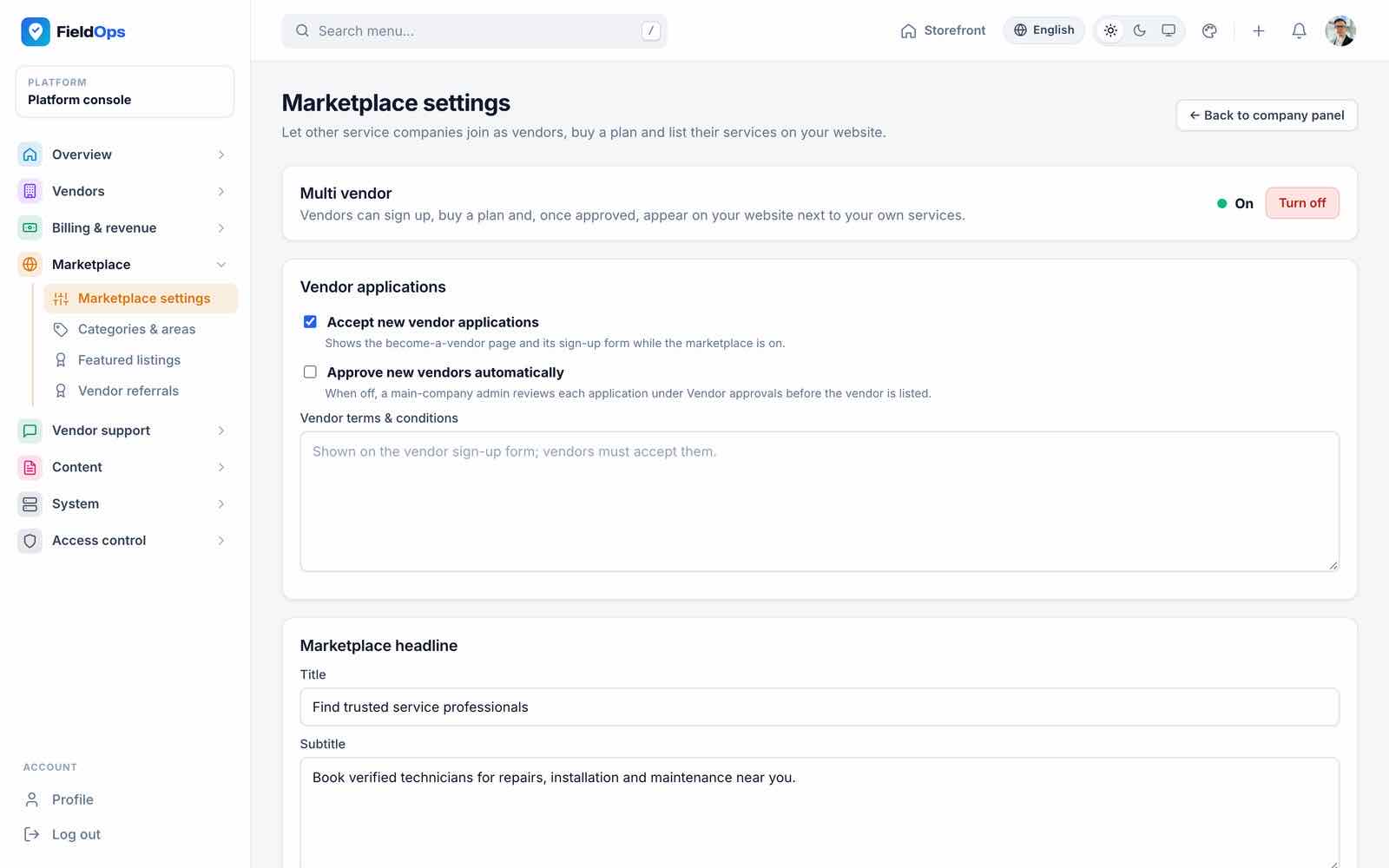
- Marketplace settings (
/admin/marketplace): the multi-vendor switch, whether vendor applications are open, and the marketplace headline. - Categories & areas (
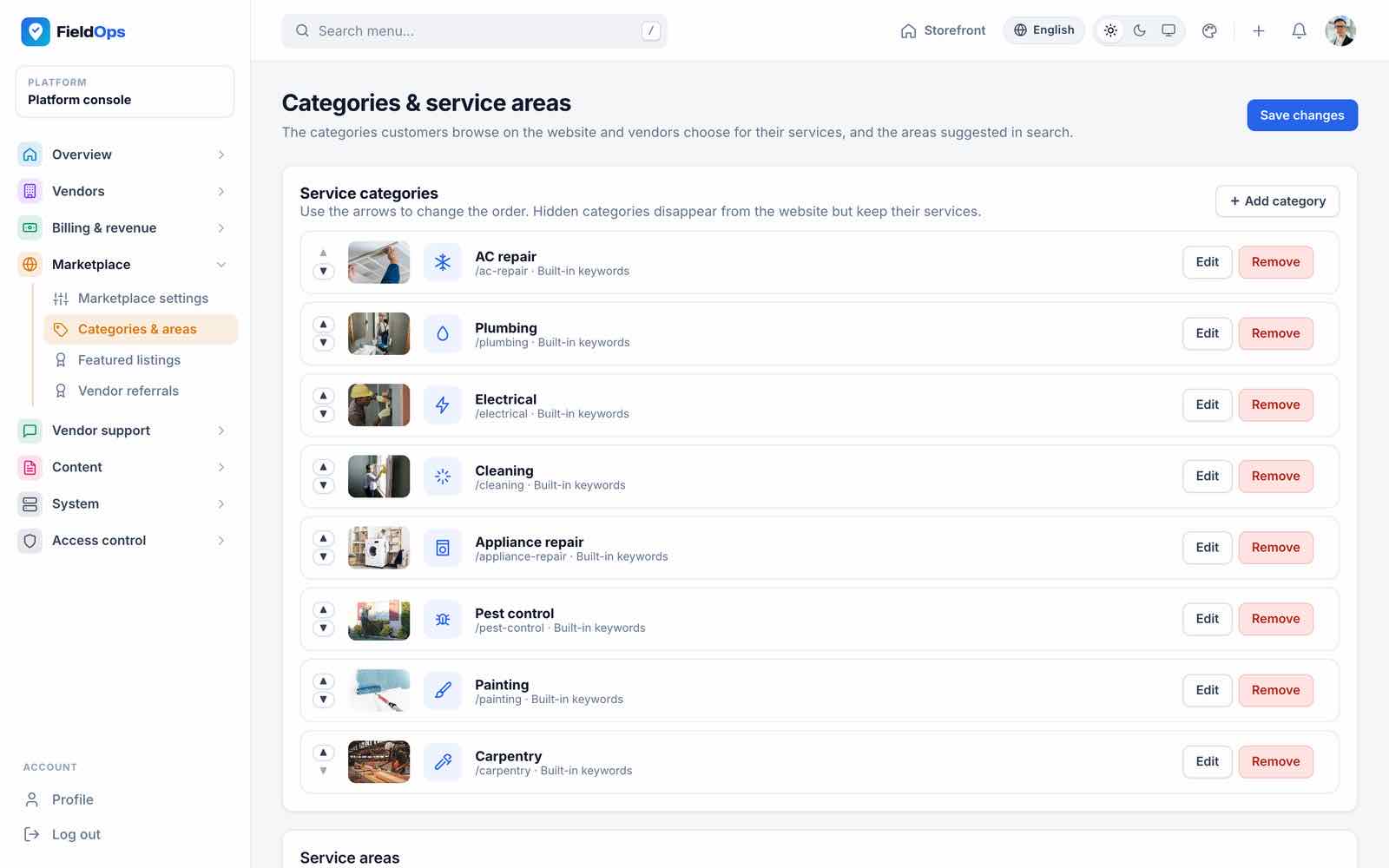
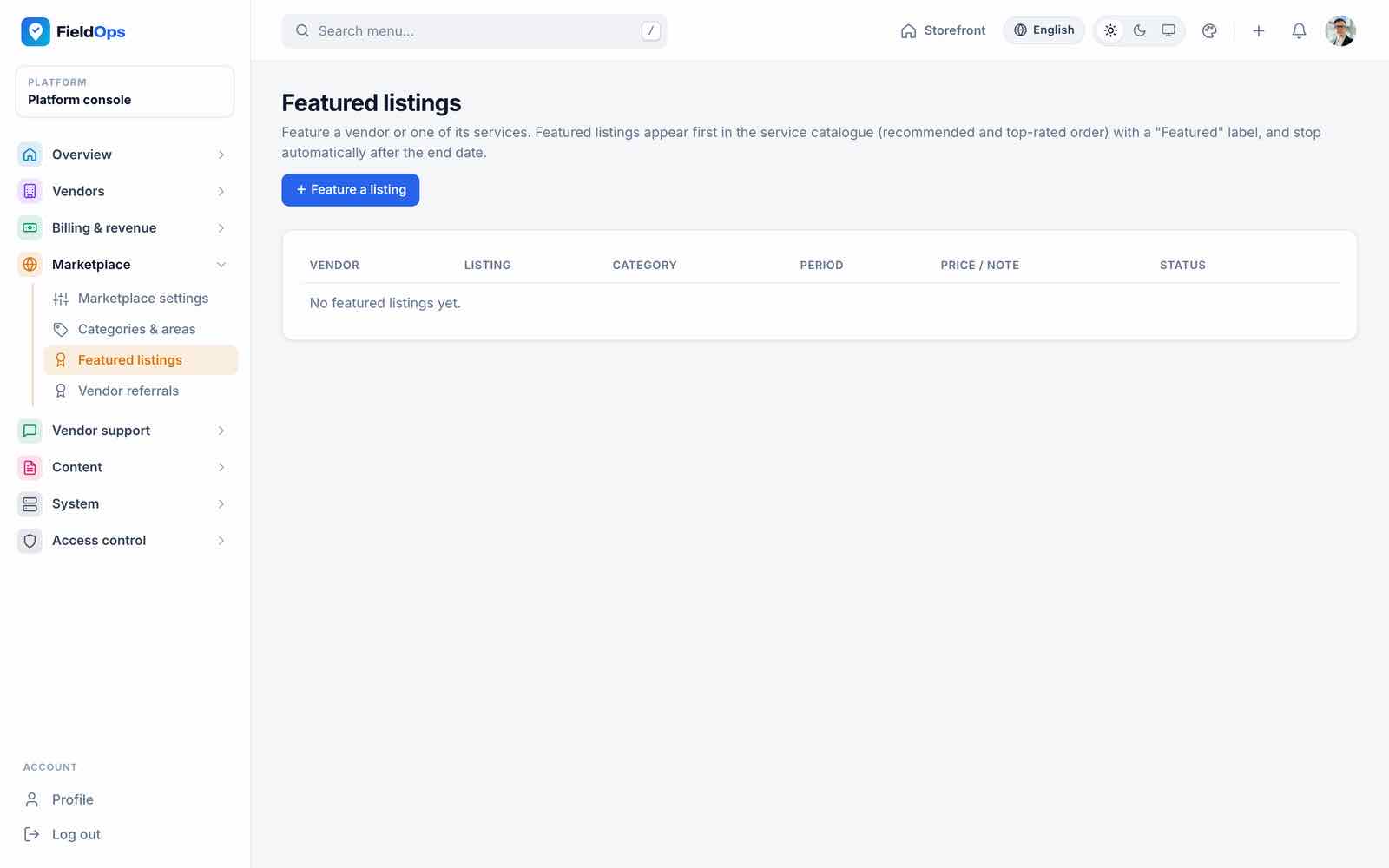
/admin/categories): service categories with photos and keywords (the website’s category tiles and filters) and service areas. - Featured listings: vendors or services pinned to the top of the catalogue.
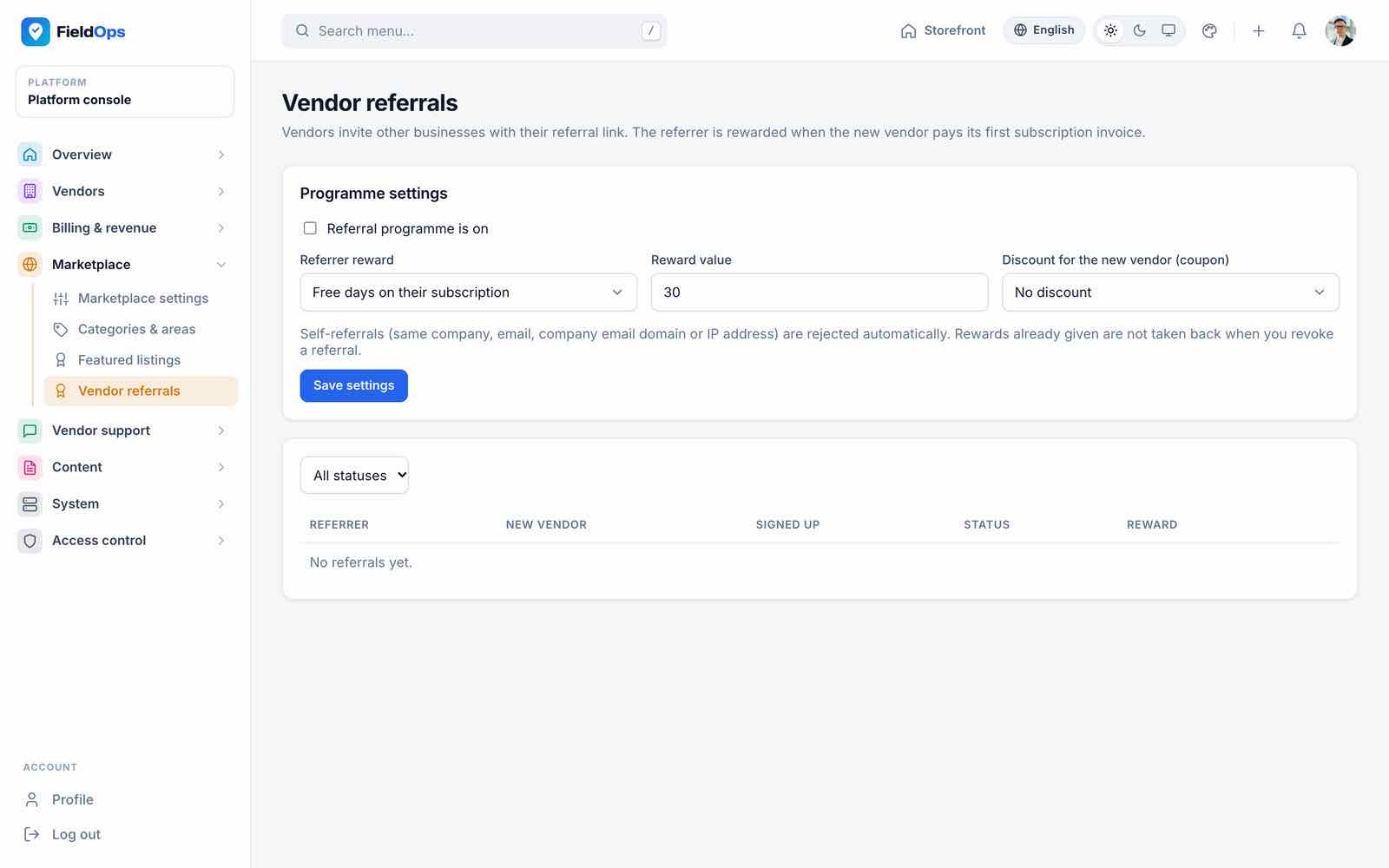
- Vendor referrals: the programme that rewards vendors for bringing in other businesses (vendors find their link under Refer a business).
Vendor Support
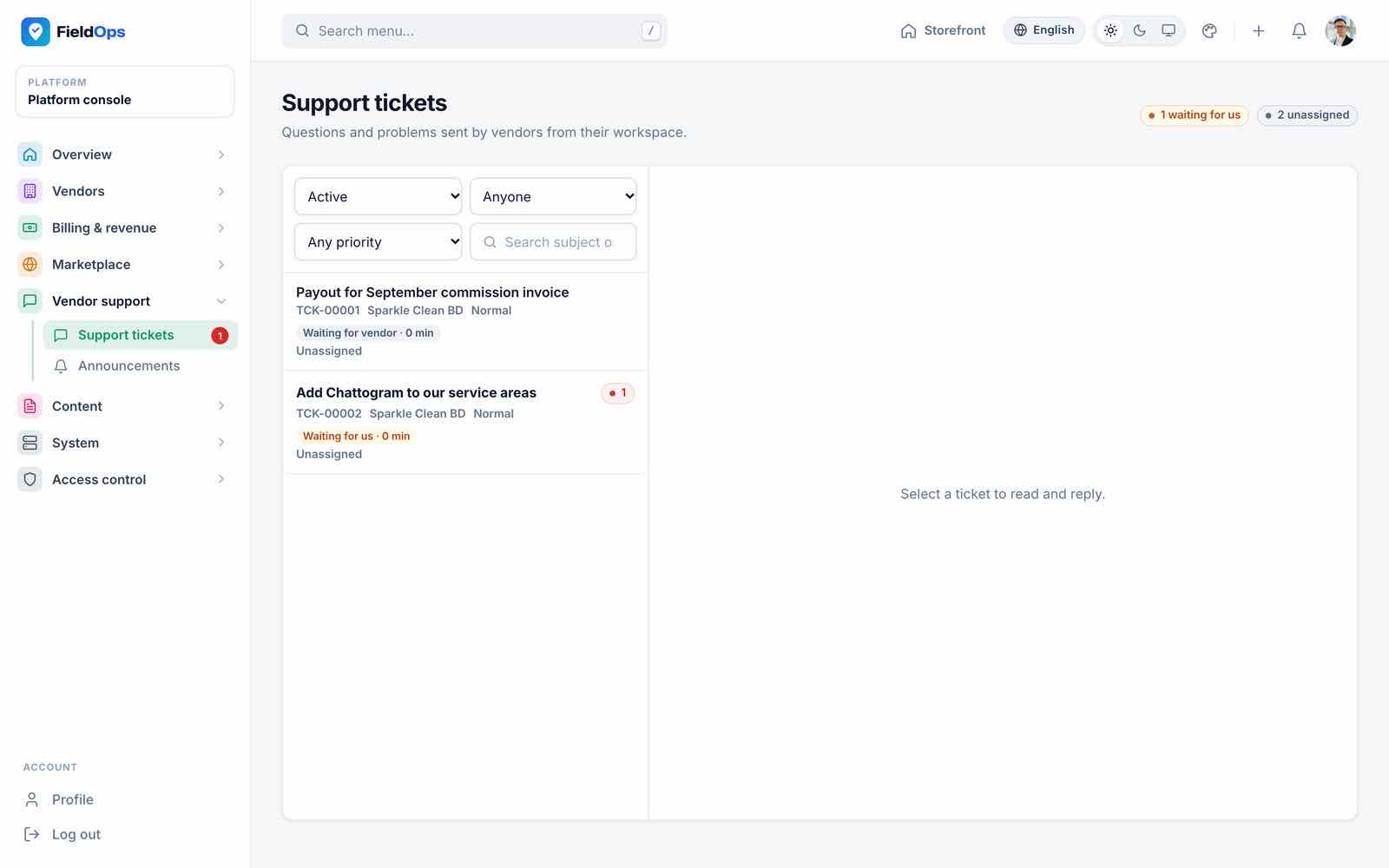
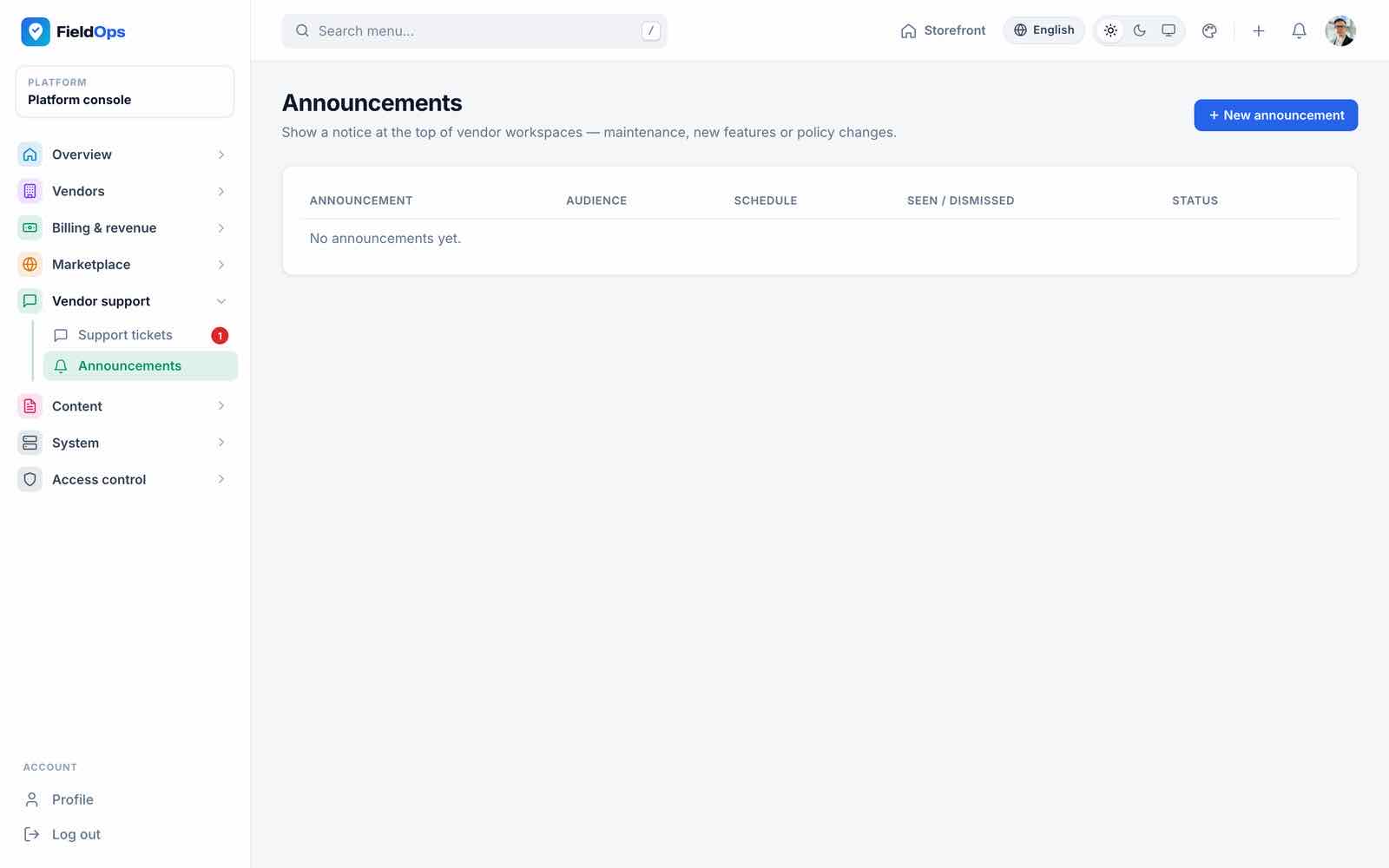
Support tickets (/admin/support) is the inbox for tickets vendors open from Platform support in their workspace or from the app. Announcements (/admin/announcements) are banners shown to vendor workspaces and in the app.
Content: E-mails, Vendor Page, SEO
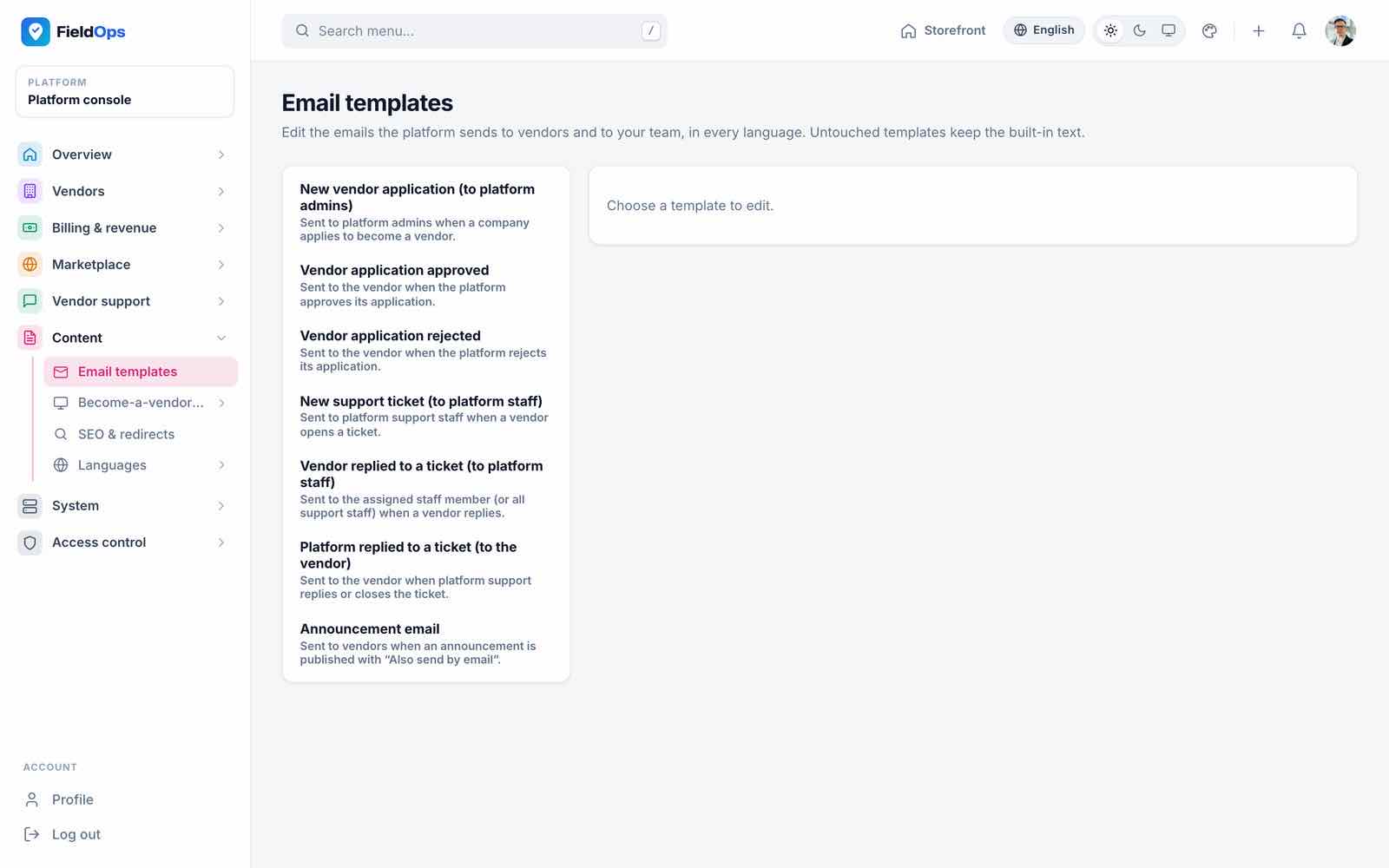
- Email templates (
/admin/mail-templates): the subject and body of the platform e-mails. - Become-a-vendor page (
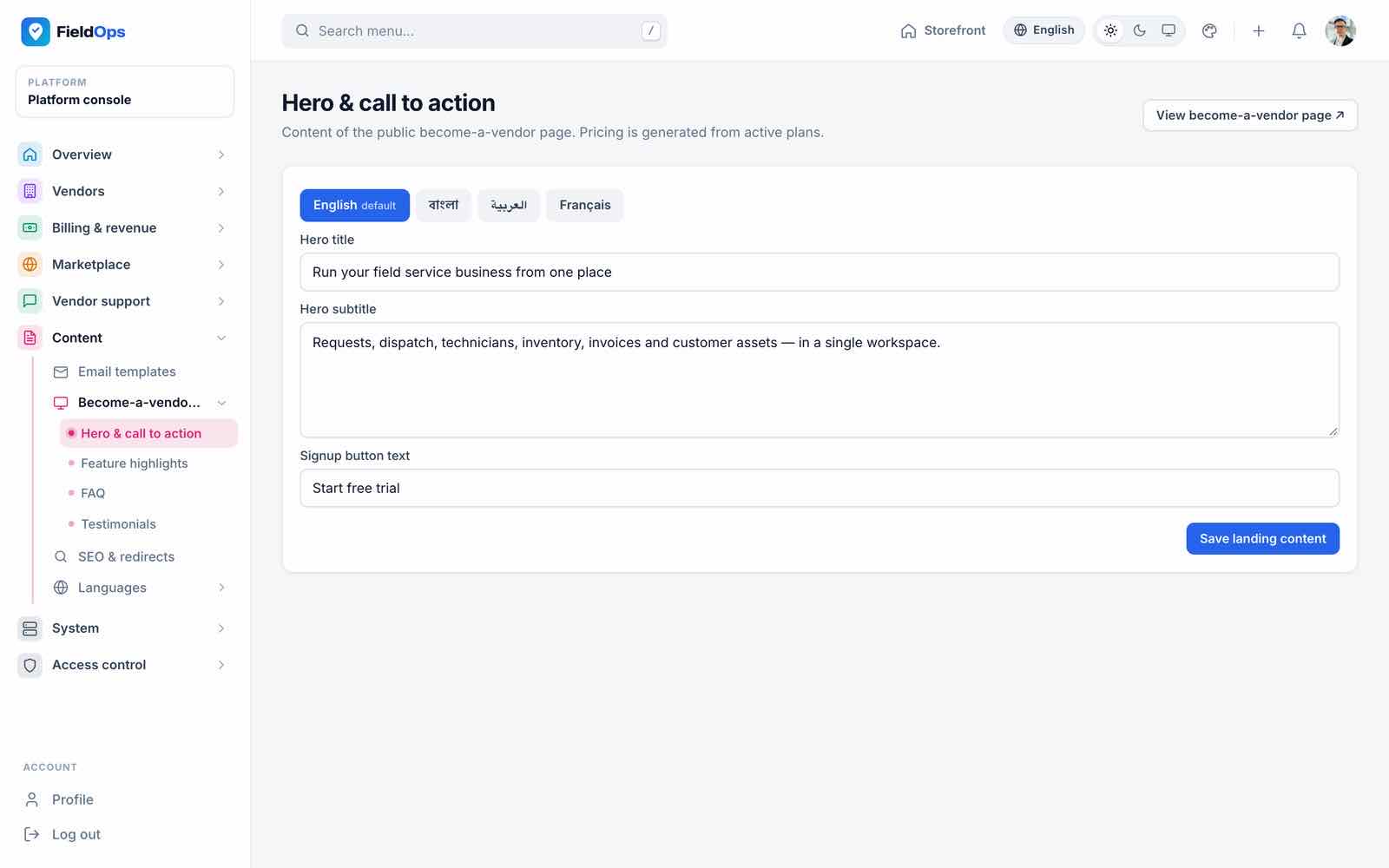
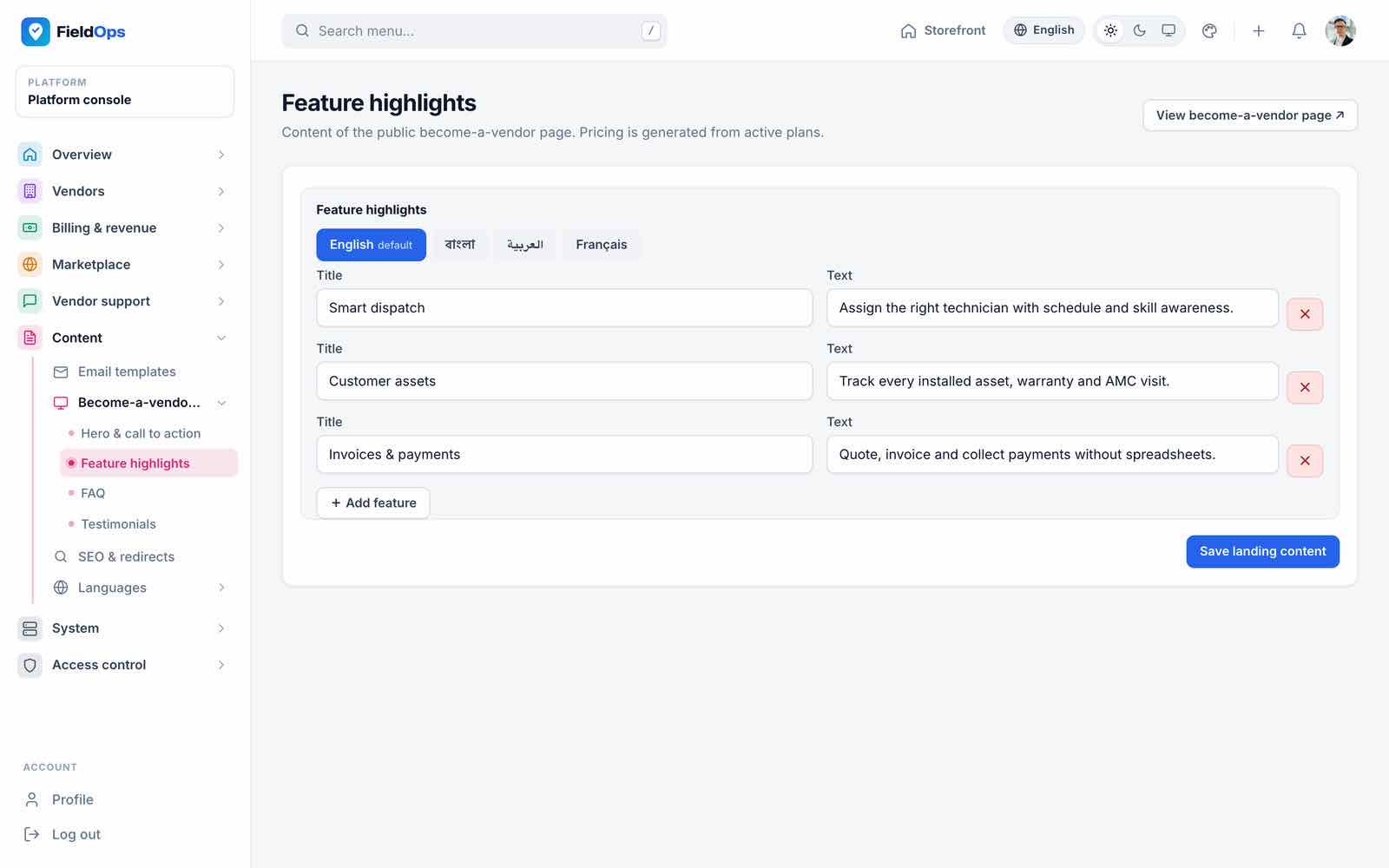
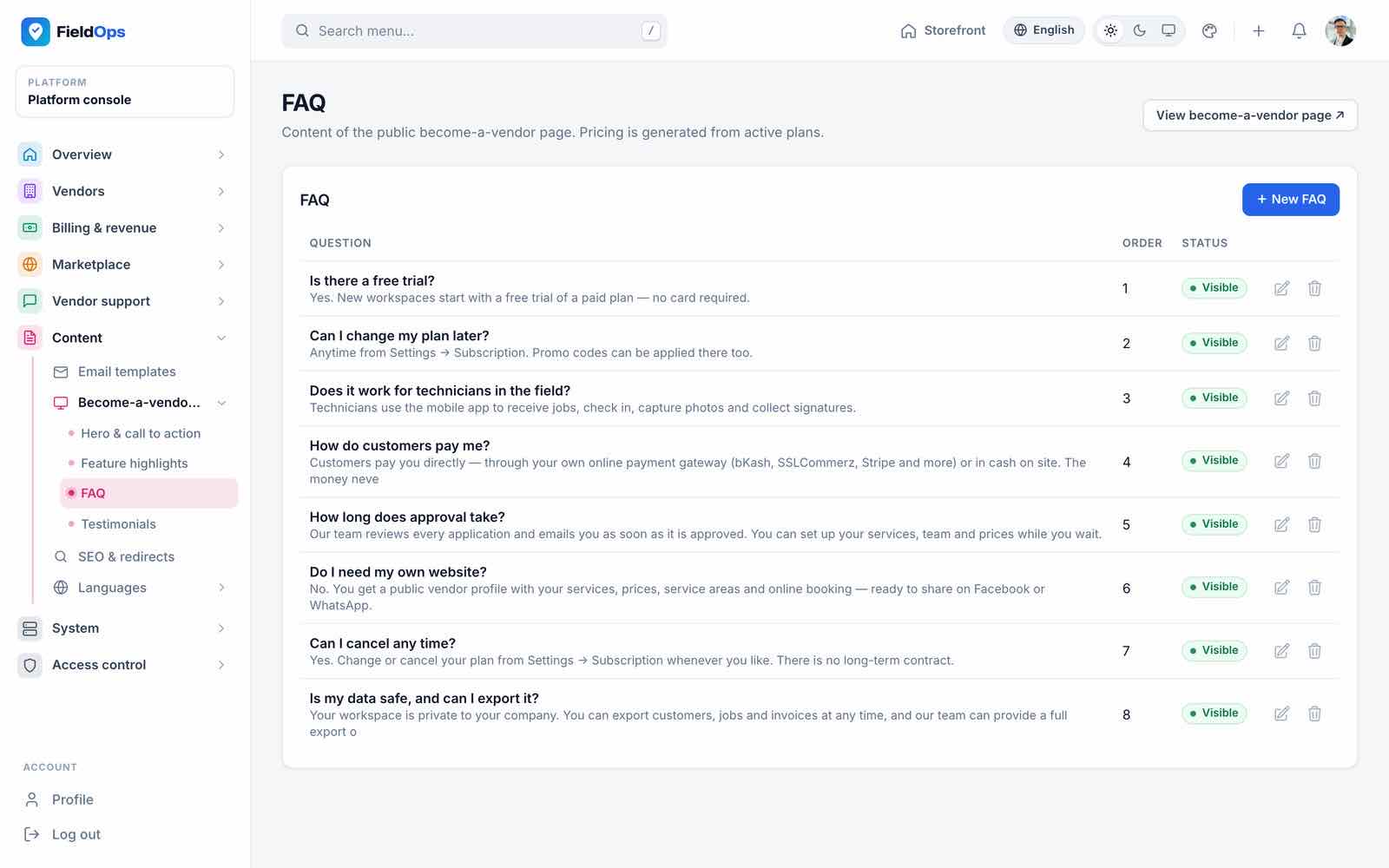
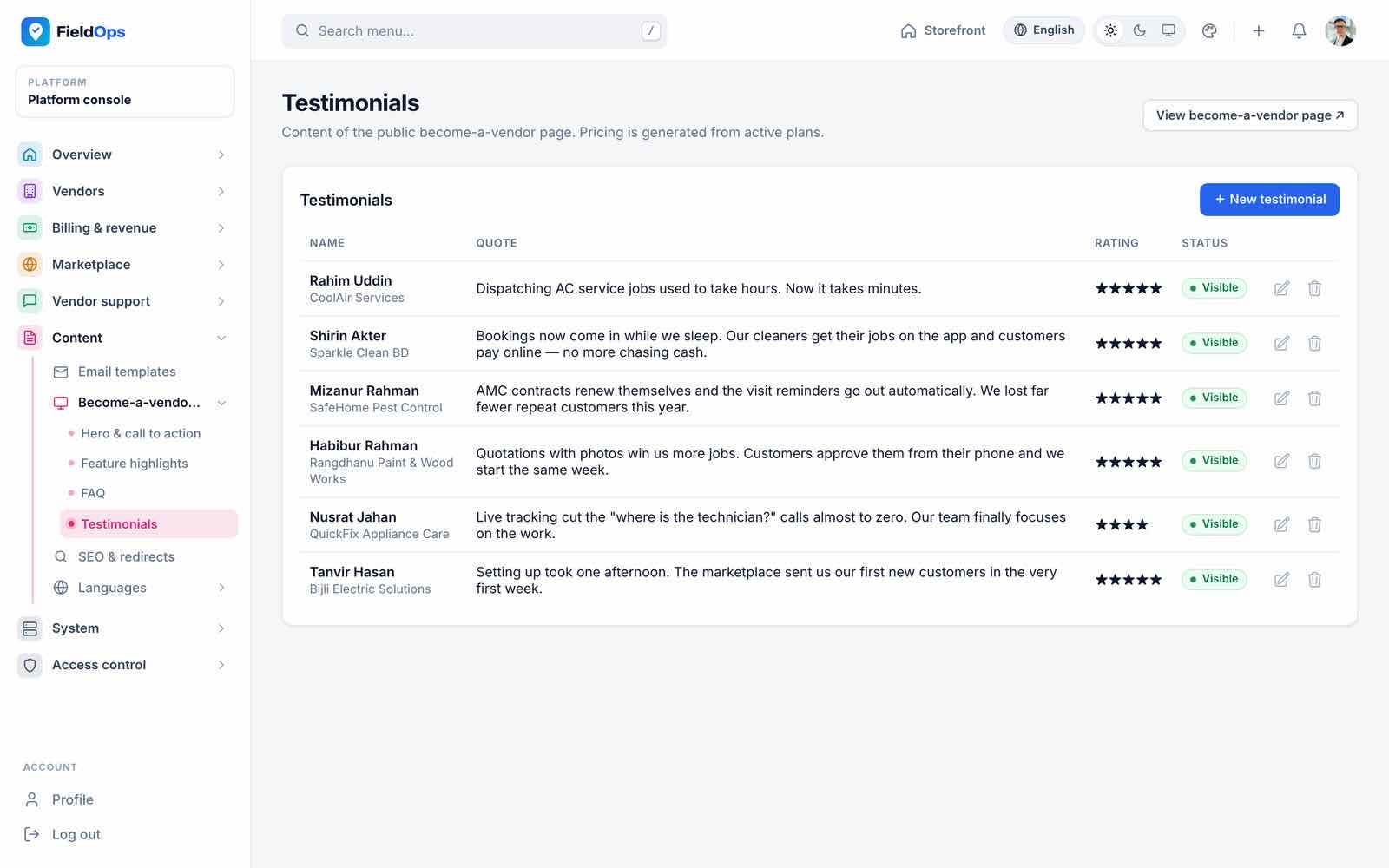
/admin/cms/hero,features,faq,testimonials): the landing page at/become-a-vendor, with a tab per language. - SEO & redirects (
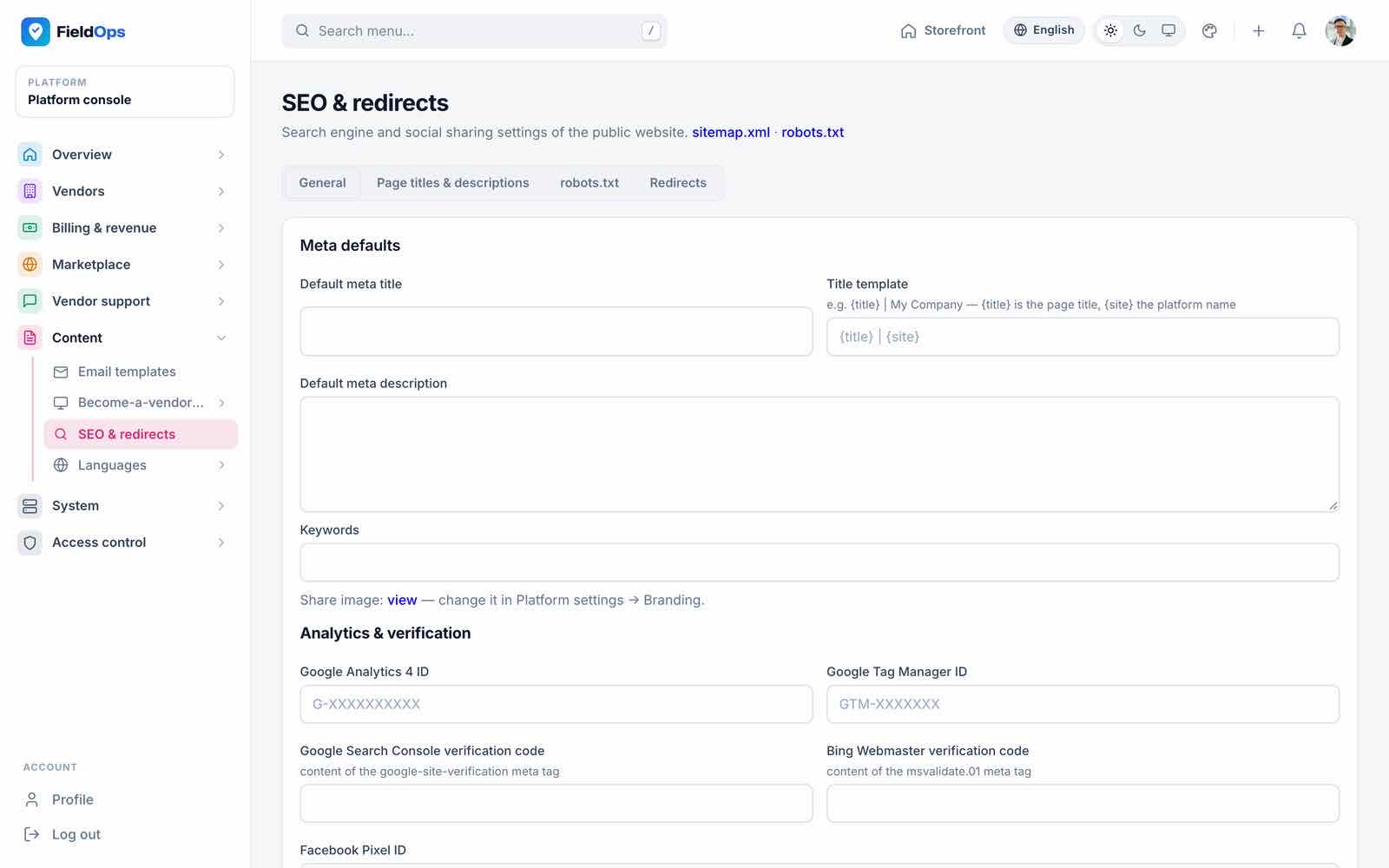
/admin/seo): default meta title and description, Google Analytics and Tag Manager IDs, site verification codes and URL redirects./sitemap.xmland/robots.txtare generated. - Languages: see Languages & RTL.
System
- Platform settings (
/admin/settings): branding (Branding), registration and e-mail verification, maintenance mode with a message, reCAPTCHA (v2 or v3, site key, secret, minimum score), SEO defaults and the subscription grace days. - Backups (
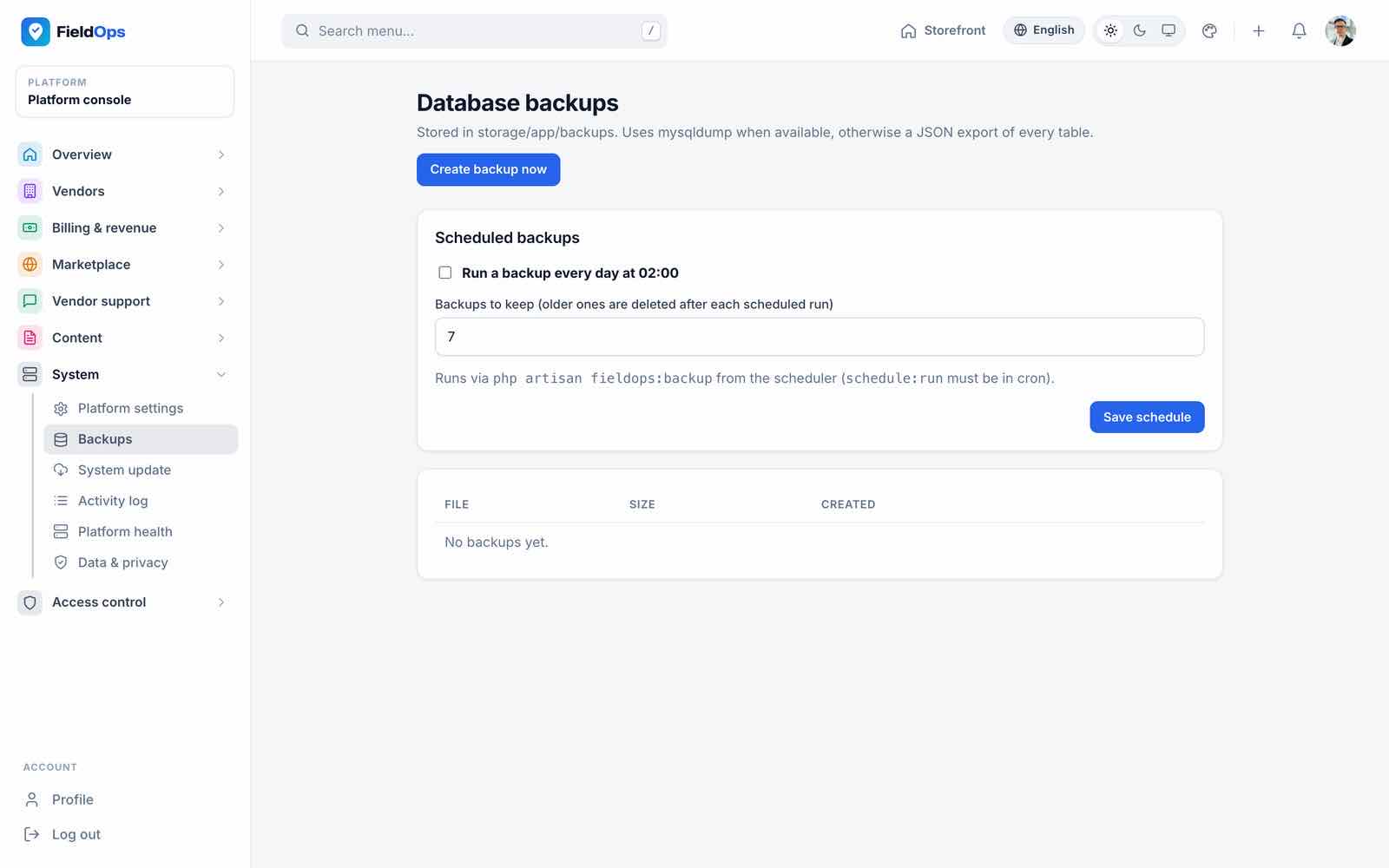
/admin/backups): create, download and delete database backups; turn on the daily scheduled backup and set how many to keep (Backups). - System update (
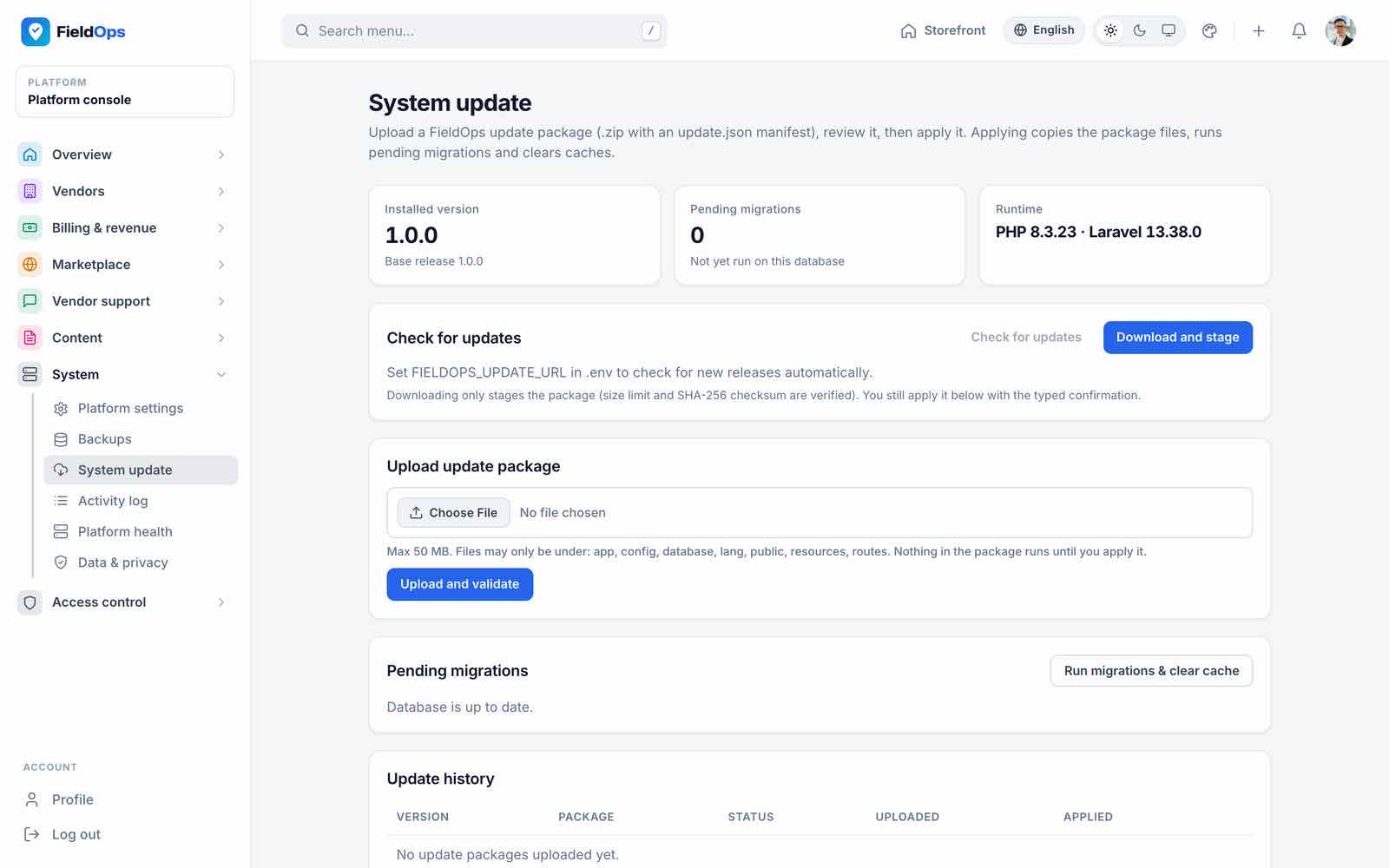
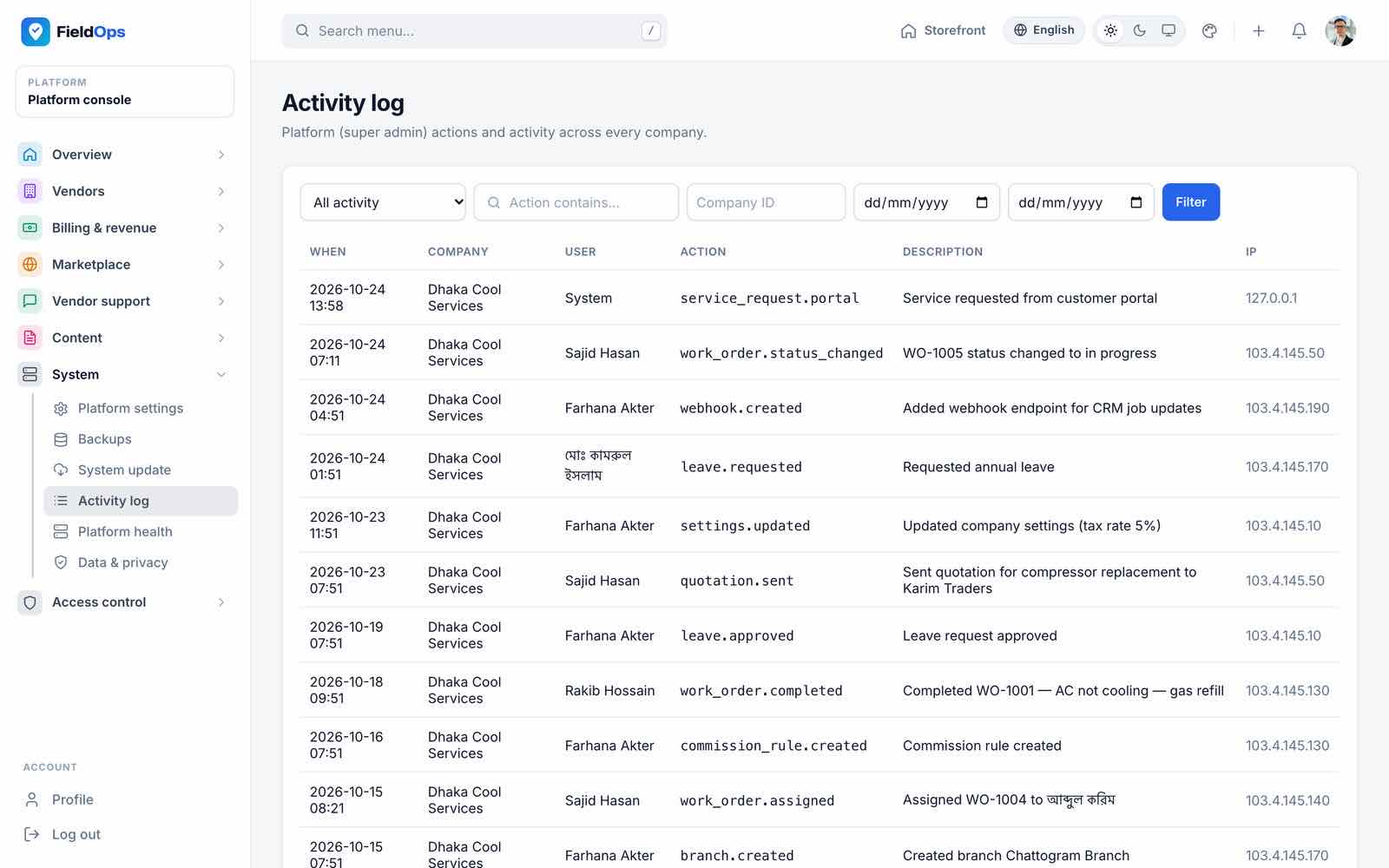
/admin/system-update): installed version, upload an update package, pending migrations (Updating). - Activity log: what platform staff and companies changed.
- Platform health (
/admin/health): database, cache, queue, scheduler heartbeat, storage and per-company disk use, Reverb, mail and recent error-log lines. - Data & privacy (
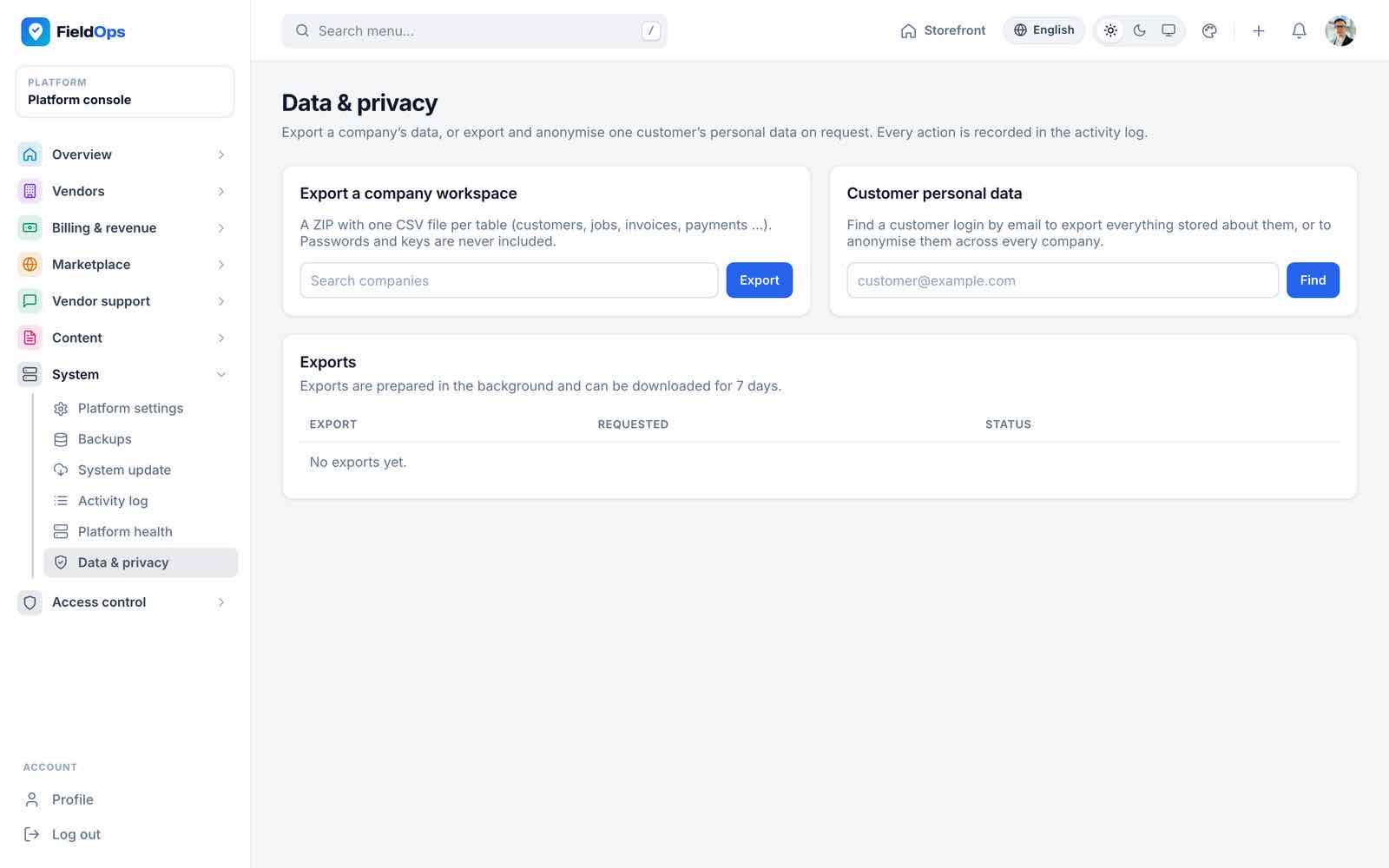
/admin/privacy): export a company’s data; export or anonymise one customer’s personal data.
The SMTP fields in Platform settings are stored but not applied at runtime: the app sends mail with the MAIL_* values in .env (Common Setup → Mail).
Access Control
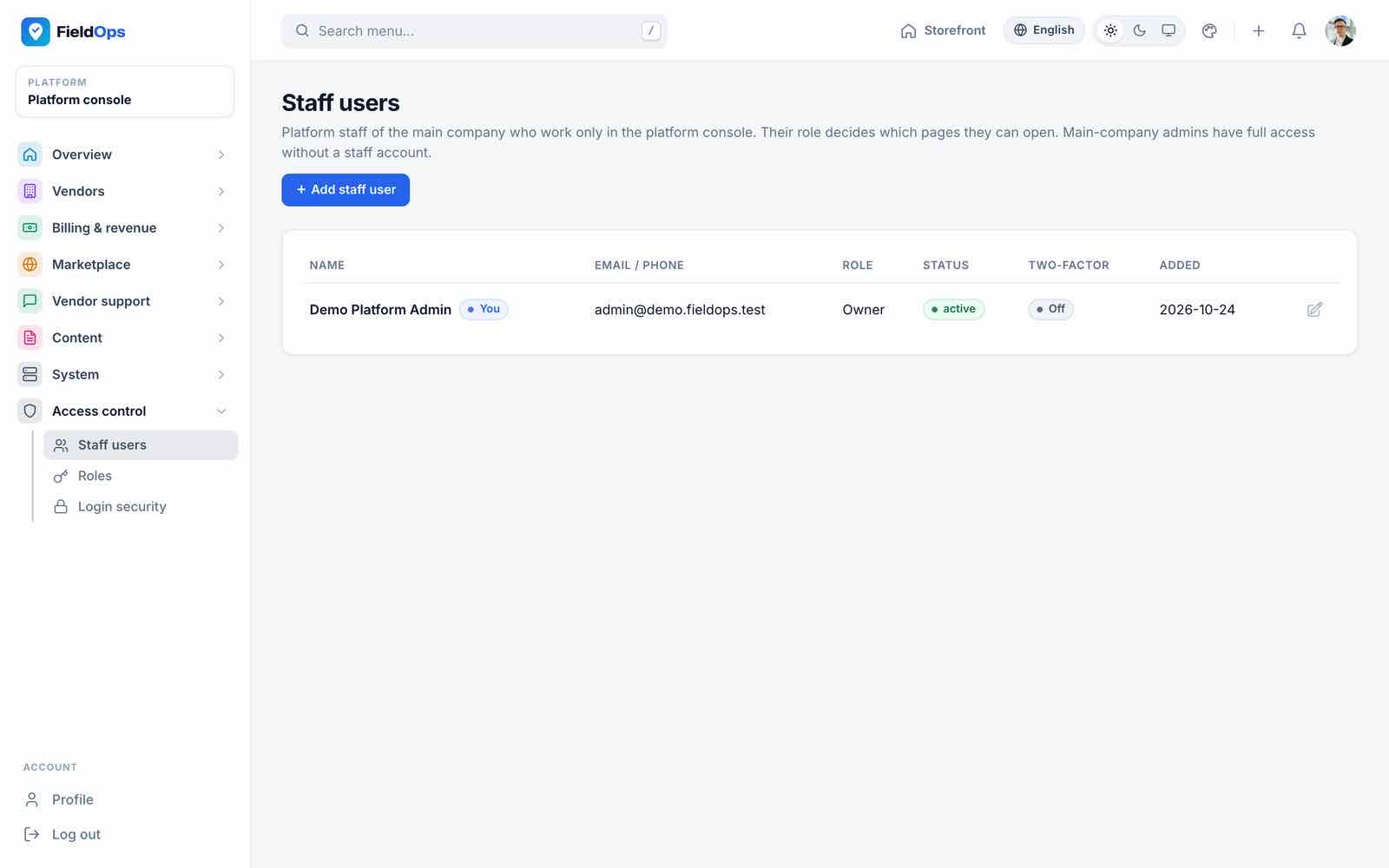
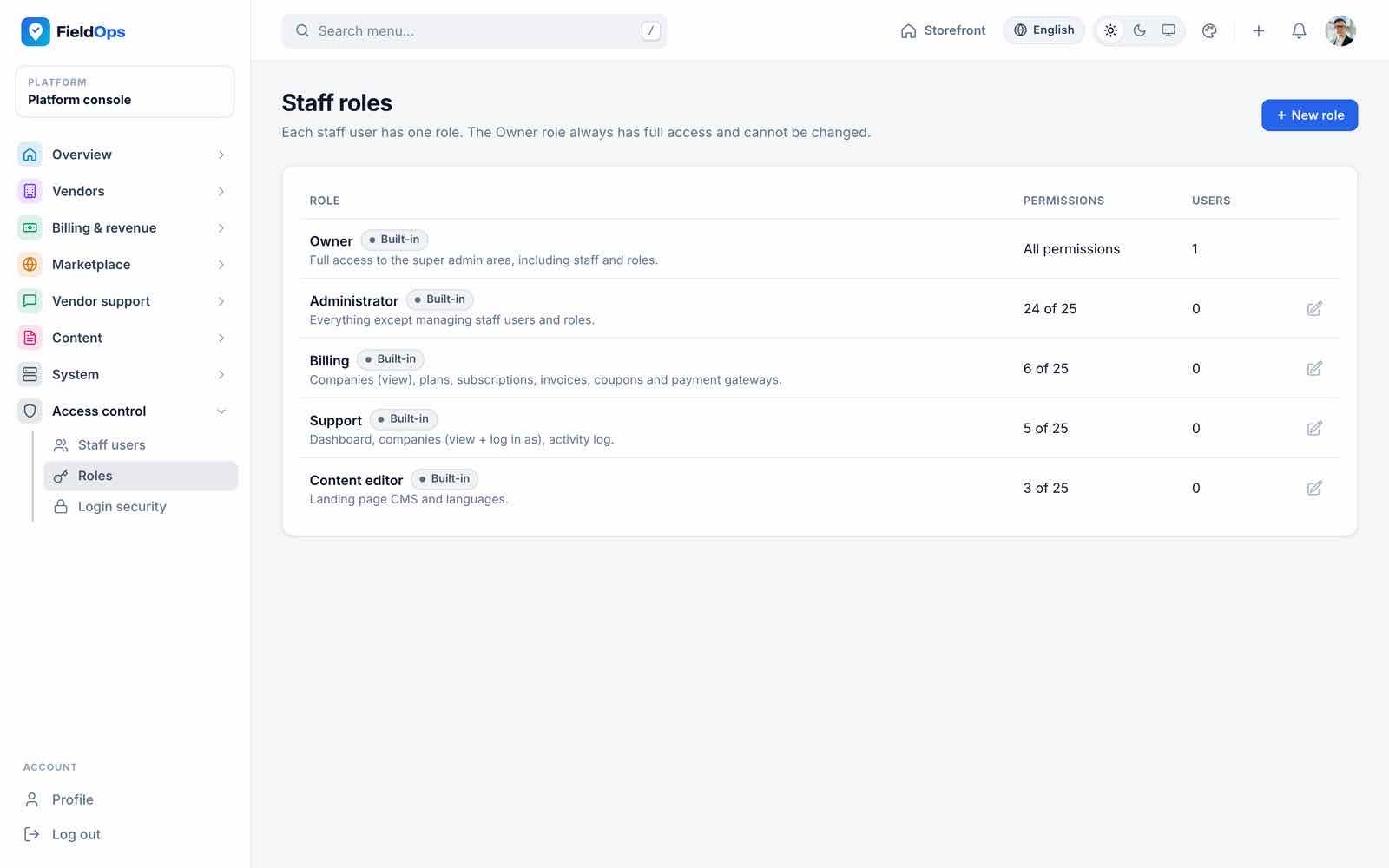
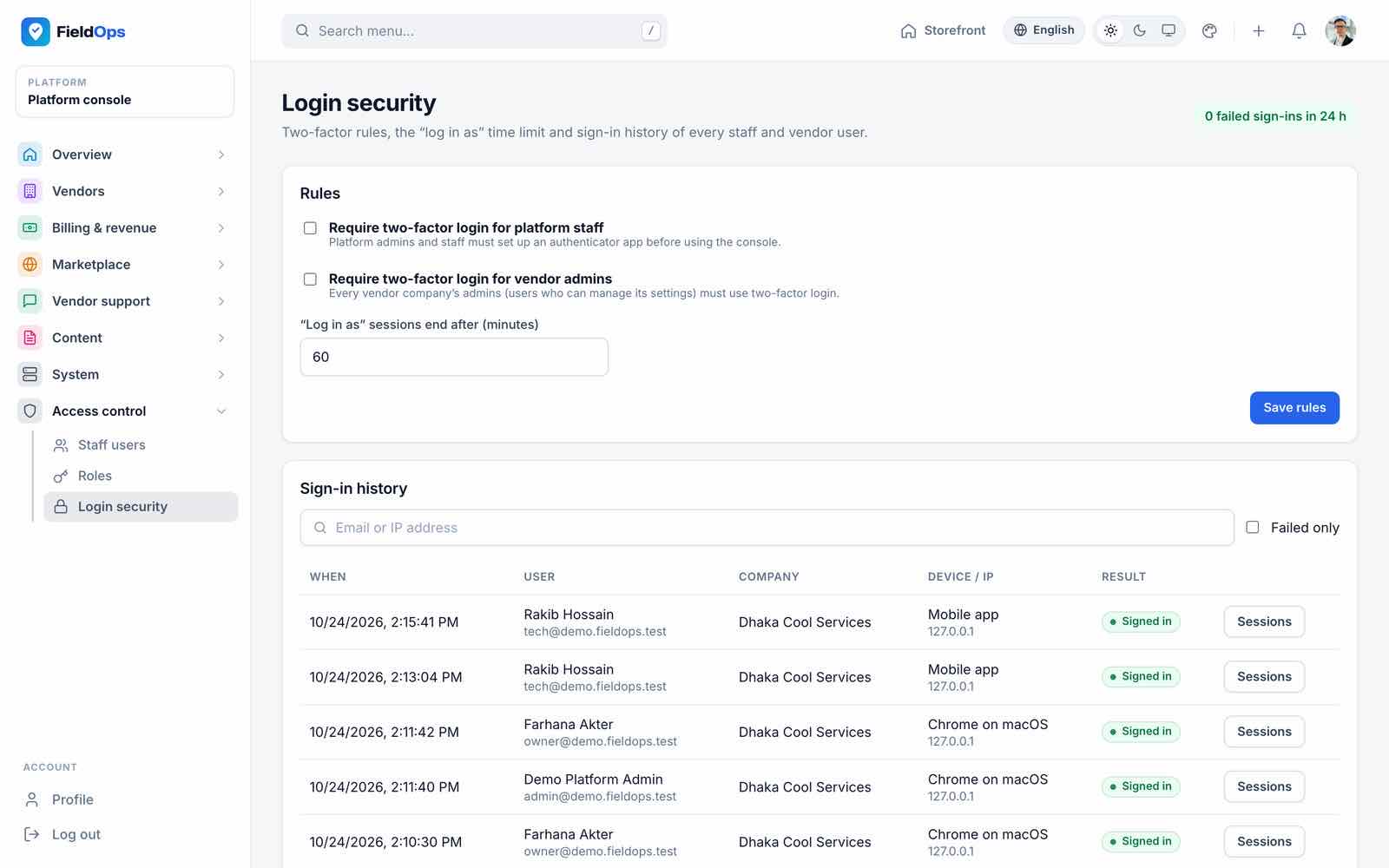
Staff users (/admin/staff) are platform staff accounts. Roles (/admin/roles) combine the 25 platform permissions; seeded roles are Owner, Administrator, Billing, Support and Content editor, and you can add your own. Login security (/admin/security) holds the sign-in rules and the sign-in history. Every user can turn on TOTP two-factor authentication in their profile.
Multi-Vendor Marketplace
FieldOps always has one main company: yours, created by the installer. The multi-vendor marketplace lets other service companies join your platform as vendors with their own workspace, staff and customers. It is the platform setting multi_vendor_enabled, not an .env value: chosen in the installer (on by default) and switched any time in Marketplace → Marketplace settings.
| Marketplace on | Marketplace off | |
|---|---|---|
| Vendor sign-up | /vendor/register (the “Become a vendor” links on the website, login and portal pages go straight there); the /become-a-vendor landing page | Hidden |
| Vendor companies | Work normally (after approval) | Hidden and blocked; nothing is deleted |
| Plans, subscriptions, commission, dunning | Apply to vendors | Do not apply |
| Console screens | All 35 | Vendor and plan screens hidden |
Service catalogue /services | Main company and vendor services | Main company only |
How a vendor joins
Sign up
The business fills the sign-up wizard (business, owner account, plan) at
/vendor/register.Approval
The application appears in Vendor approvals; you approve or reject it.
Verify
The vendor uploads the required documents in Marketplace account → Verification documents; you review them.
Trial and subscription
The vendor uses its plan’s trial, then pays monthly or yearly through a platform gateway (Marketplace account → Subscription).
Sell
Its services appear in
/servicesand on its own page/vendors/{slug}; bookings and invoices go to the vendor. Commission is taken on paid invoices from marketplace bookings.
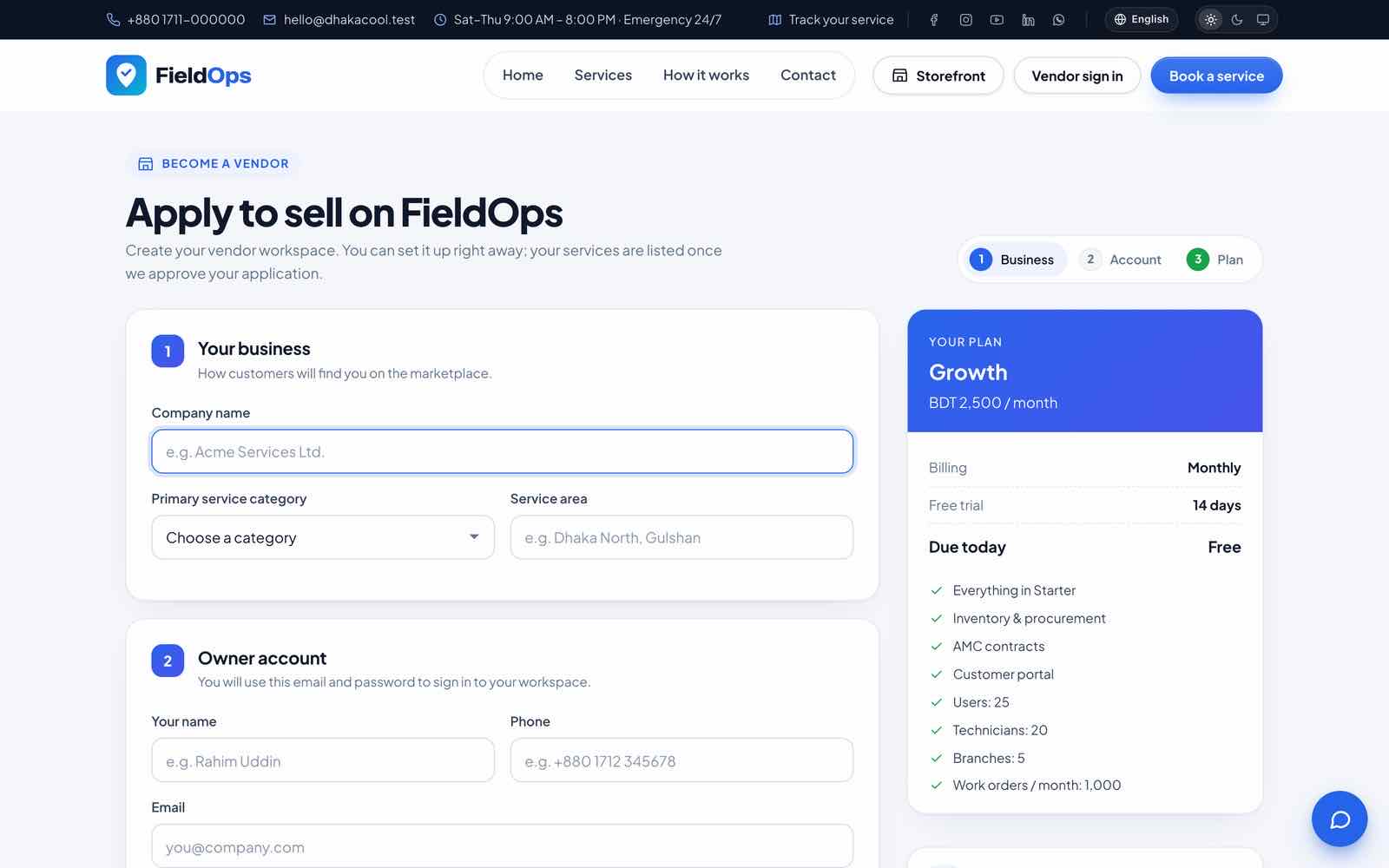
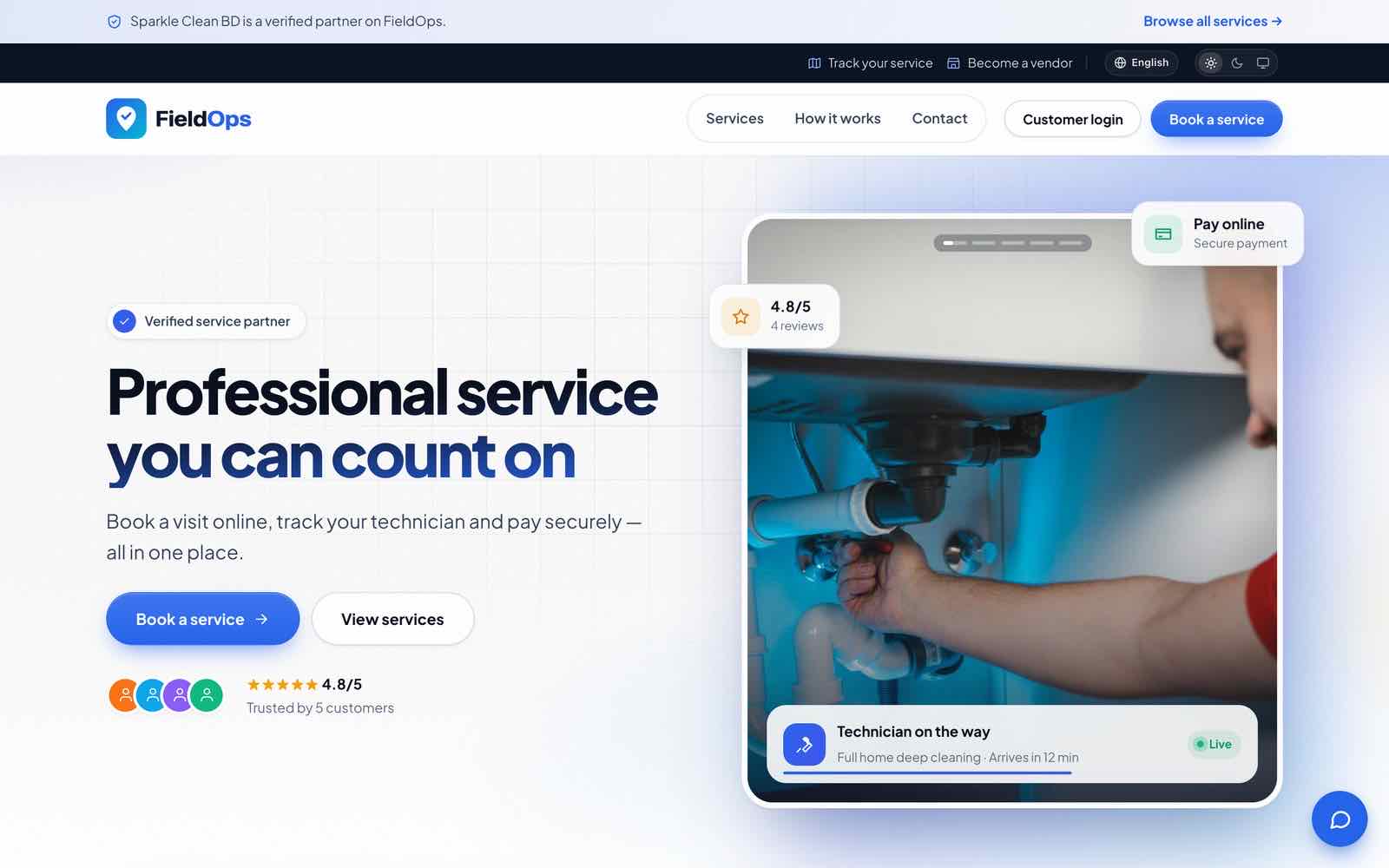
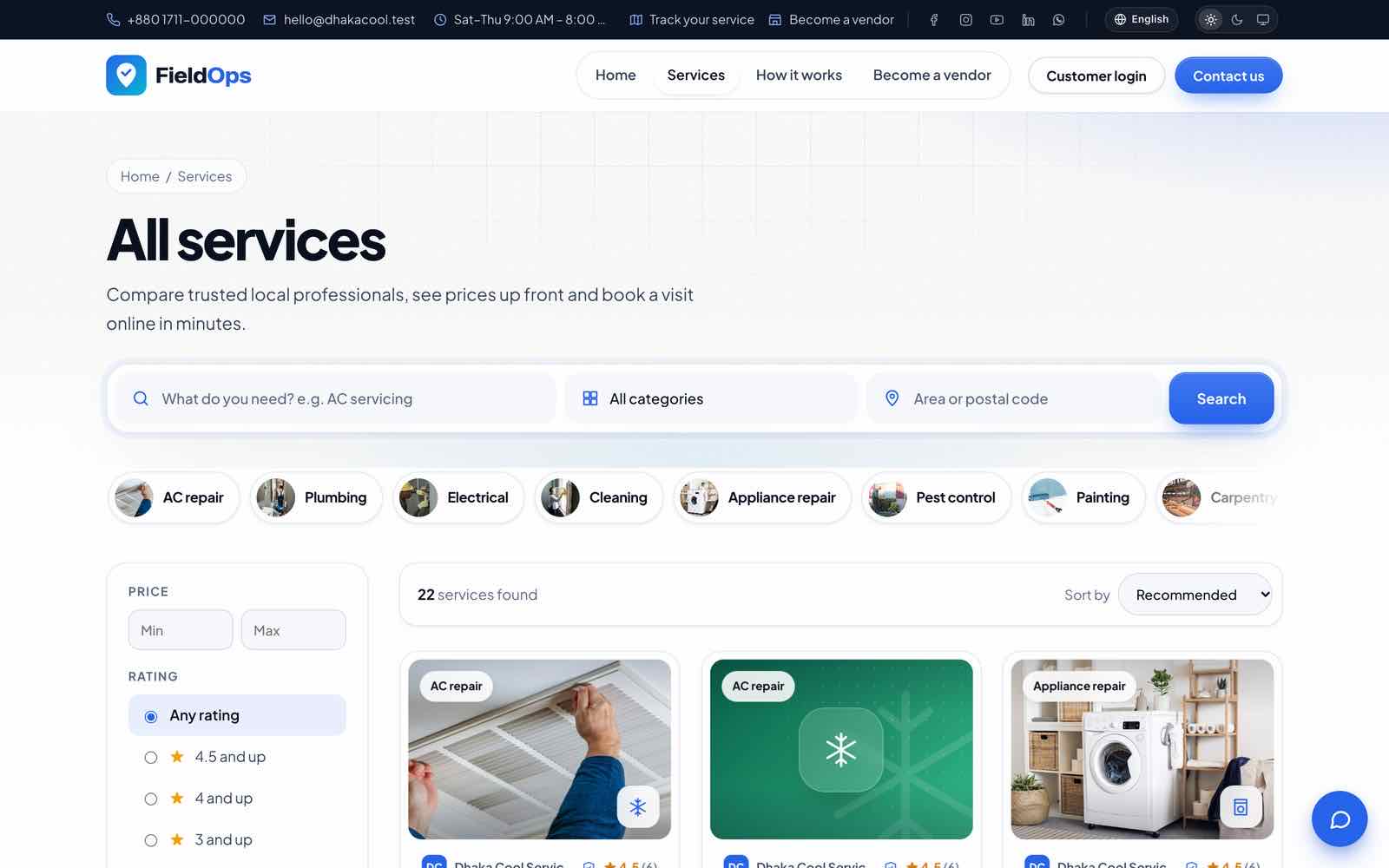
One customer login works across companies: a customer who books with several vendors sees all of them in the portal (“all” view) and switches between them.
Company Workspace: Dashboard & Navigation
The company workspace (/company) is where a service company works: yours, and each vendor’s. The sidebar has 94 entries in 17 groups: 77 core screens, 5 vendor-only screens (Marketplace account) and 12 shortcuts into the platform console that only the main company’s platform admins see. Entries follow permissions, so a dispatcher or technician sees fewer.
| Group | Entries |
|---|---|
| Overview | Dashboard, Messages, Live chat, Notifications |
| Operations | Work orders & requests, Request board, Dispatch (list, board, kanban, planner, calendar, live map), Checklists, Knowledge base, Documents |
| Customers | Customers, Assets & equipment, Contracts, Memberships, Portal accounts |
| Customer care | Feedback & complaints, Warranty claims, Disputes |
| Field team | Users & access, Departments & teams, Time & attendance (Attendance, Leave requests, Timesheets, Trips & mileage), Pay & commissions (Commissions, My earnings) |
| Inventory | Inventory, Van stock, Stock requests, Stock transfers, Reorder, Inventory setup (Warehouses, Categories & units) |
| Fleet & tools | Fleet, Tools |
| Purchasing | Procurement, Purchase returns, Supplier ledger |
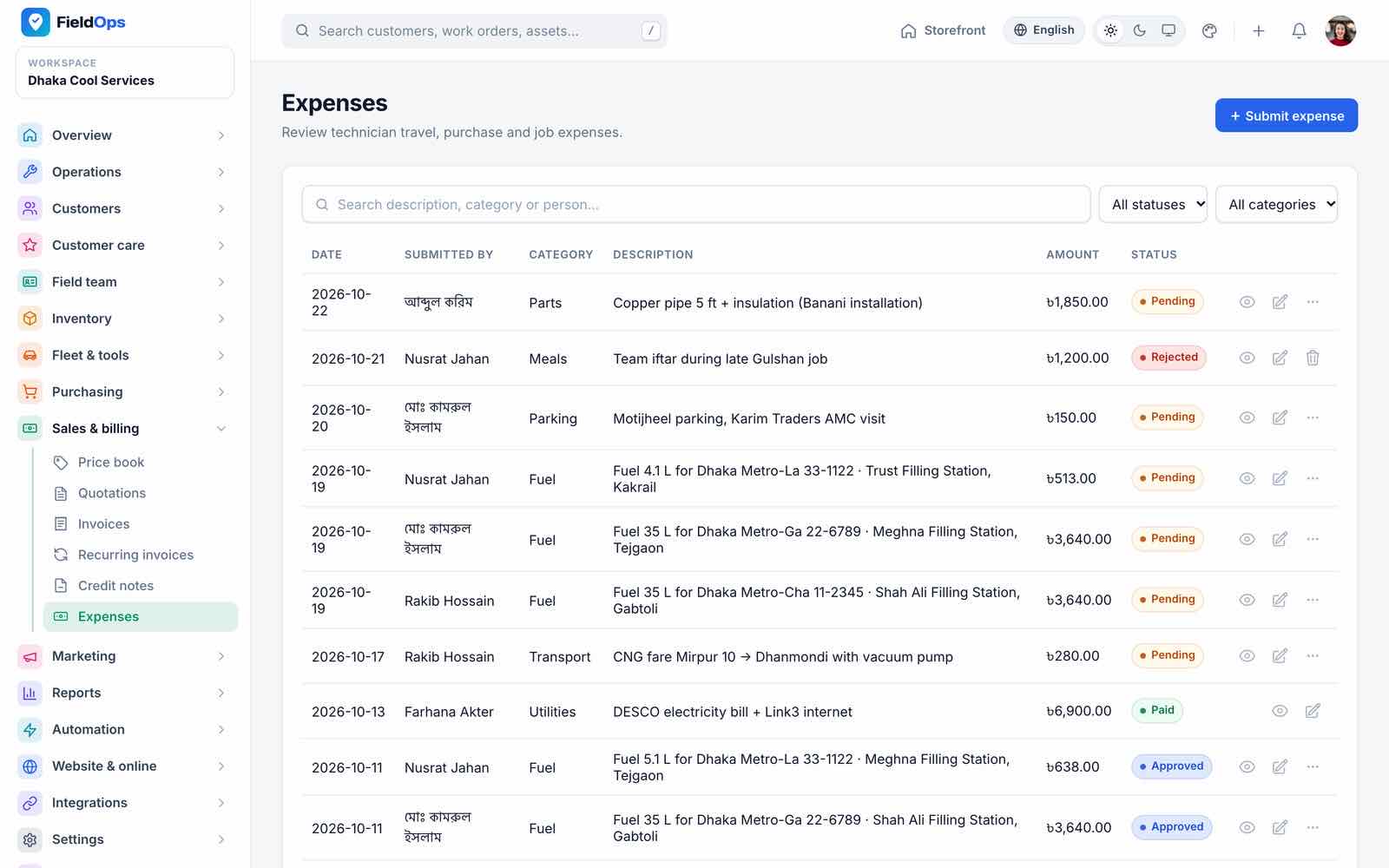
| Sales & billing | Price book, Quotations, Invoices, Recurring invoices, Credit notes, Expenses |
| Marketing | Campaigns, Campaign templates, Review requests, Loyalty & referrals |
| Reports | Reports, Analytics, Performance (Job profitability, Technician scorecard, HR reports), Accounting export, Activity log |
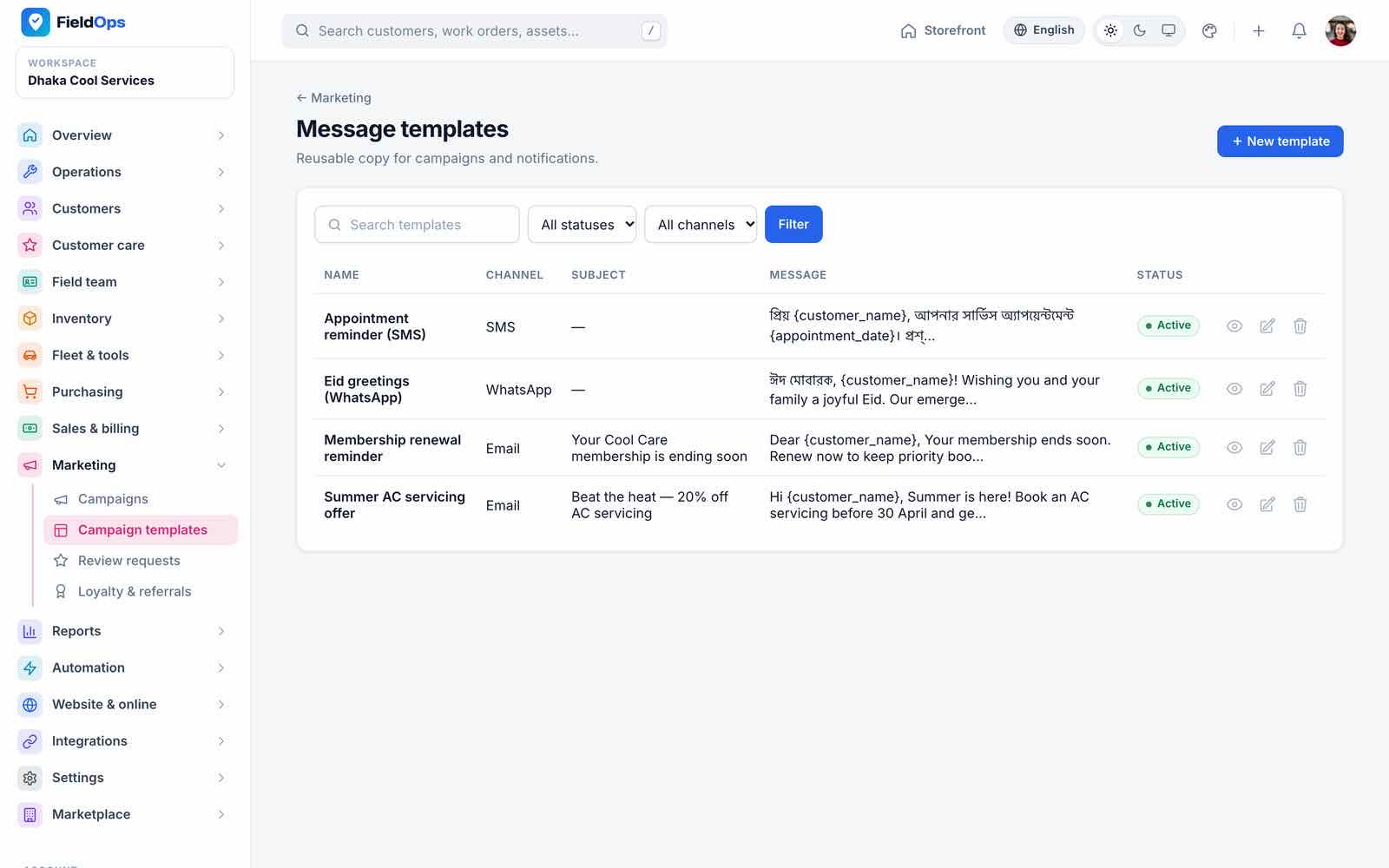
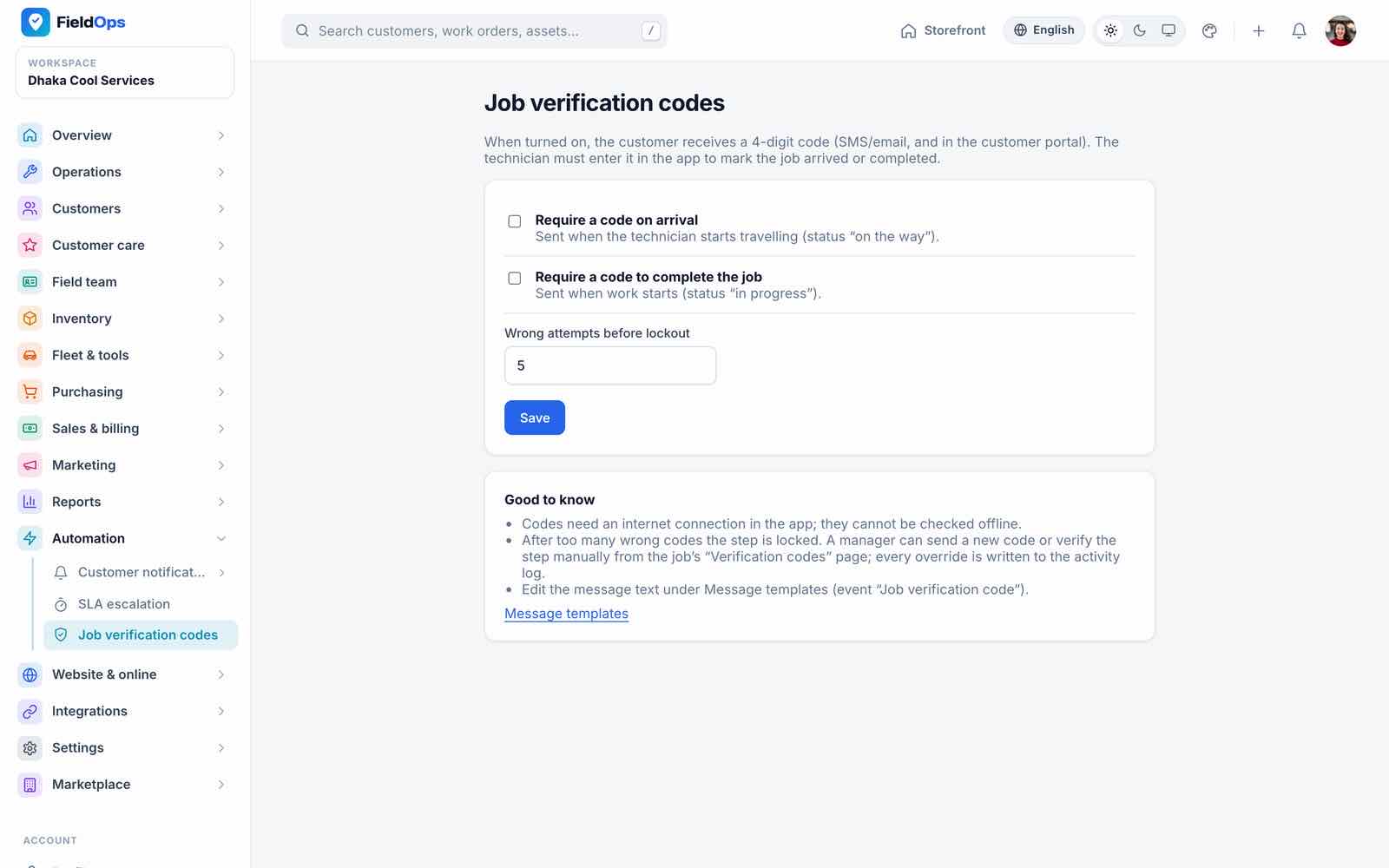
| Automation | Customer notifications (Channels, Message templates, Message log), SLA escalation, Job verification codes |
| Website & online | Website, Online booking, Online payments |
| Integrations | AI settings, Webhooks, Integration guide |
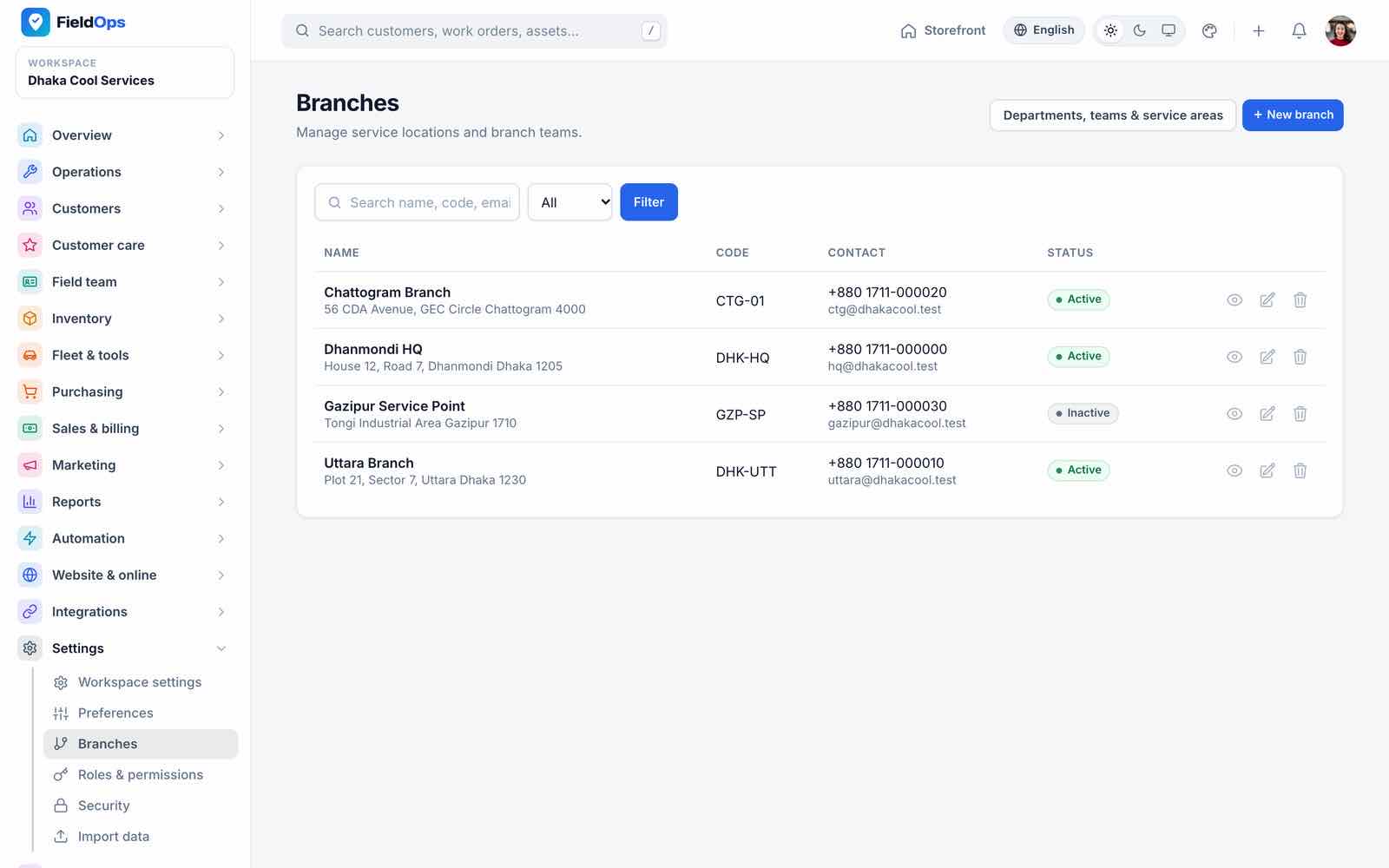
| Settings | Workspace settings, Preferences, Branches, Roles & permissions, Security, Import data |
| Marketplace account (vendors) | Subscription, Verification documents, Platform support, Announcements, Refer a business |
| Marketplace (main company admins) | Vendor approvals, Vendors, Billing, Marketplace settings, Platform console |
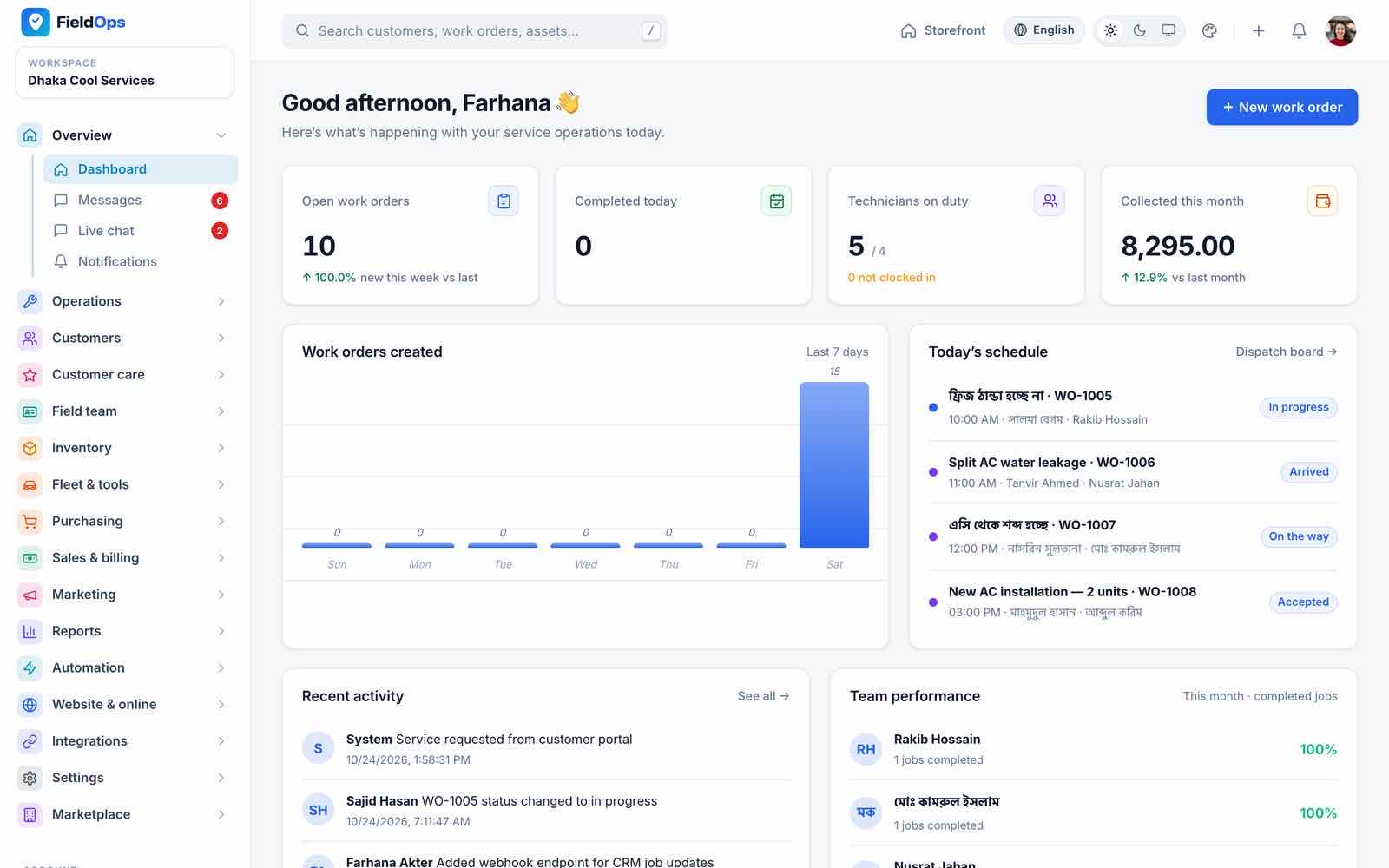
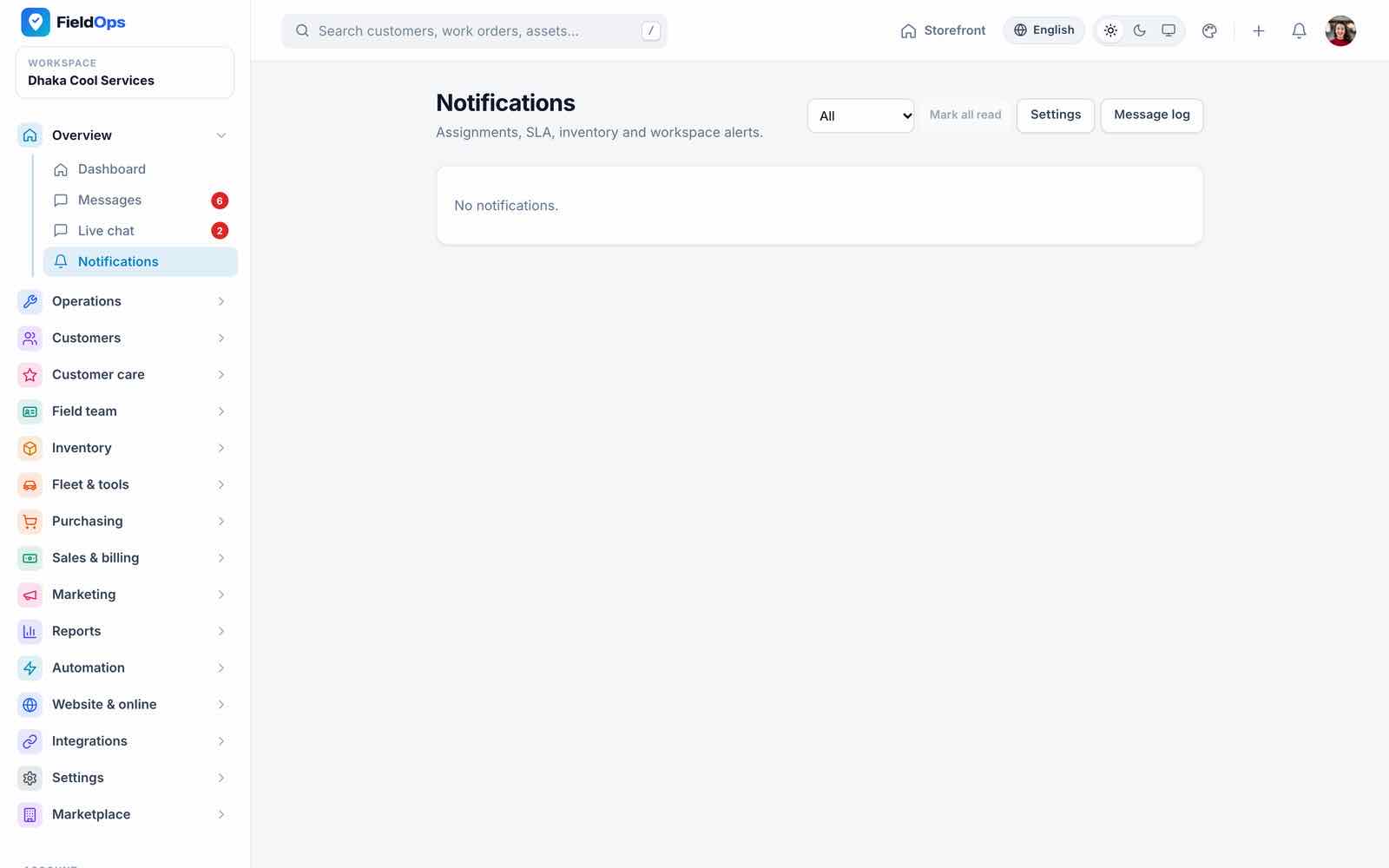
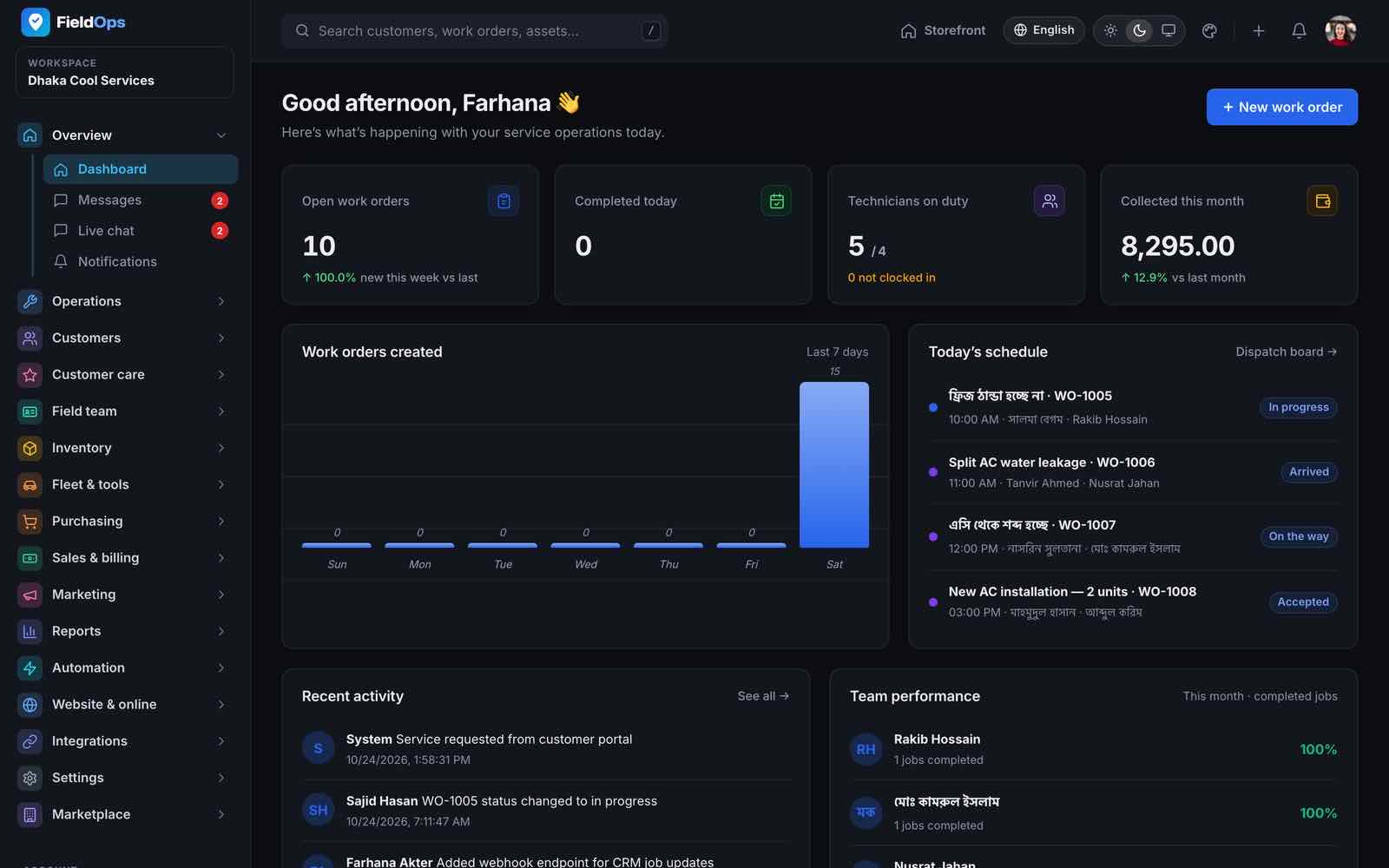
The dashboard shows open work orders, technicians on duty, money collected this month, a 7-day chart, today’s schedule and team performance. Global search finds customers, assets and work orders; the quick-action + menu creates a service request, customer, quotation or invoice from any page; Storefront opens the public website; Messages is the inbox of job conversations; Notifications is the in-app notification centre.
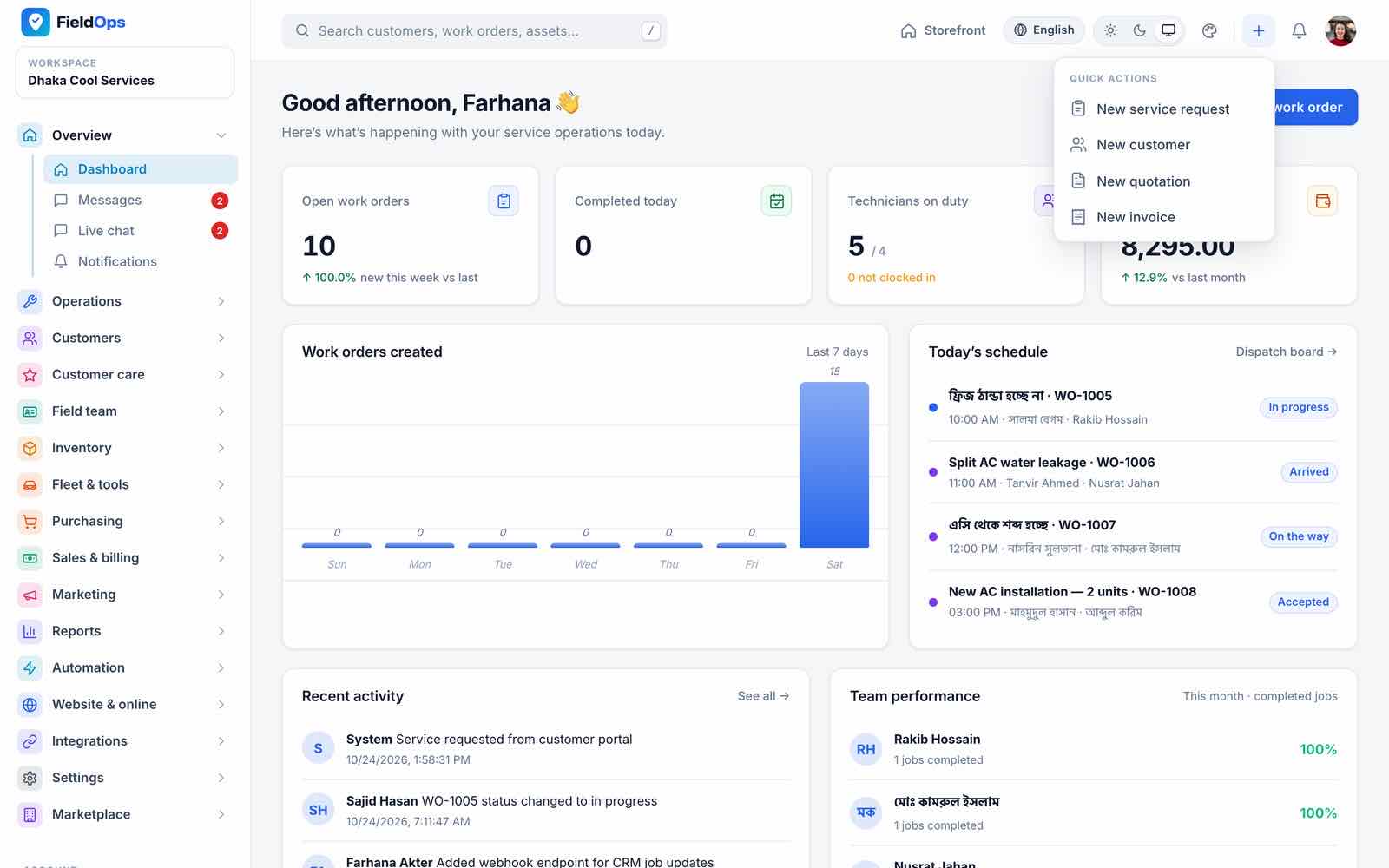
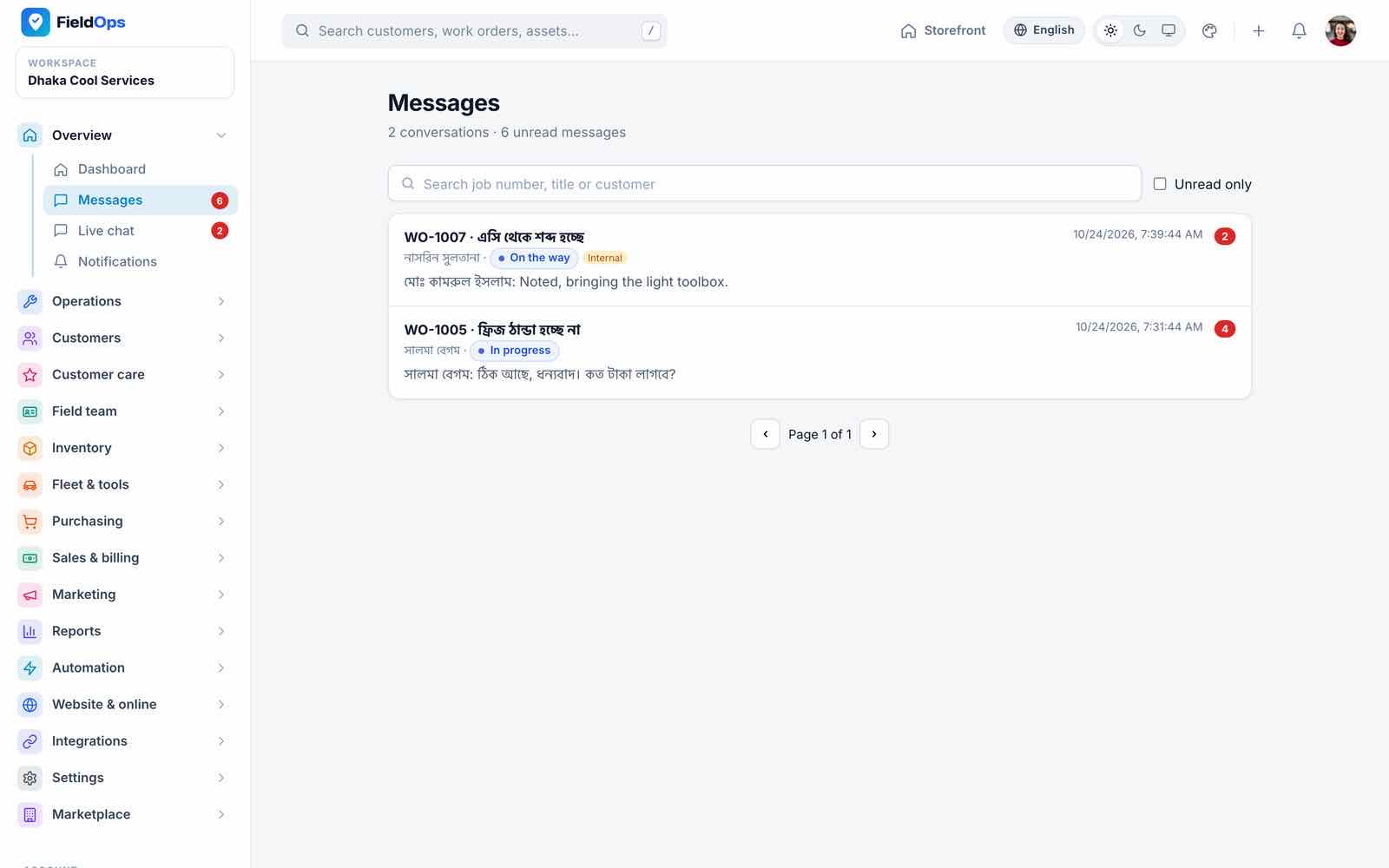
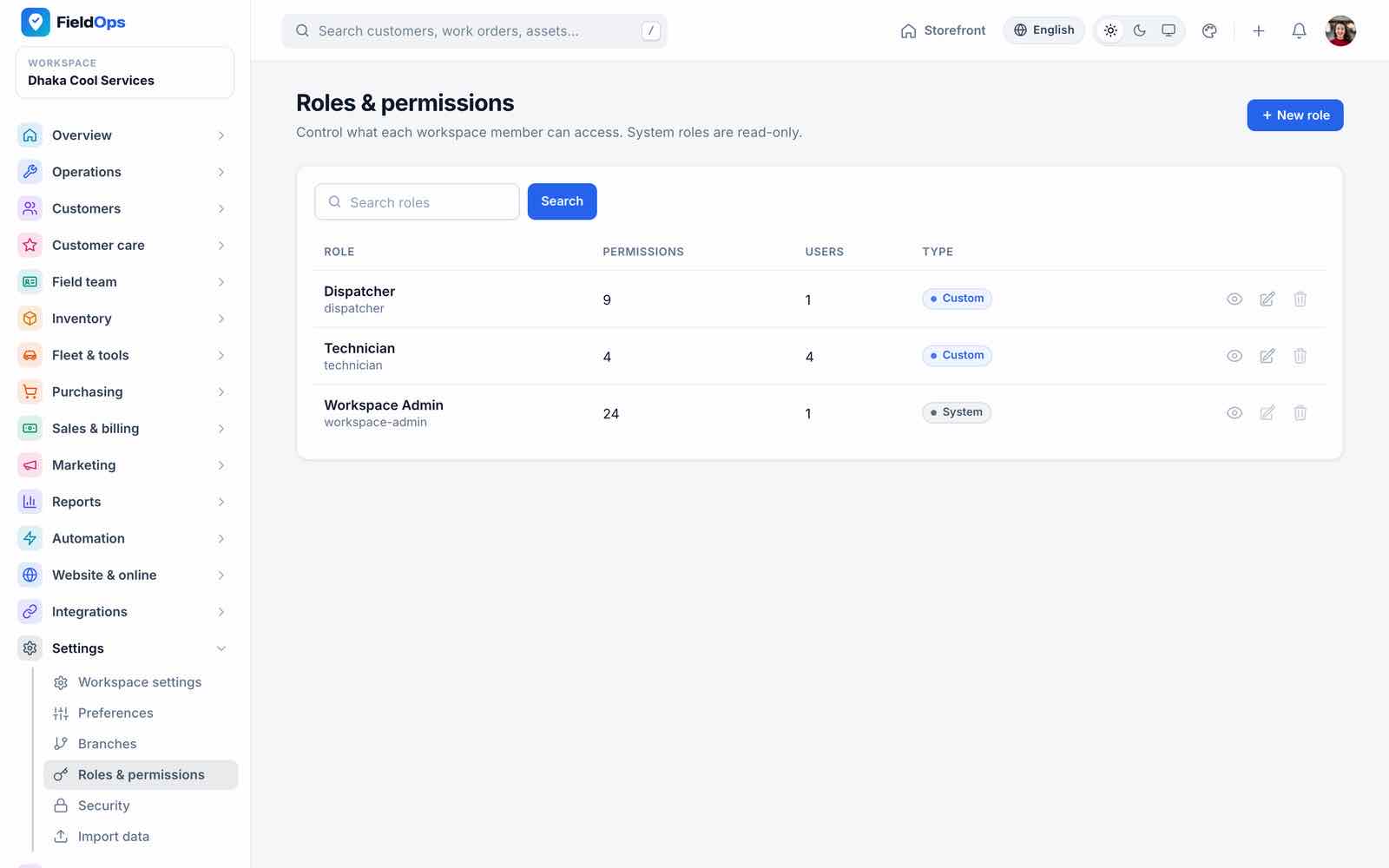
Company roles: the system role Workspace Admin has every permission; you add custom roles from 23 permissions (Settings → Roles & permissions) and can give a user direct extra permissions. The demo adds Dispatcher and Technician roles.
Work Orders & Requests
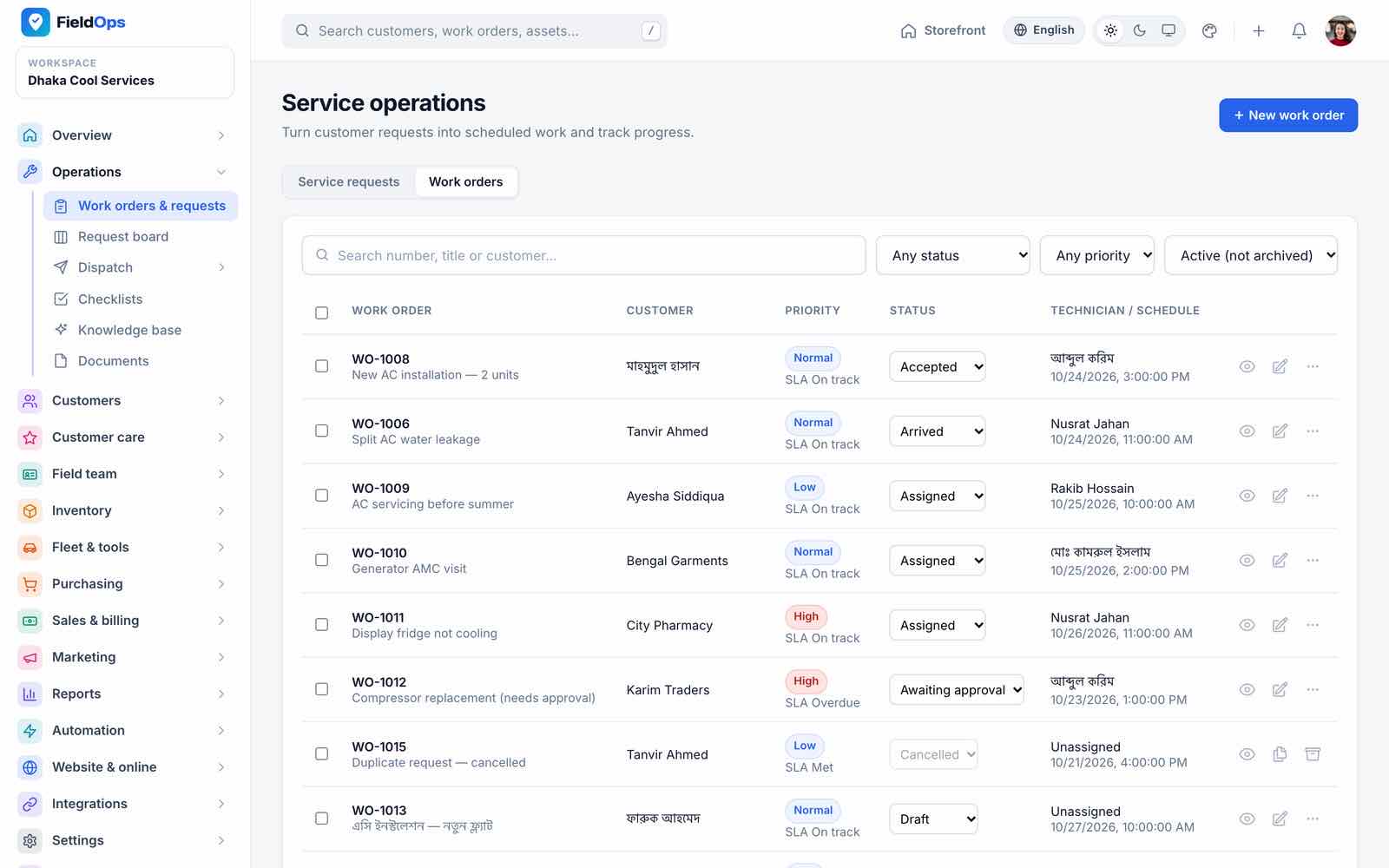
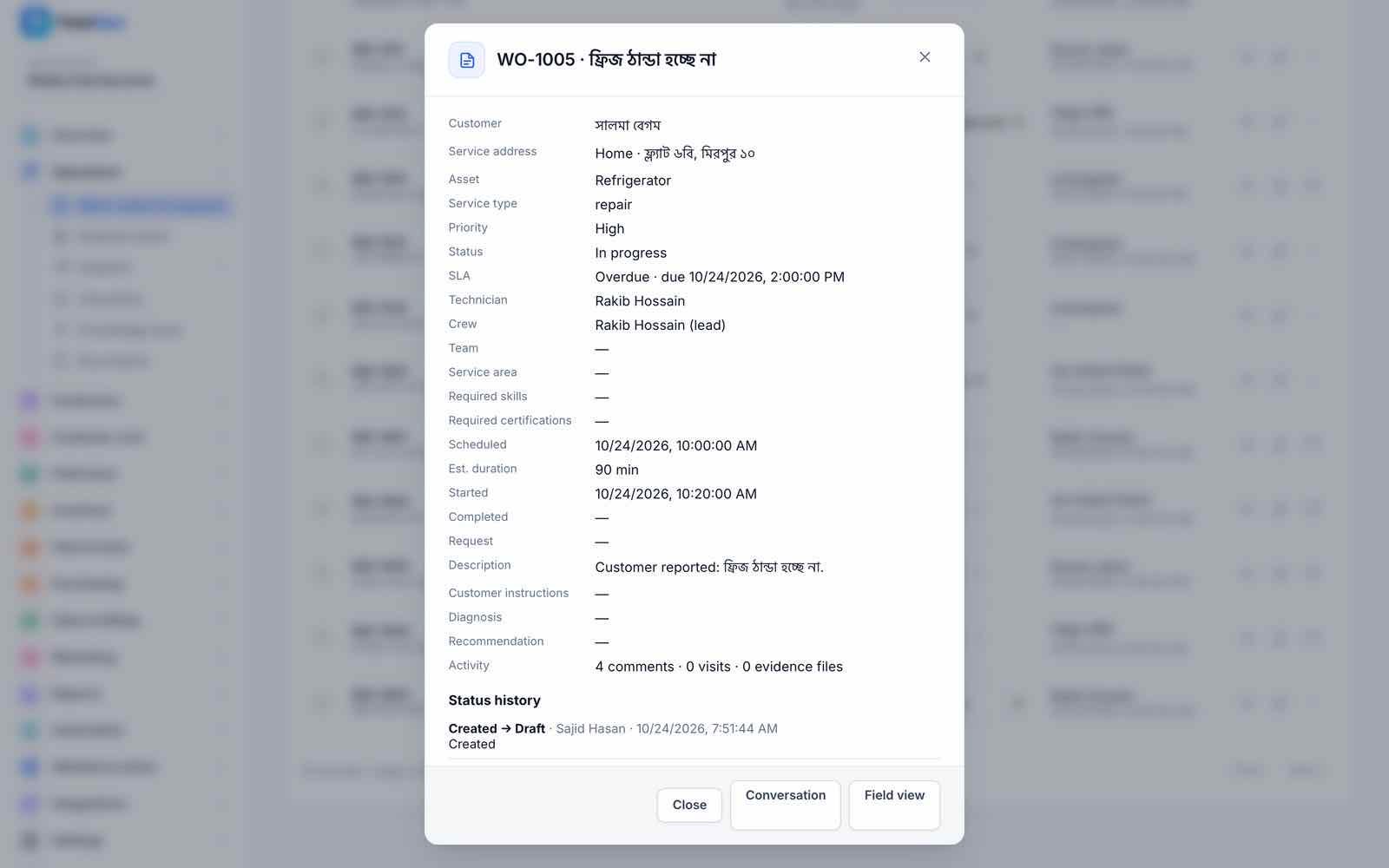
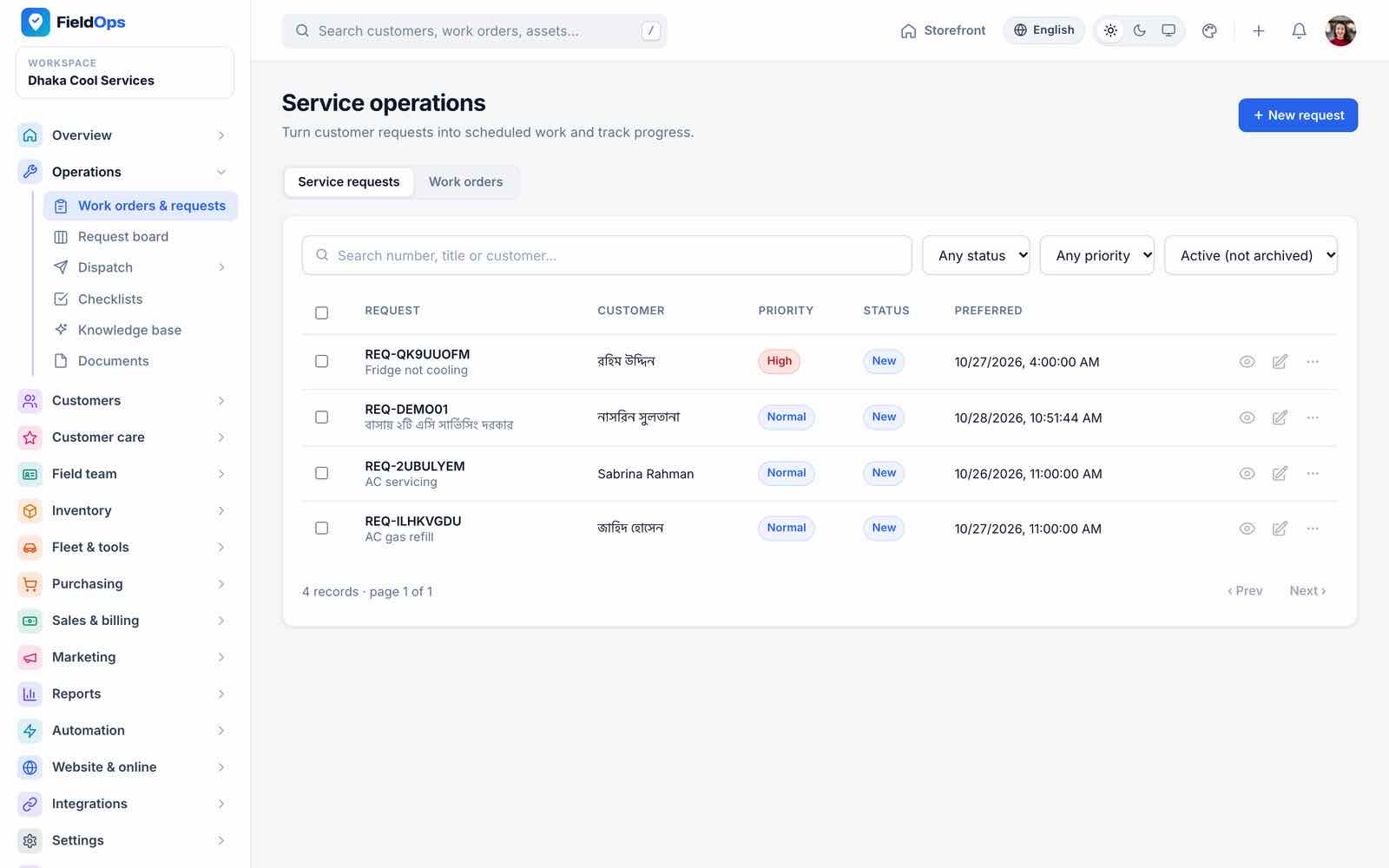
Operations → Work orders & requests (/company/operations) holds service requests and work orders. A request (from the phone, the portal, online booking or the website) is triaged, quoted and converted into a work order. Work orders carry the customer, service address, asset, priority, SLA due time (defaults: emergency 1 h, high 4 h, normal 24 h, low 72 h), crew, schedule, checklist and status history.
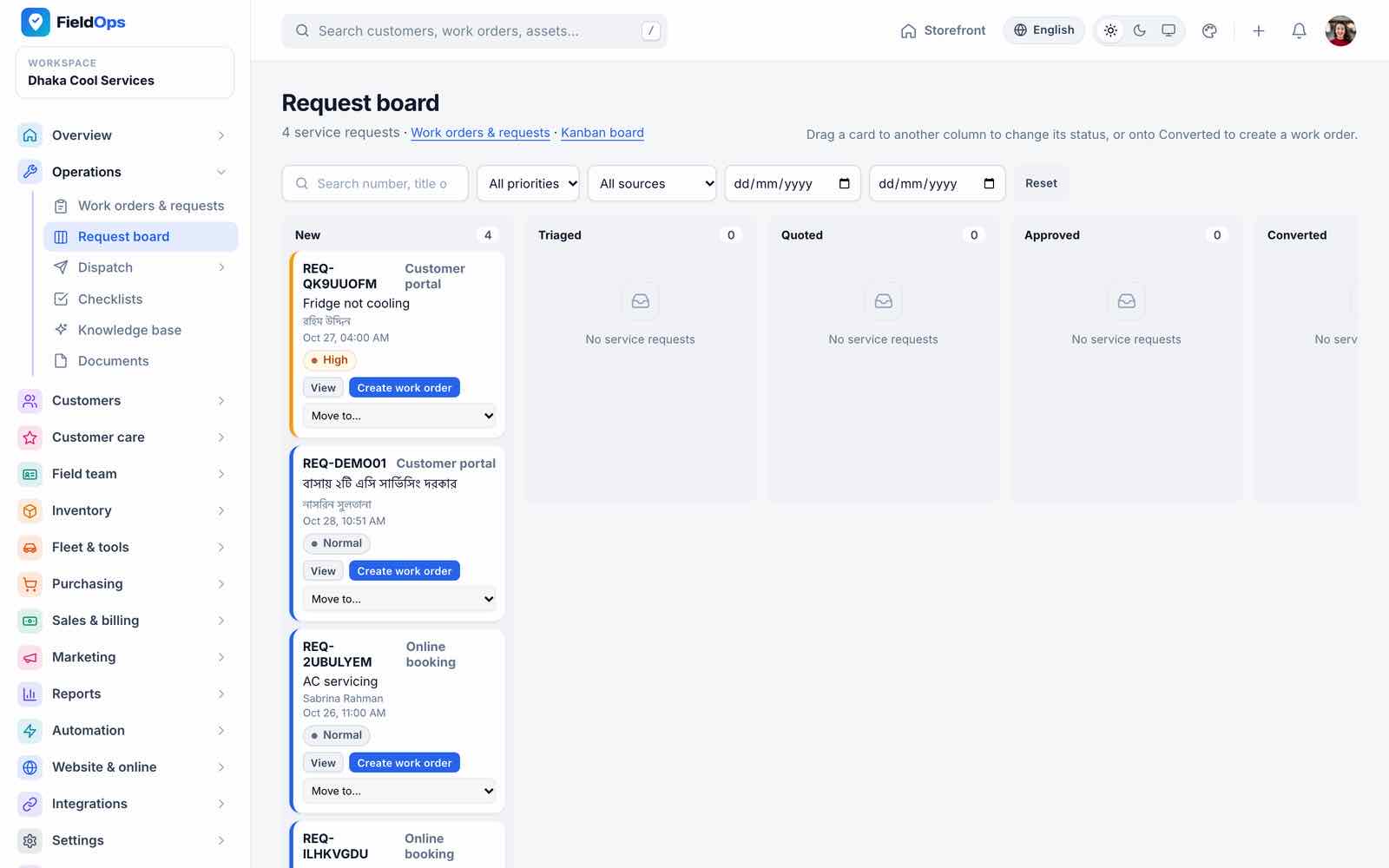
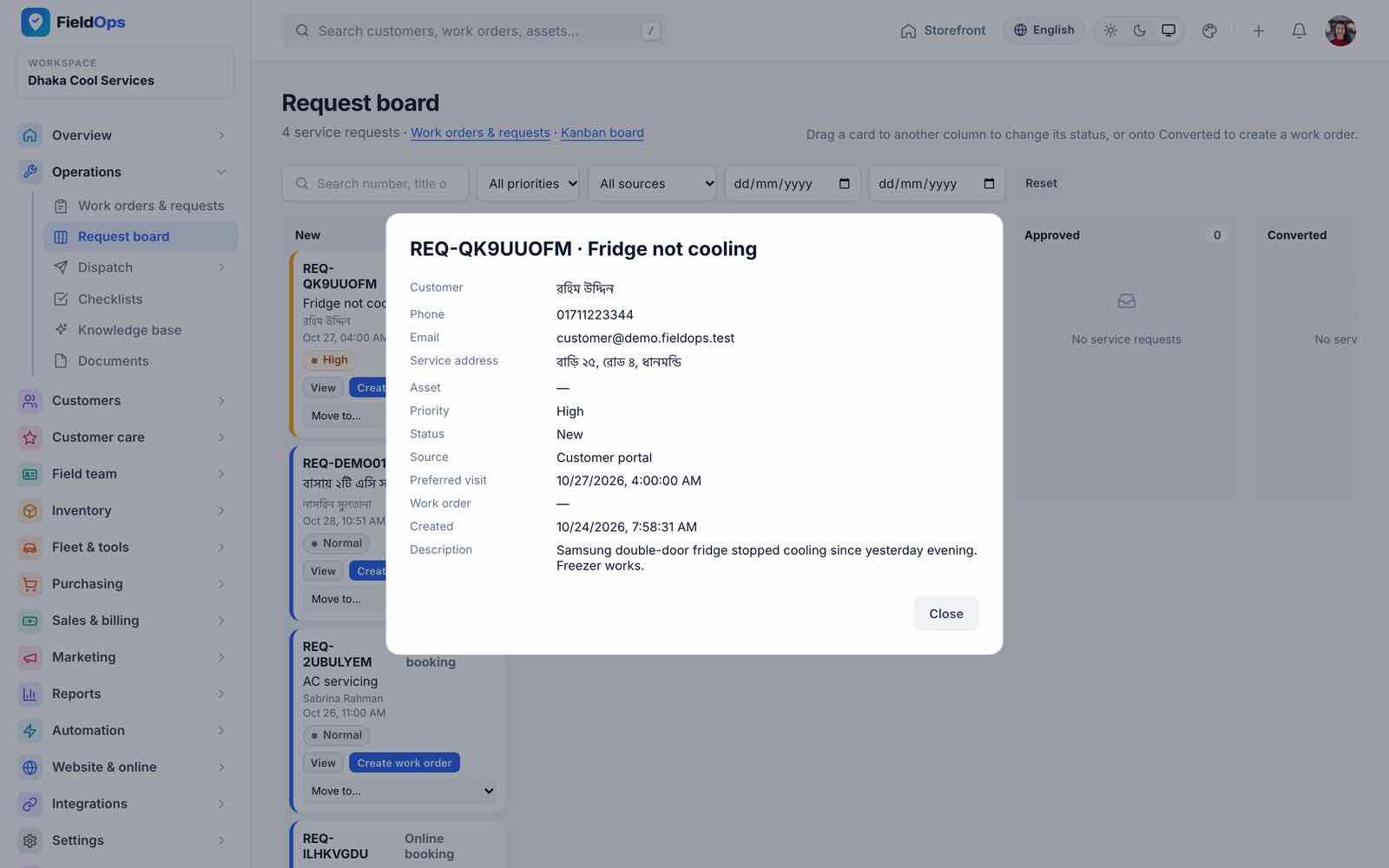
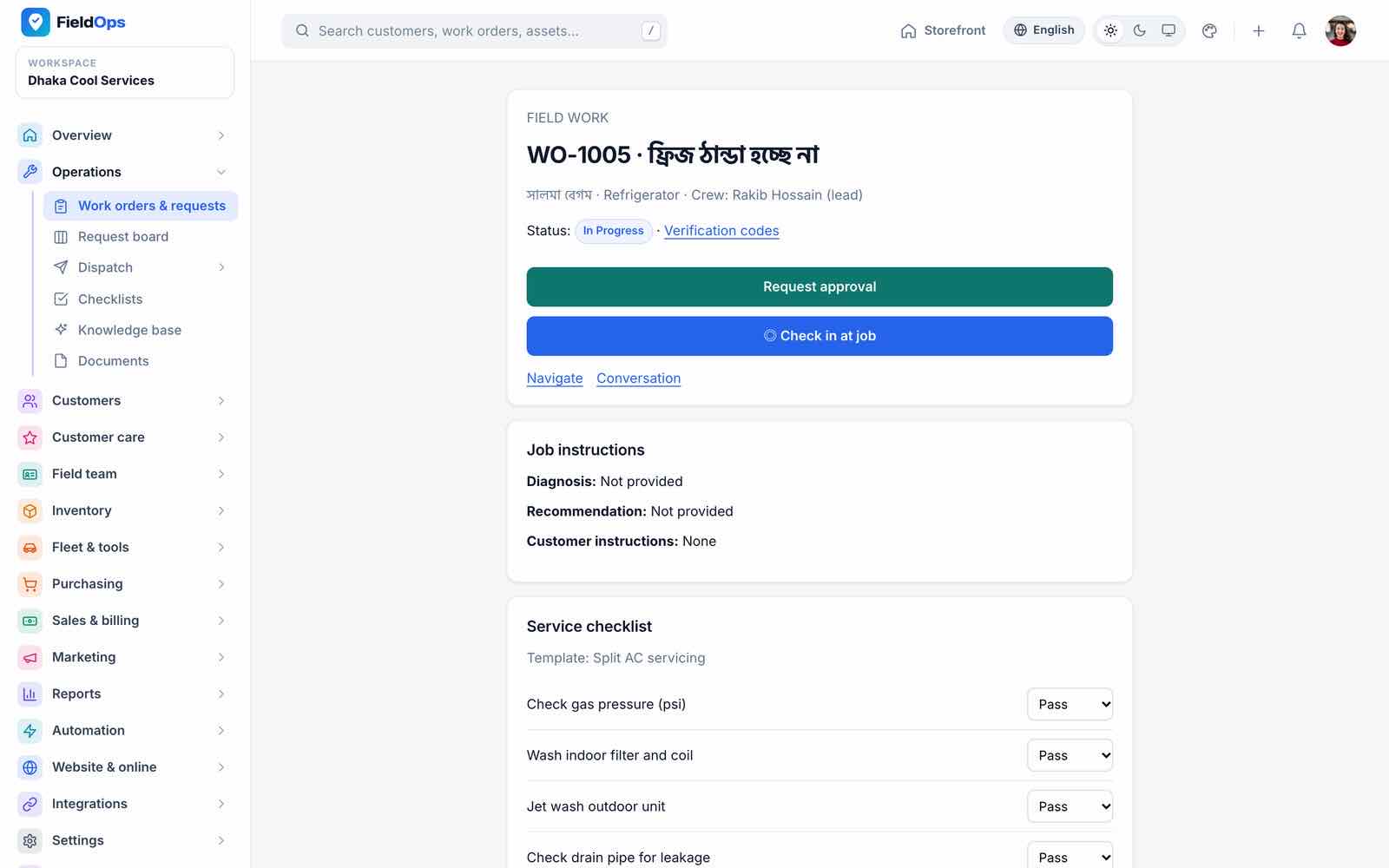
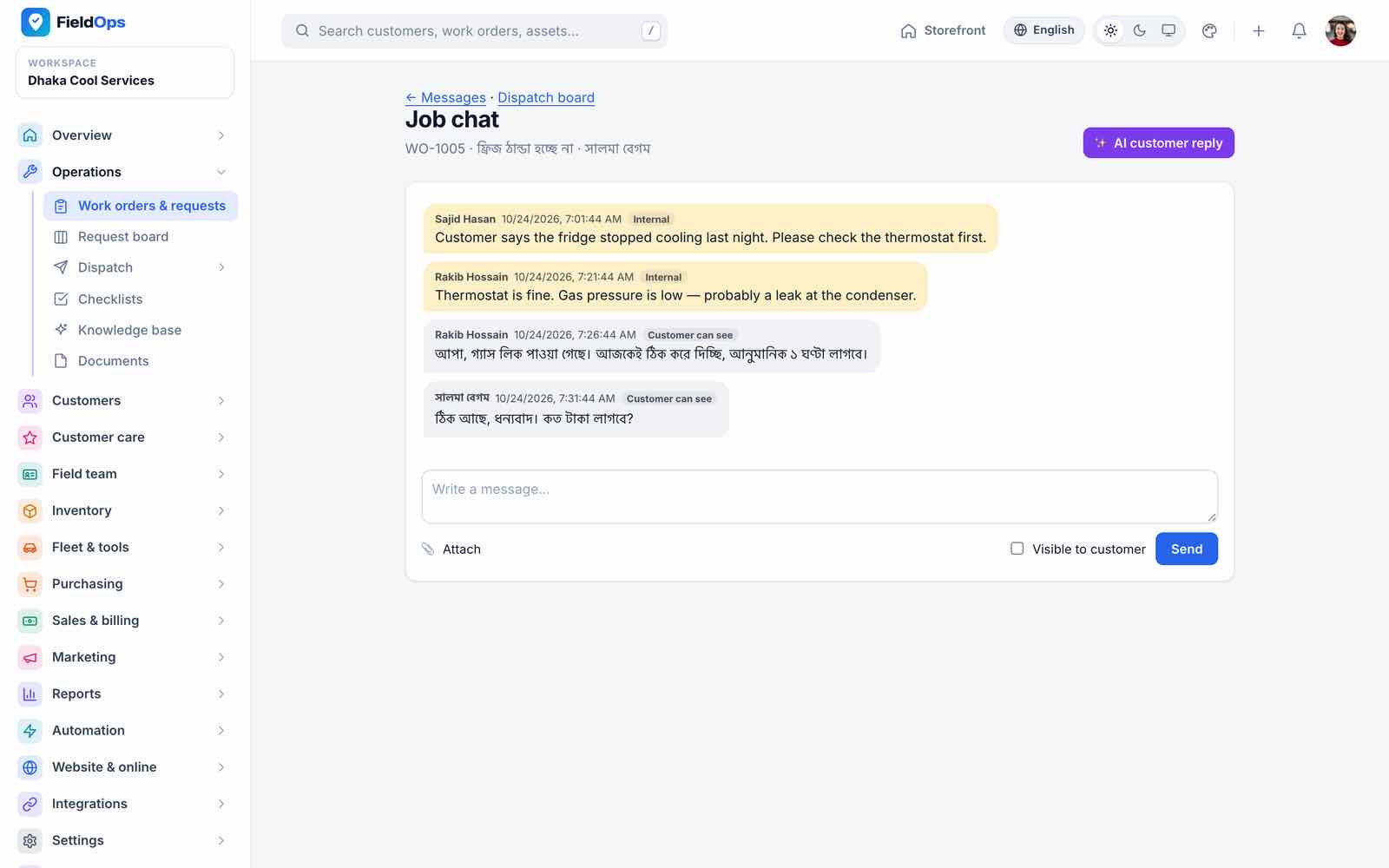
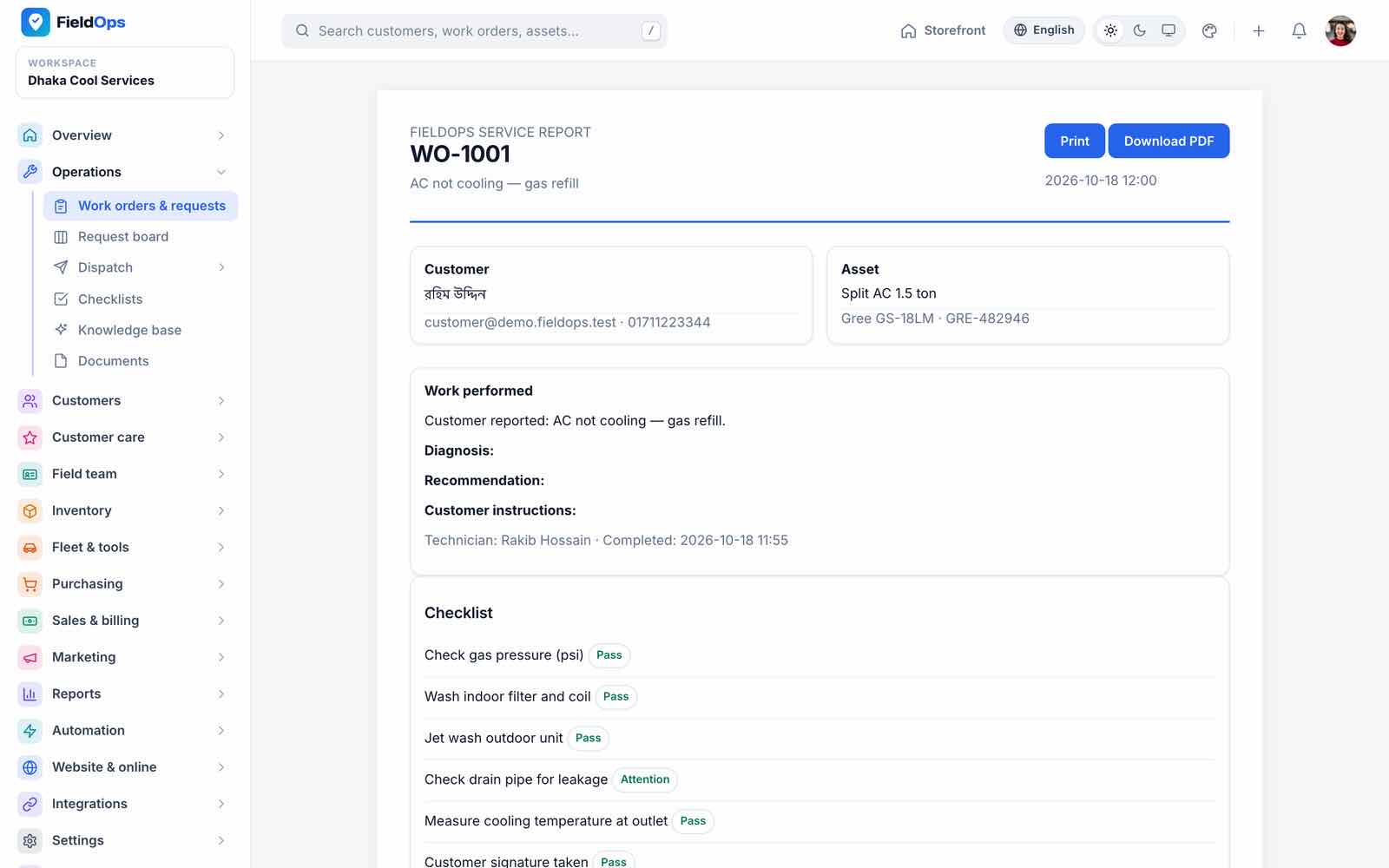
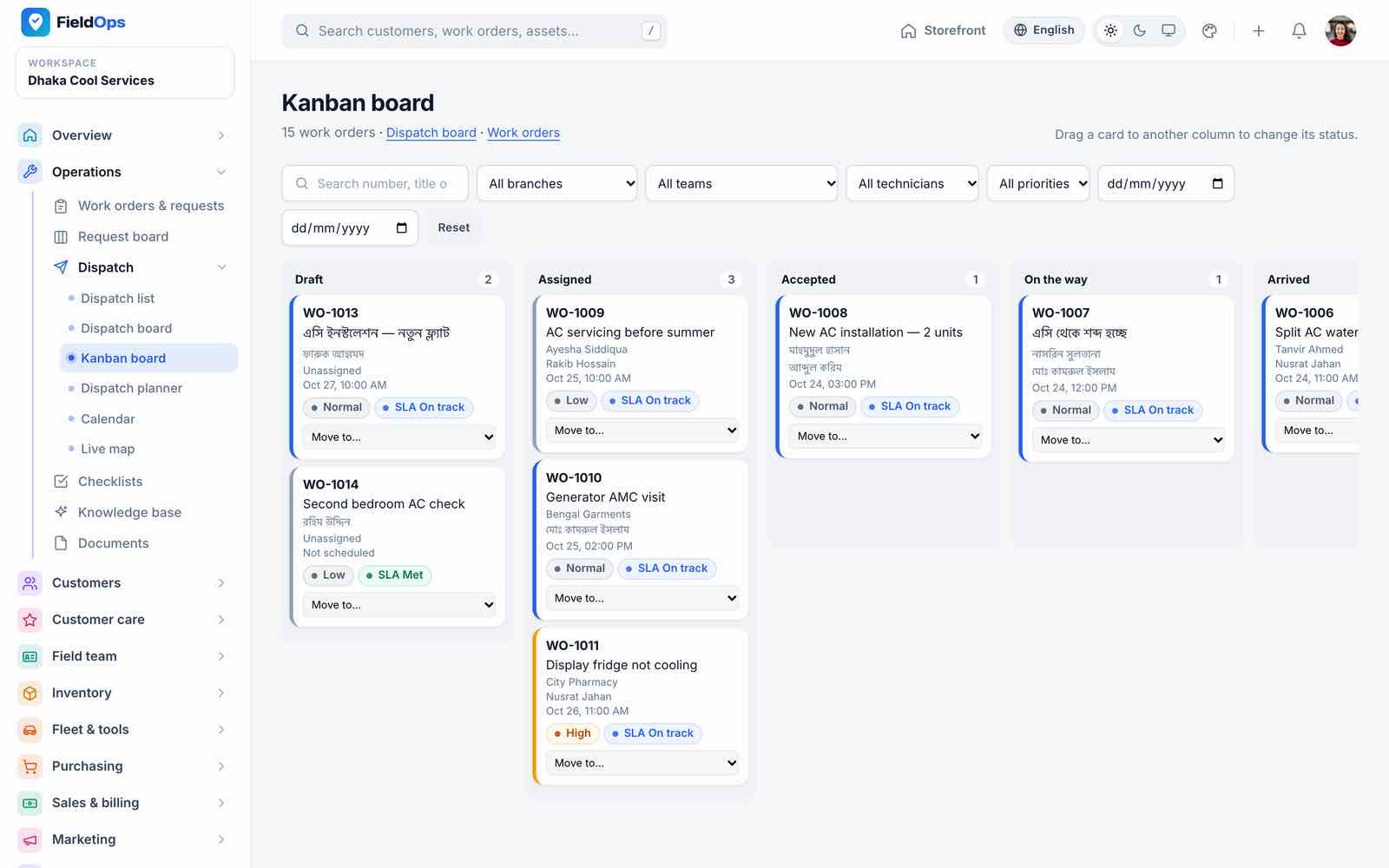
Statuses follow the field flow: assigned → accepted → on the way → arrived → in progress → awaiting approval → completed; invalid jumps are refused. The Request board is a kanban of requests (New, Triaged, Quoted, Approved, Converted); View on a card opens the request details without changing its status. A request converts into one work order only, and the work order keeps the booking’s team and service area. Several technicians can check in to the same job. Each job also has a field view (status actions, instructions, checklist), a conversation (internal notes and customer messages), verification codes for arrival and completion, and a printable service report with checklist results and signatures.
Dispatch
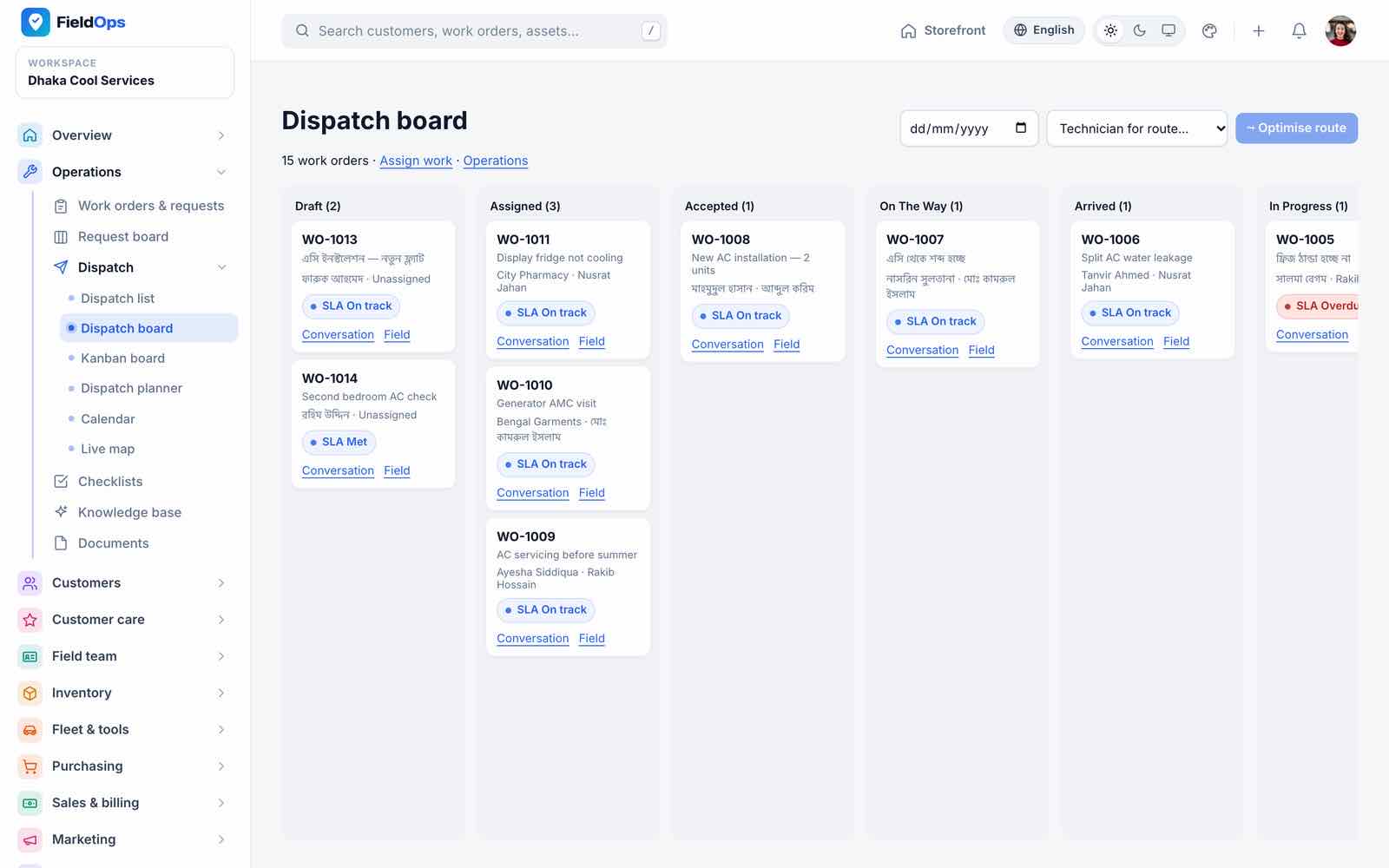
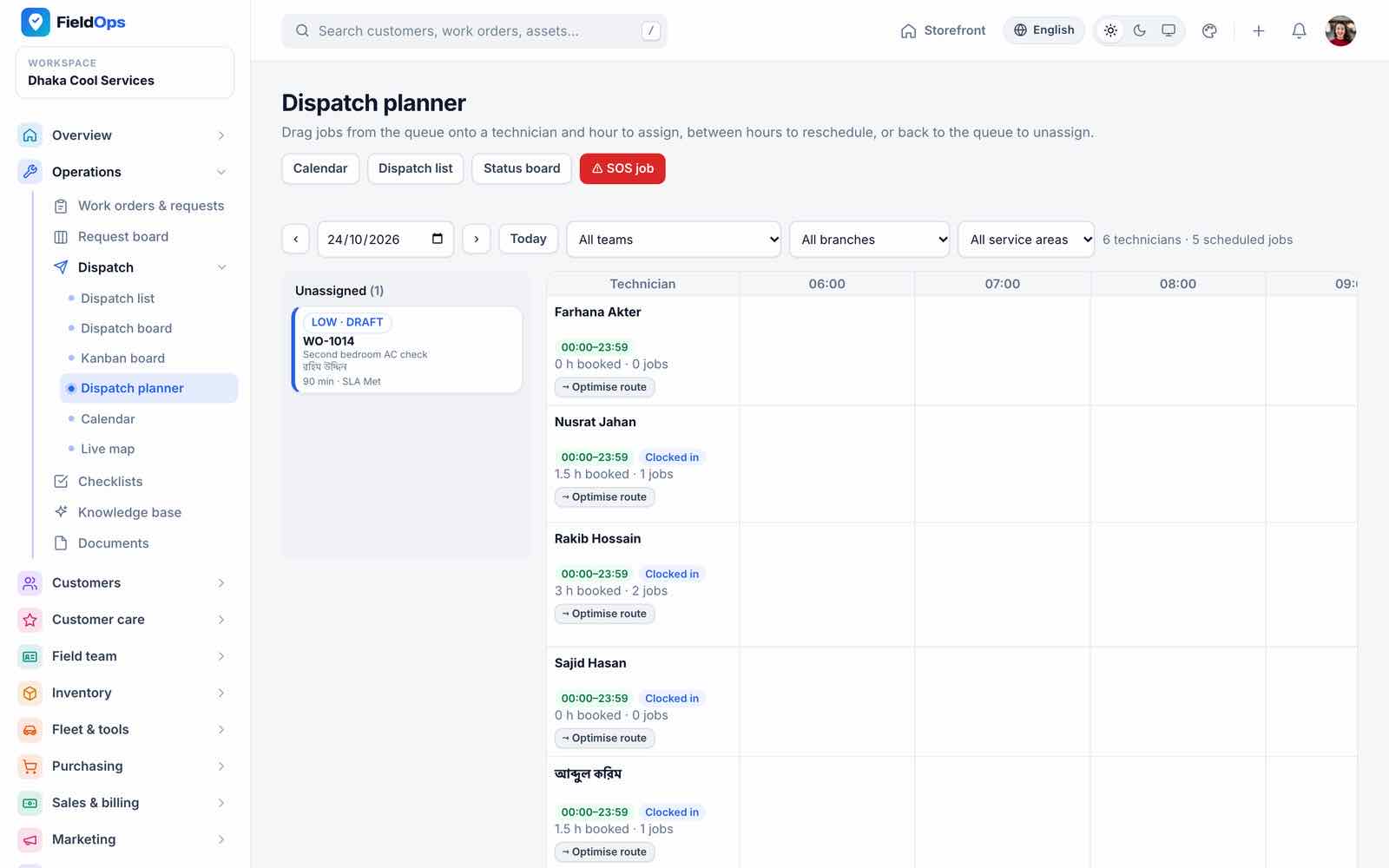
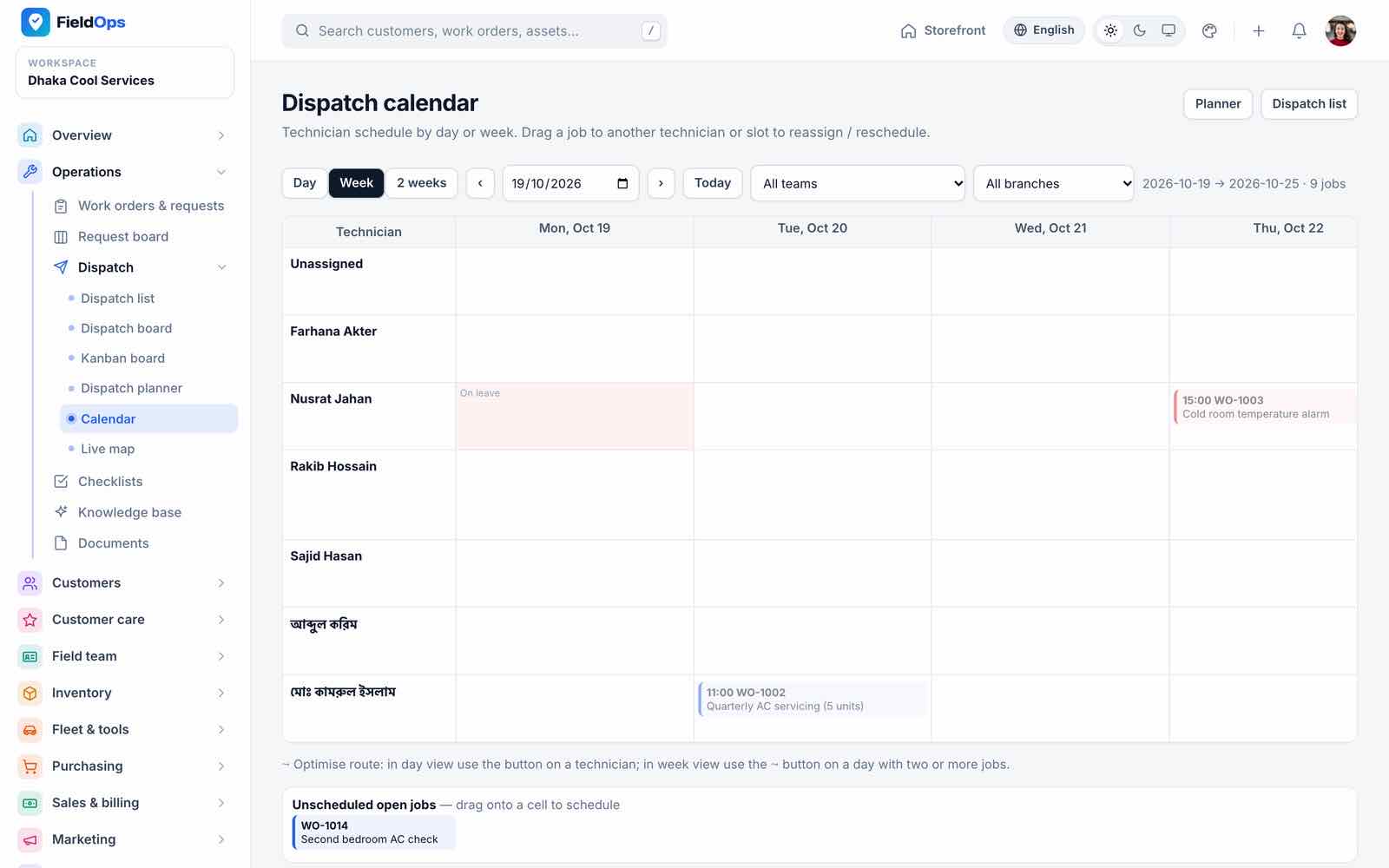
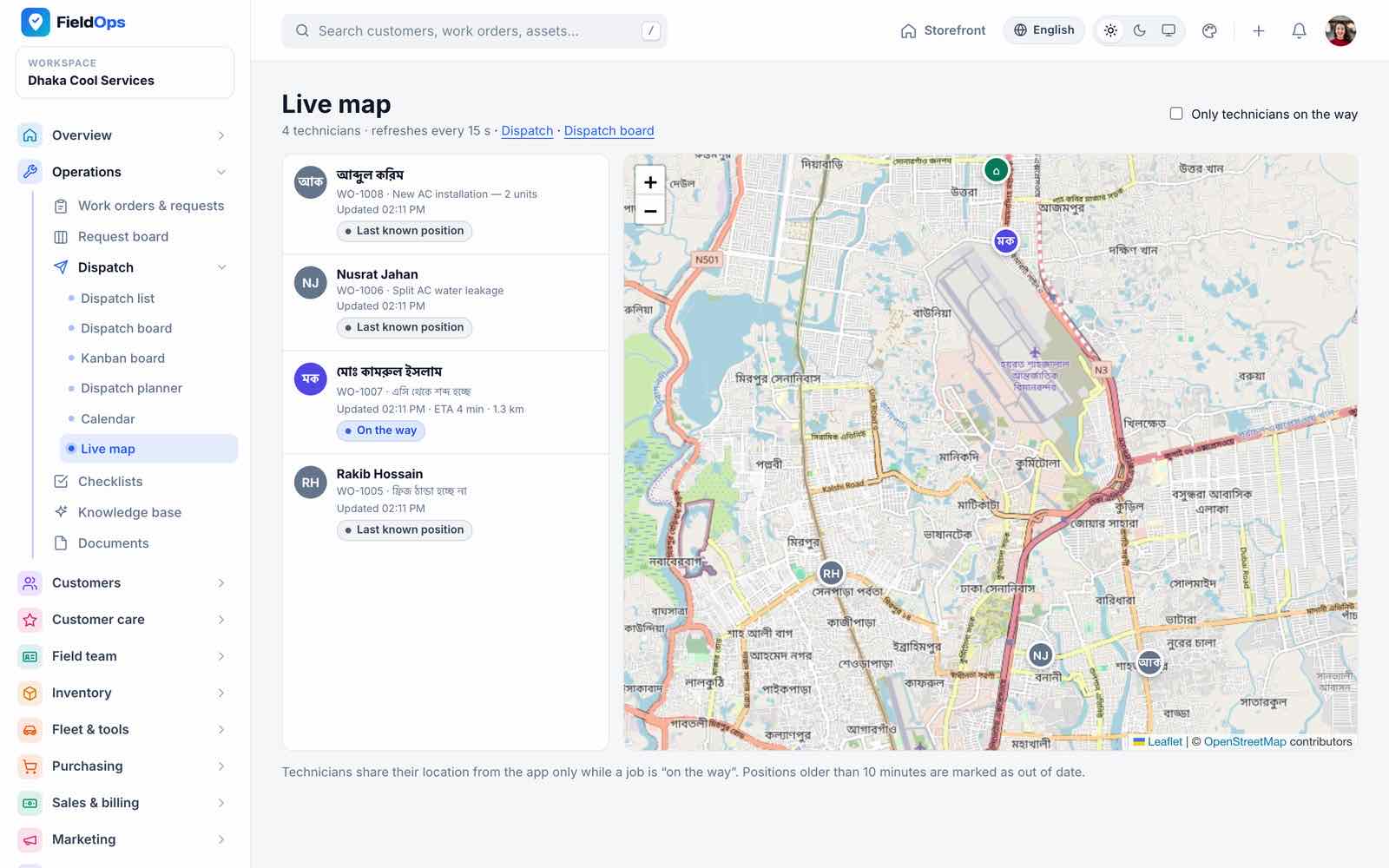
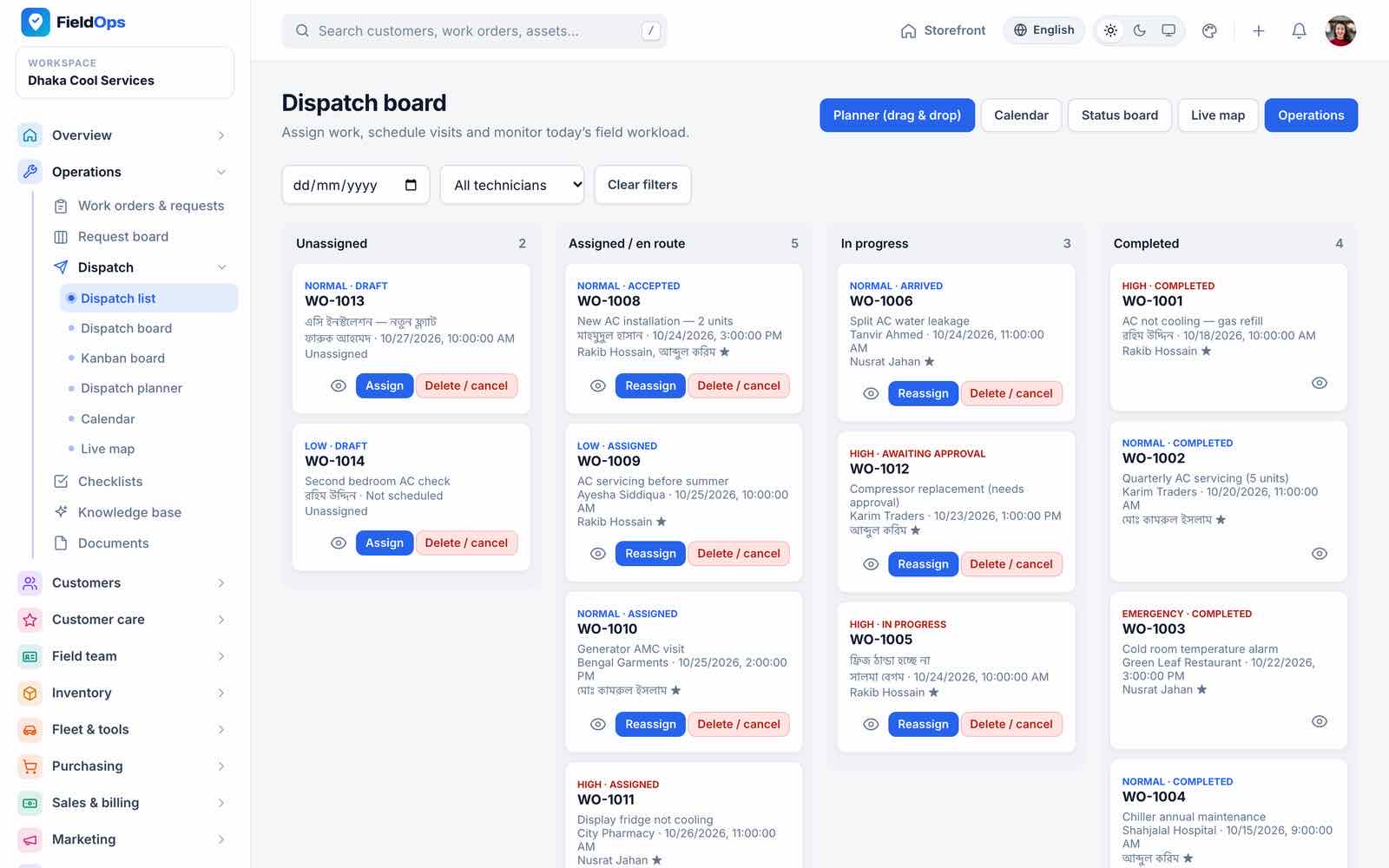
Six dispatch views (/company/dispatch/…, permission work-orders.manage):
| View | What it does |
|---|---|
| Dispatch list | Unassigned, assigned, in progress and completed columns |
| Dispatch board | Status columns with job cards, SLA badges and links to the conversation and field view |
| Kanban board | Drag a work order to a new status |
| Dispatch planner | Unassigned queue plus a timeline per technician with check-in status; assign with suggested technicians (skills, availability) |
| Calendar | Technician × day week view |
| Live map | Technicians’ last positions on an OpenStreetMap map, jobs on the way with ETA |
Route optimisation orders a technician’s stops by straight-line (haversine) distance or by road distance from an OSRM server (Maps & Routing).
Checklists, Knowledge Base, Documents
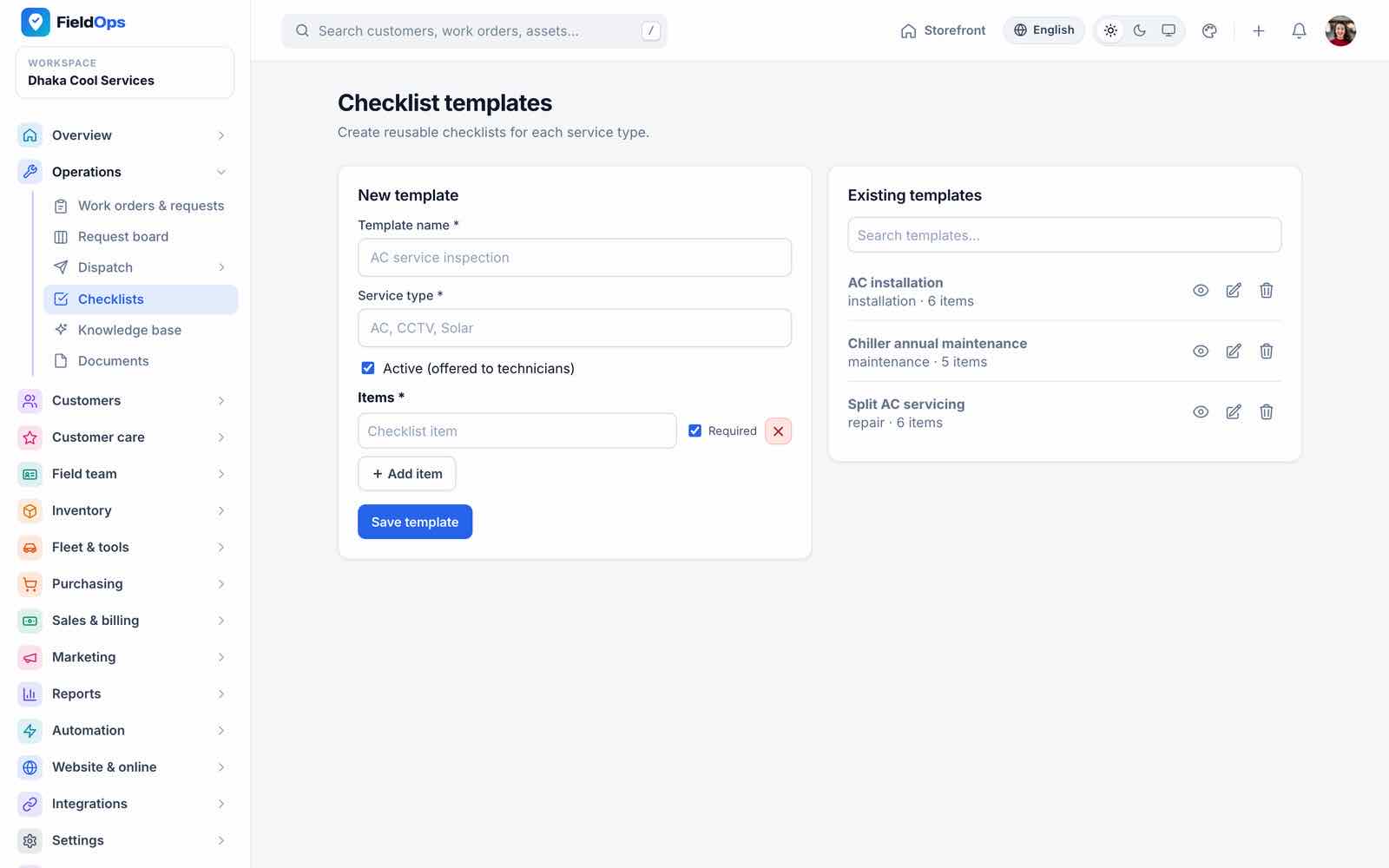
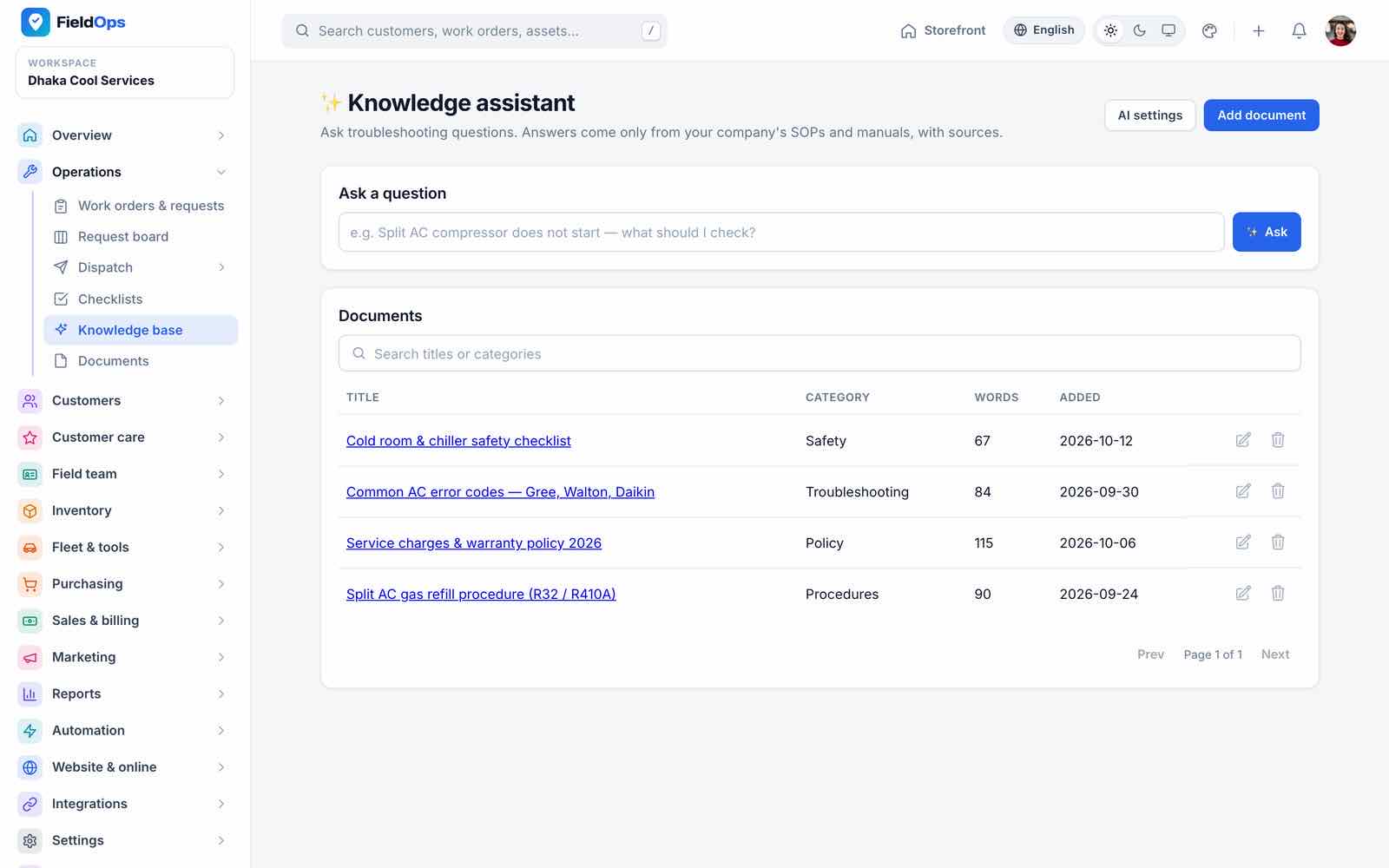
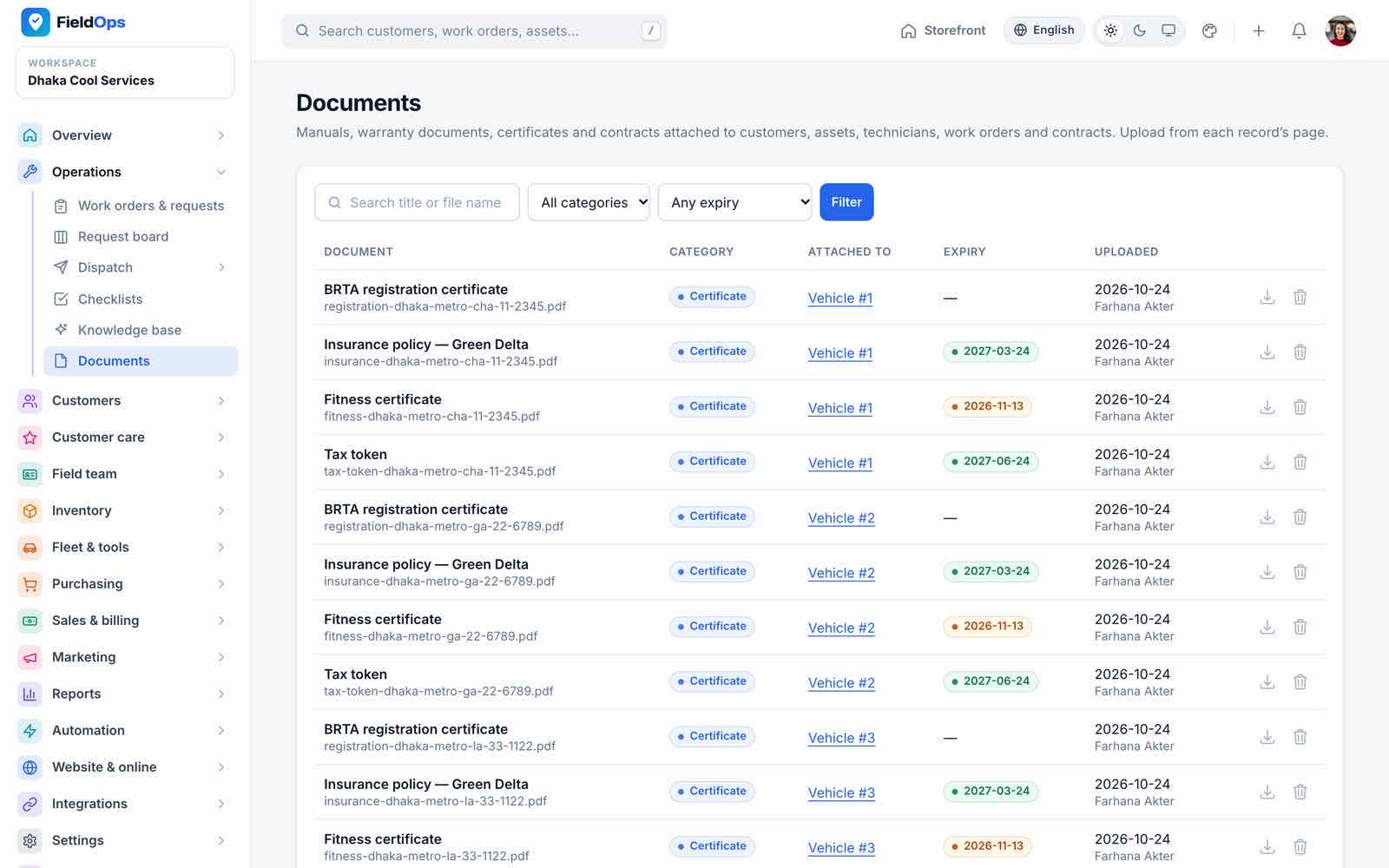
Checklists are reusable templates (for example AC installation, split AC servicing) that technicians fill in on the job; the AI assistant can draft one. Knowledge base answers technicians’ questions from uploaded SOPs and manuals (AI Assistant). Documents stores files such as vehicle certificates, insurance and tax tokens with expiry badges.
Customers, Assets, Contracts
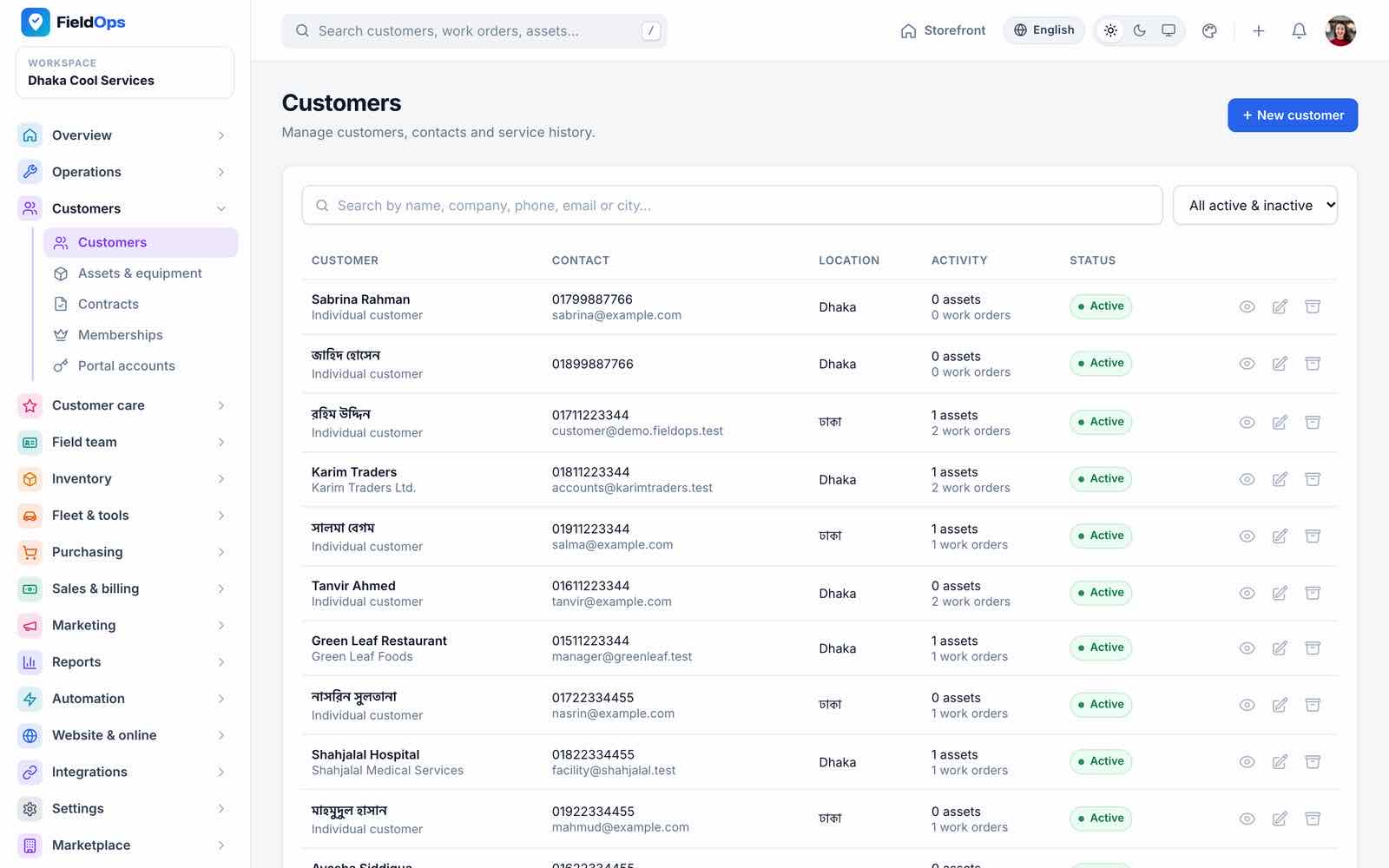
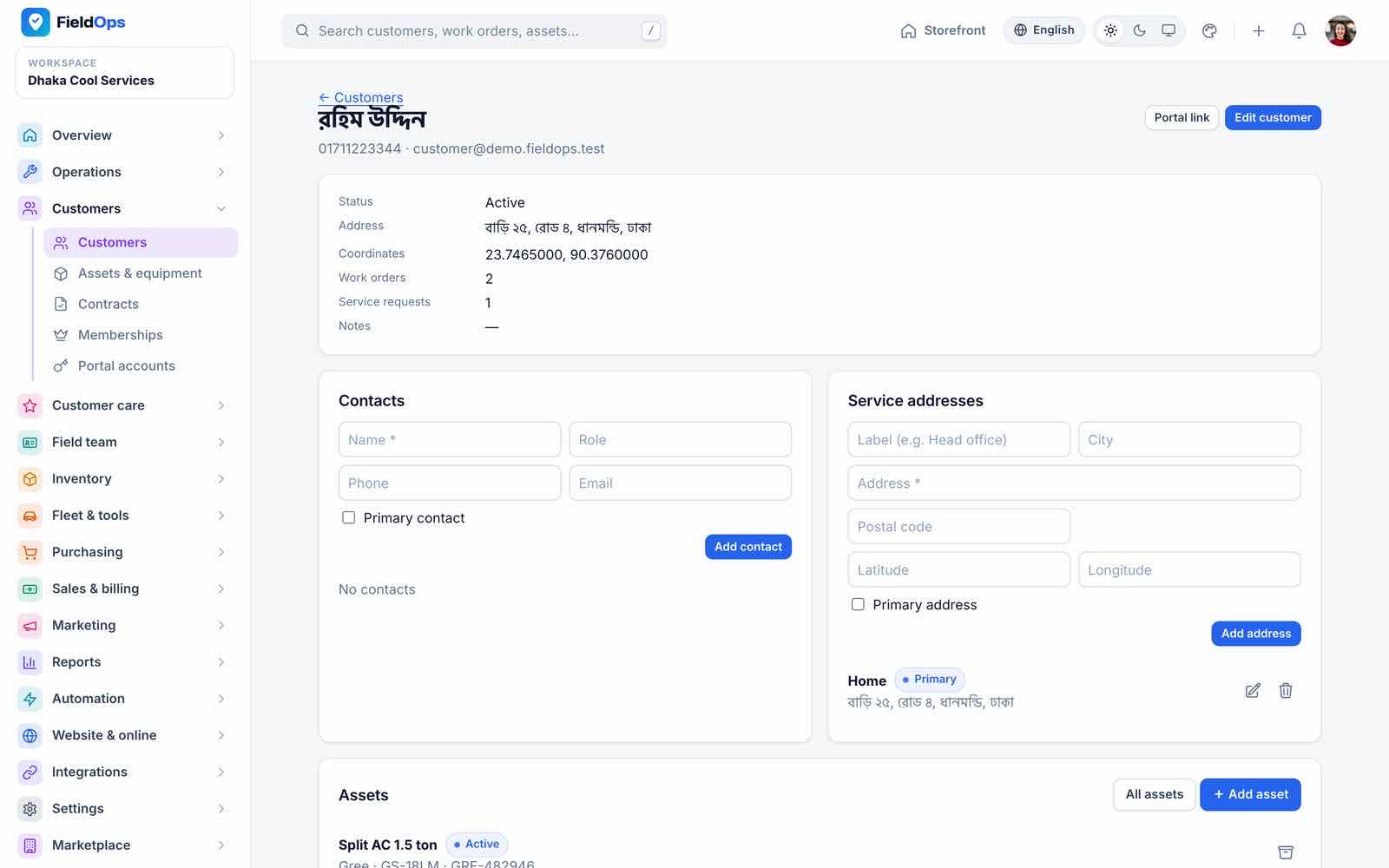
- Customers: list with contact, location, activity and status; the profile holds contacts, service addresses with map coordinates, assets, jobs, invoices, notes, custom fields and communication consent.
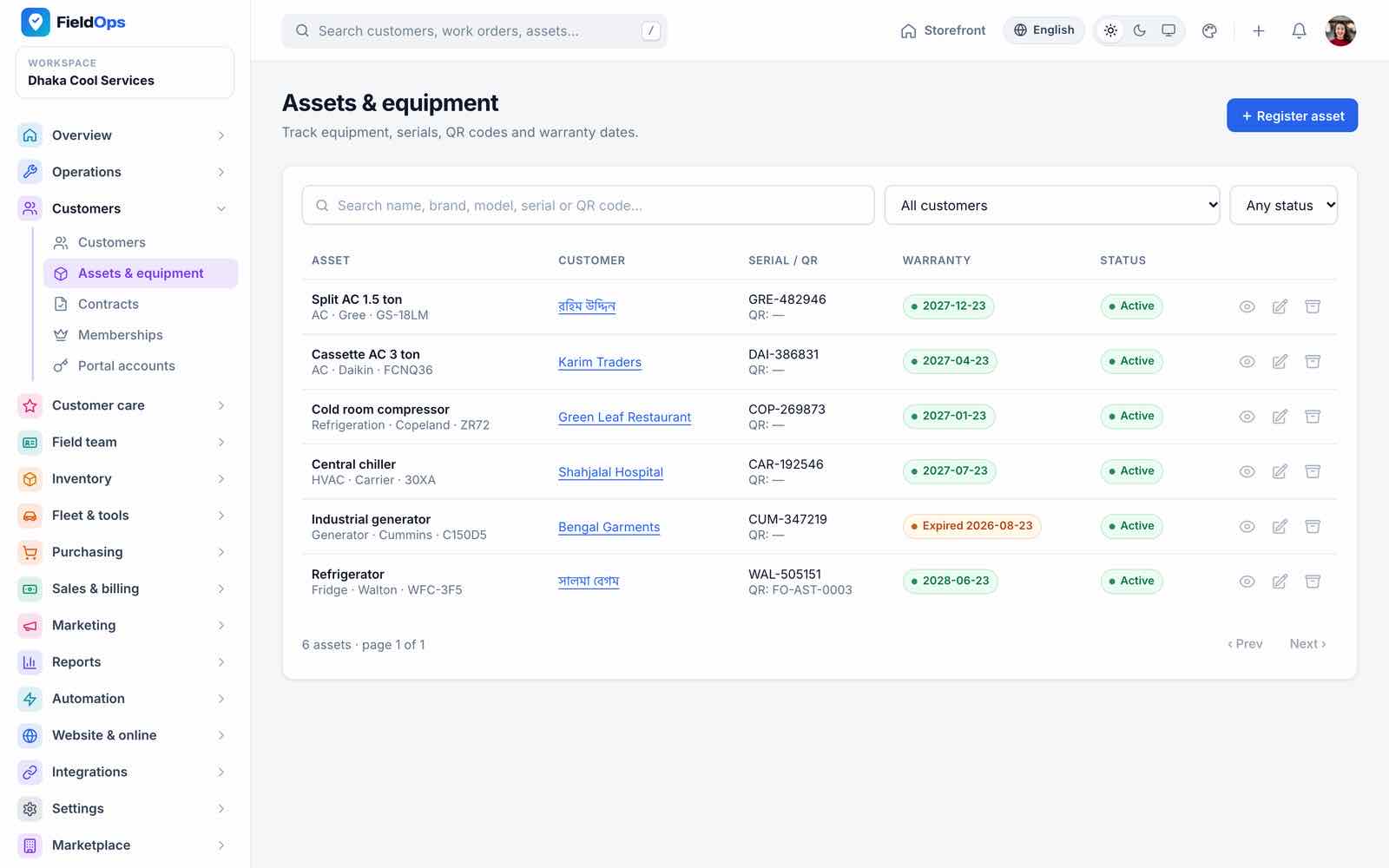
- Assets & equipment: customer equipment with serial number, QR code, warranty and status; technicians scan the QR in the app.
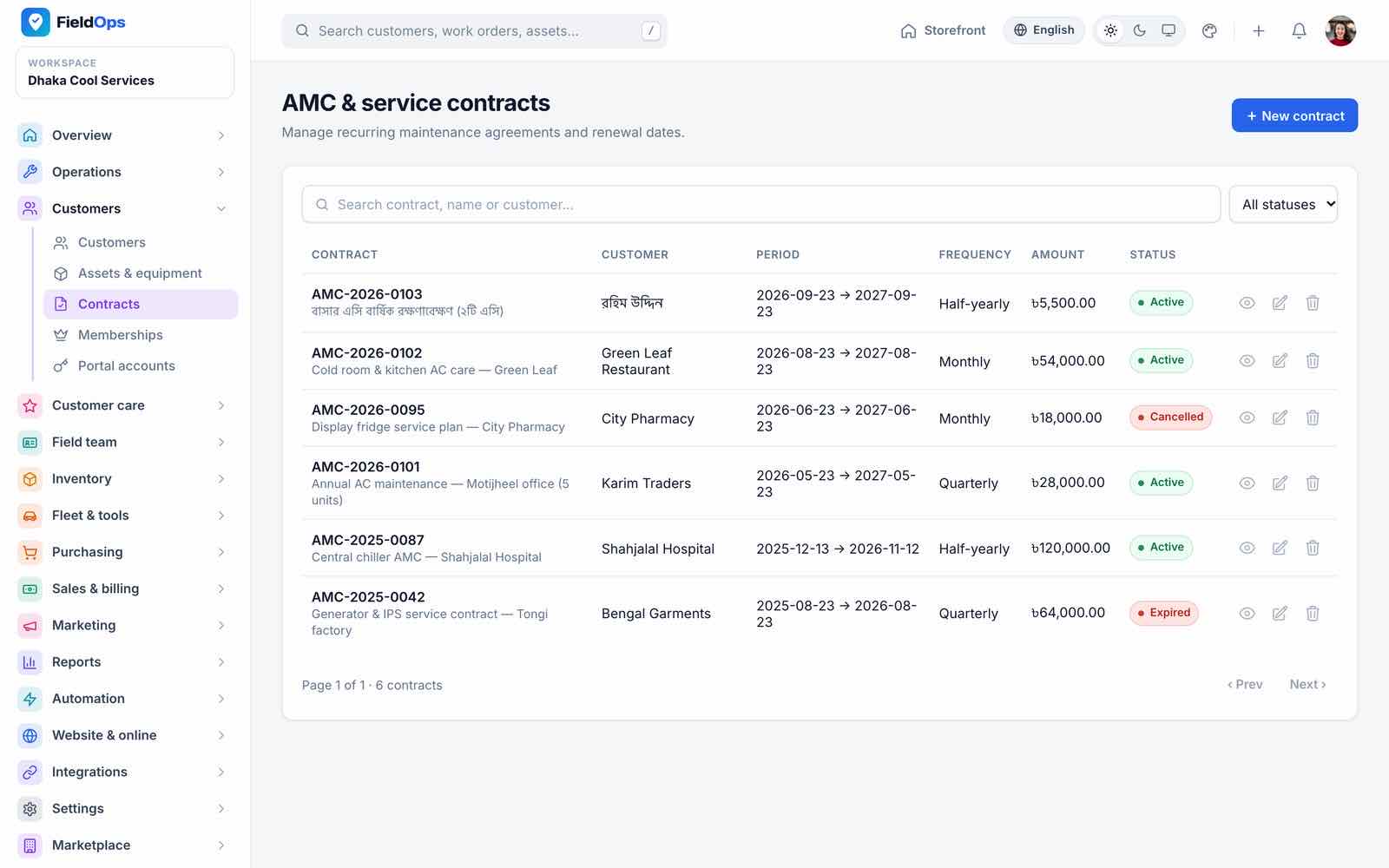
- Contracts: AMC and service contracts with period, visit frequency and amount; maintenance work orders are generated from them (
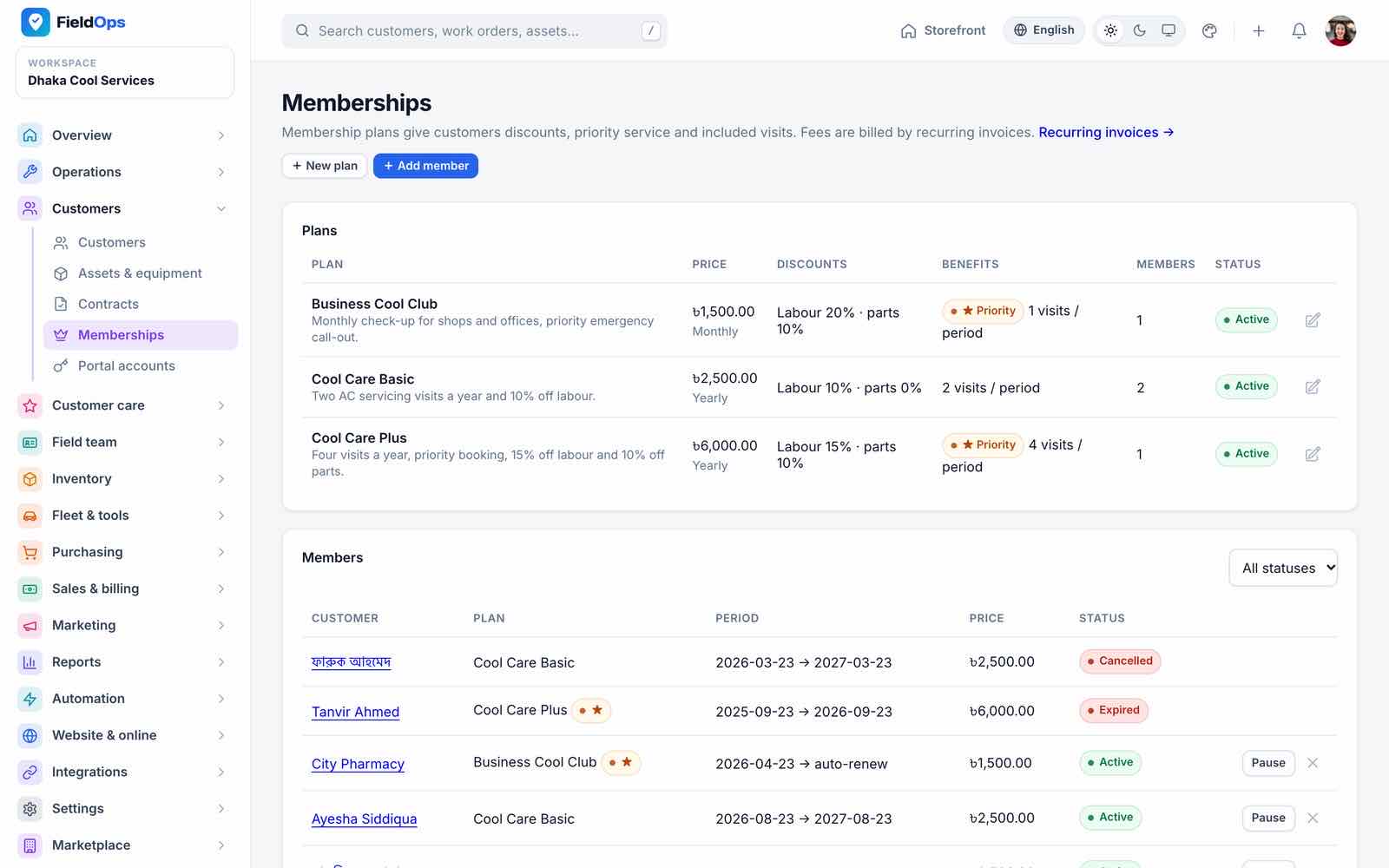
fieldops:generate-maintenance, daily) and expiry reminders sent. Saving a contract re-syncs its maintenance schedule (asset, frequency, dates, status); an inactive contract closes it, and visits already generated are never duplicated. - Memberships: customer membership plans (discounts, included visits) and members, also sold on the website’s
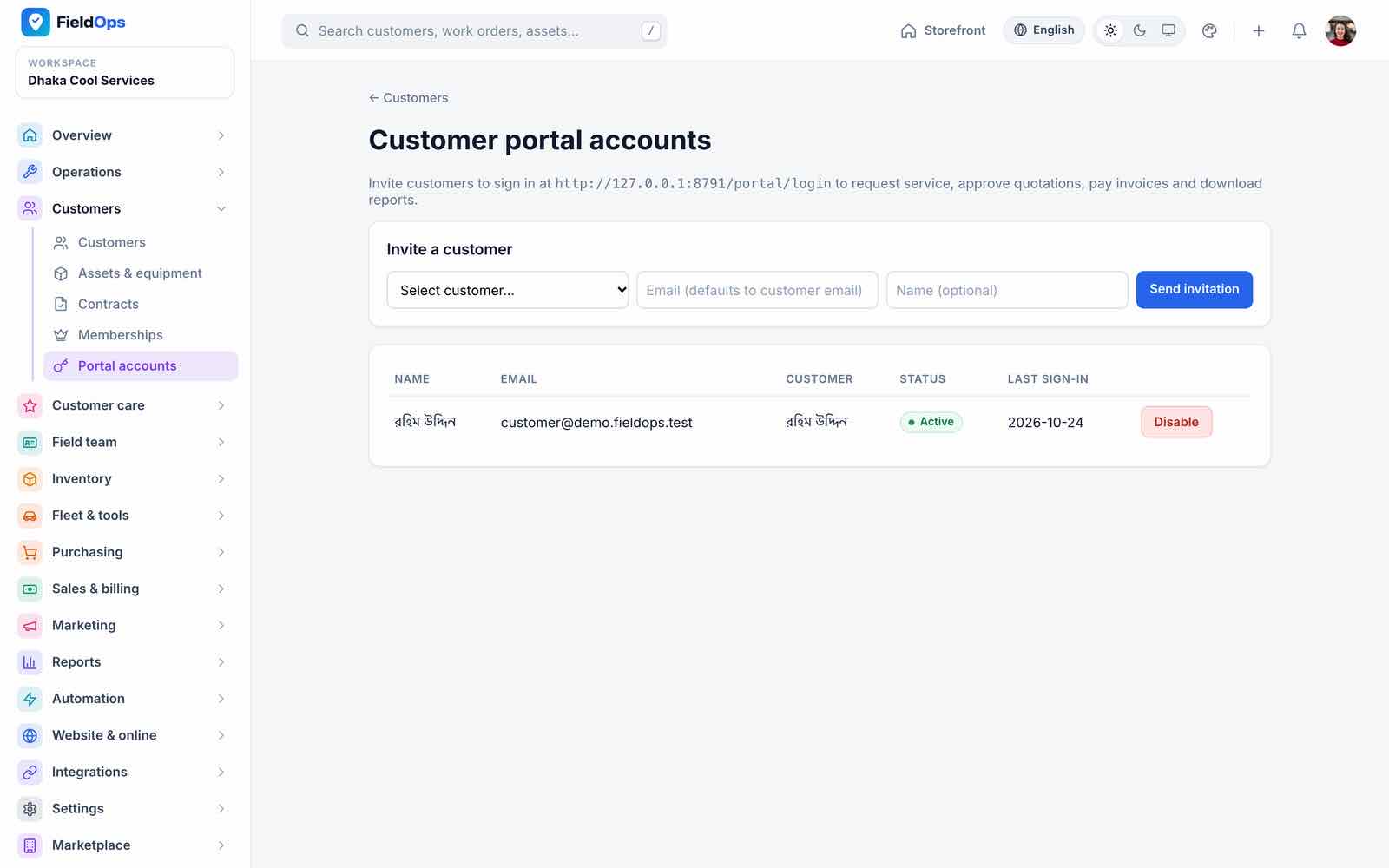
/planspage. - Portal accounts: invite customers to the portal; the same login works in the app’s customer panel.
Customer Care
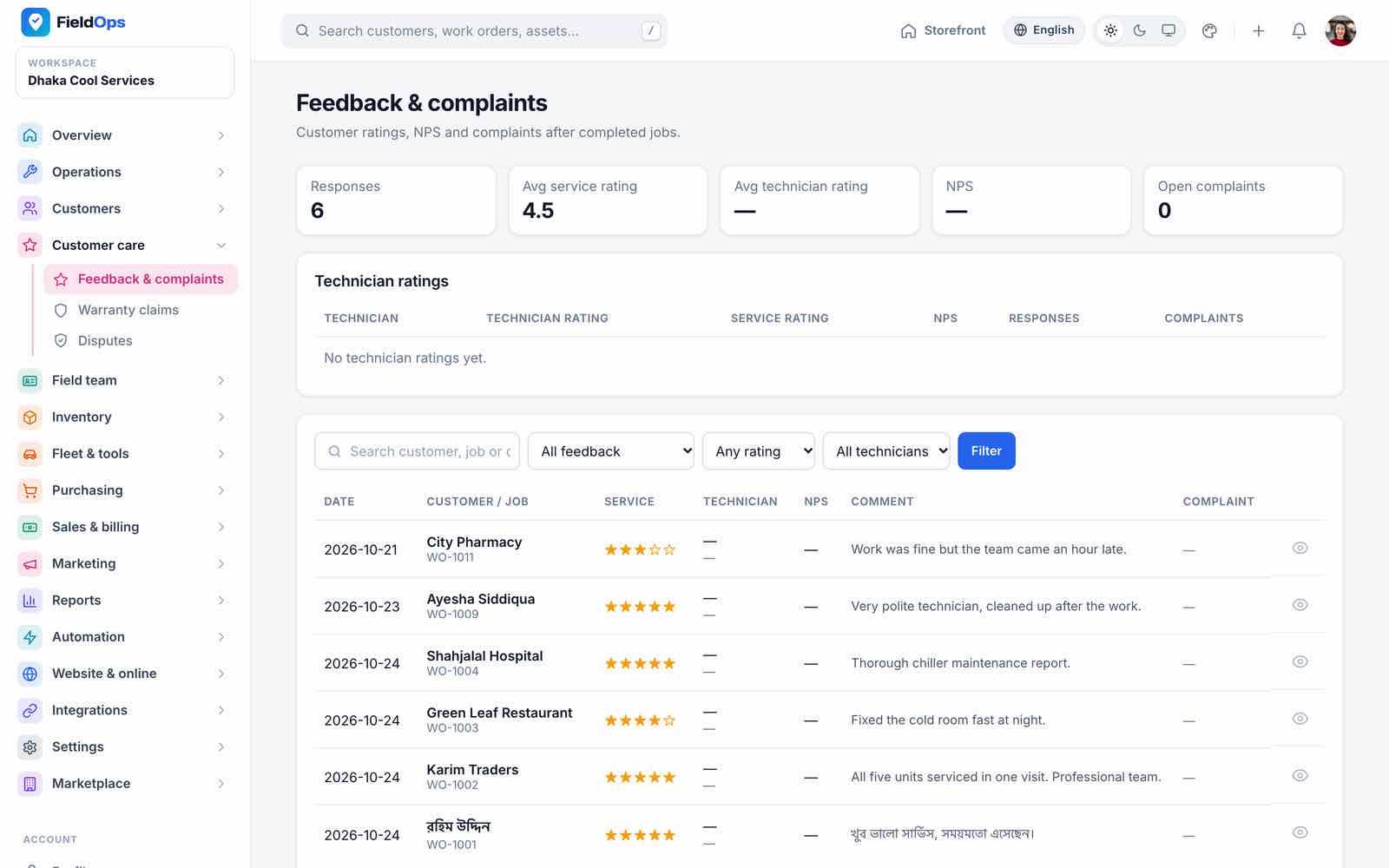
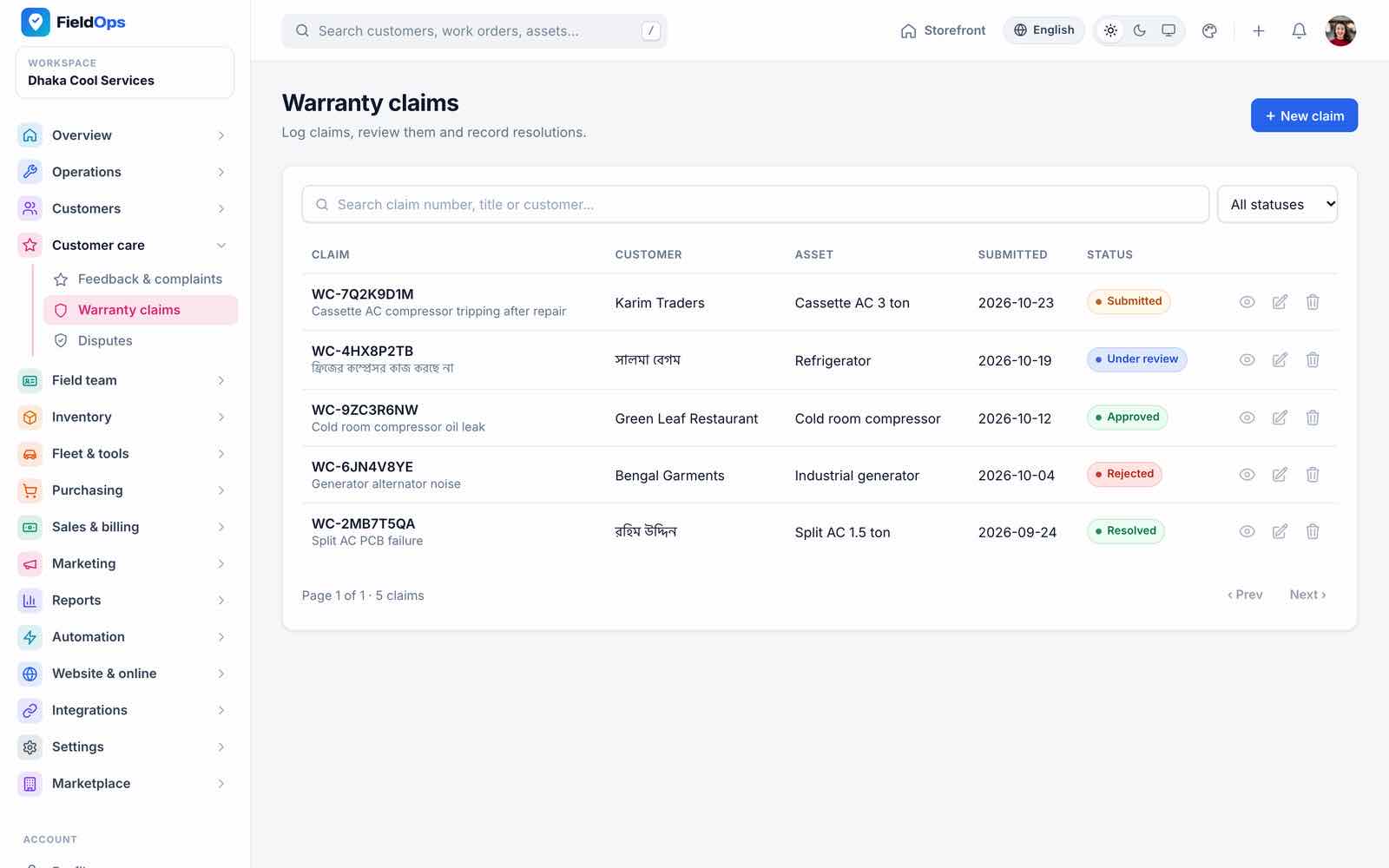
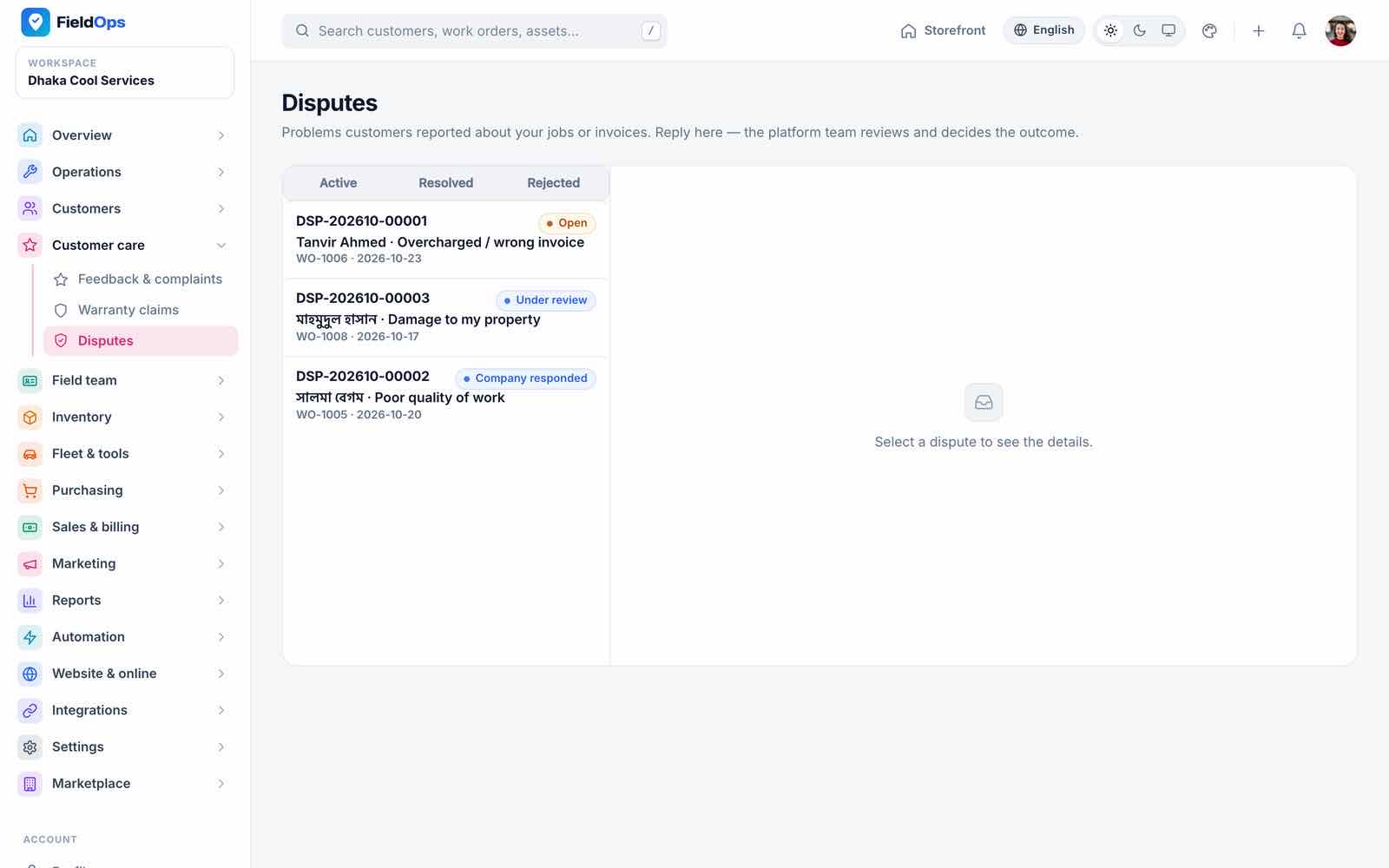
Feedback & complaints collects ratings and comments after each job (good feedback can trigger a review request). Warranty claims tracks claims from customers and technicians. Disputes handles customer disputes; when the marketplace is on, the platform can step in from its own disputes inbox.
Field Team, Time & Pay
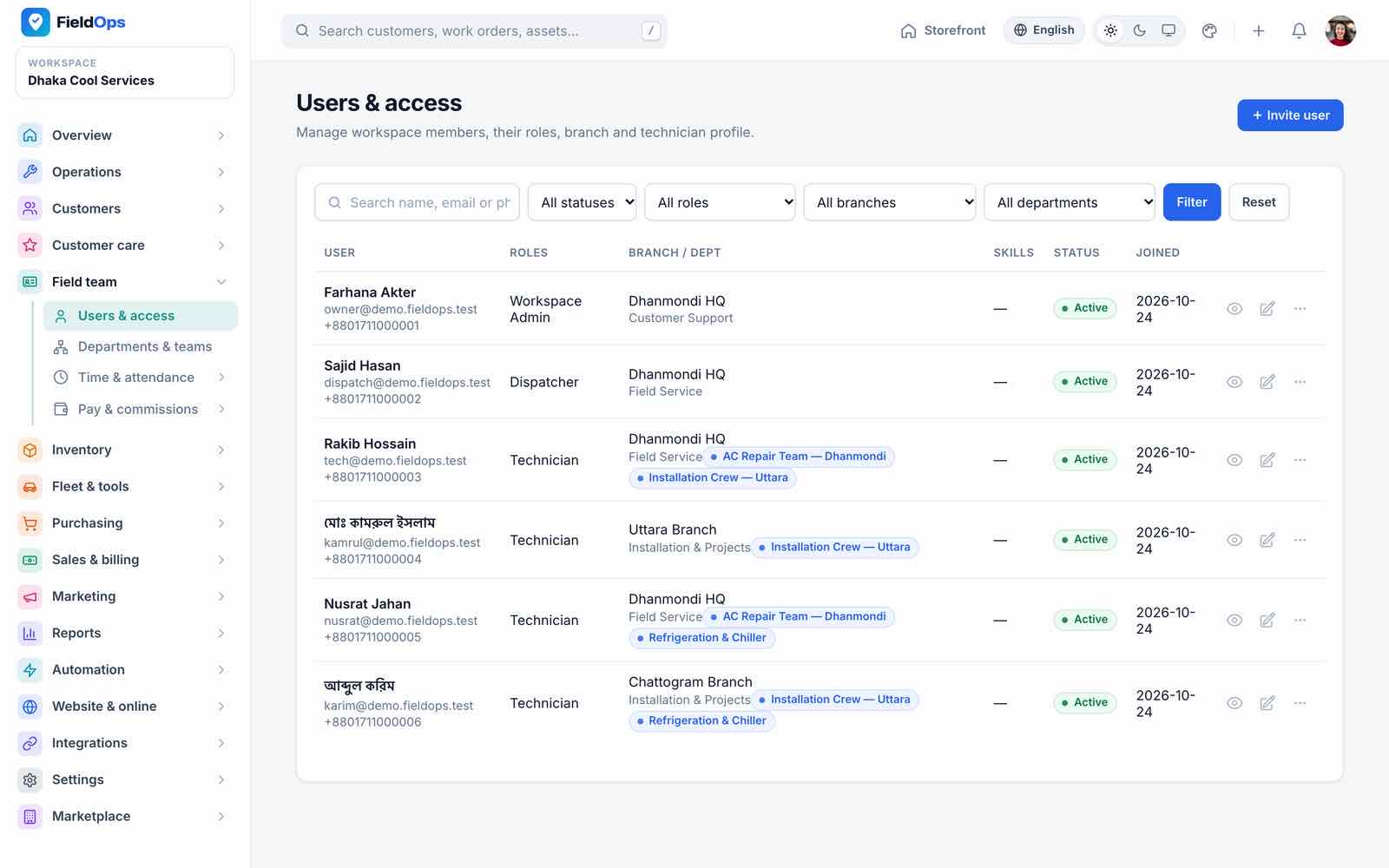
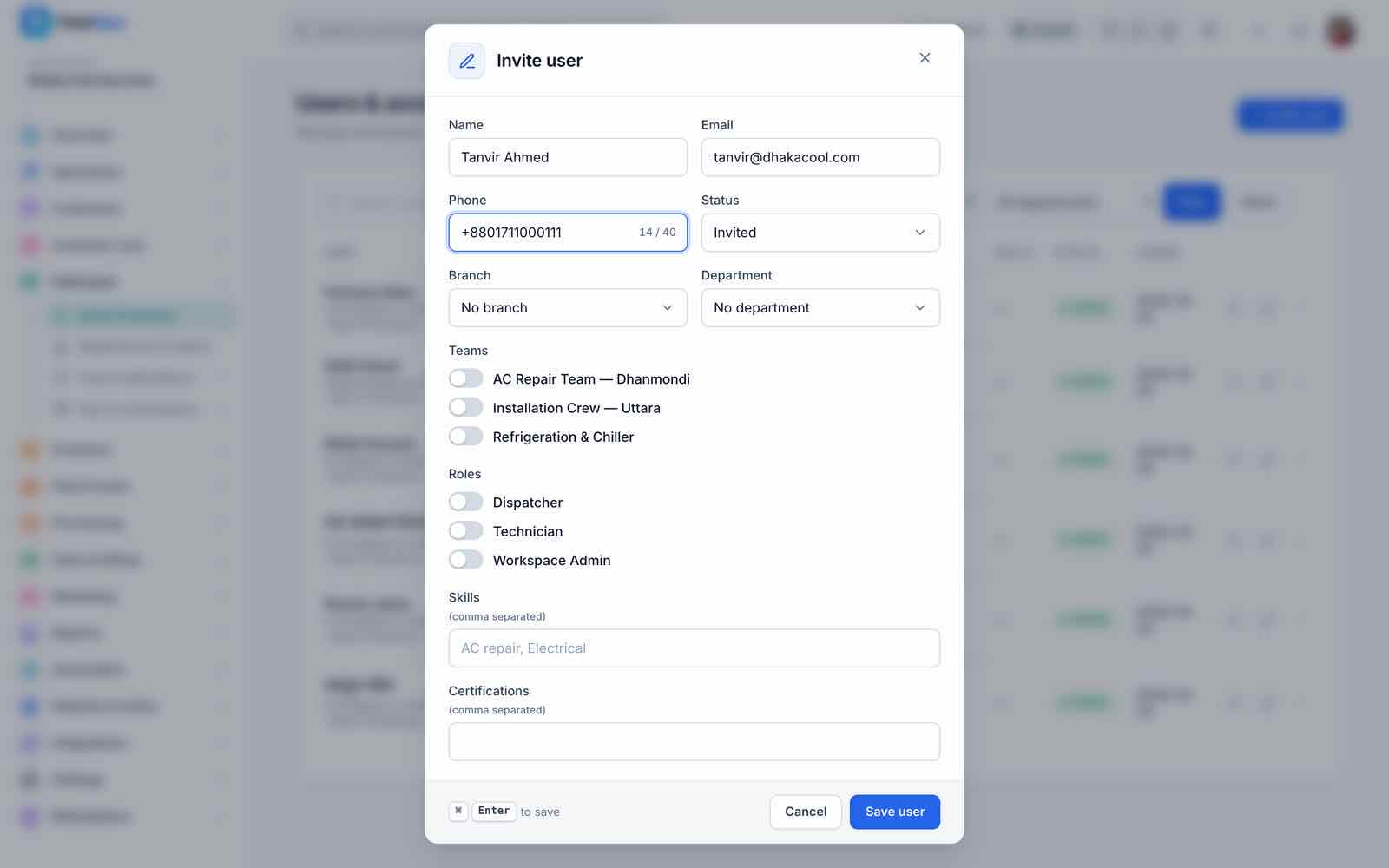
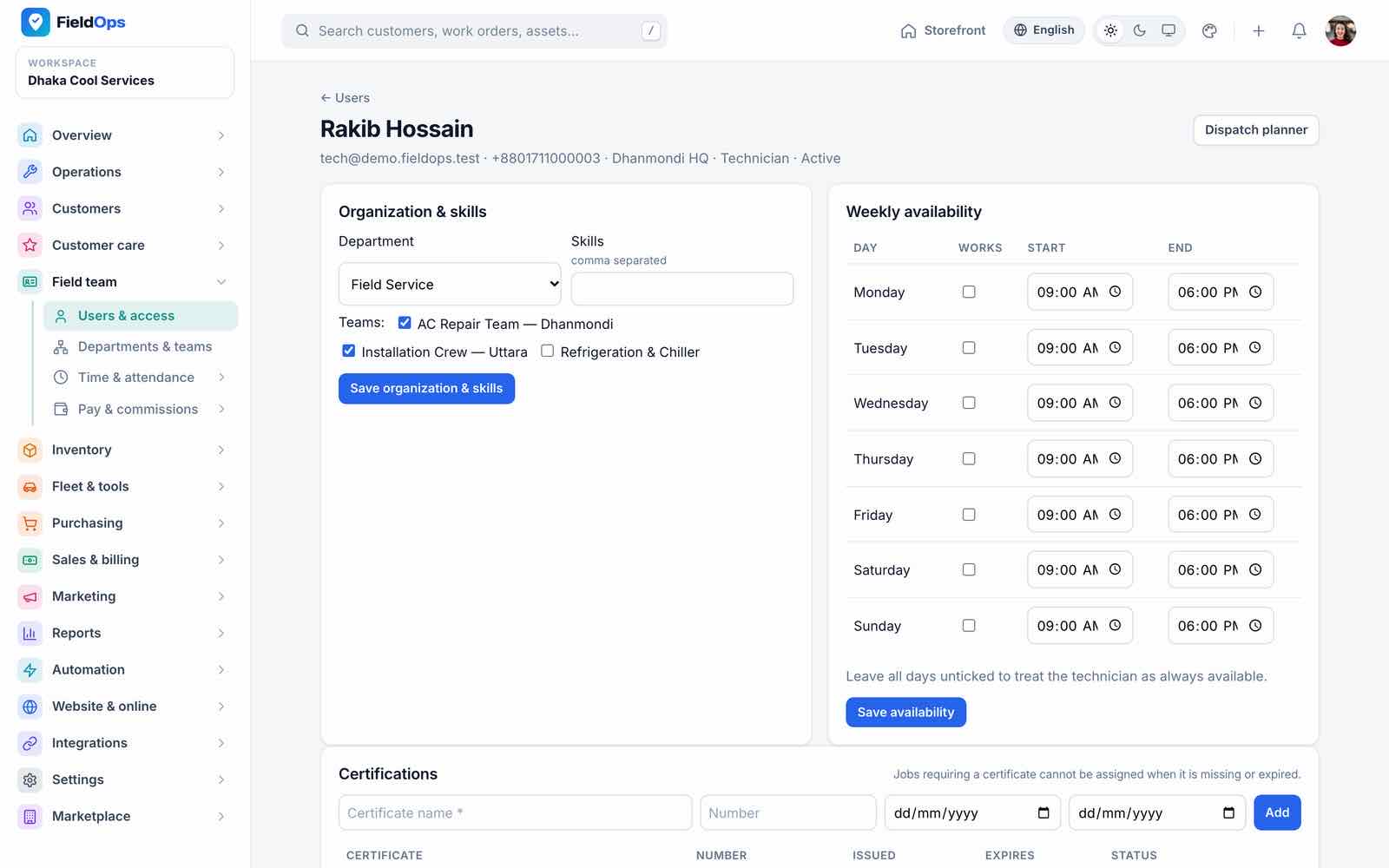
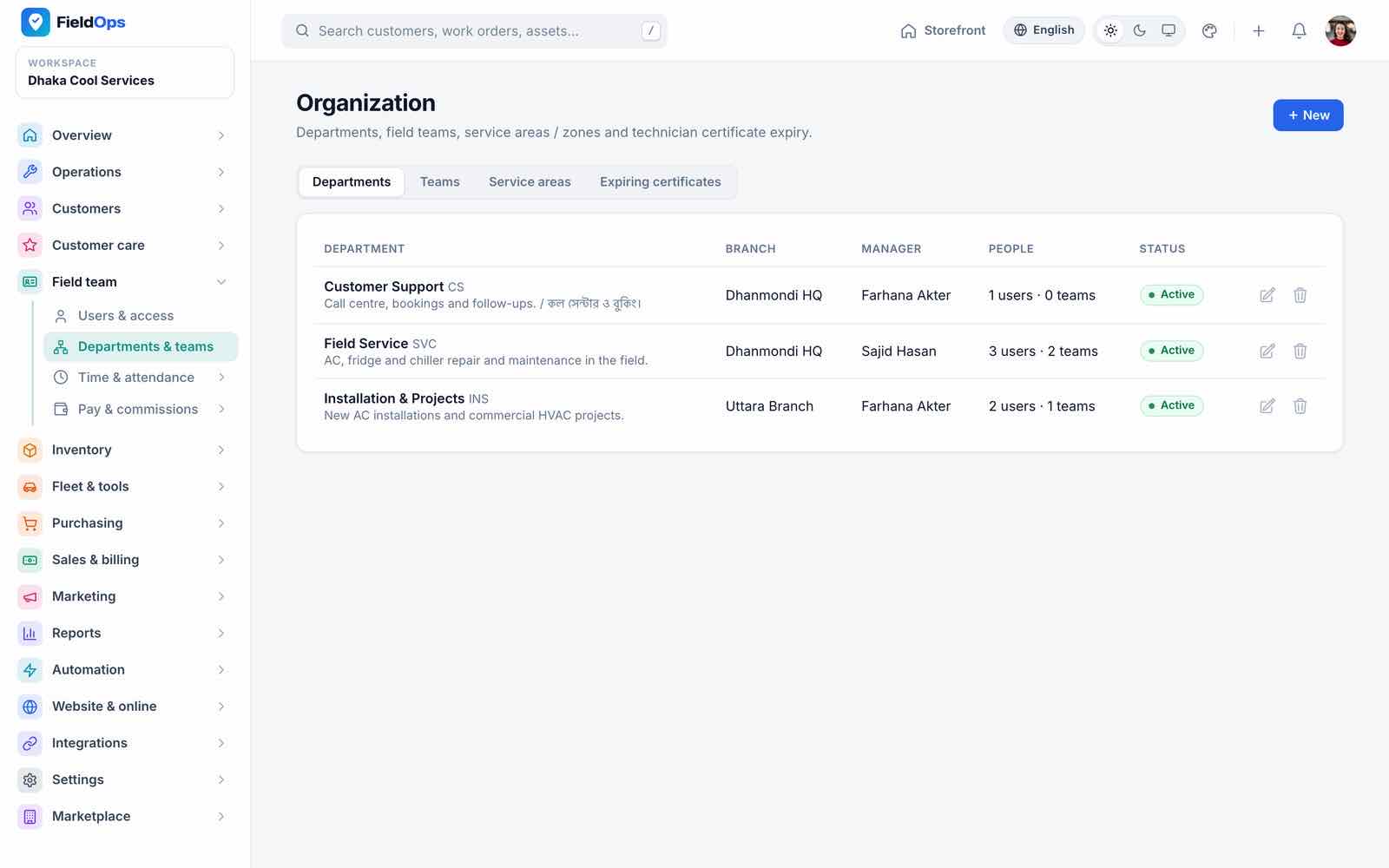
Users & access lists team members with role, branch and teams. Invite user e-mails a “Set your password” link (valid 60 minutes); the user becomes active when they set it. Only active users can sign in, and deactivating a user signs them out of the web and the app at once; a technician profile adds skills, weekly availability, certifications and documents used by dispatch suggestions. Departments & teams also holds service areas.
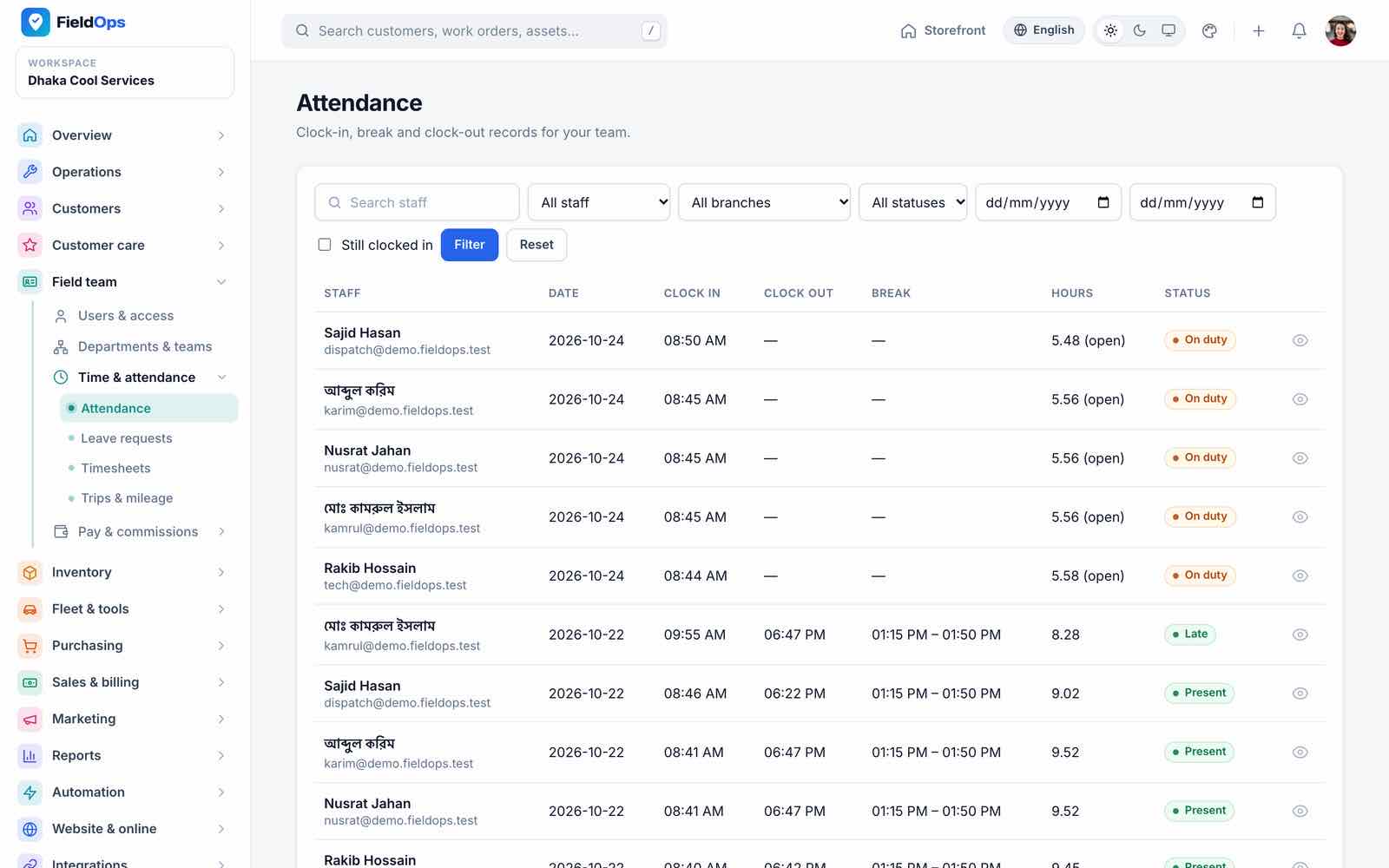
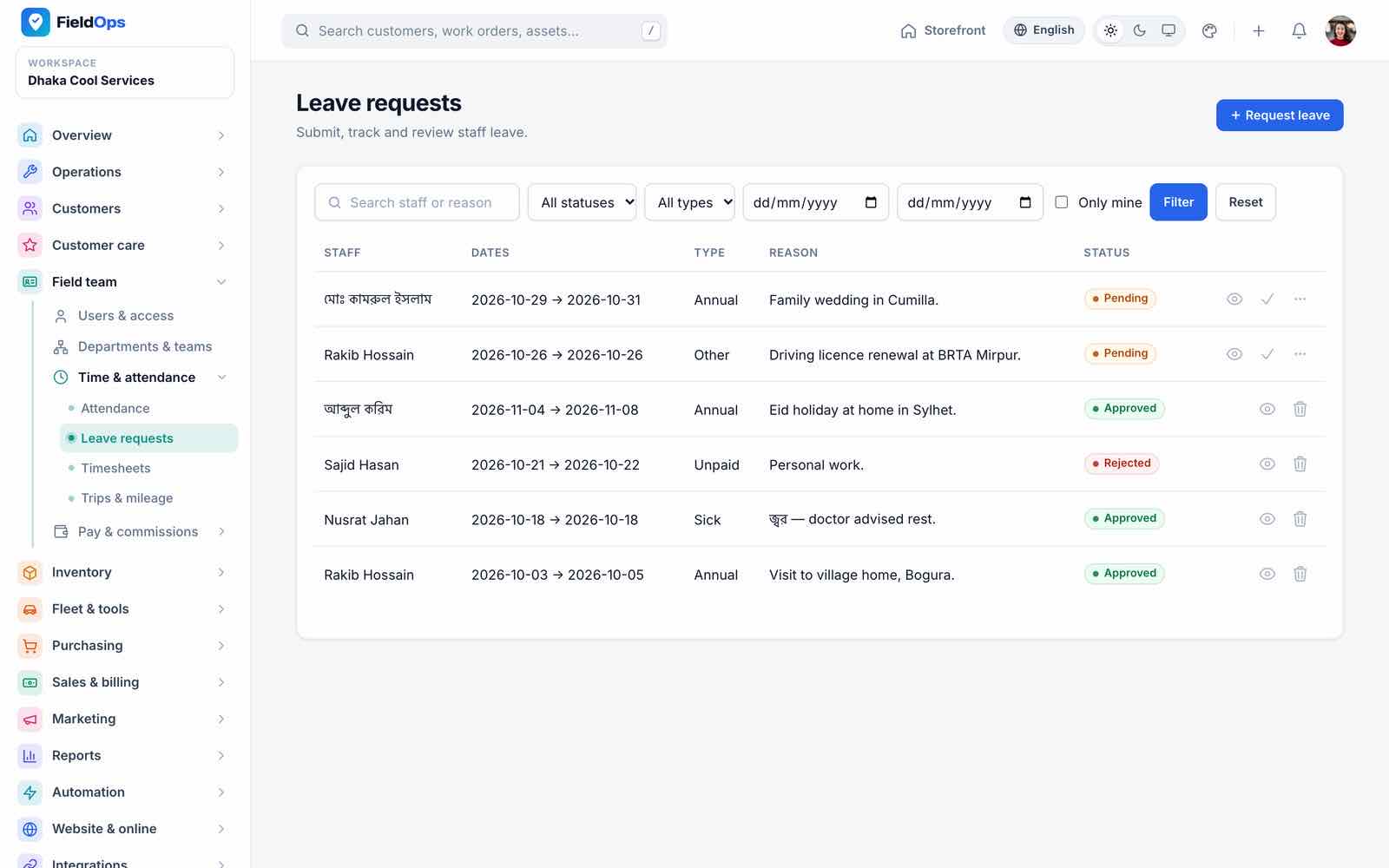
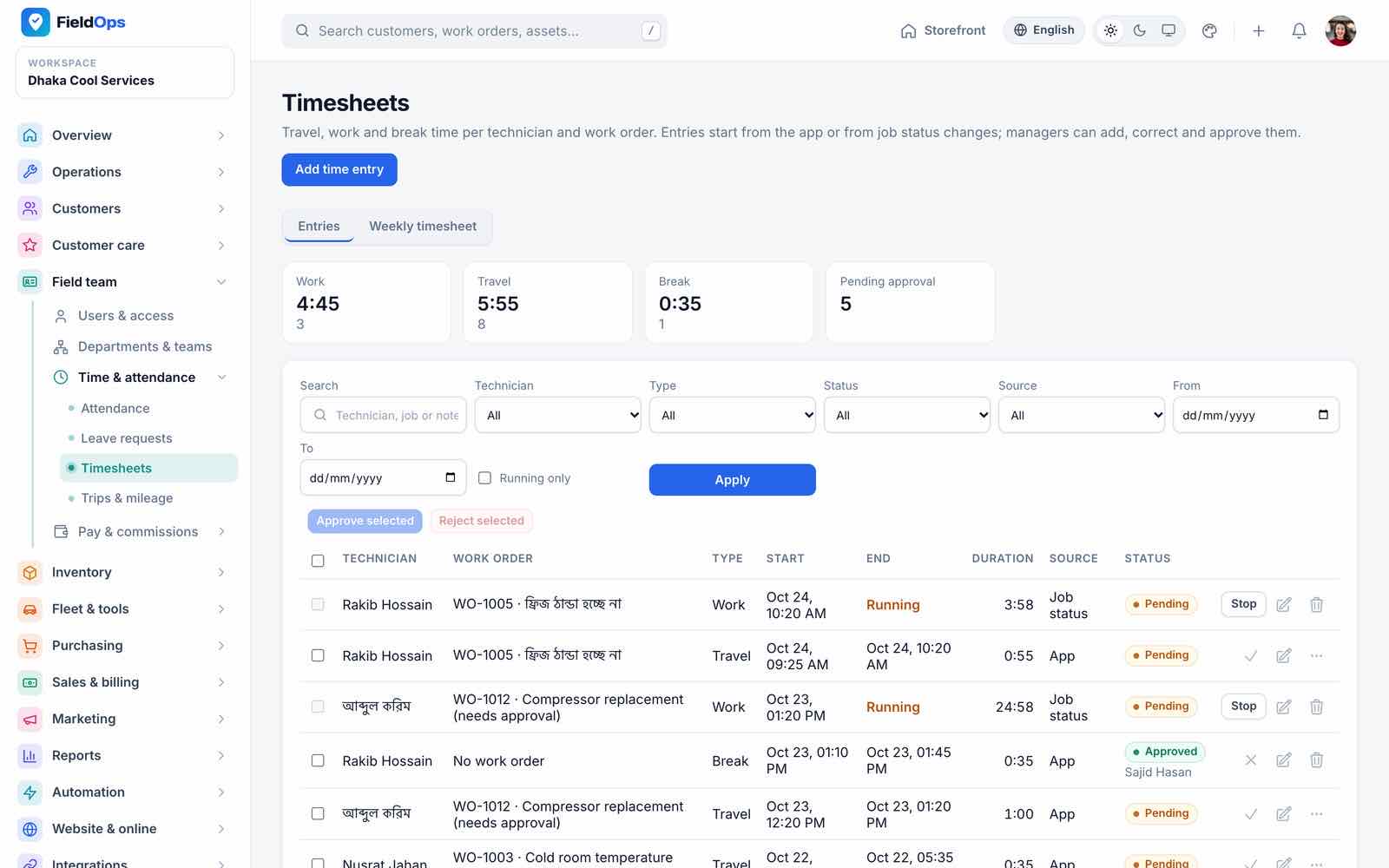
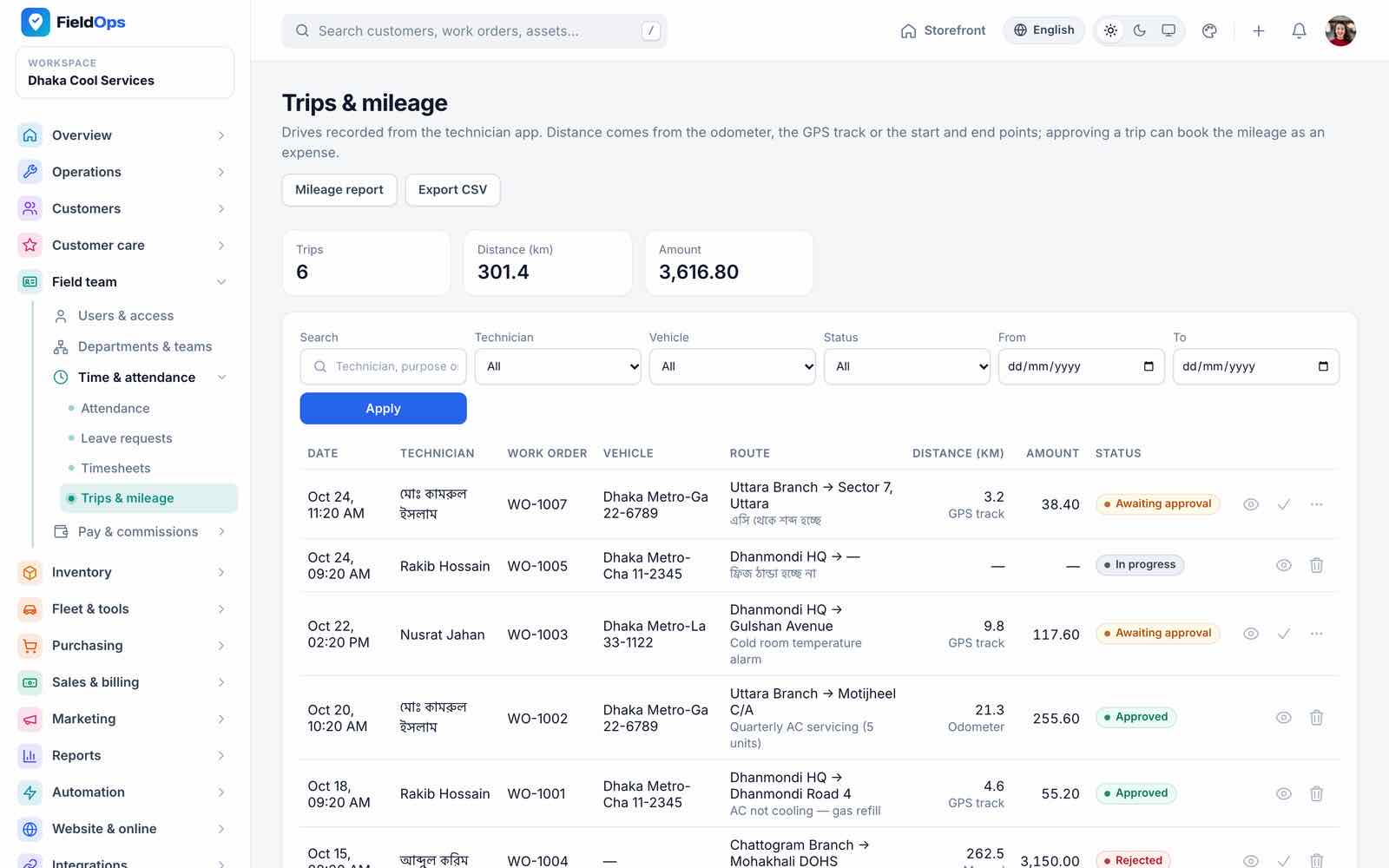
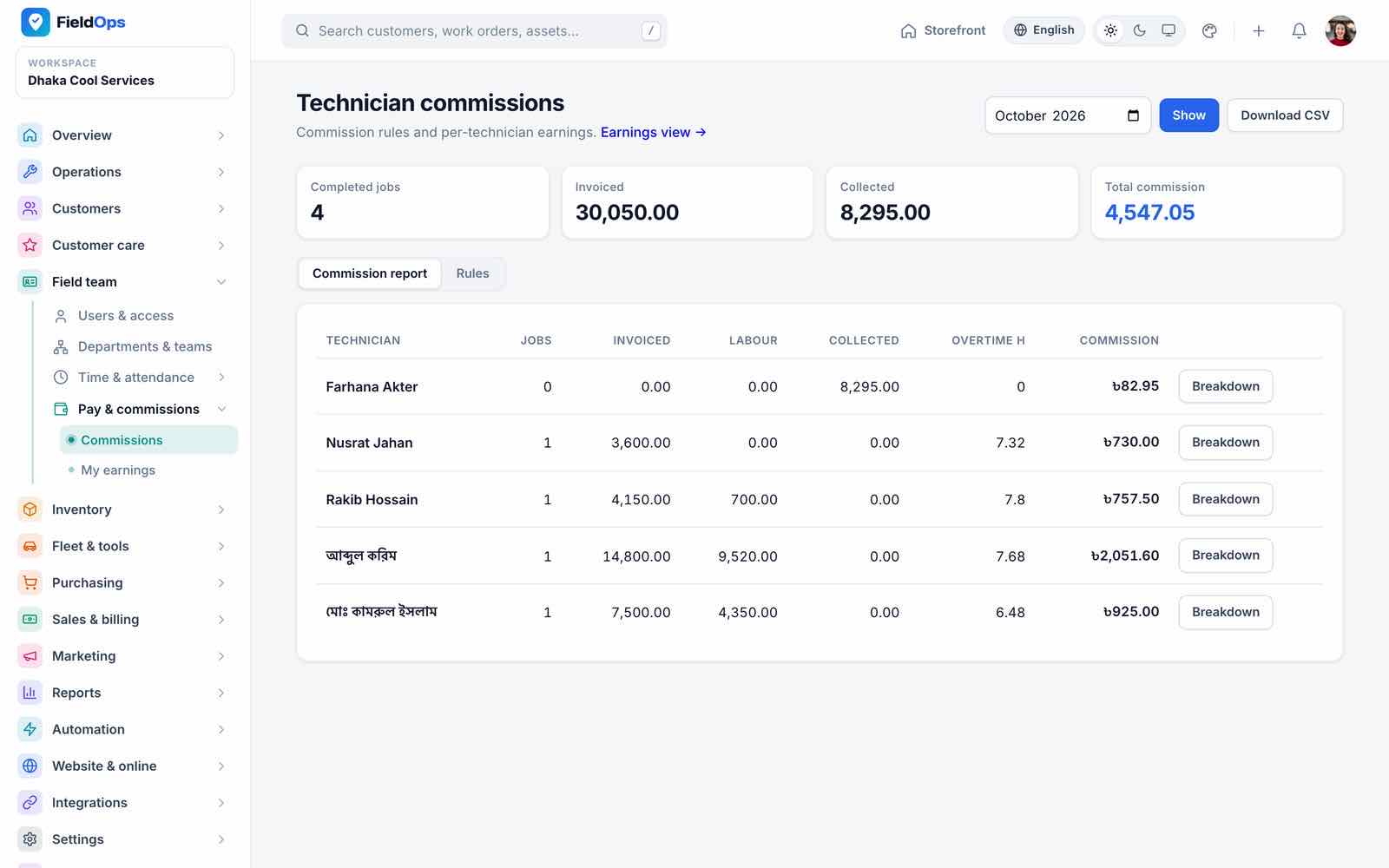
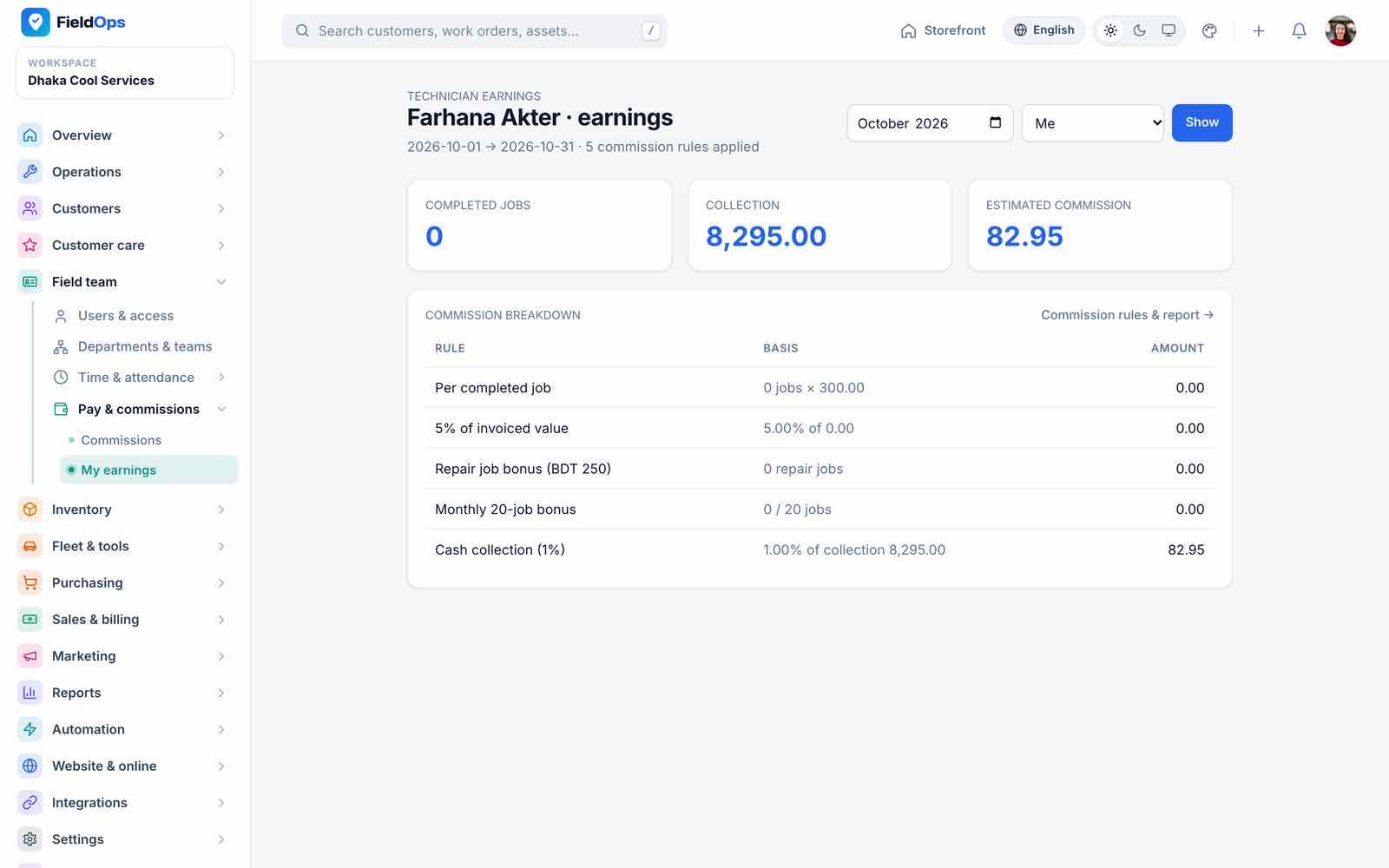
Time & attendance: attendance (clock in/out and any number of breaks from the app, with GPS), leave requests with approval, timesheets (work, travel and break entries) and trips & mileage (GPS or odometer distance). Pay & commissions: technician commission reports and each technician’s own earnings. FieldOps calculates commissions and earnings; it has no payroll.
Inventory, Fleet & Purchasing
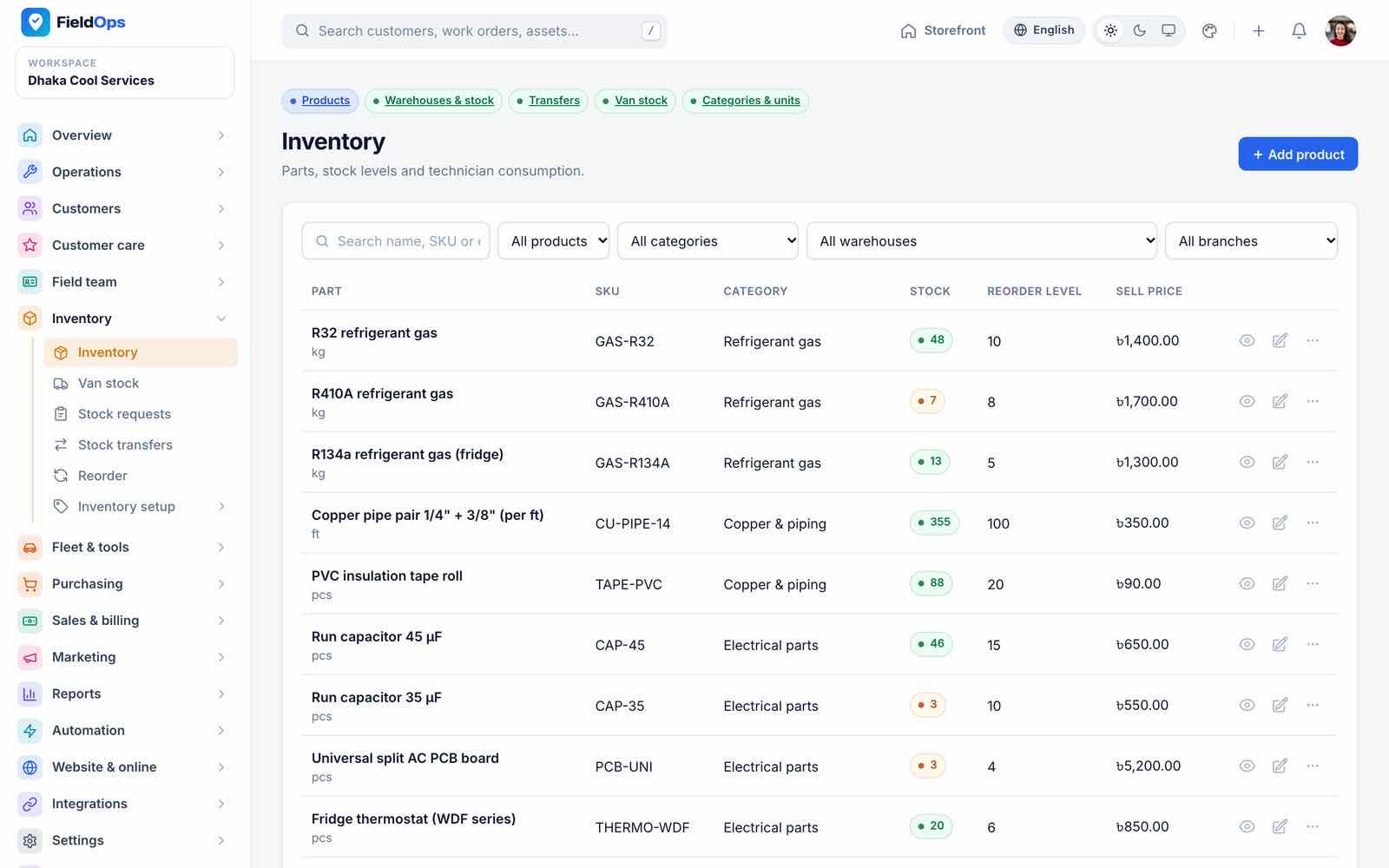
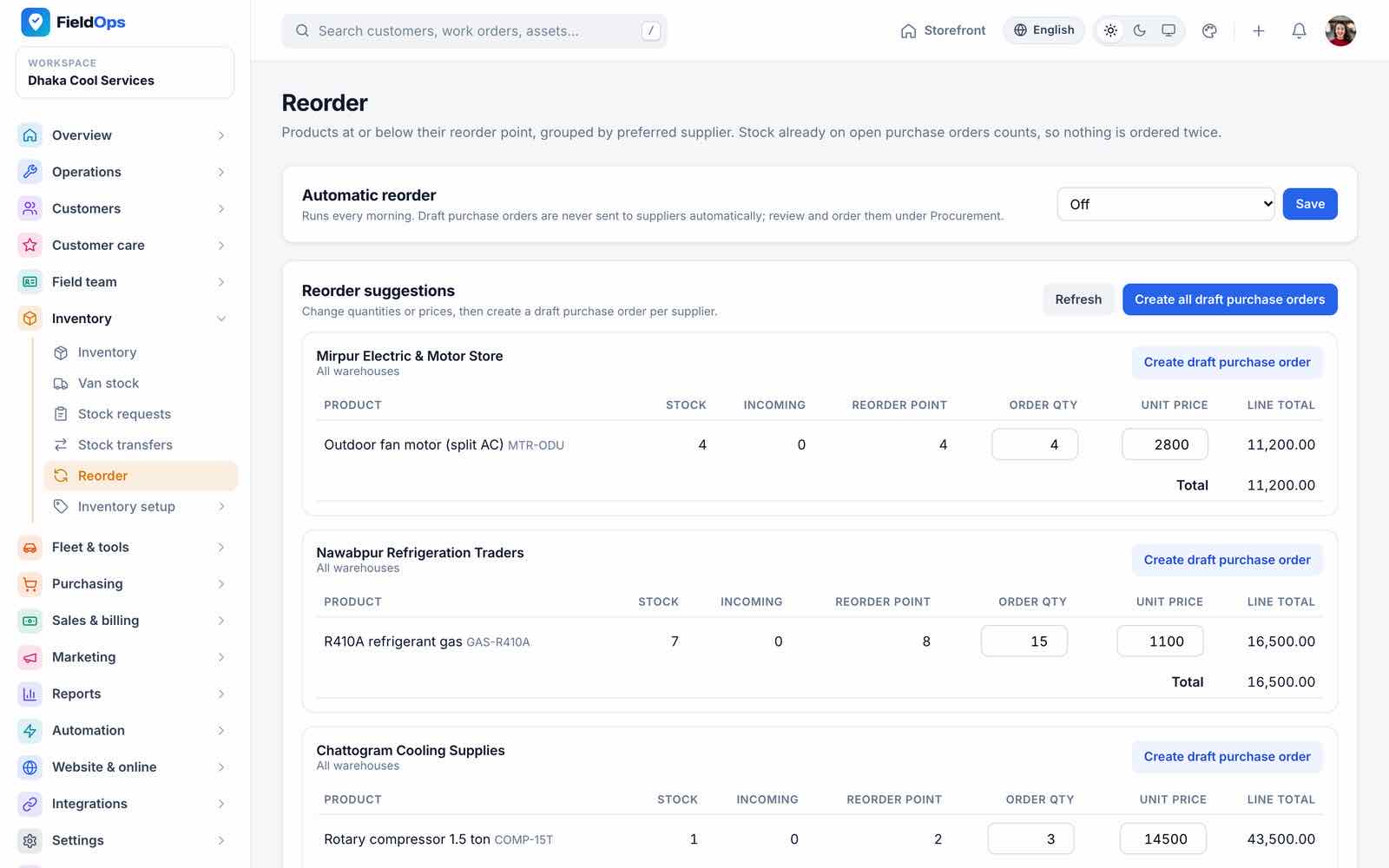
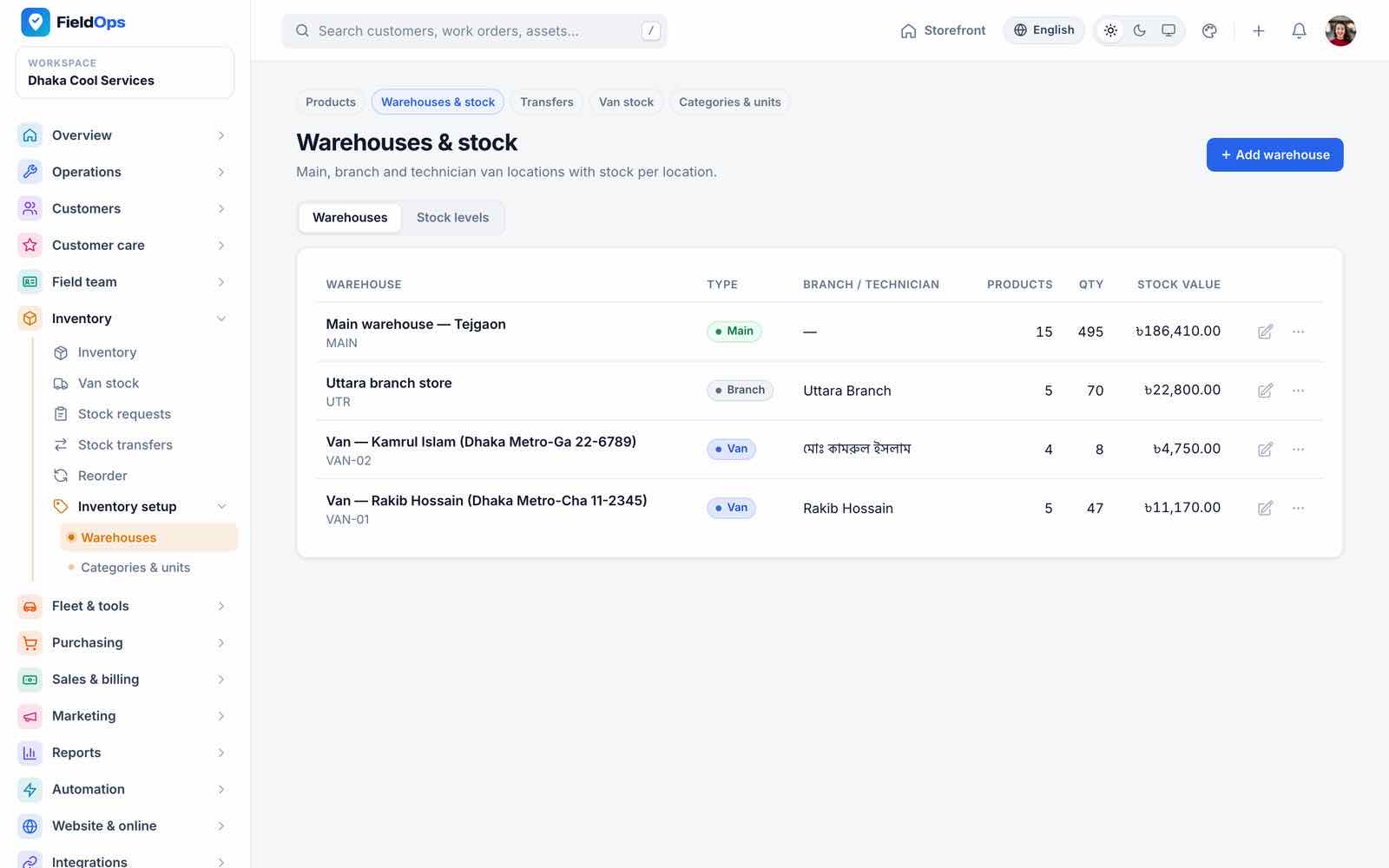
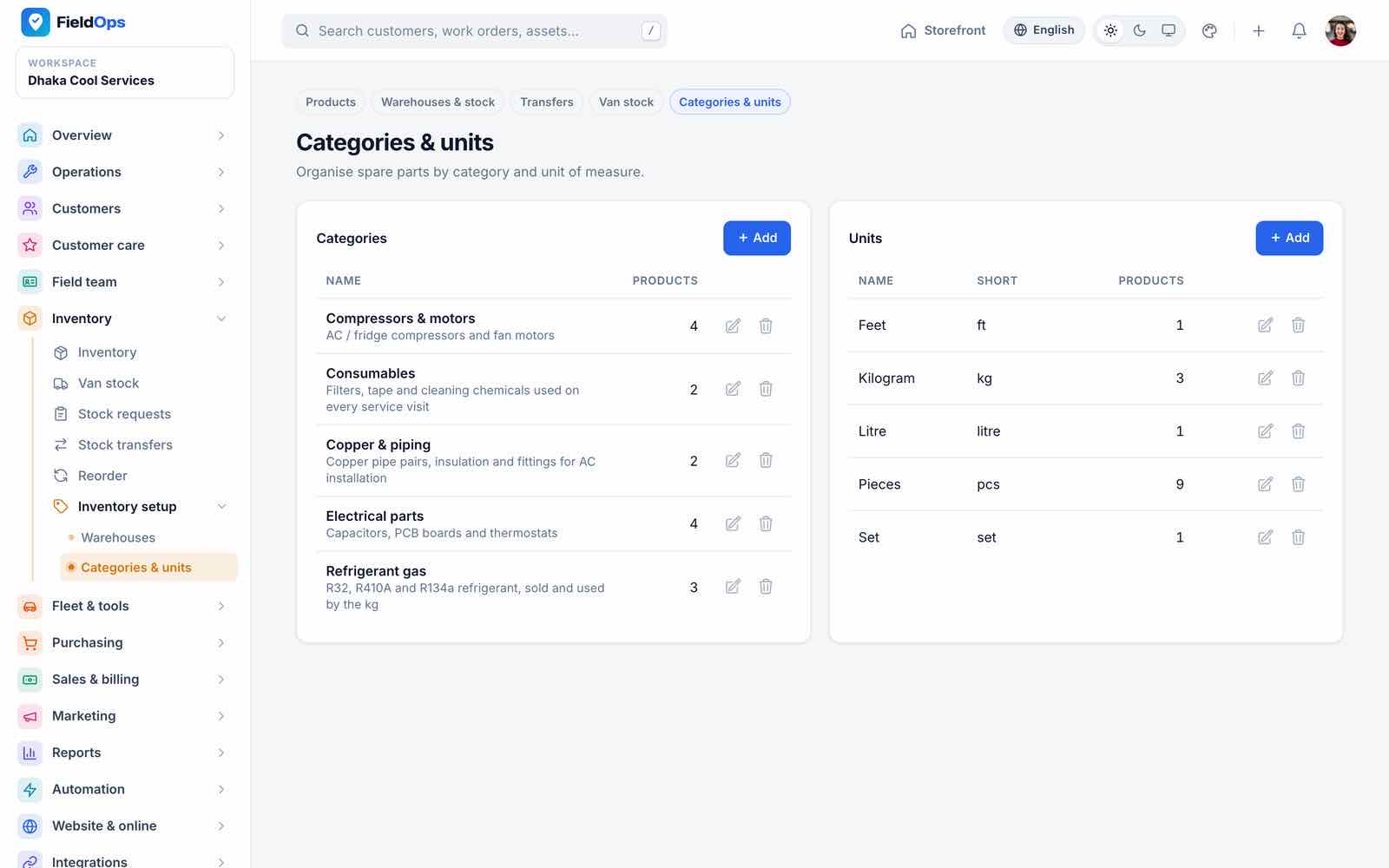
- Inventory: parts with SKU, category, stock, reorder level and price; stock per branch and warehouse.
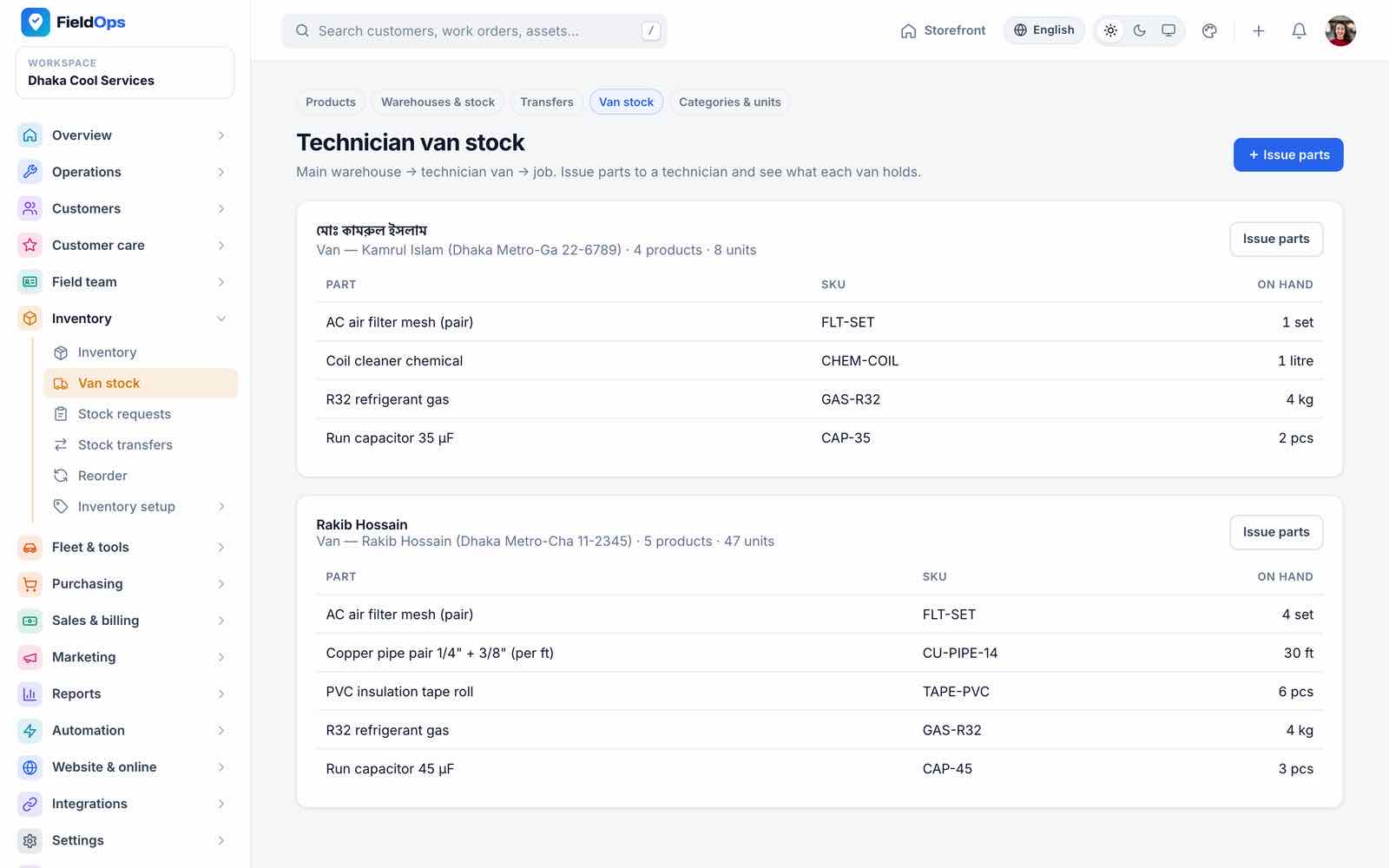
- Van stock: what each technician carries; parts used on a job are taken from the van, returns go back.
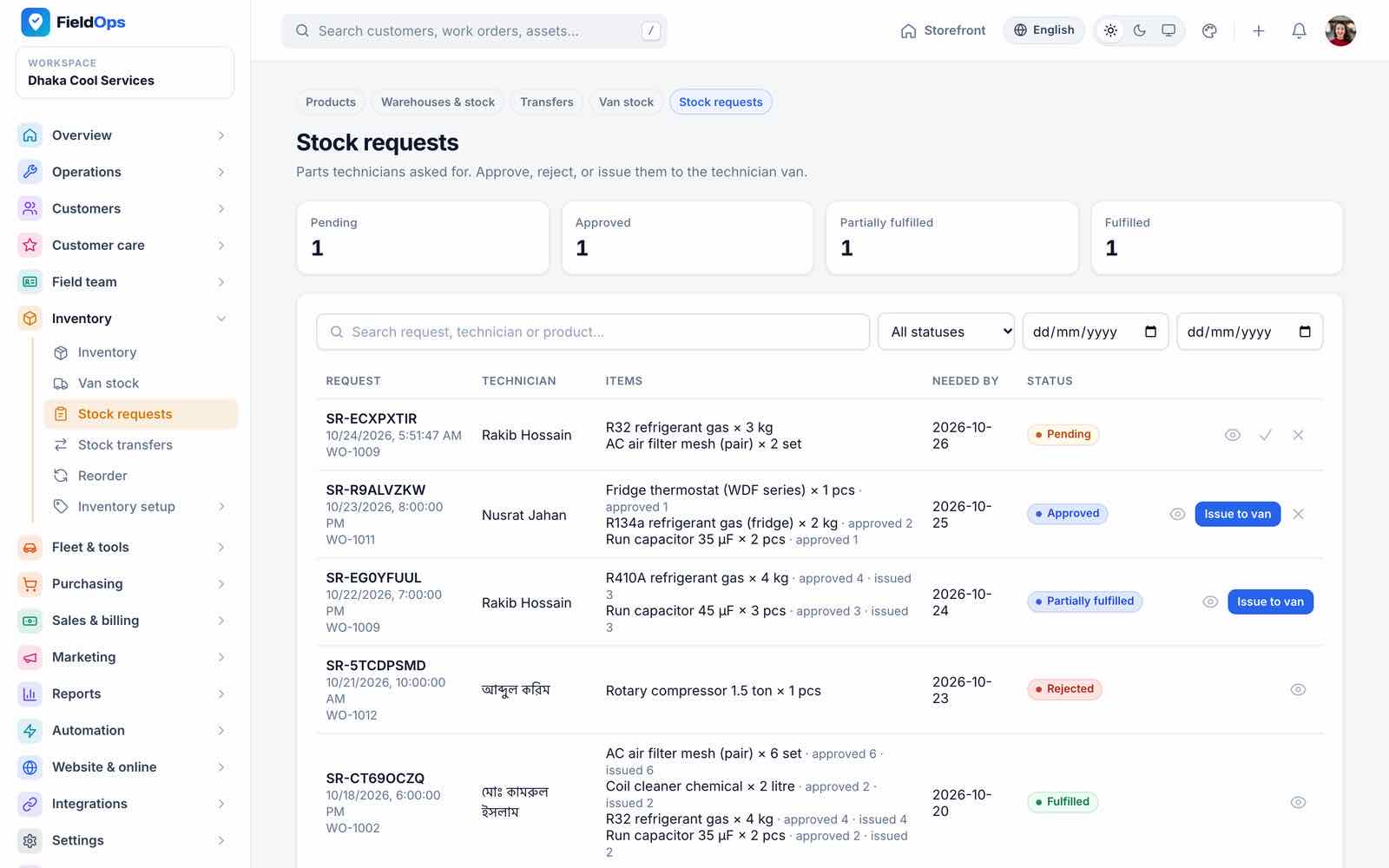
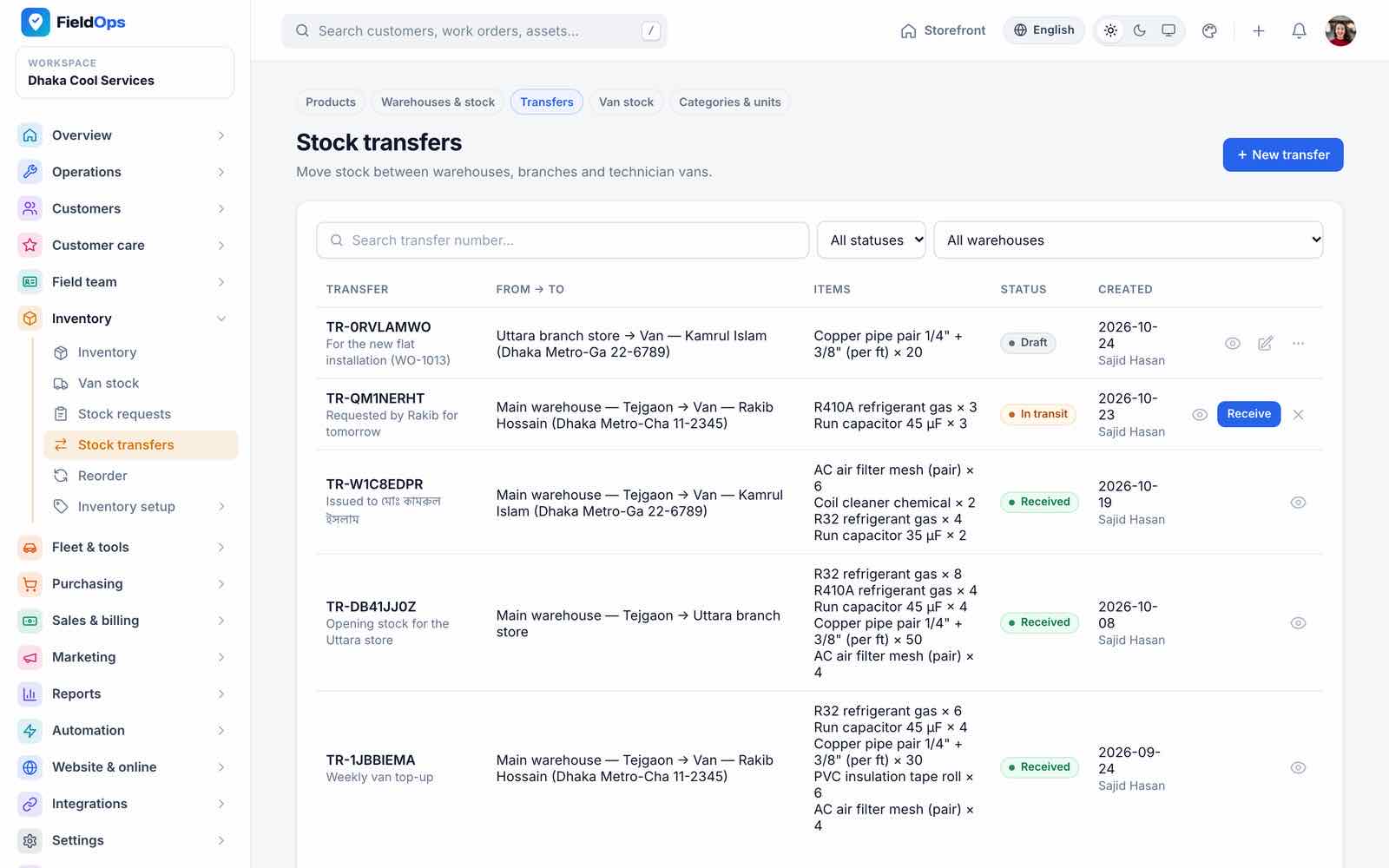
- Stock requests from technicians with approve and issue; Stock transfers between warehouses and vans.
- Reorder: suggestions grouped by supplier; with automatic reorder on, draft purchase orders are created daily (
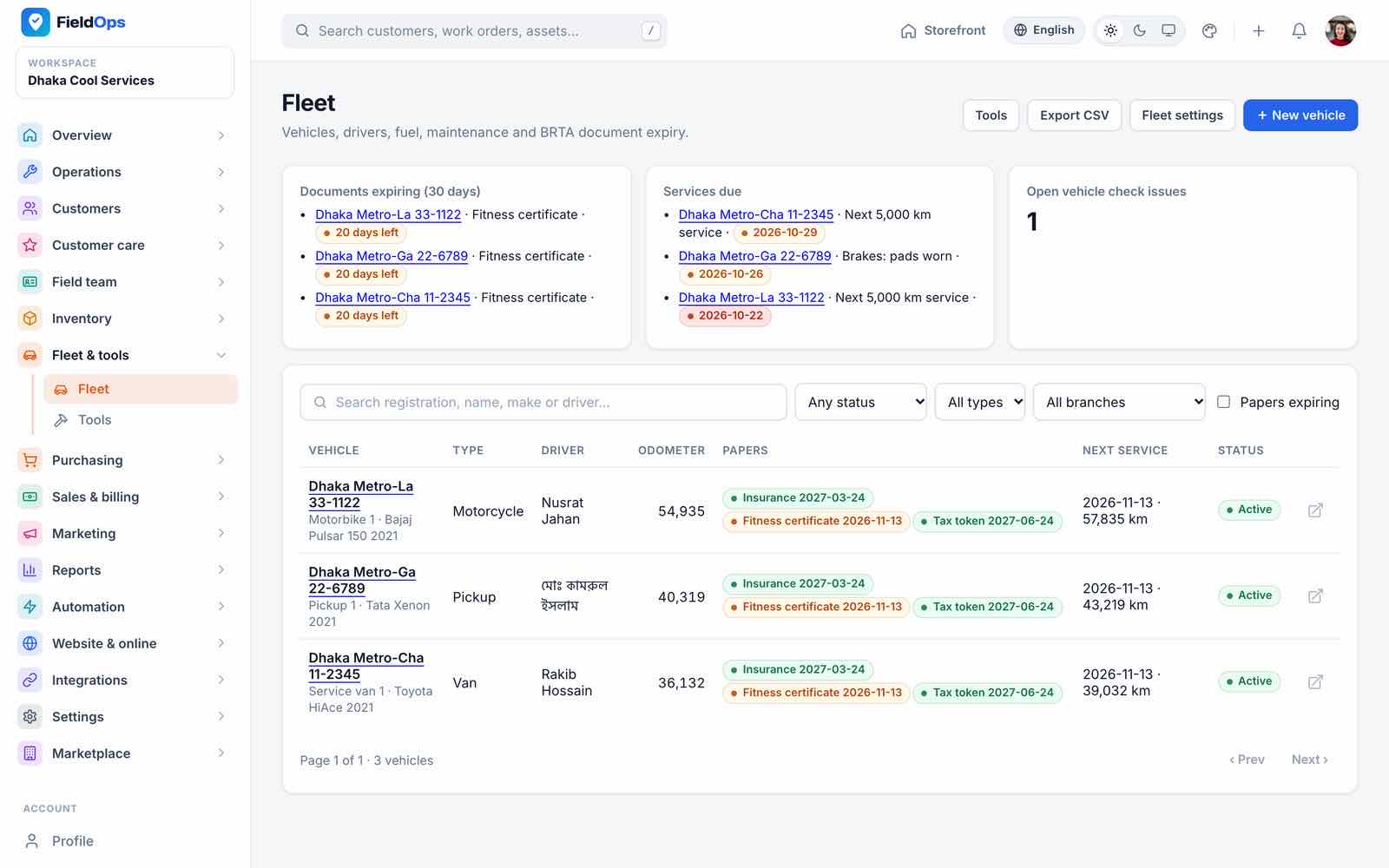
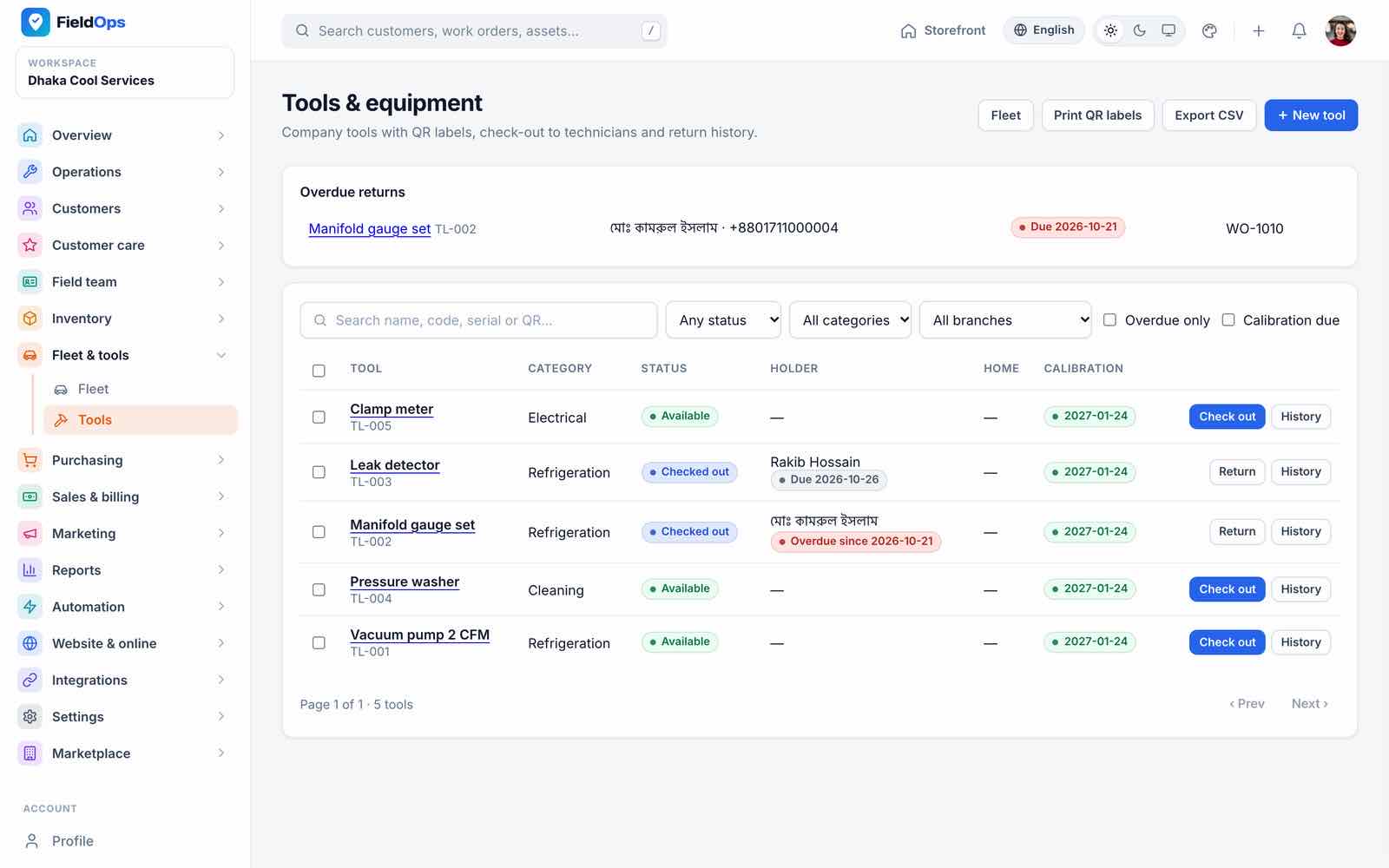
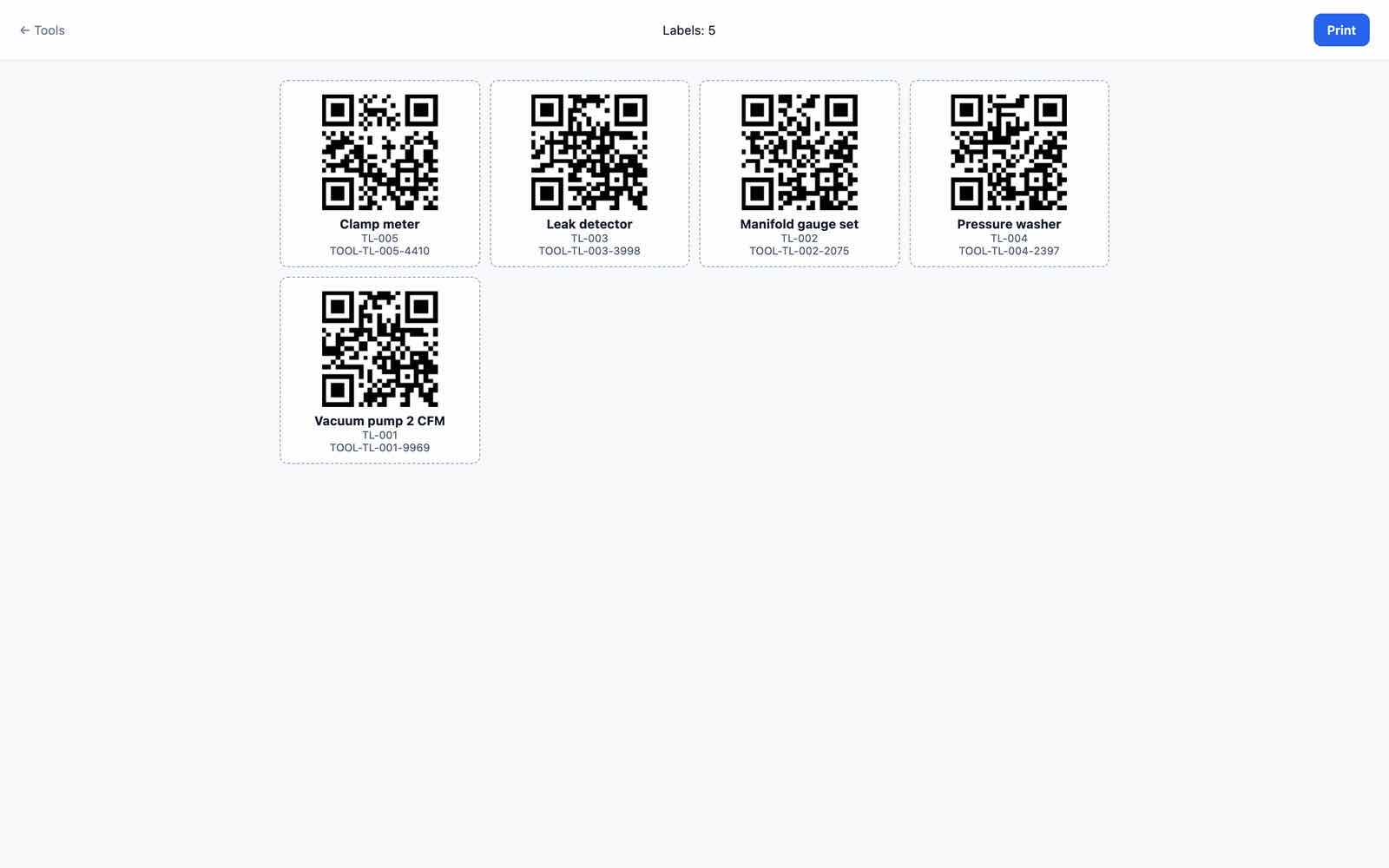
fieldops:auto-reorder). - Fleet: vehicles, papers expiring and services due, fuel and odometer from the app; Tools: check-out and return by QR label, printable QR label sheet (
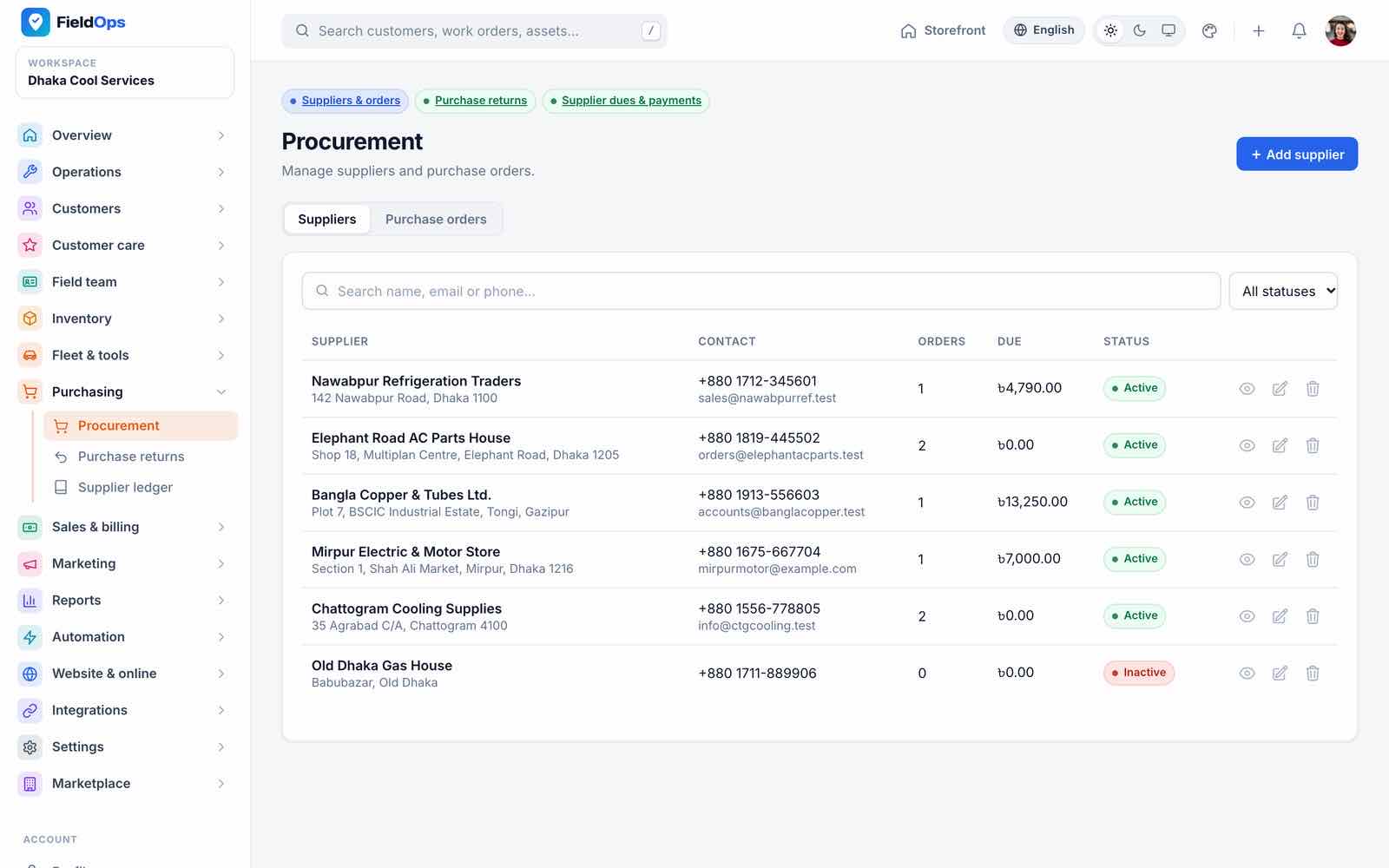
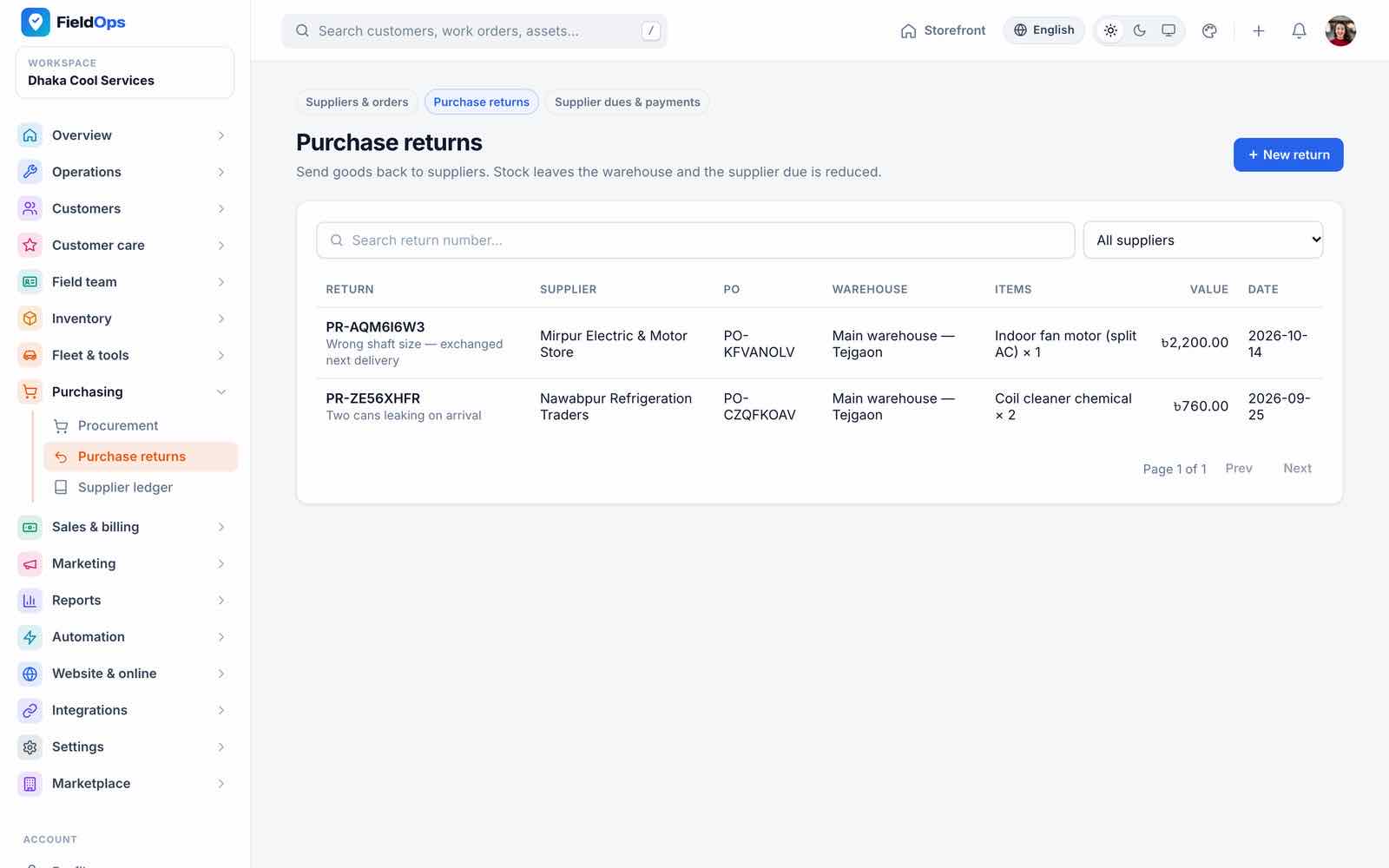
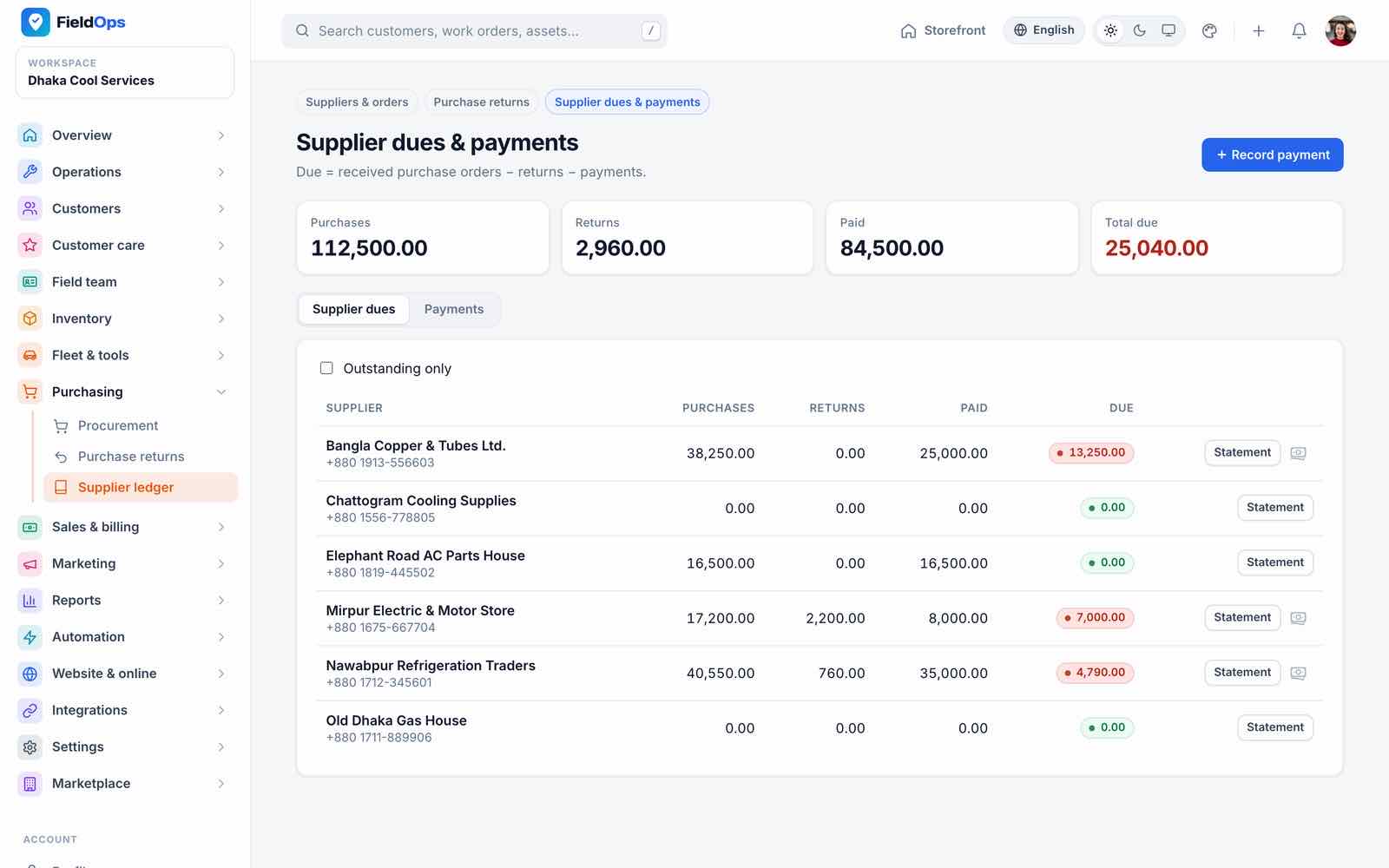
/company/tools/labels), calibration dates. - Procurement: suppliers and purchase orders; Purchase returns; Supplier ledger (purchases, returns, paid, due).
Sales & Billing
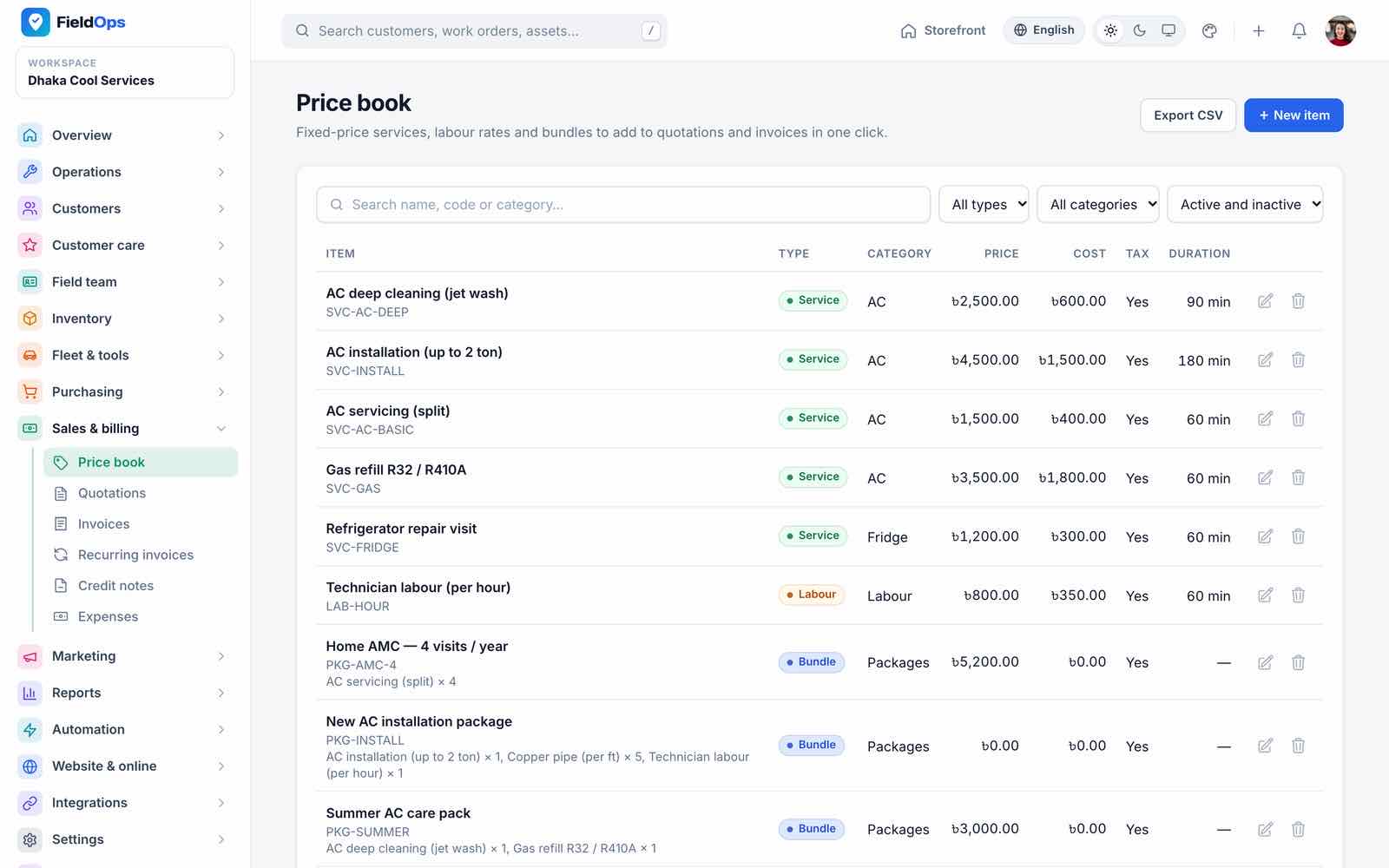
- Price book: services, labour, bundles and parts with cost and tax; used in quotations, invoices and the app’s on-site estimates.
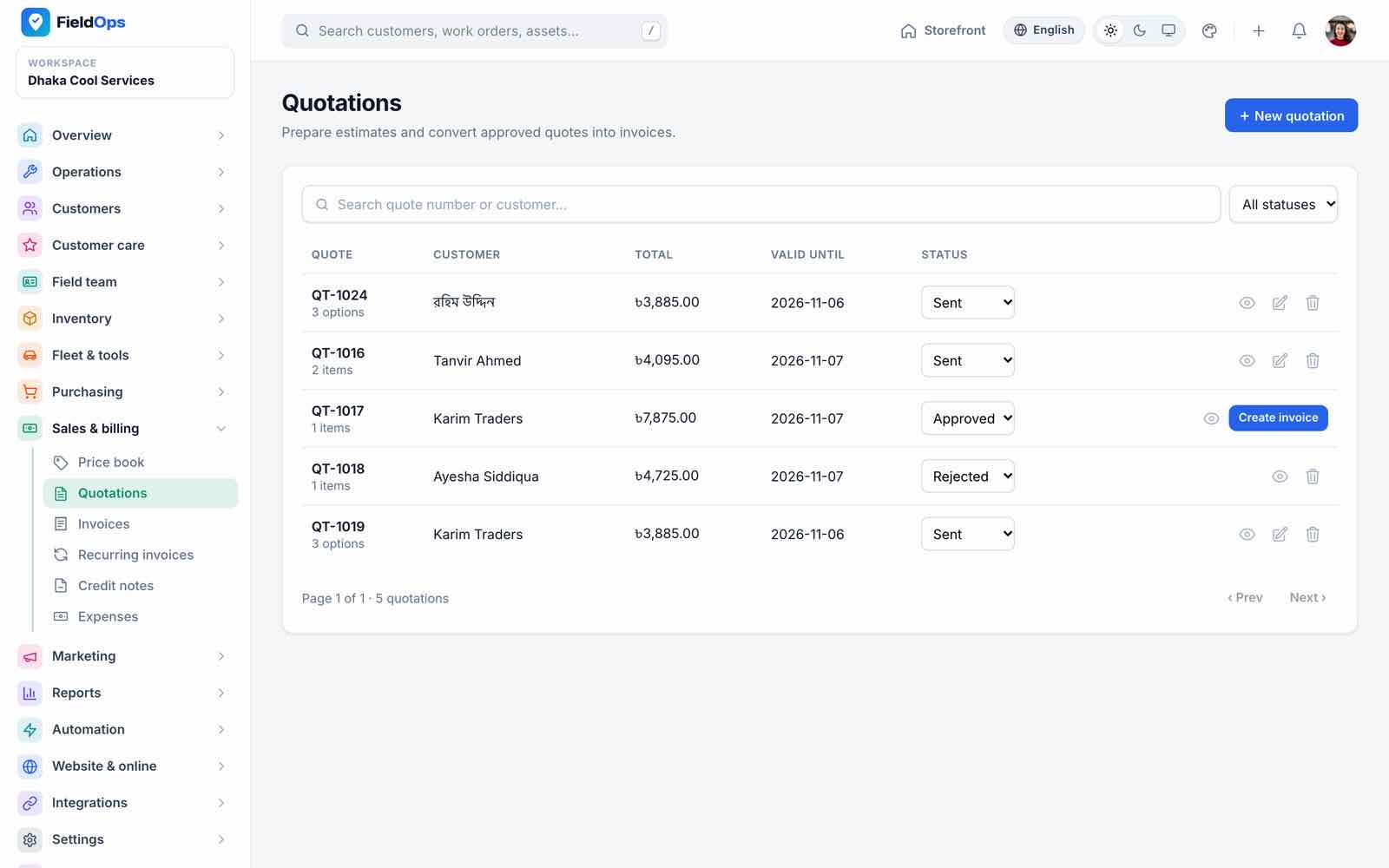
- Quotations with Good/Better/Best options; the customer approves or rejects in the portal, the app or by link; expired quotations cannot be approved; PDF.
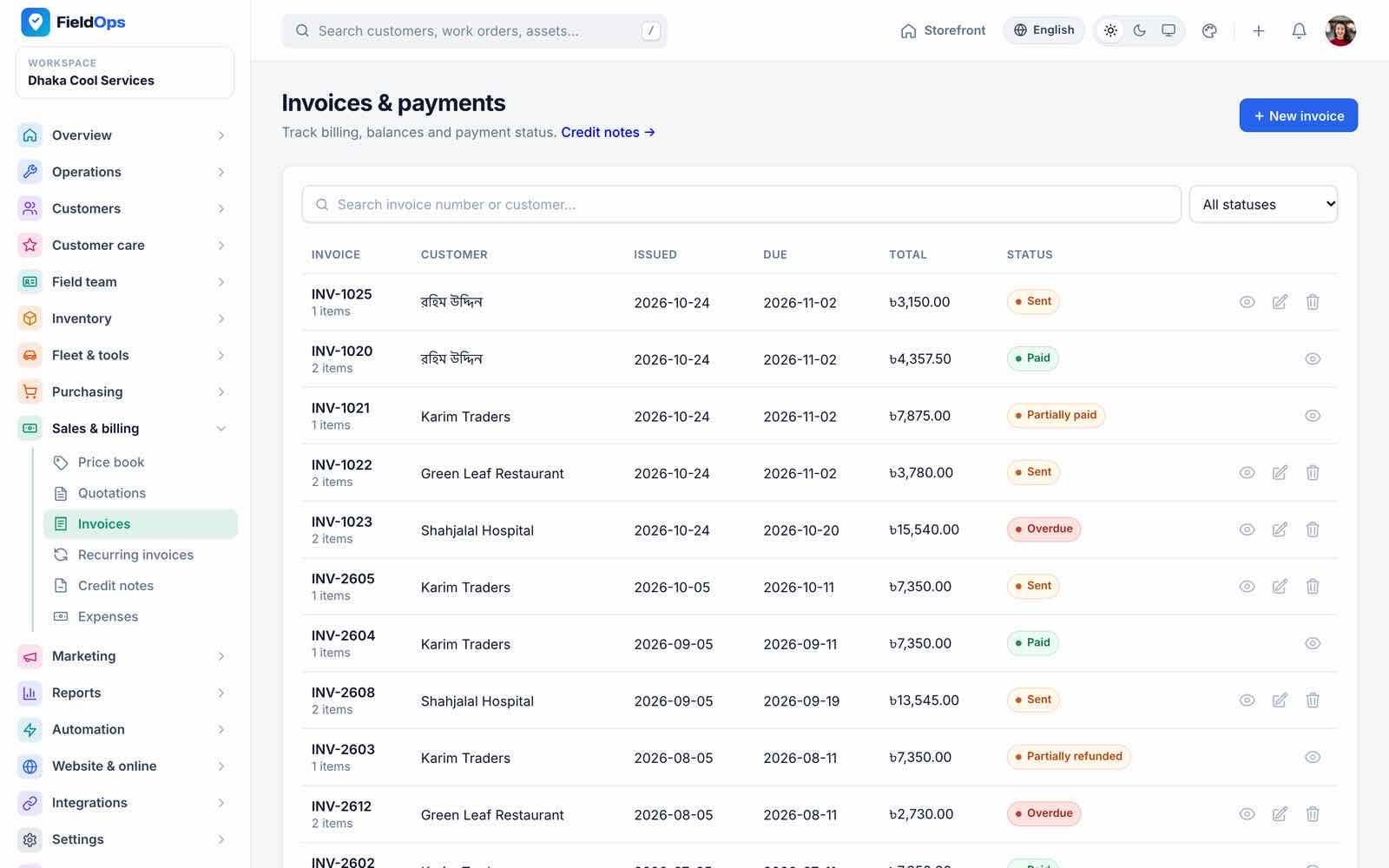
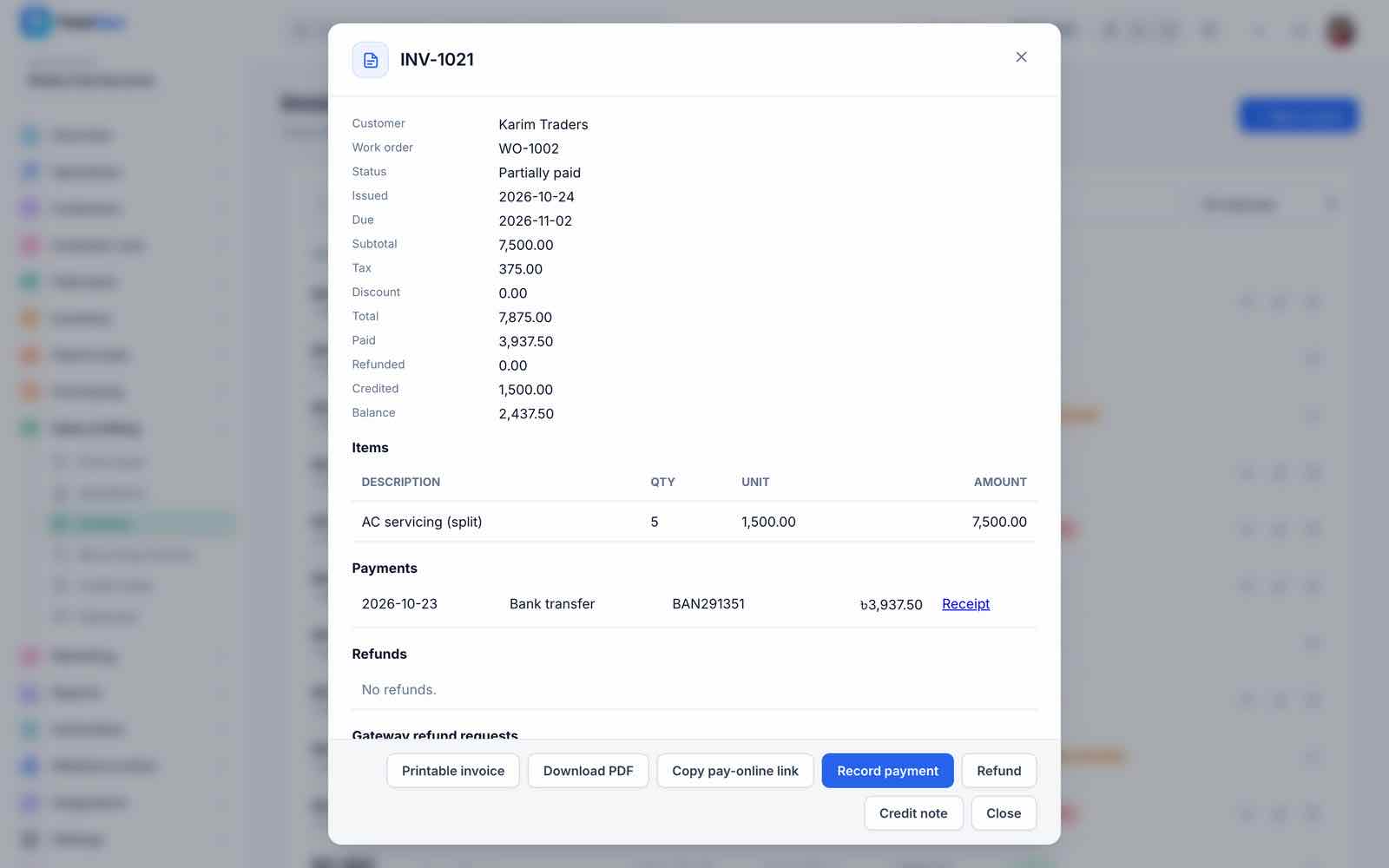
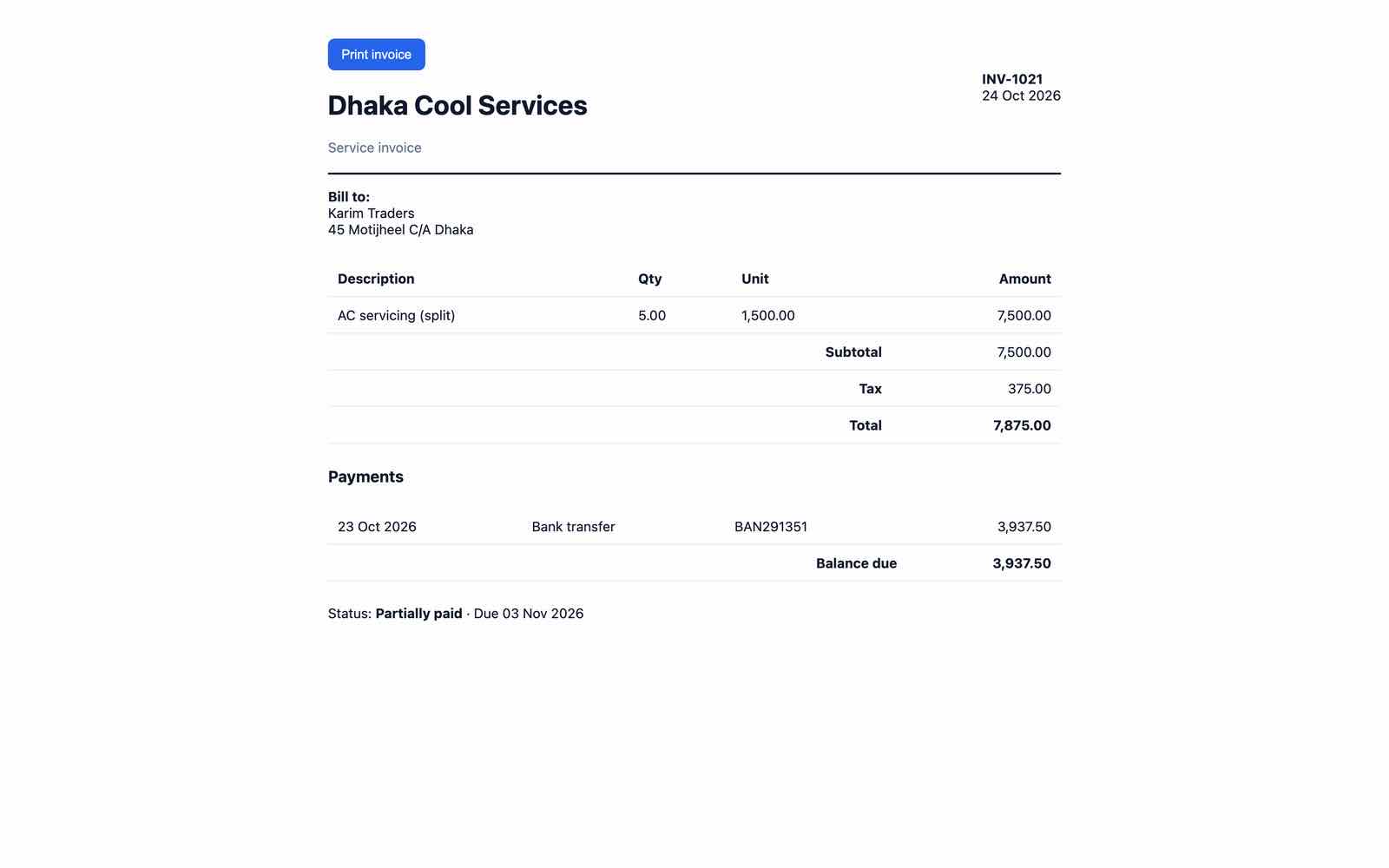
- Invoices: items, tax, deposits, payments, refunds, credit notes, pay link and PDF; customers pay online with the company’s gateways. Refunding an online payment sends the refund to the gateway (Stripe, PayPal, Razorpay, Paystack, Flutterwave, SSLCommerz, bKash) and lists it under Gateway refund requests until the gateway confirms it; manual and bank-transfer refunds are recorded directly. Overdue reminders run daily.
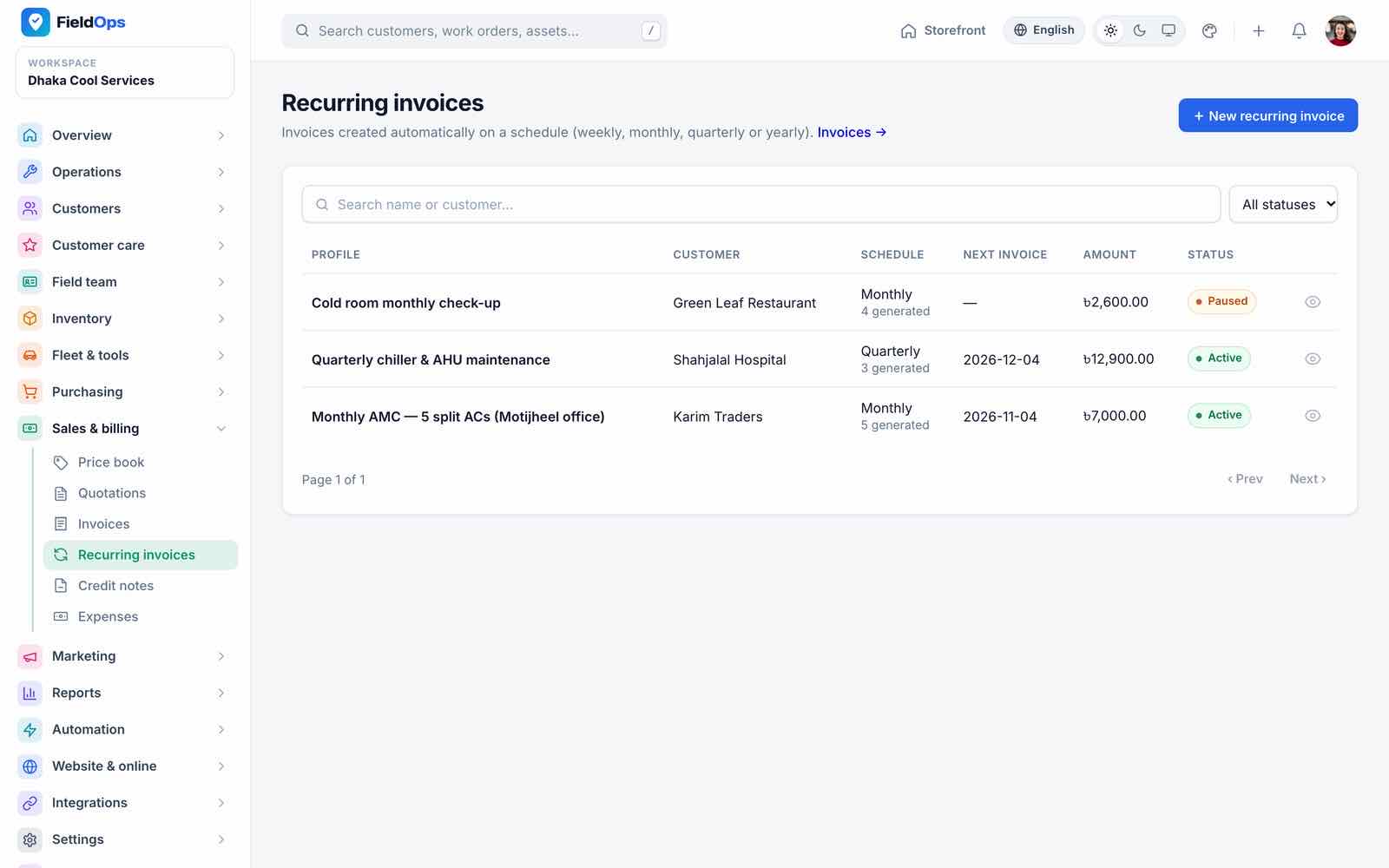
- Recurring invoices: one invoice per profile and period (
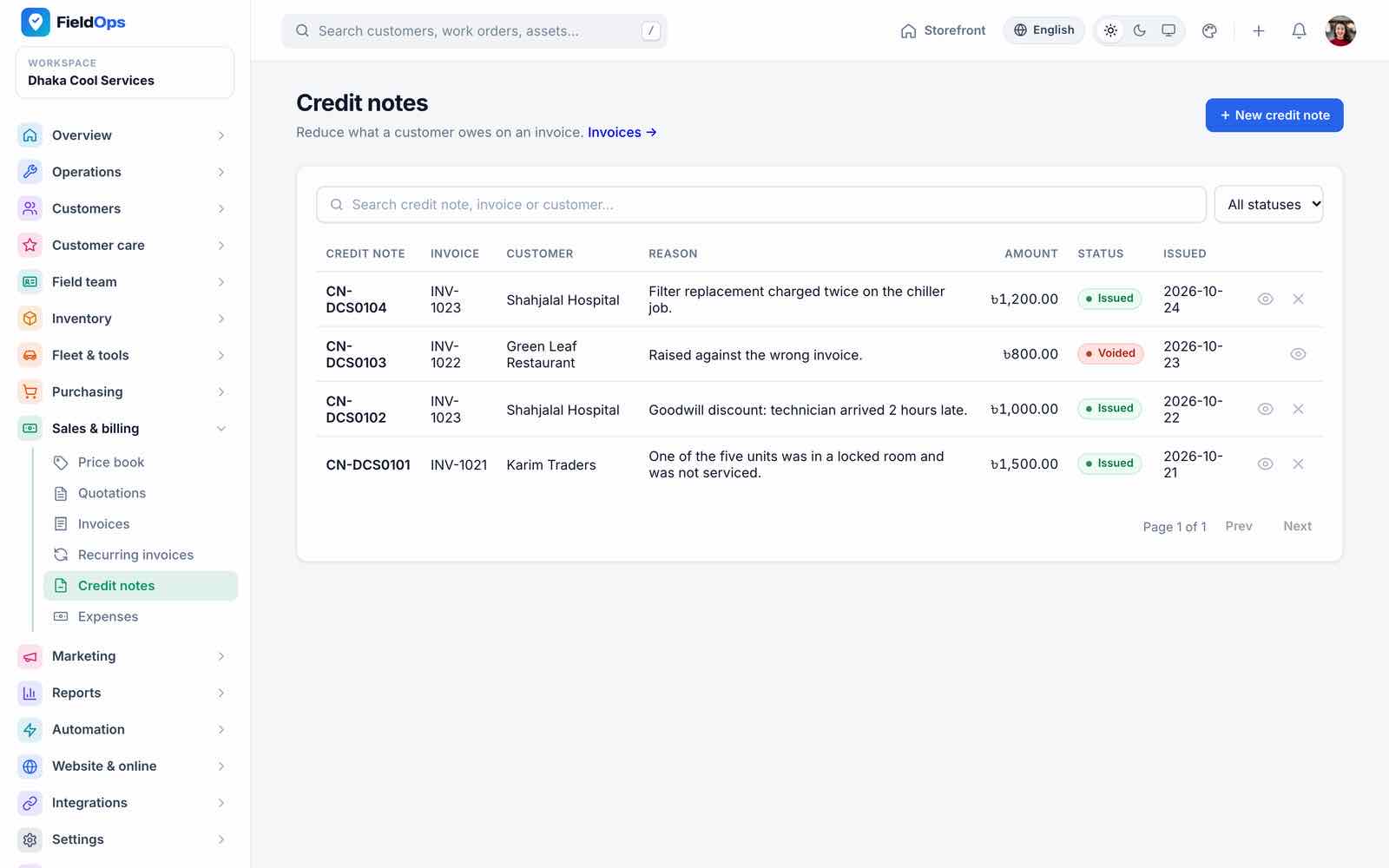
fieldops:generate-recurring-invoices). - Credit notes and Expenses (with receipts submitted from the app).
PDFs use mPDF for Bangla documents and dompdf otherwise (PDF_ENGINE=auto); the Noto Sans Bengali font is bundled.
Marketing
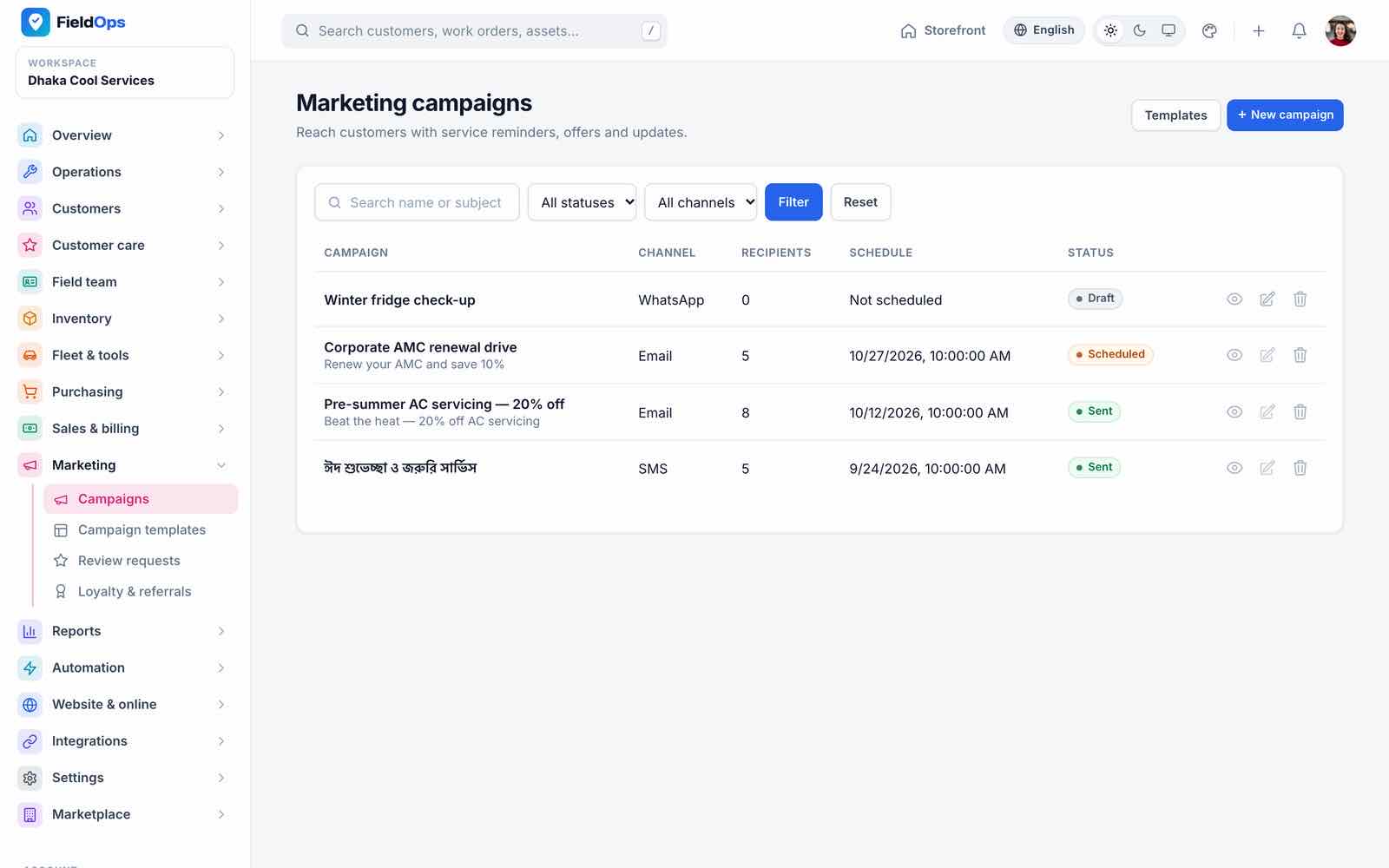
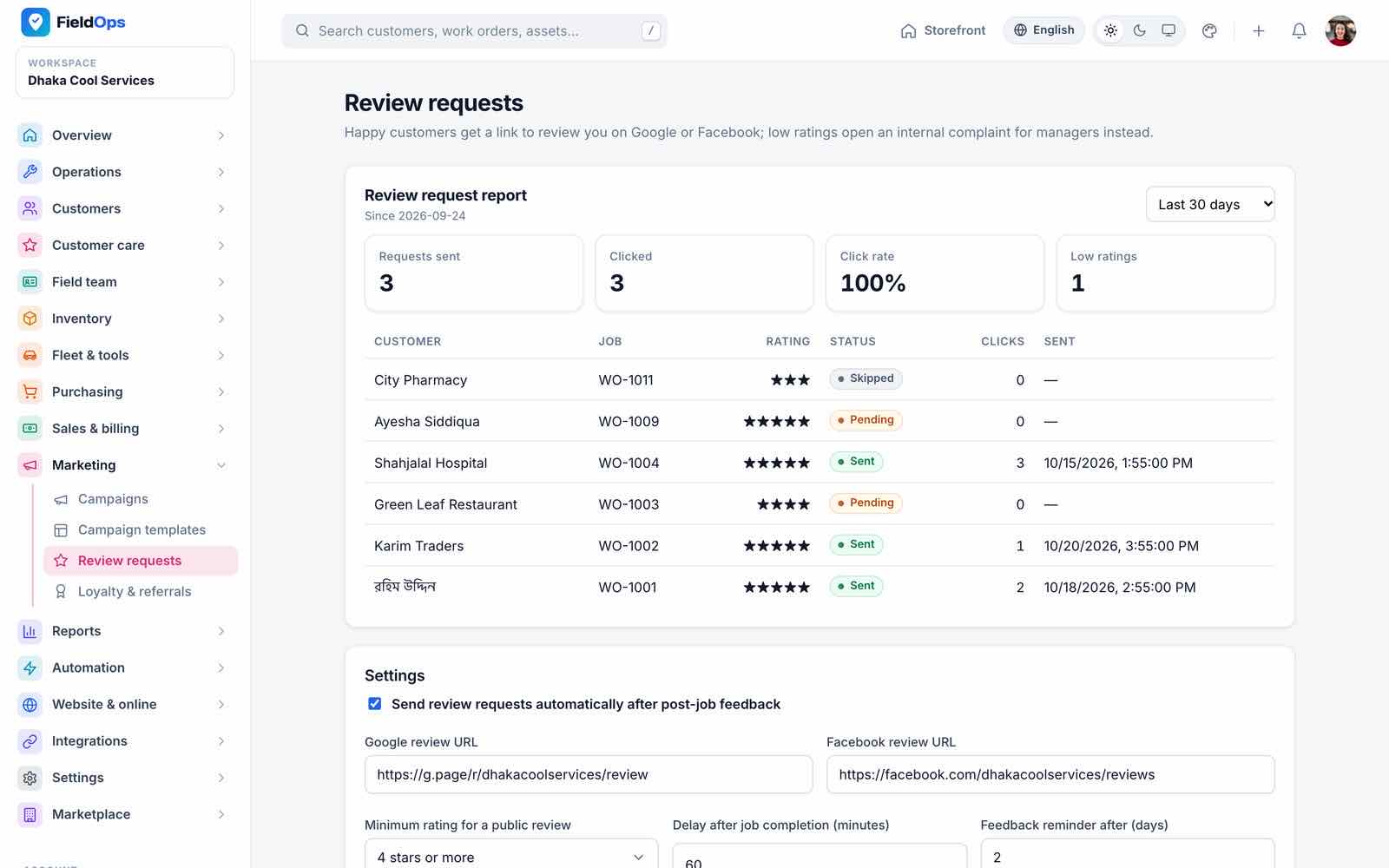
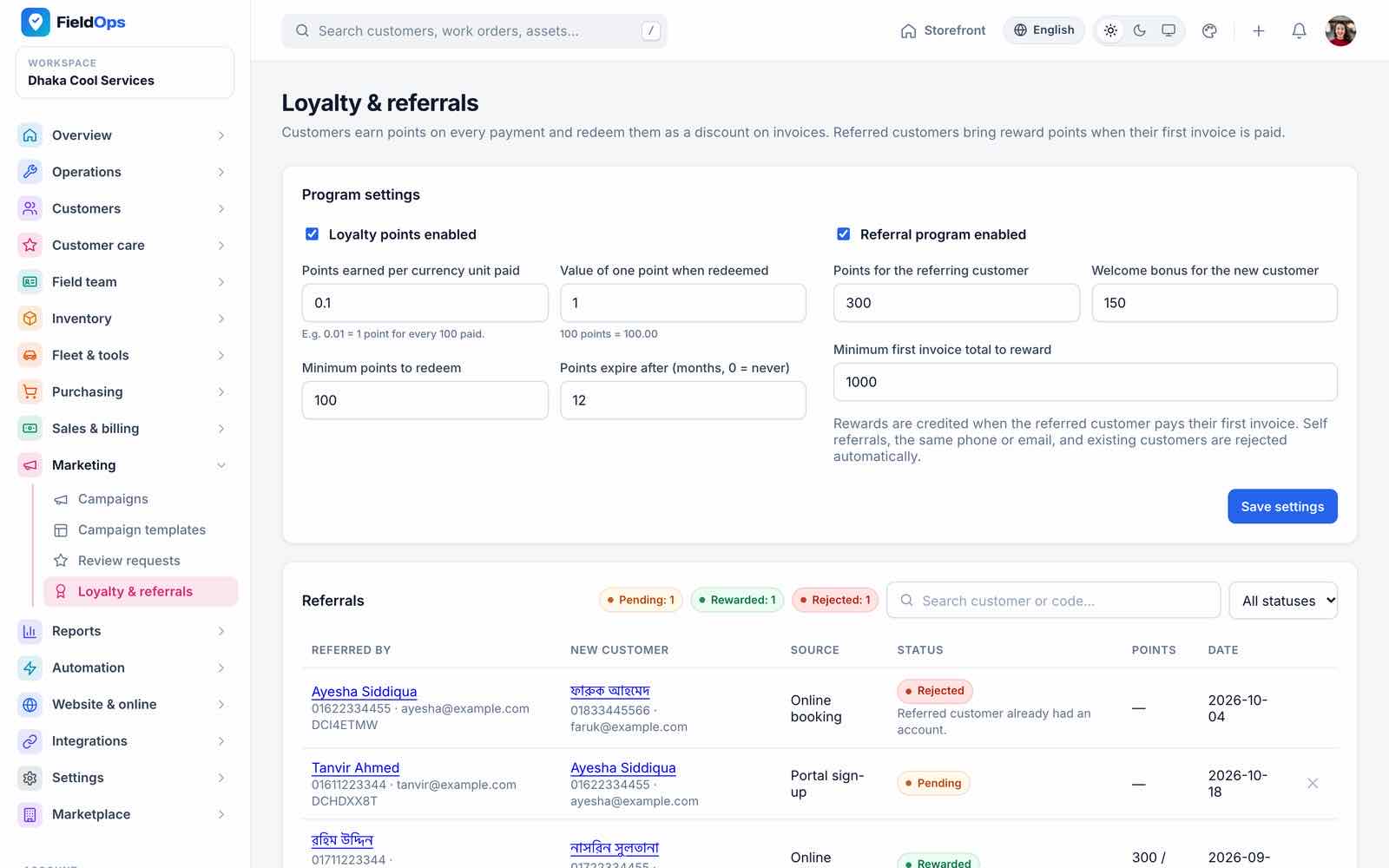
Campaigns send e-mail, SMS or WhatsApp to a segment (chosen customers, city or tags) using campaign templates (Bangla and English). A scheduled campaign is sent by fieldops:send-campaigns (every minute, on the queue) to active customers who gave marketing consent and have an e-mail or phone; while sending it can be paused or cancelled, and its content is locked. Review requests ask happy customers to review you on Google or Facebook (every 15 minutes after good feedback, with a one-time reminder). Loyalty & referrals sets points per spend, expiry and referral rewards; customers share /r/{code} links.
Reports
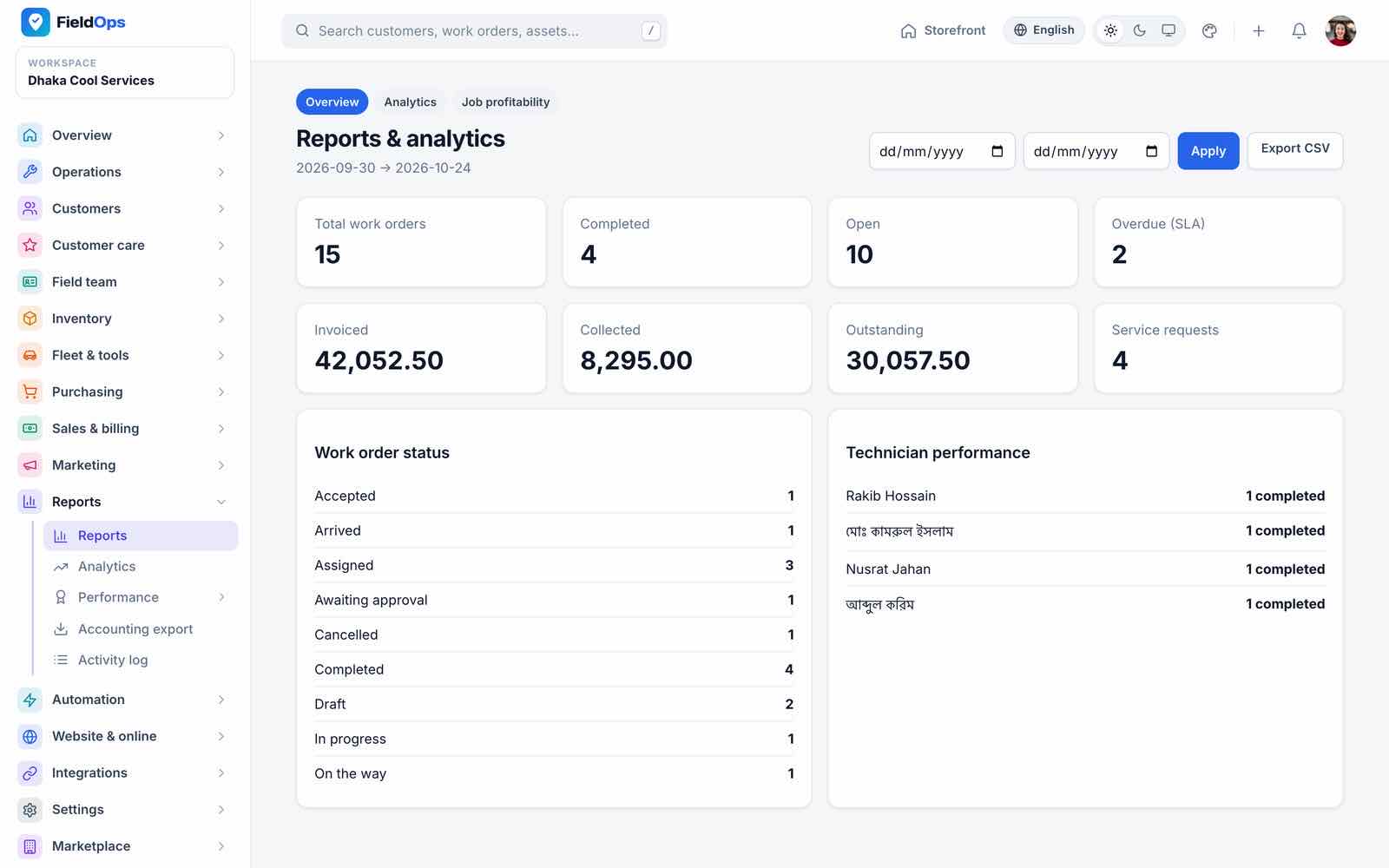
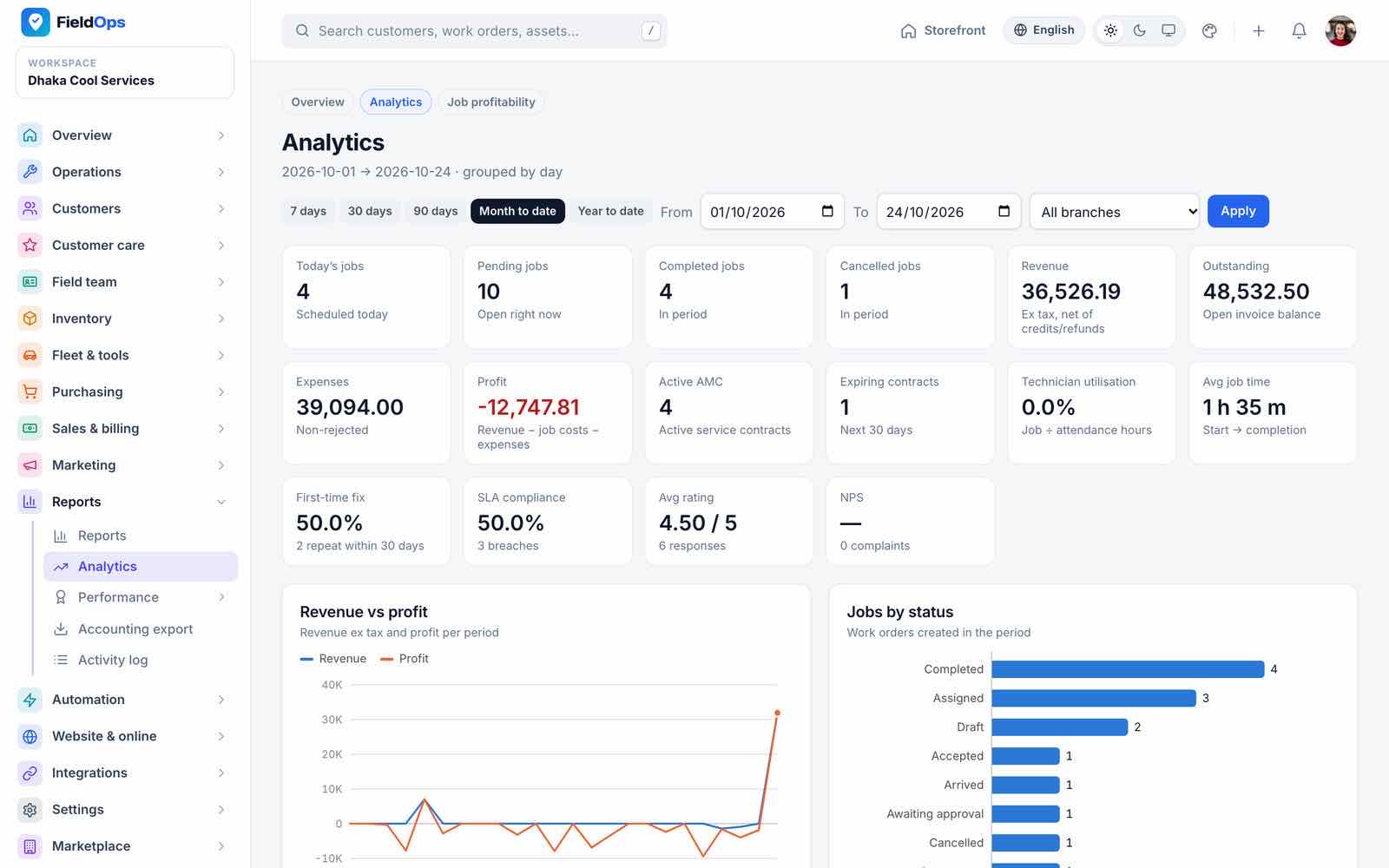
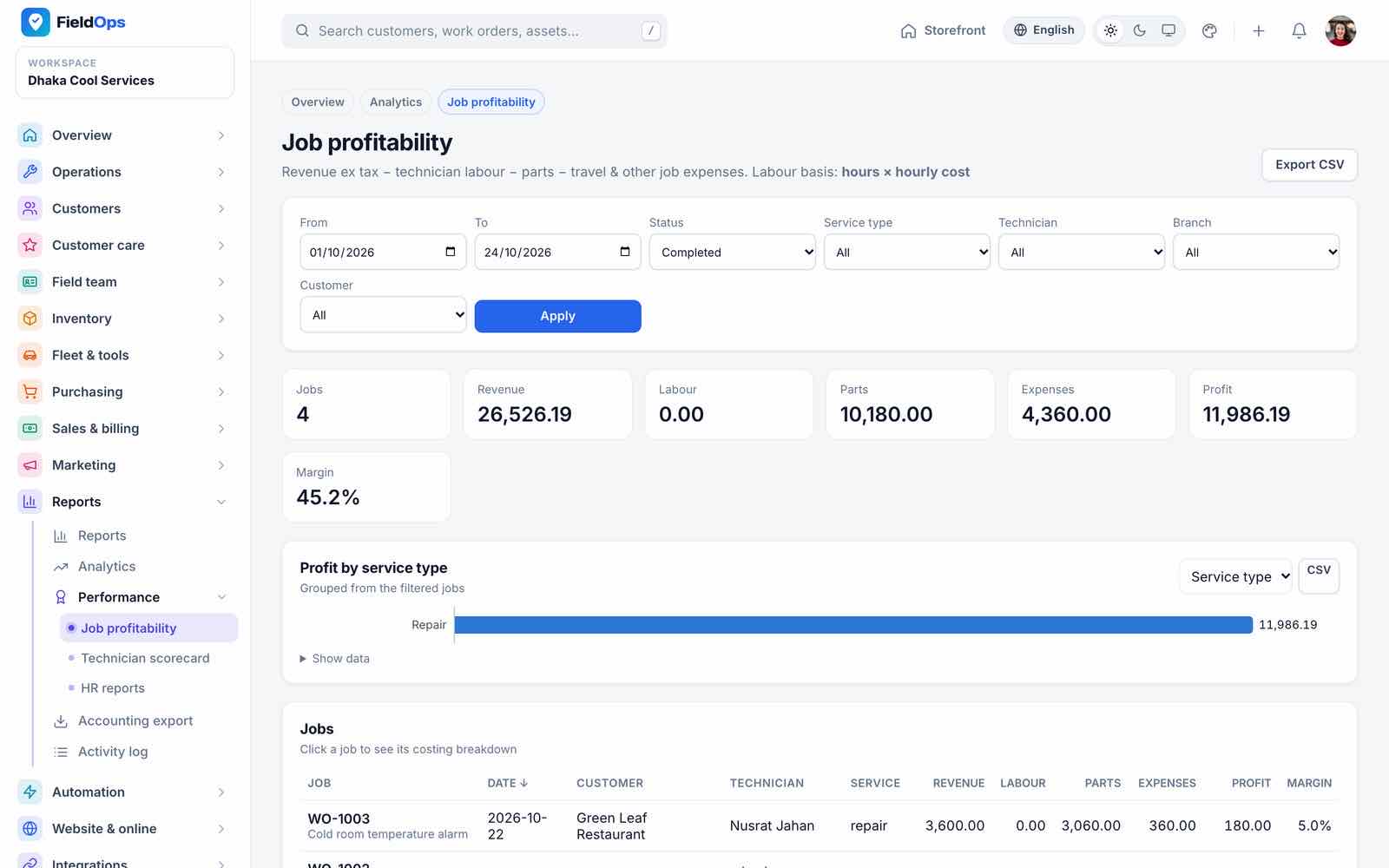
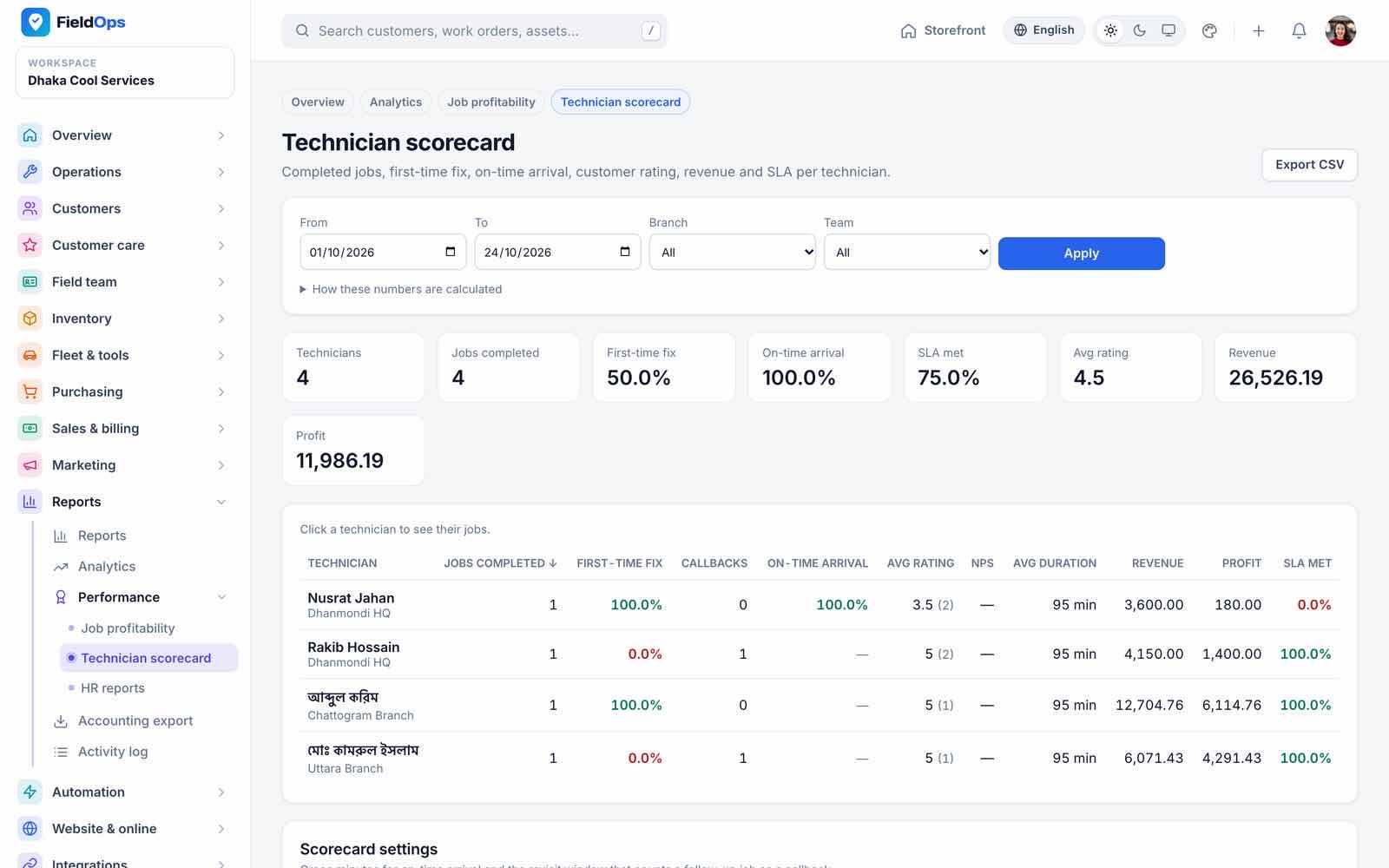
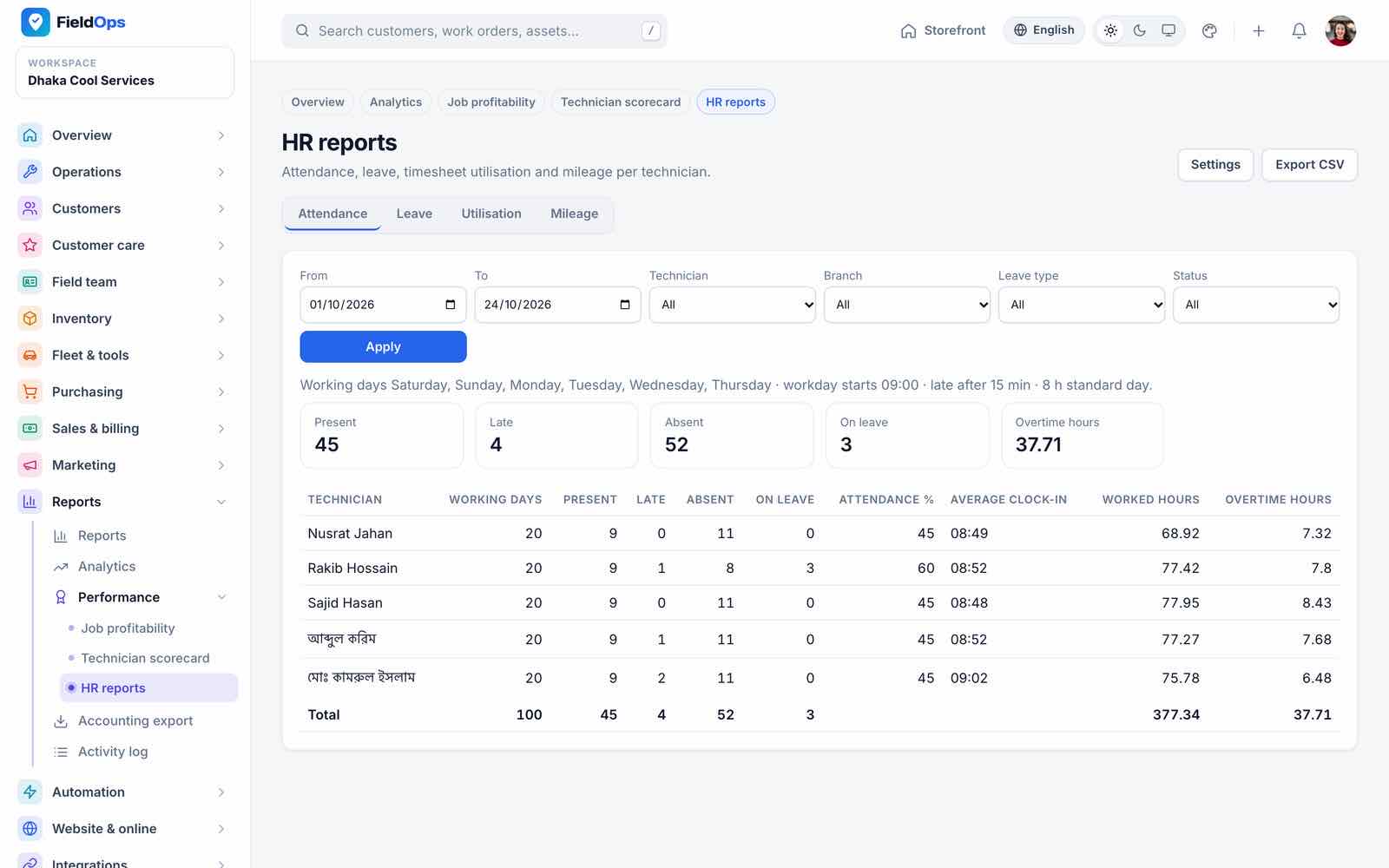
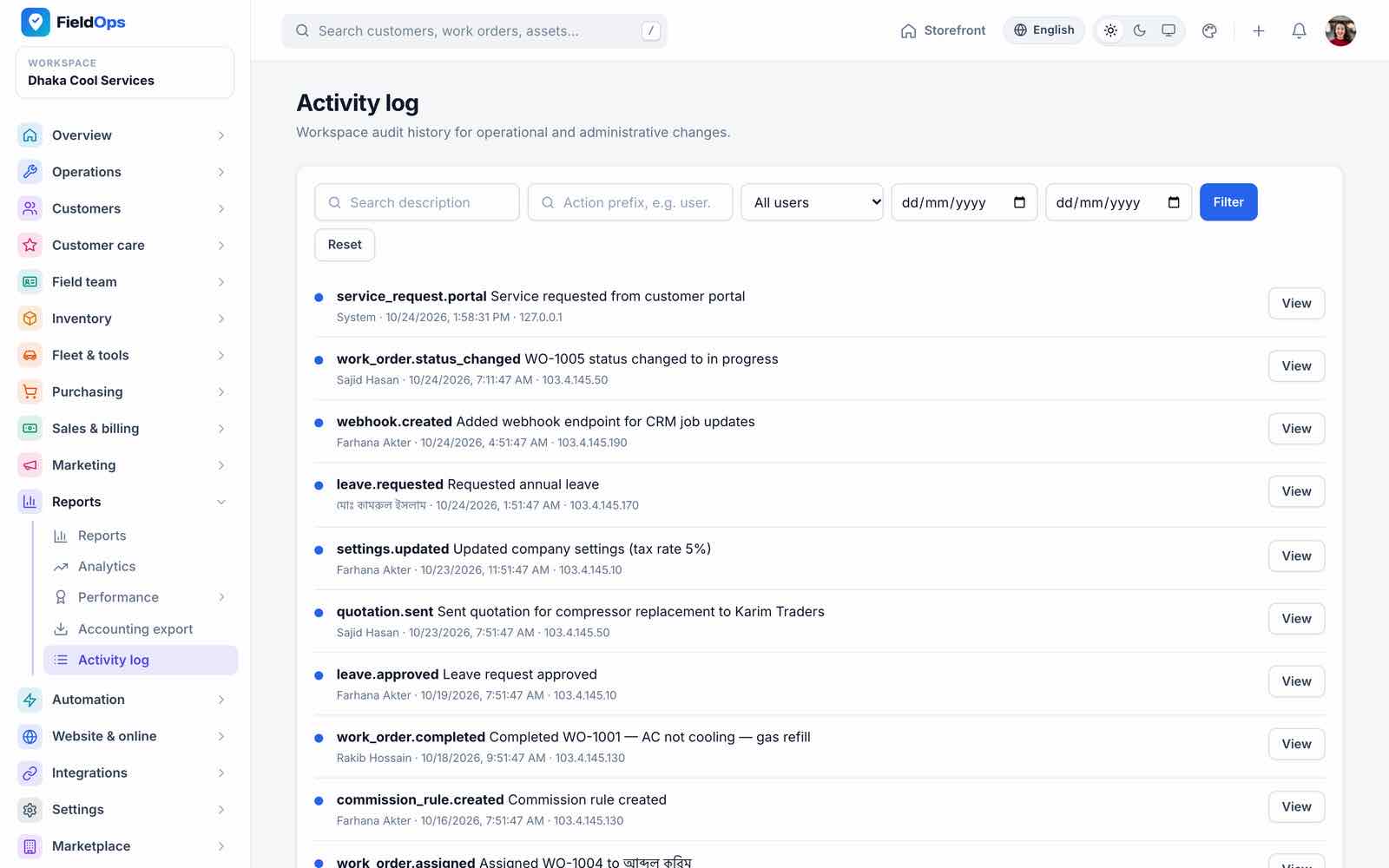
Reports (work orders, invoiced, collected, outstanding, status and technician performance), Analytics (KPIs, revenue vs profit, jobs by status), Job profitability (revenue, labour, parts, expenses, margin), Technician scorecard (first-time fix, on-time arrival, rating, revenue), HR reports (attendance, leave, worked and overtime hours), Accounting export and Activity log.
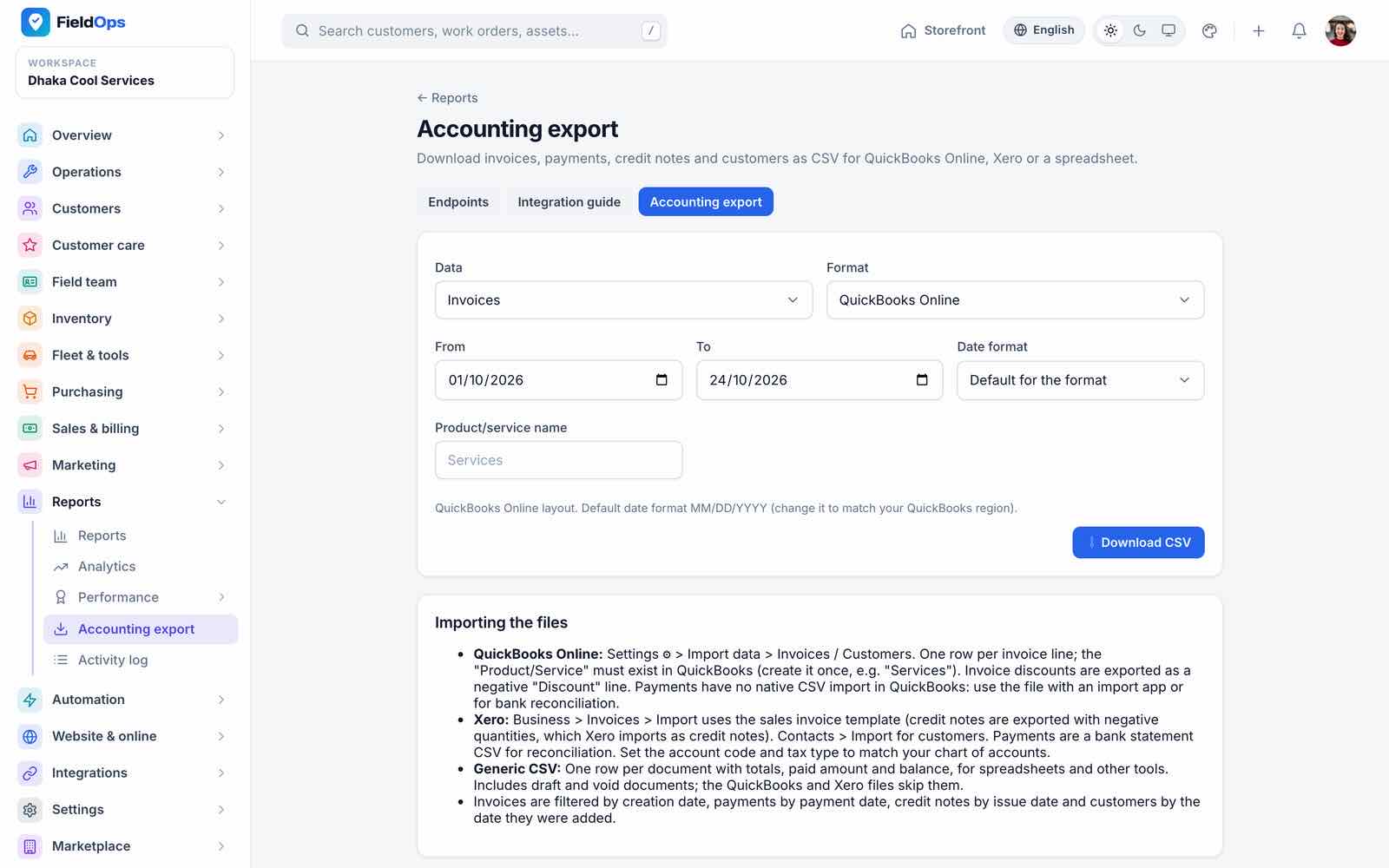
Accounting export writes CSV files for QuickBooks, Xero or a generic format (invoices, payments, credit notes, customers) that you import into your accounting software. It is an export, not a live sync.
Automation
- Customer notifications → Channels (
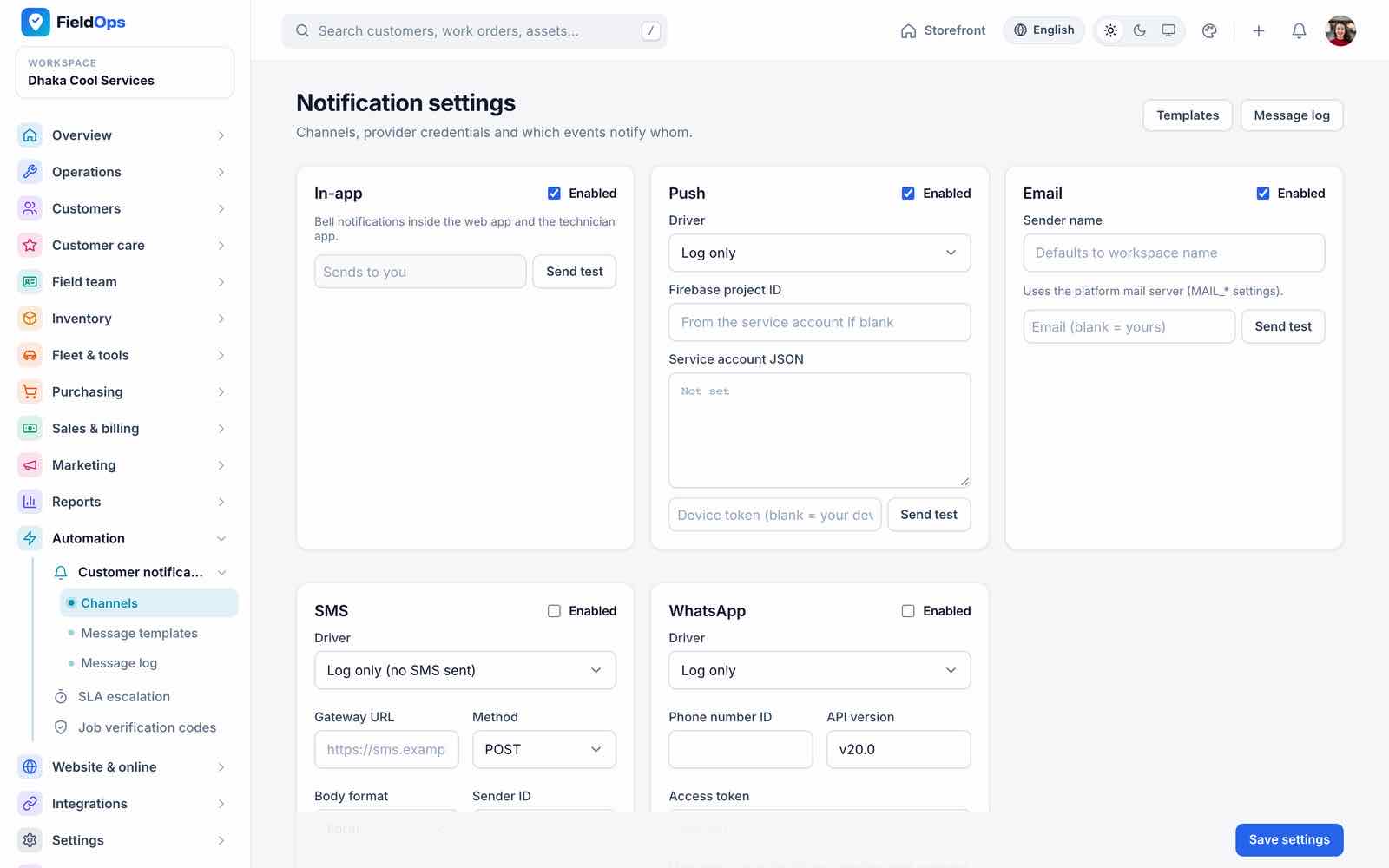
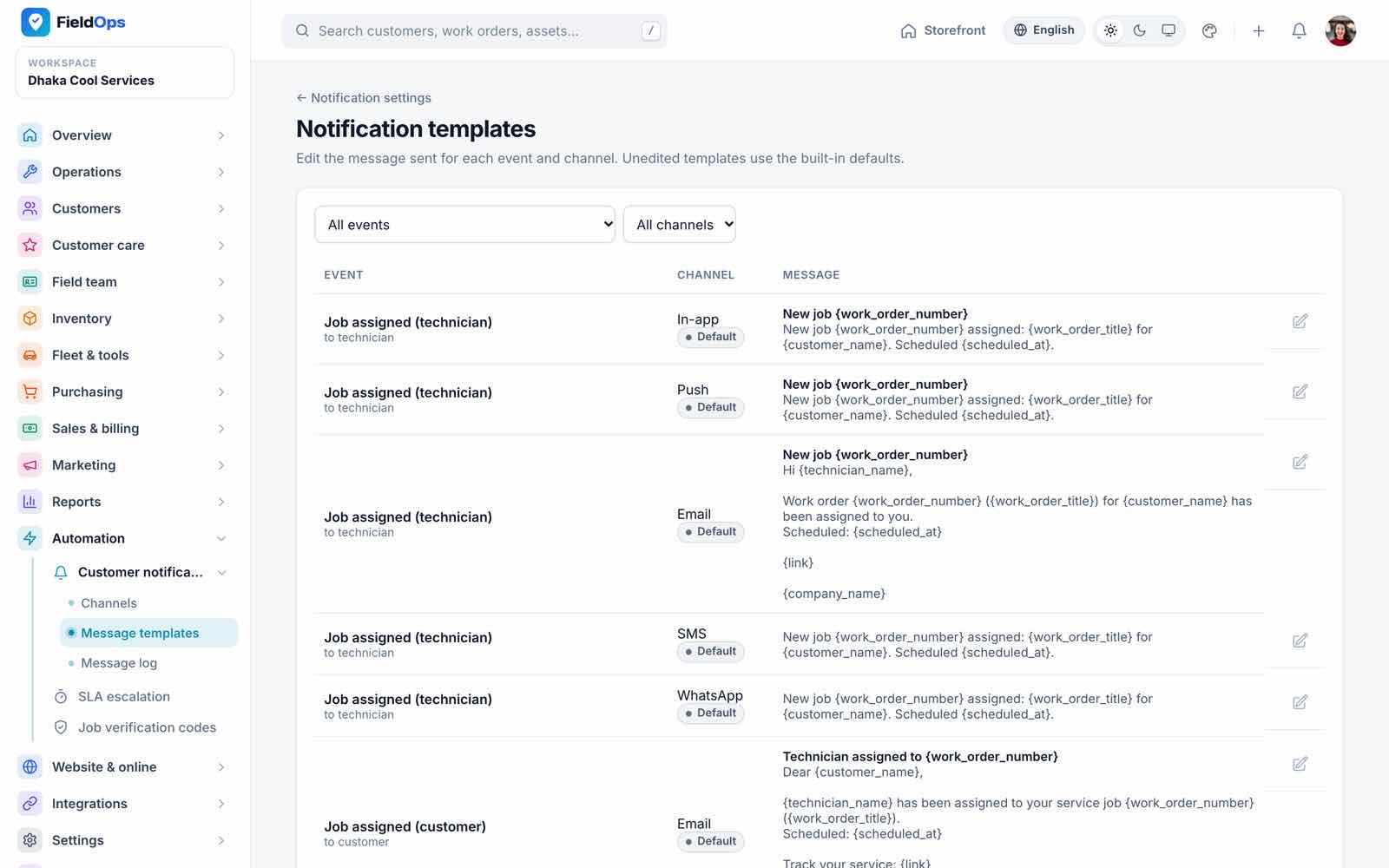
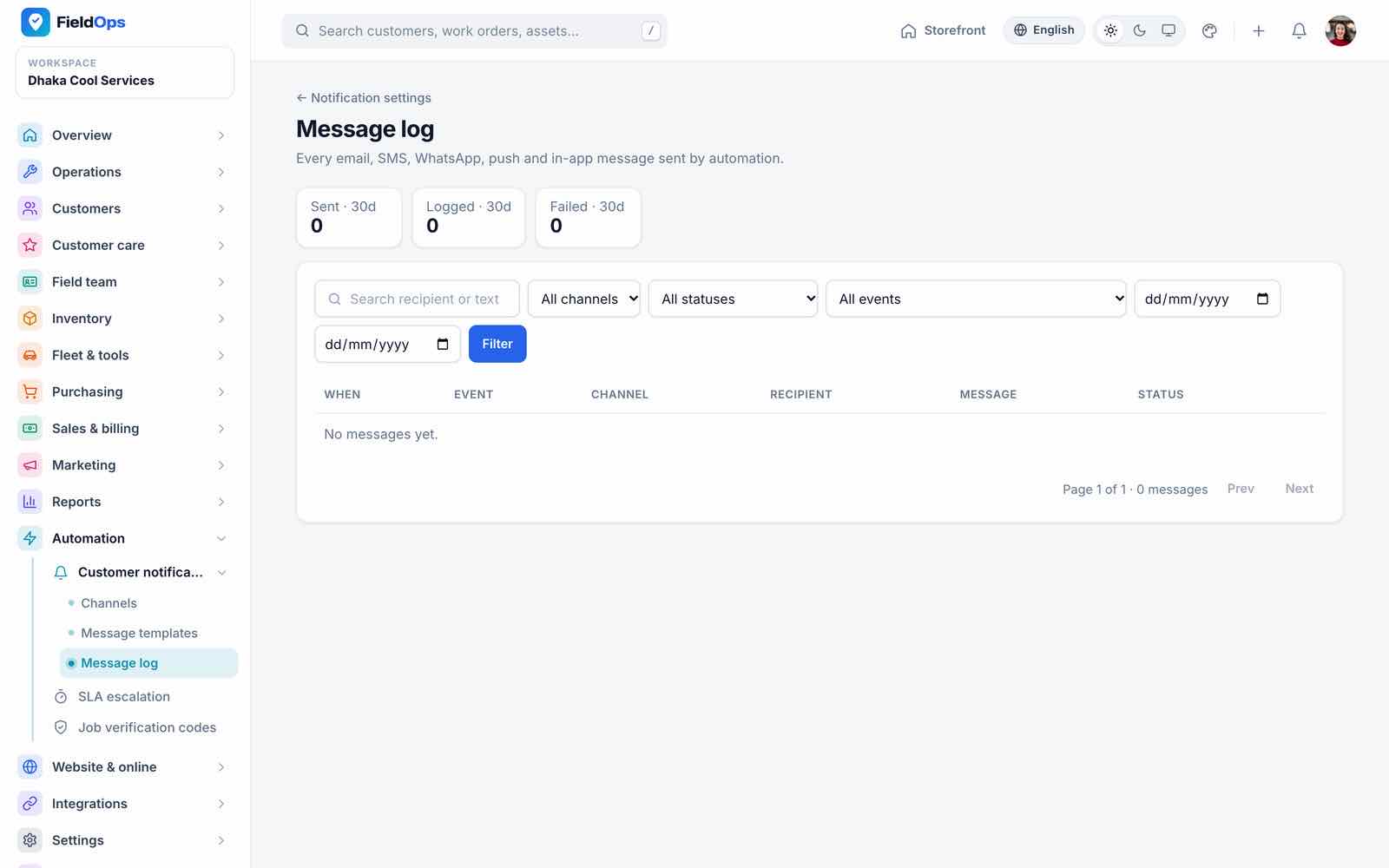
/company/notifications/settings): in-app, push, e-mail, SMS (gateway URL must be public HTTPS) and WhatsApp per company, with its own credentials (stored encrypted) or the platform fallback, and Send test (SMS, WhatsApp & Push). - Message templates: text per event and channel; Message log: what was sent.
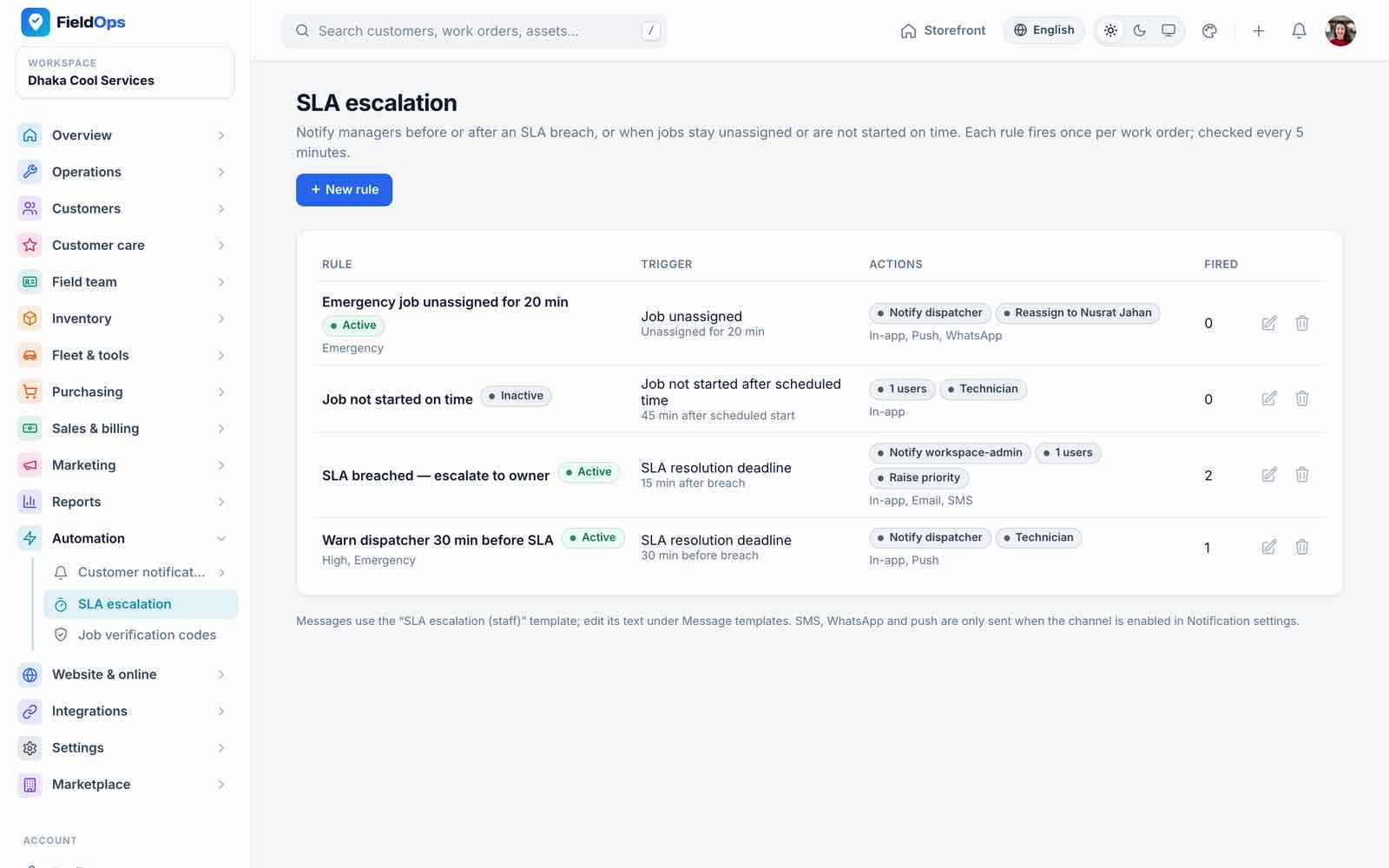
- SLA escalation: rules that notify people when a job nears or passes its SLA (checked every 5 minutes, each stage once per job; failed notifications are retried up to 3 times).
- Job verification codes: arrival and completion codes the customer gives the technician.
Website & Online
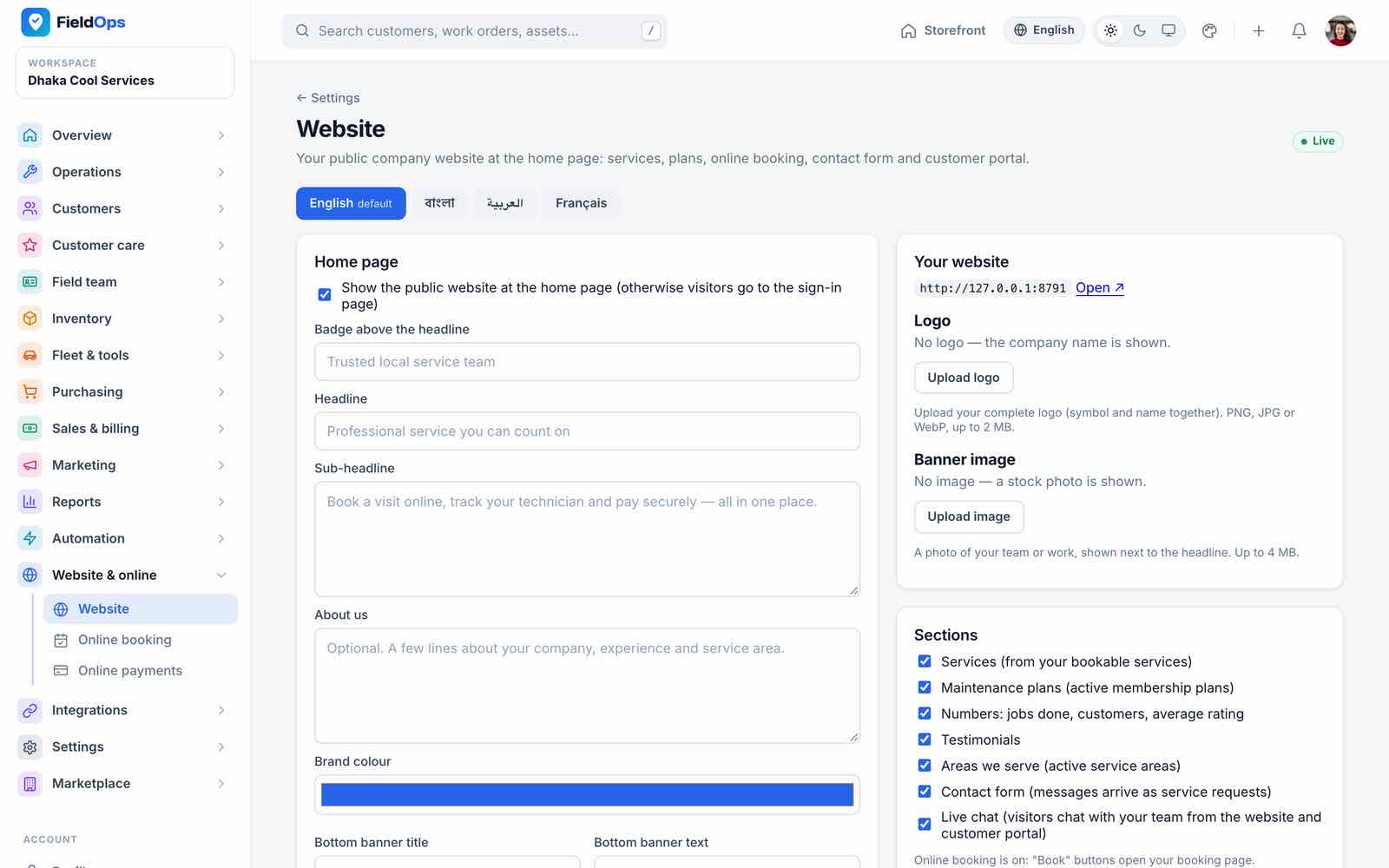
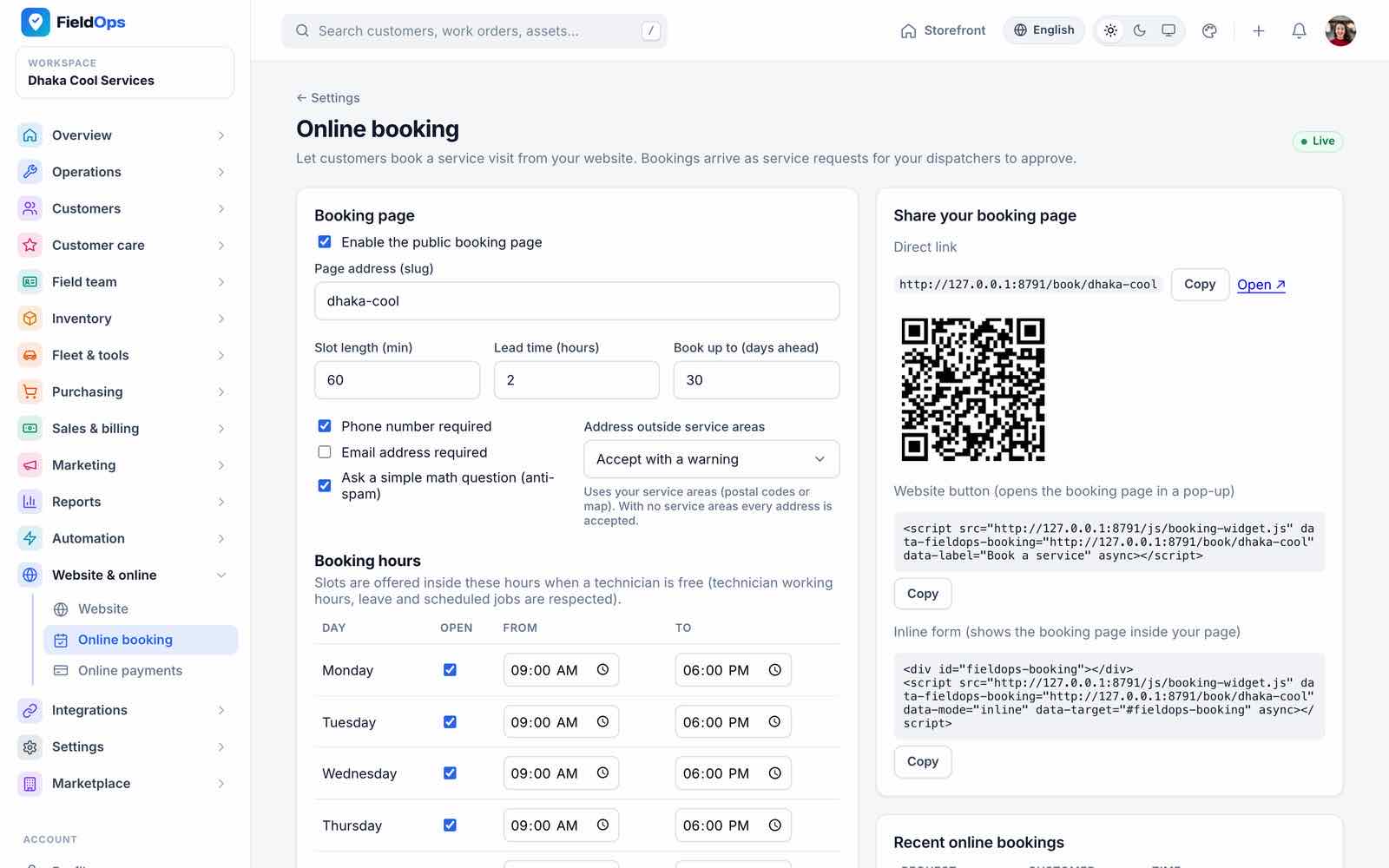
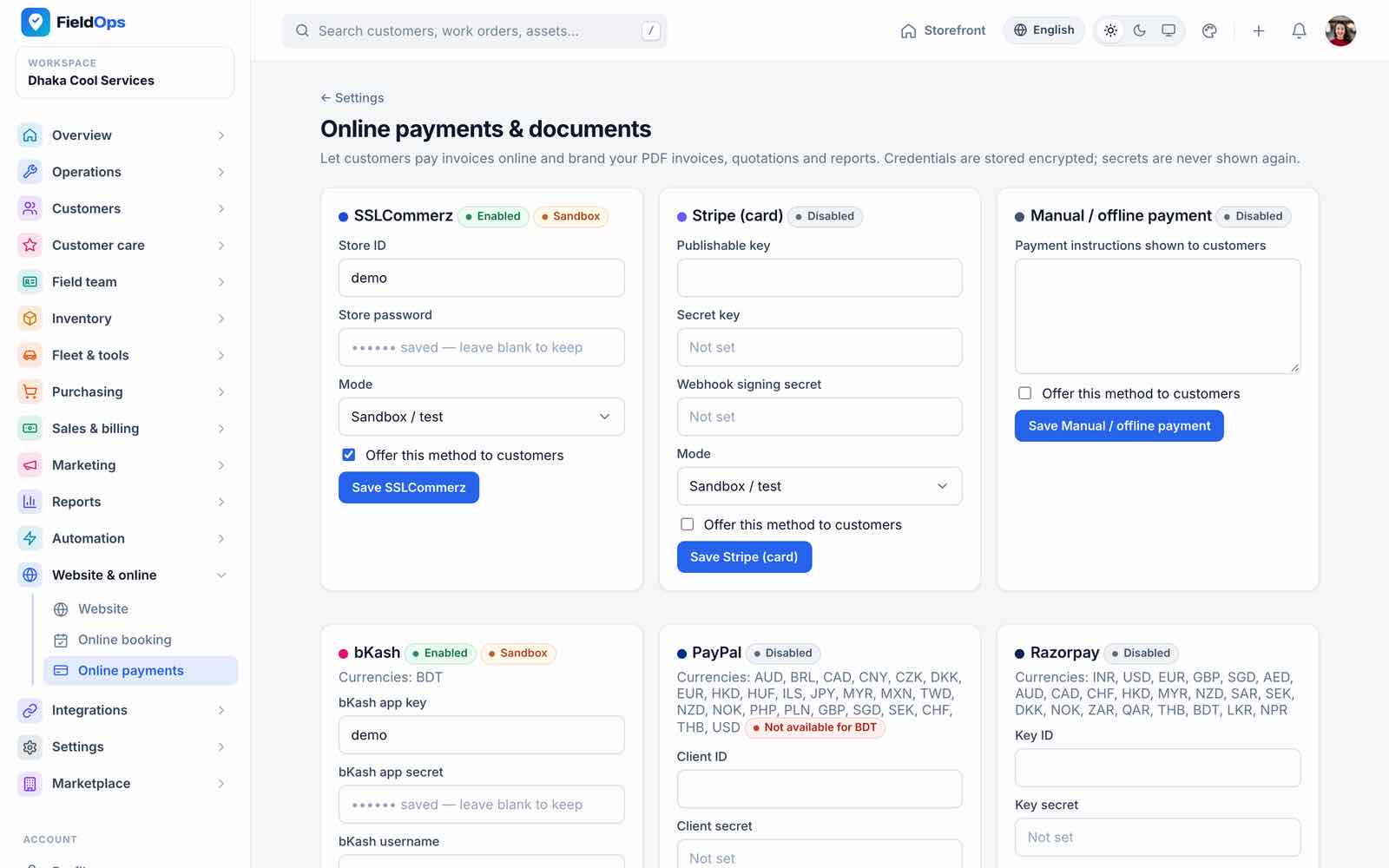
Website (/company/settings/website): home page sections, logo, banner and texts with a tab per language. Online booking: services offered, time slots, service areas, math captcha on/off, the booking link /book/{slug} with a QR code and the embed snippet. Online payments: the company’s gateways (Payment Gateways).
Integrations: AI, Webhooks
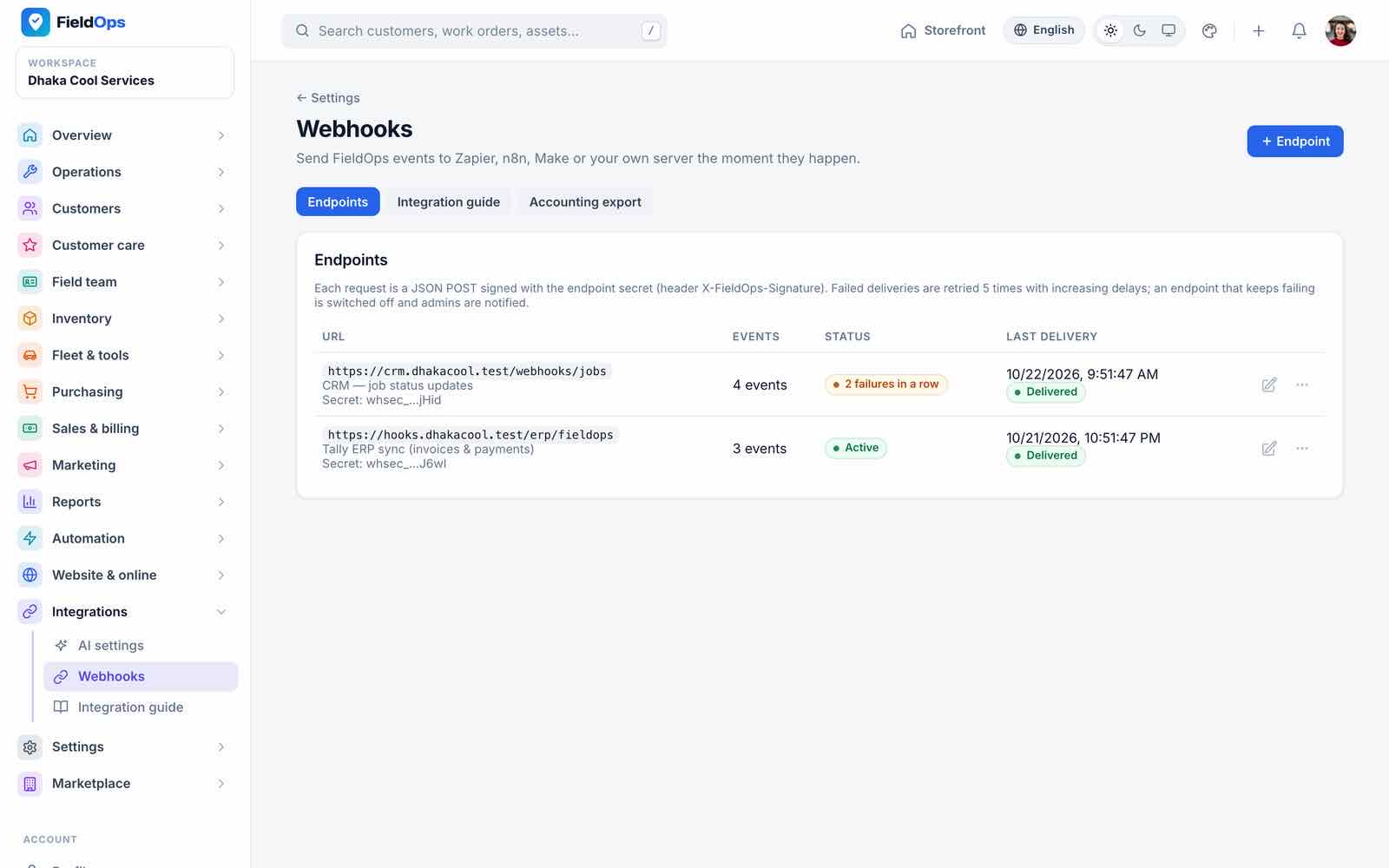
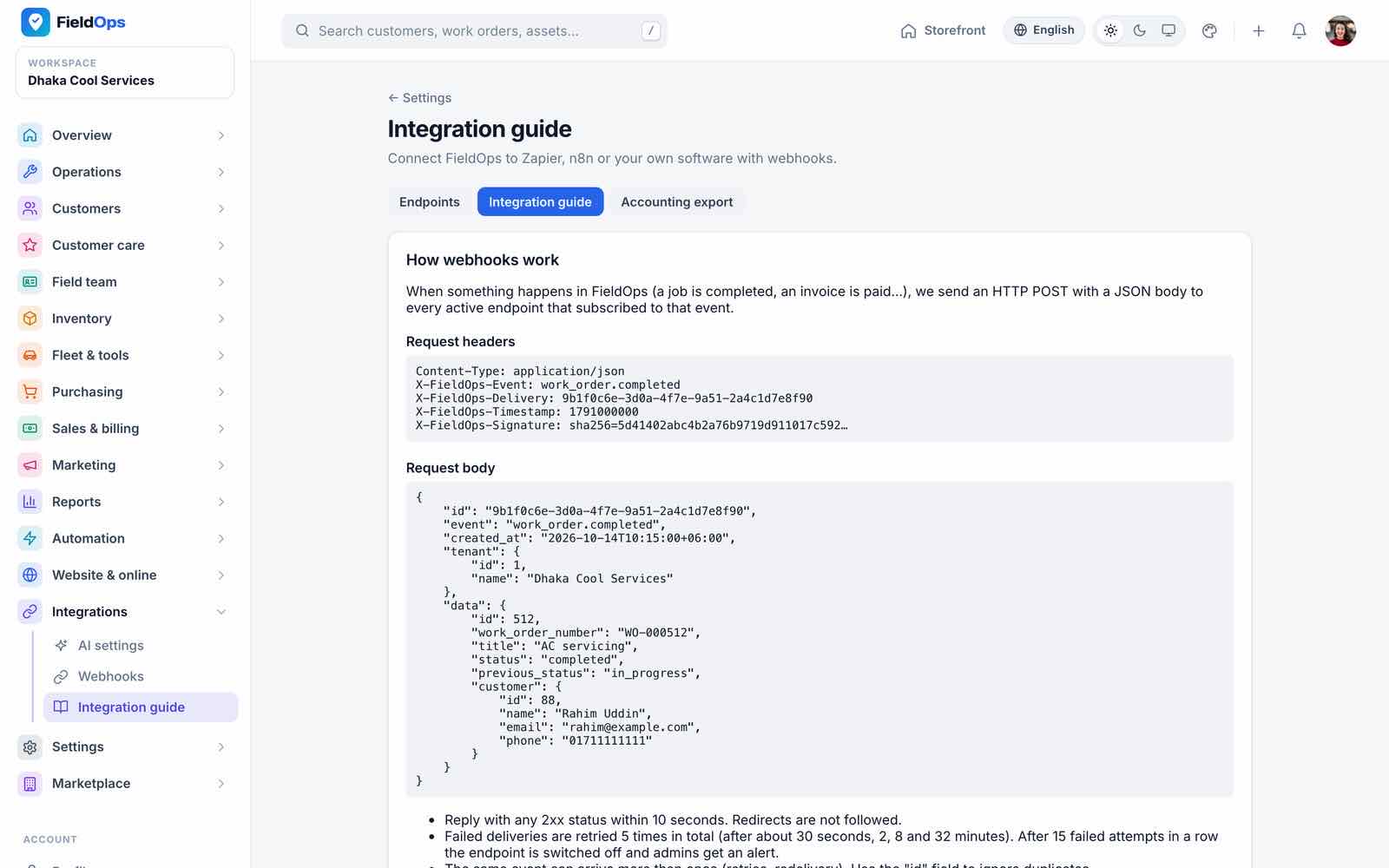
AI settings: AI Assistant. Webhooks send signed JSON to your URLs on 13 events: customer created / updated, work order created / status changed / completed, quotation sent / approved / rejected, invoice created / paid, payment received, service request created (including online bookings) and feedback received, plus a test event. Each delivery carries X-FieldOps-Event, X-FieldOps-Delivery, X-FieldOps-Timestamp and an X-FieldOps-Signature header; the Integration guide shows how to verify it and how to connect Zapier or n8n.
Deliveries run on their own webhooks queue with retries (WEBHOOK_MAX_ATTEMPTS, default 5); an endpoint is switched off after 15 failures in a row (WEBHOOK_DISABLE_AFTER_FAILURES). Internal and private addresses are refused unless WEBHOOK_ALLOW_PRIVATE_TARGETS is set (never in production).
Workspace Settings
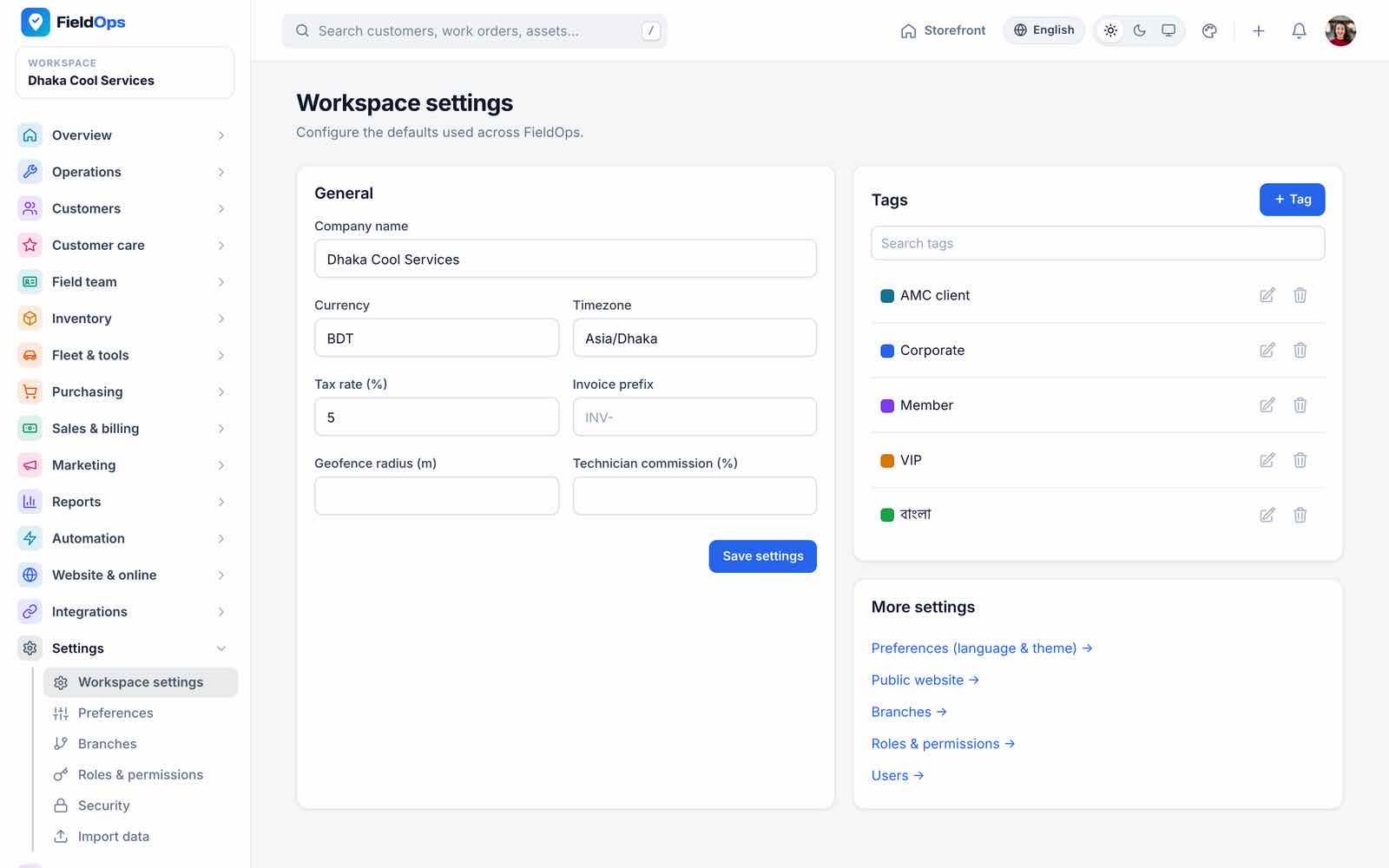
- Workspace settings: company details, currency, time zone, tax rate, invoice prefix and tags.
- Preferences: language, theme, brand colours and SEO of the company.
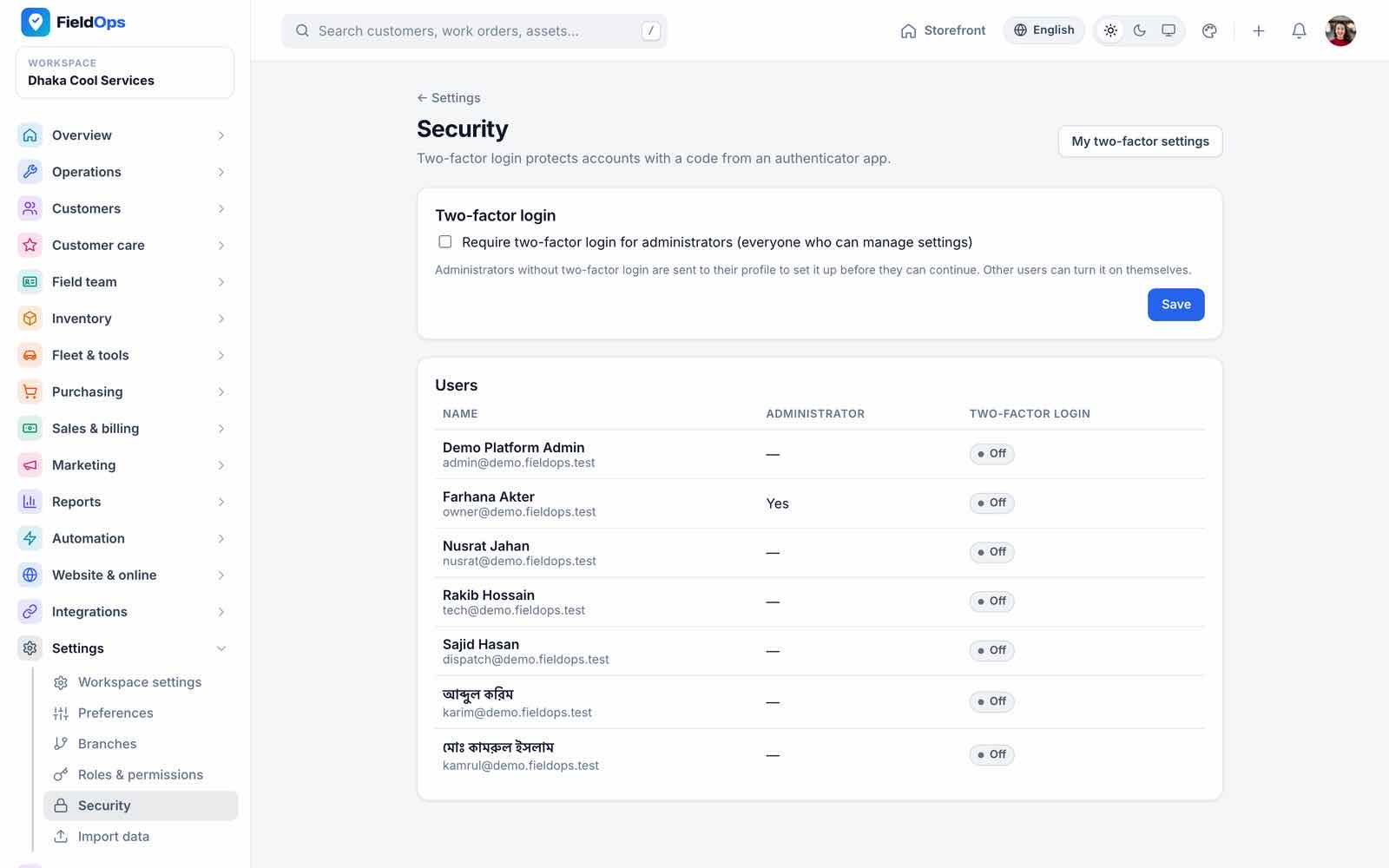
- Branches, Roles & permissions (assigning roles, a user’s permissions or another user’s e-mail/phone needs
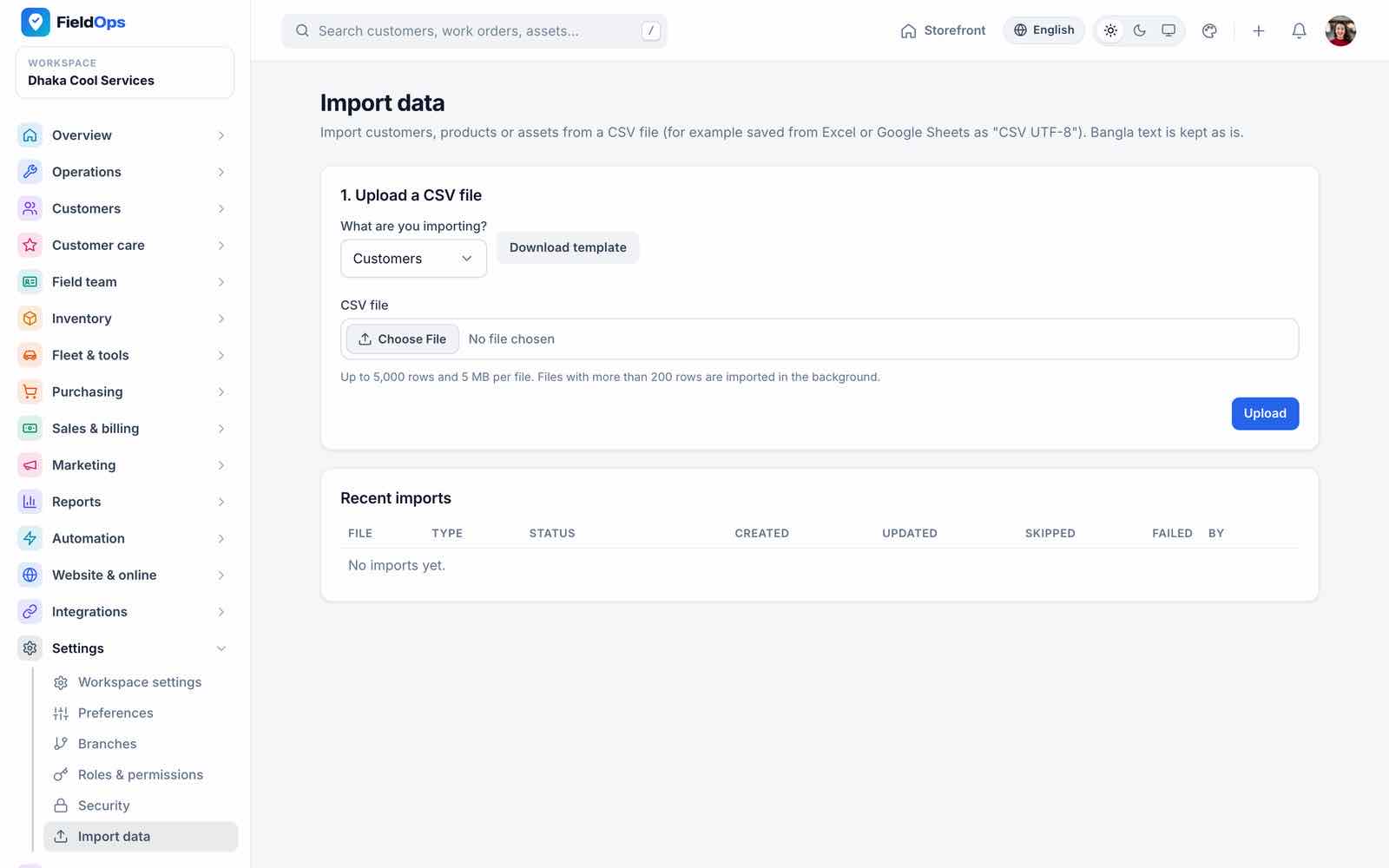
roles.manage; inventory screens needinventory.view/inventory.manage) and Security (two-factor policy for the team). - Import data: customers, products and assets from CSV, with automatic column mapping (including Bangla headers), skip or update duplicates and a preview; up to 5,000 rows / 5 MB per file. CSV exports are protected against spreadsheet formula injection.
- Number fields everywhere accept only valid values (money and stock with at most 2 decimals, counts as whole numbers); document uploads count toward the plan’s storage limit.
Vendors also see Marketplace account: Subscription, Verification documents, Platform support, Announcements and Refer a business.
Customer Portal
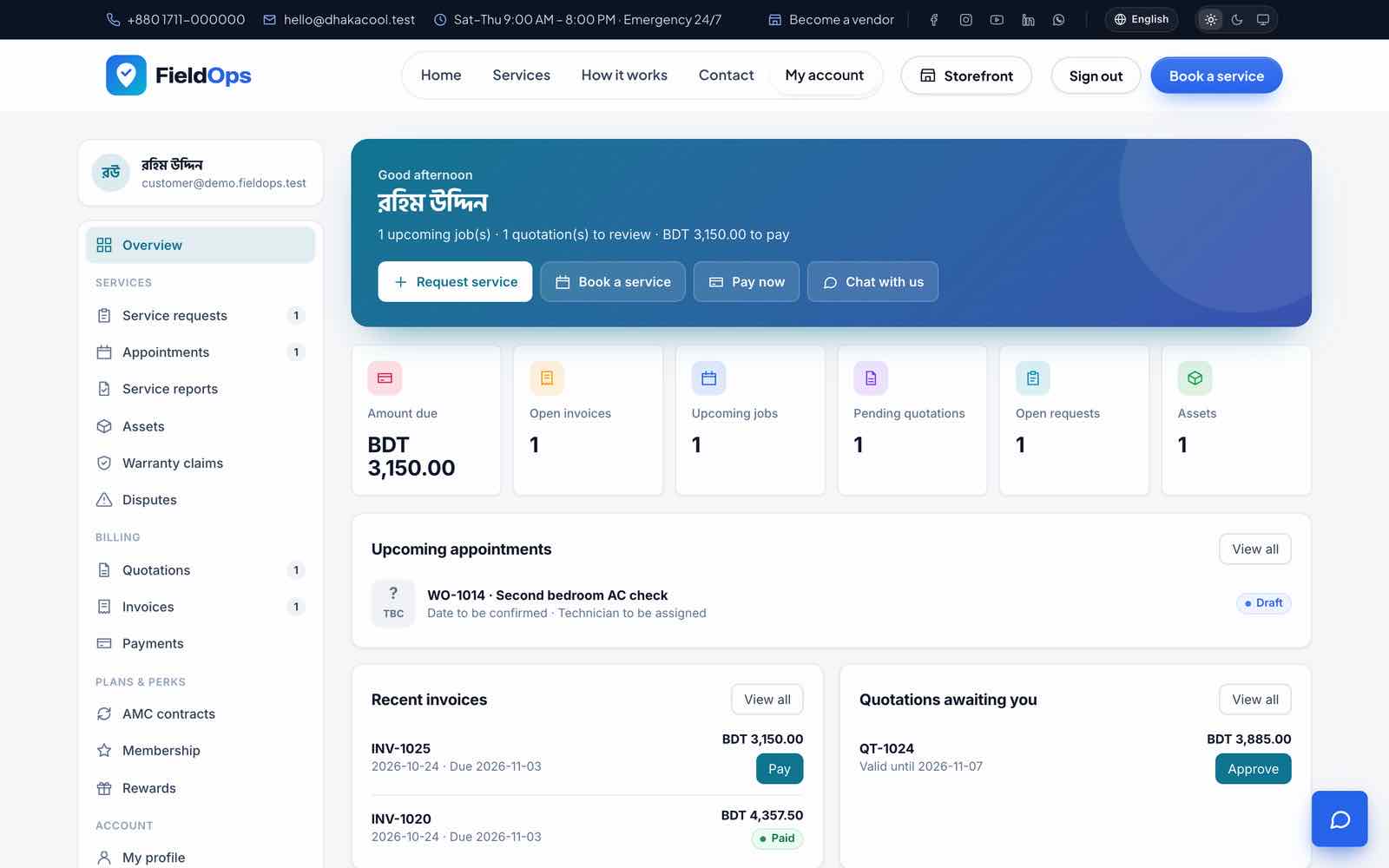
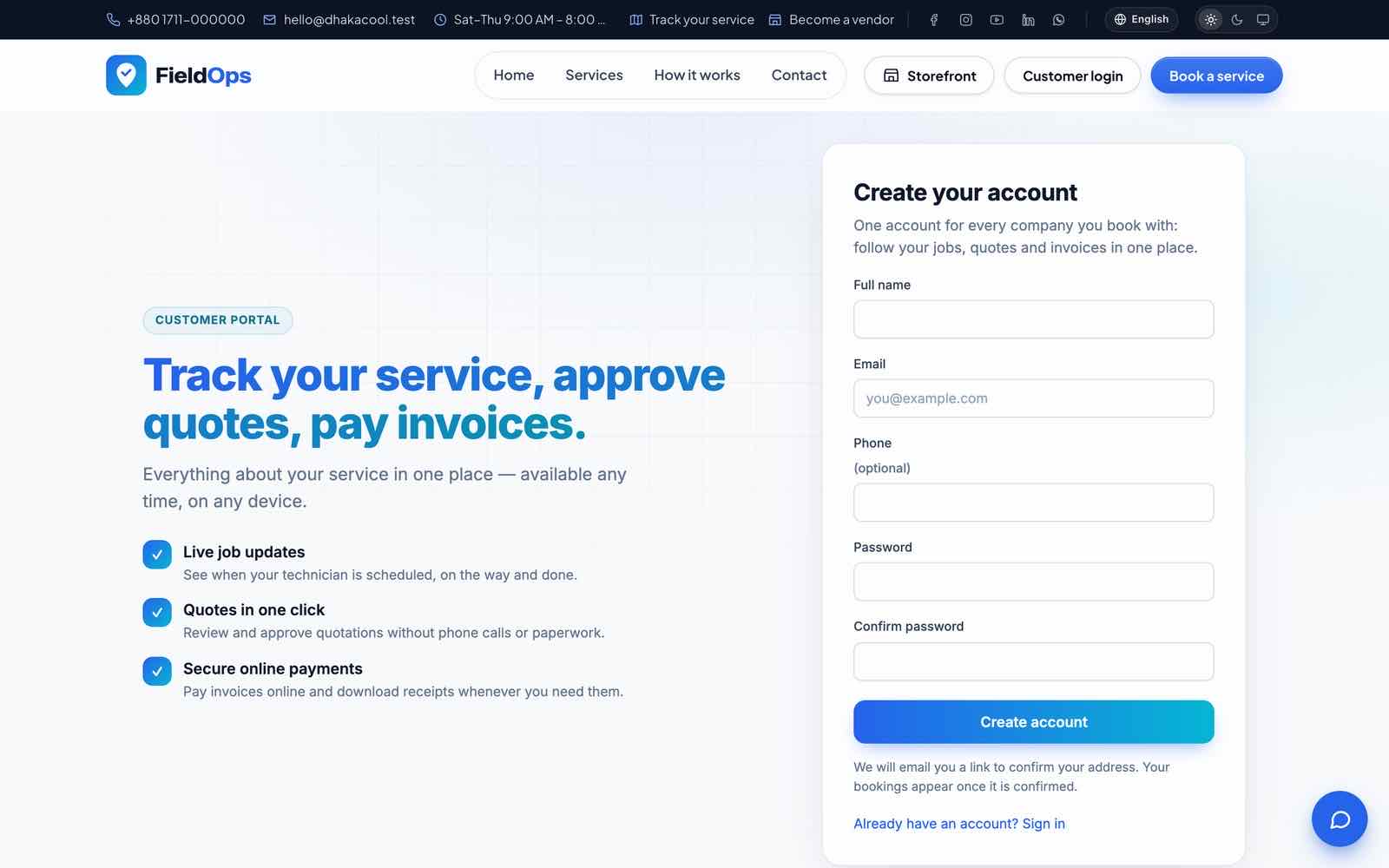
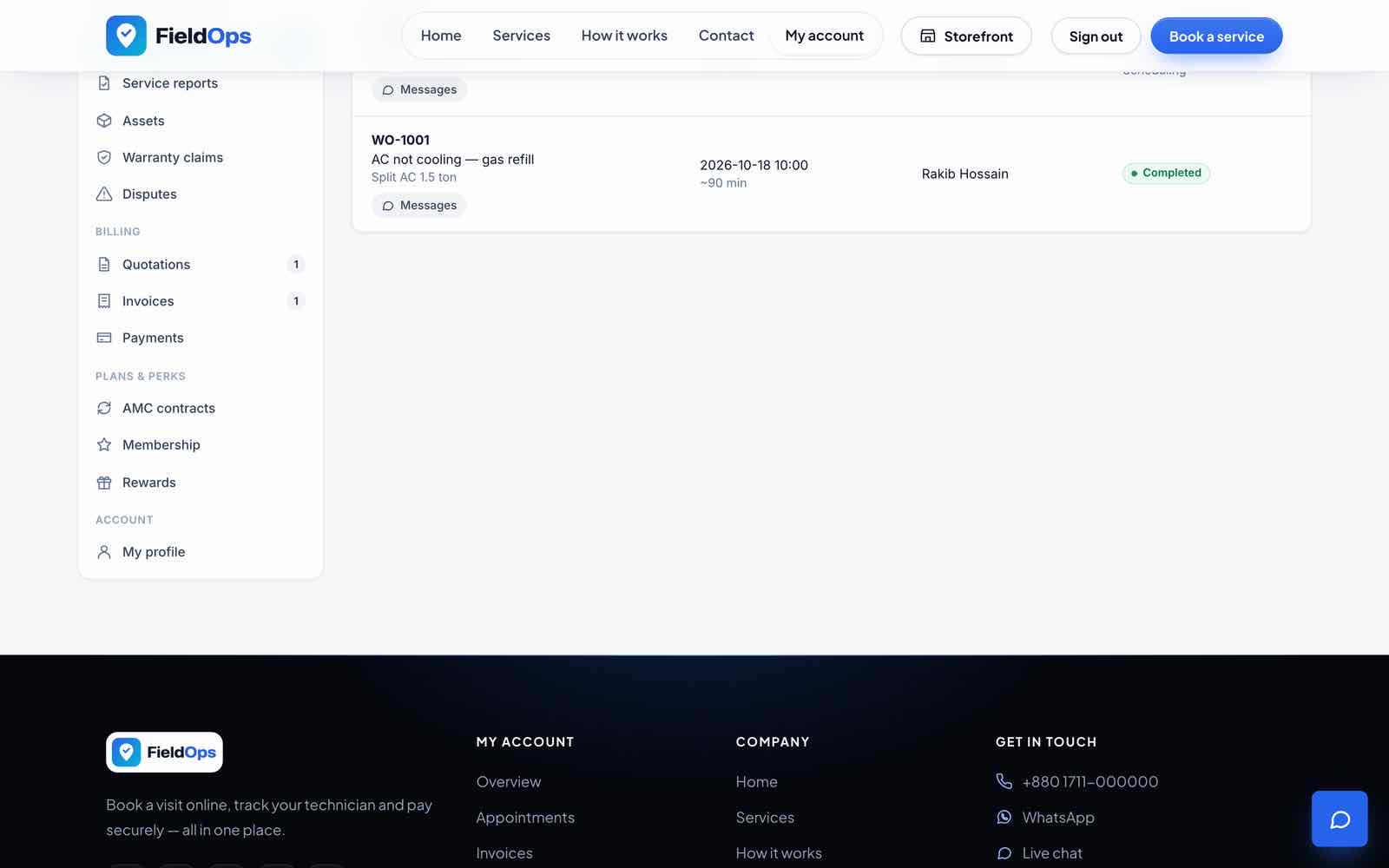
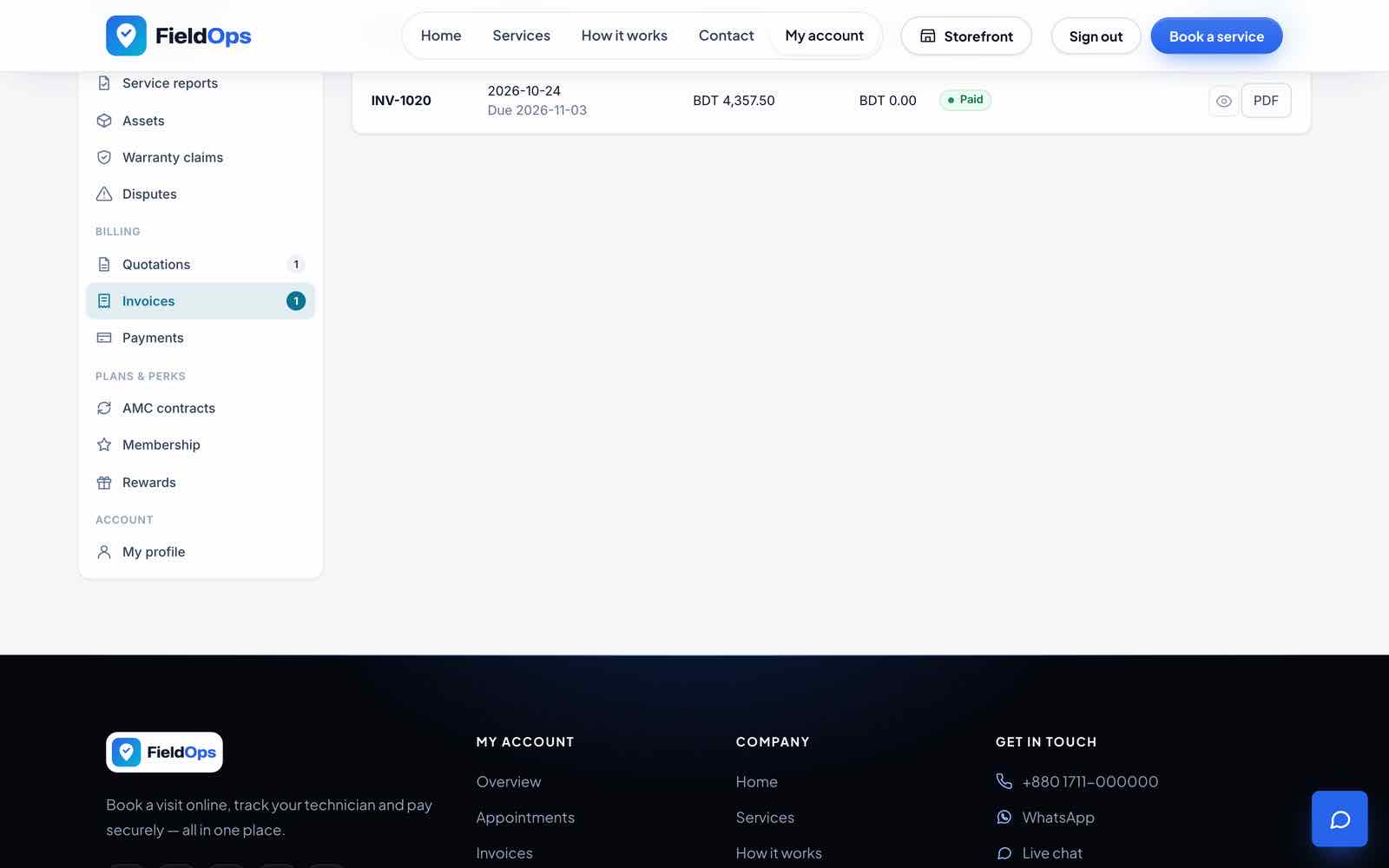
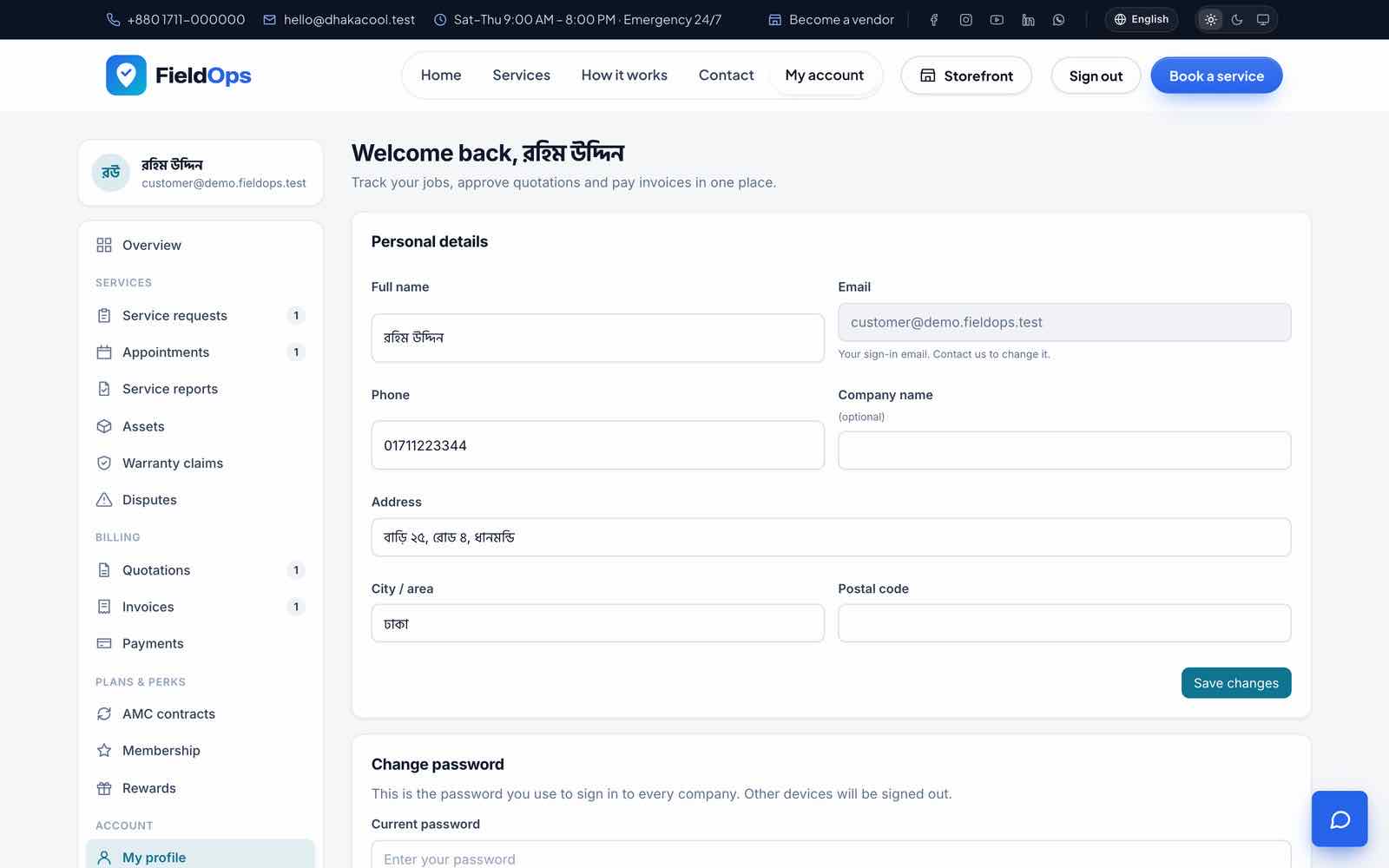
Customers sign in at /portal/login (or register at /portal/register, with e-mail verification and password reset). One login covers every company the customer deals with; the /portal/all view lists them. The portal is an installable PWA with an offline page. When a customer is signed in, the website header shows My account. The same customer login opens the customer panel in the Flutter app (Mobile App → Customer panel).
| Screen | What the customer does |
|---|---|
| Overview | Amount due, upcoming jobs, recent invoices, loyalty points |
| Service requests | See requests and request a service |
| Appointments & jobs | Technician and status; job chat; service reports (PDF) and feedback |
| Quotations | Approve or reject, download PDF |
| Invoices and payments | Pay online, download invoice and receipt PDFs |
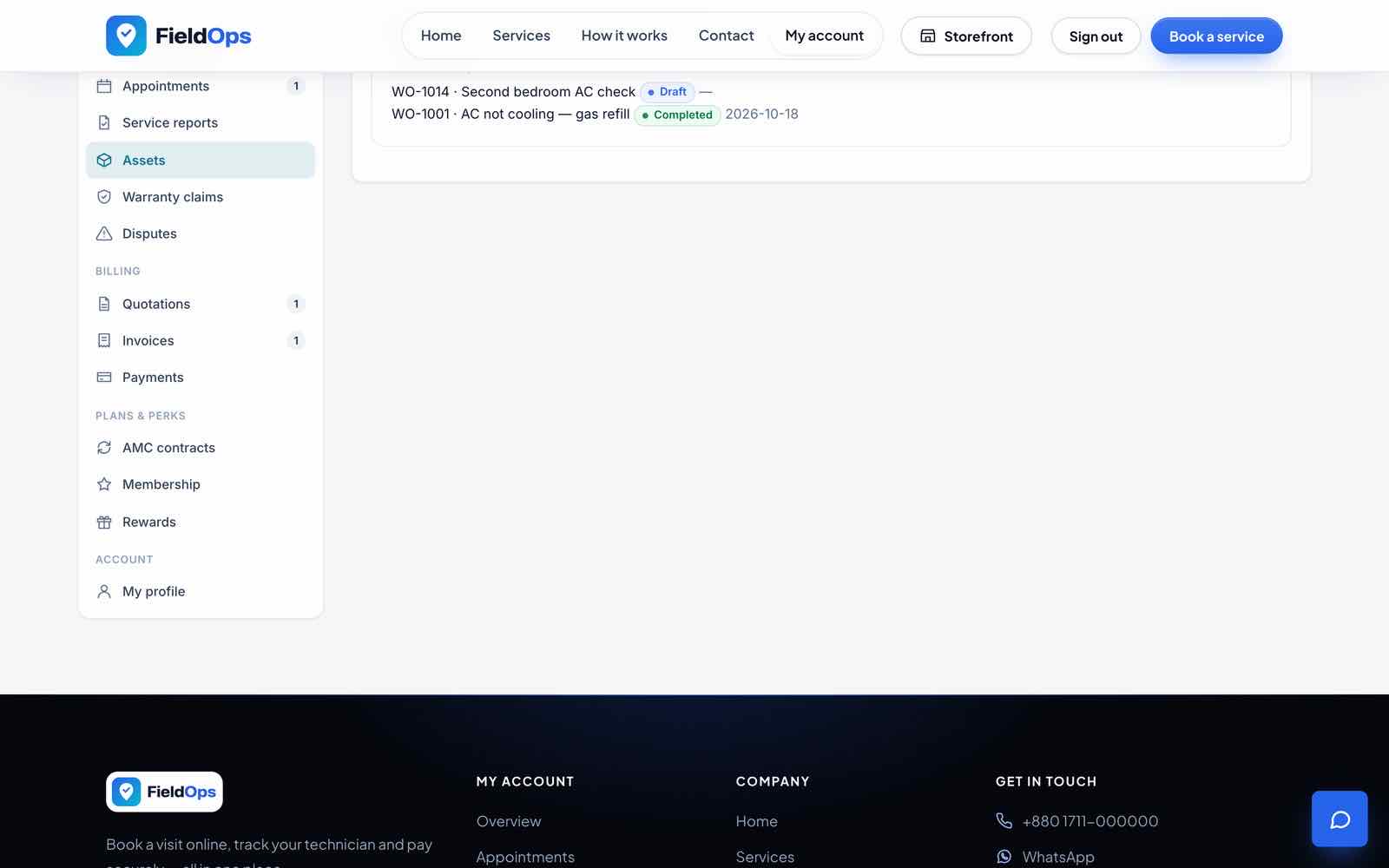
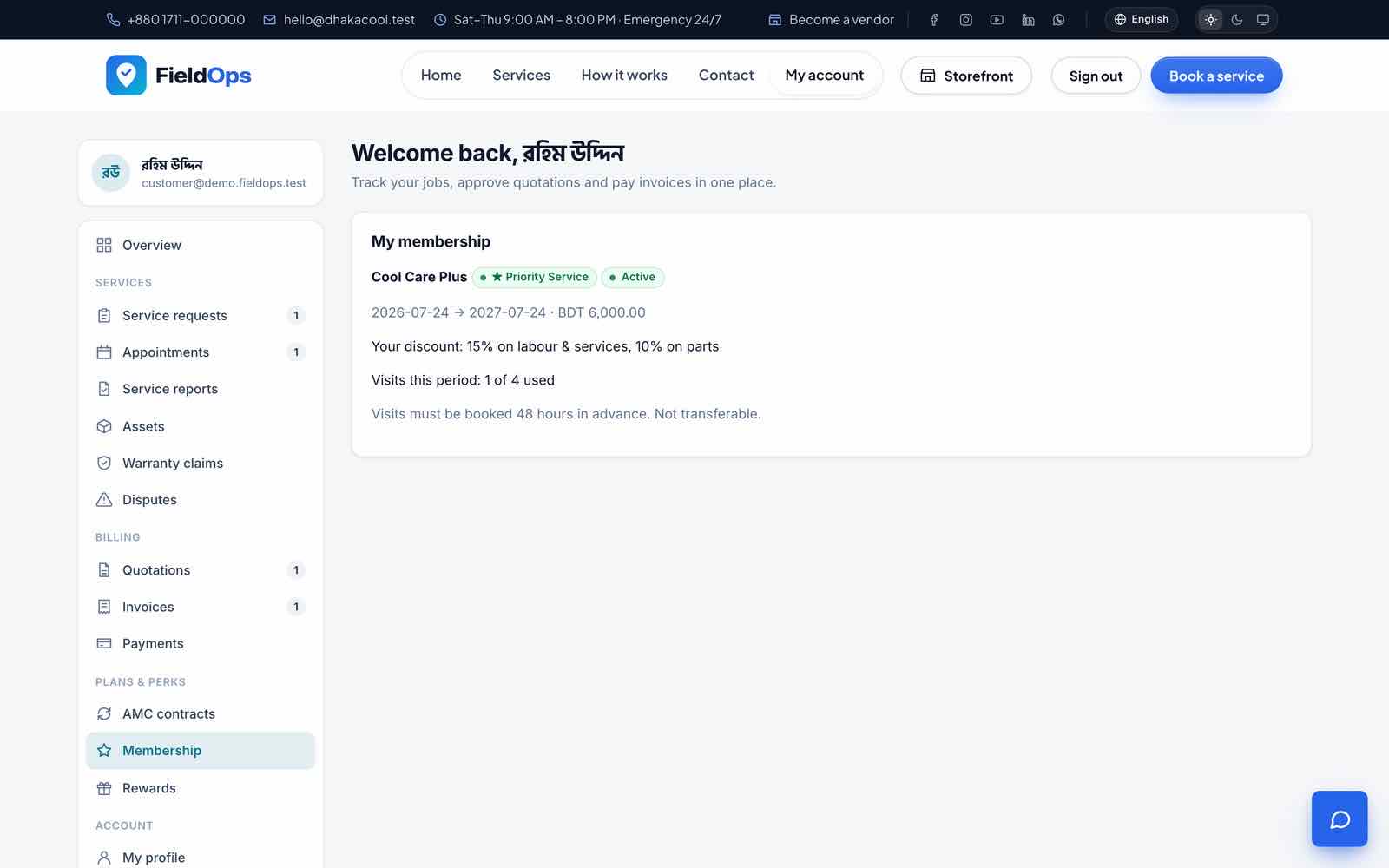
| Assets, contracts, memberships | Equipment with warranty and history, AMC contract PDF, membership benefits |
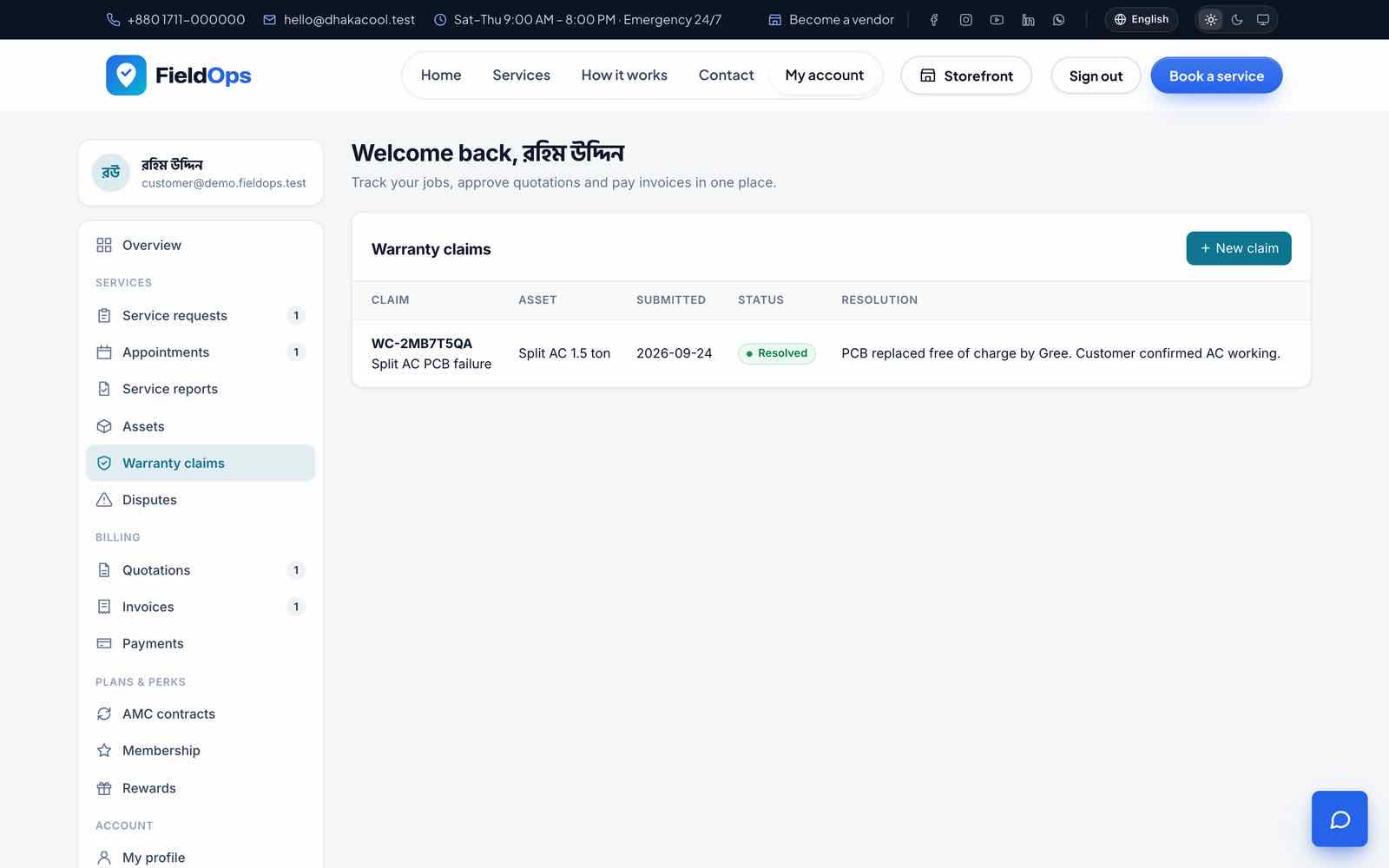
| Warranty claims, disputes | Open and follow claims and disputes |
| Profile | Details and password |
Public Website
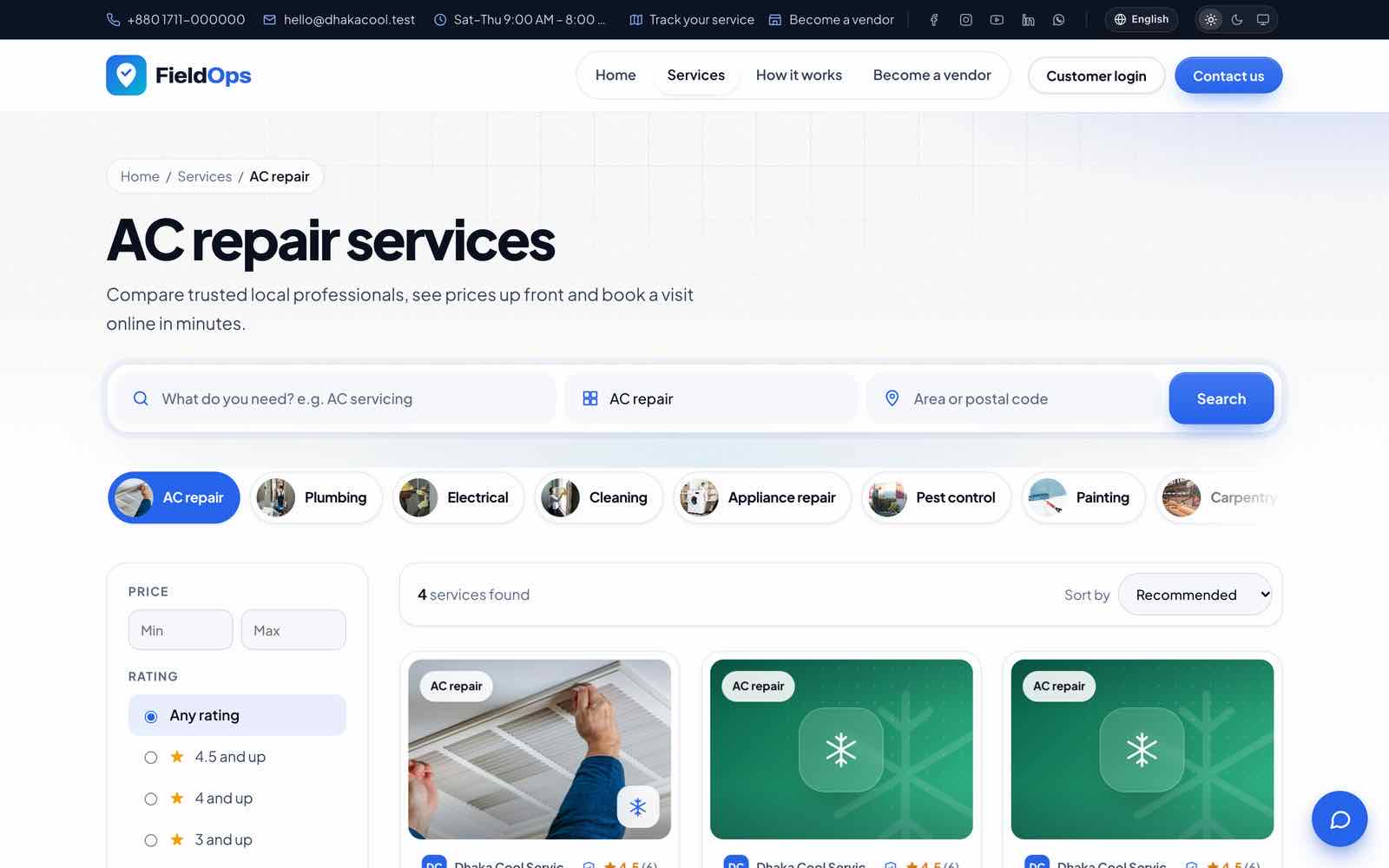
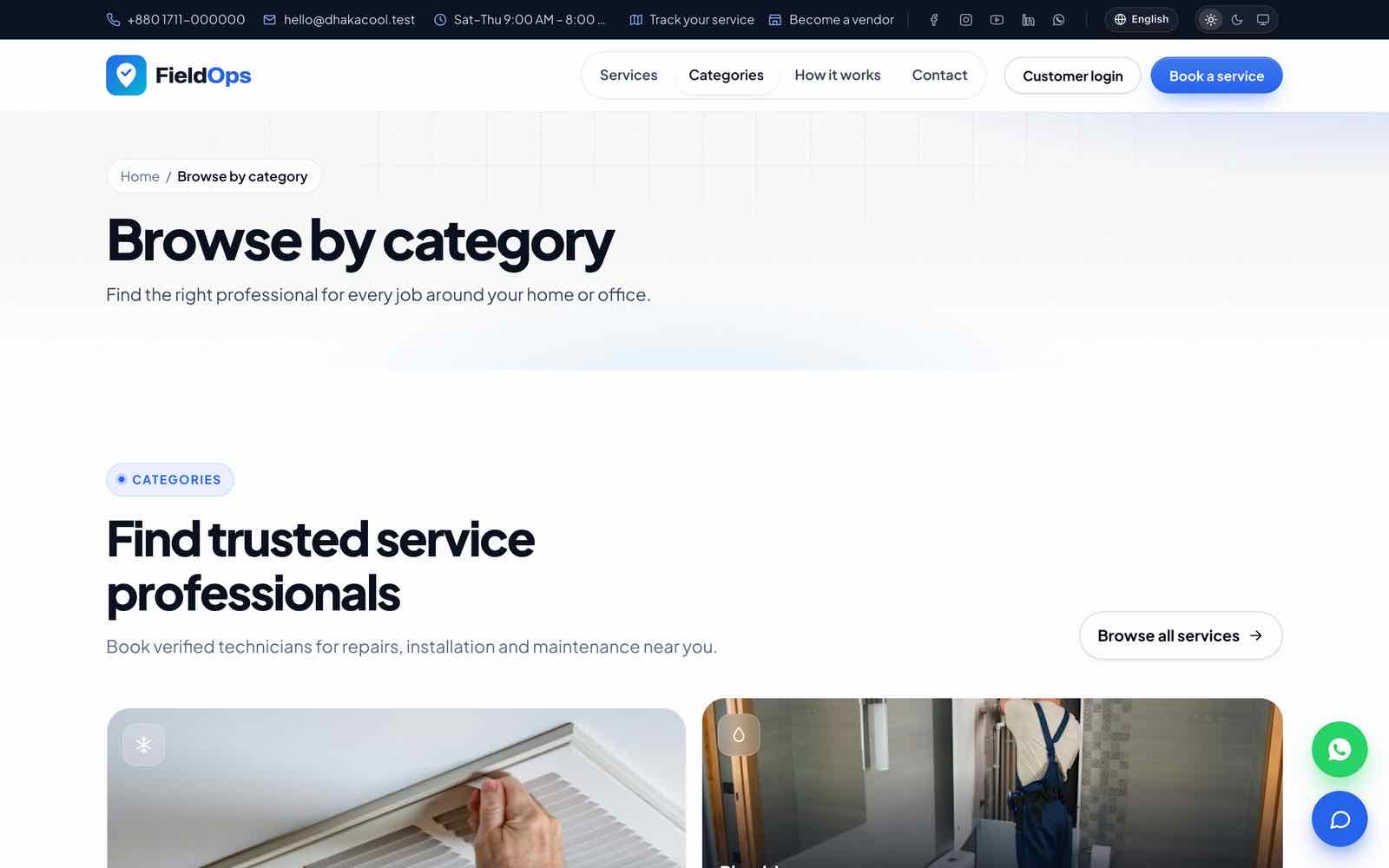
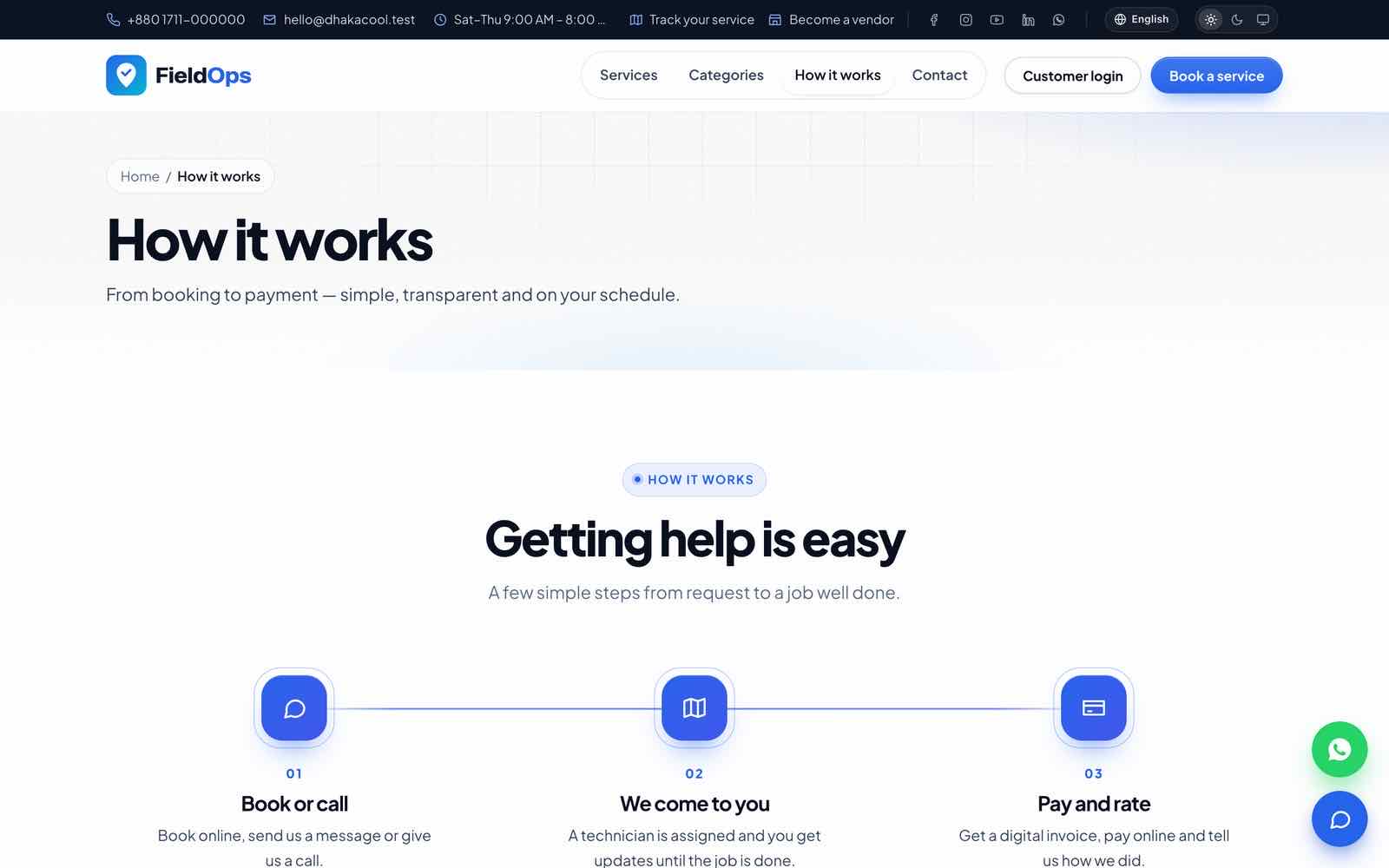
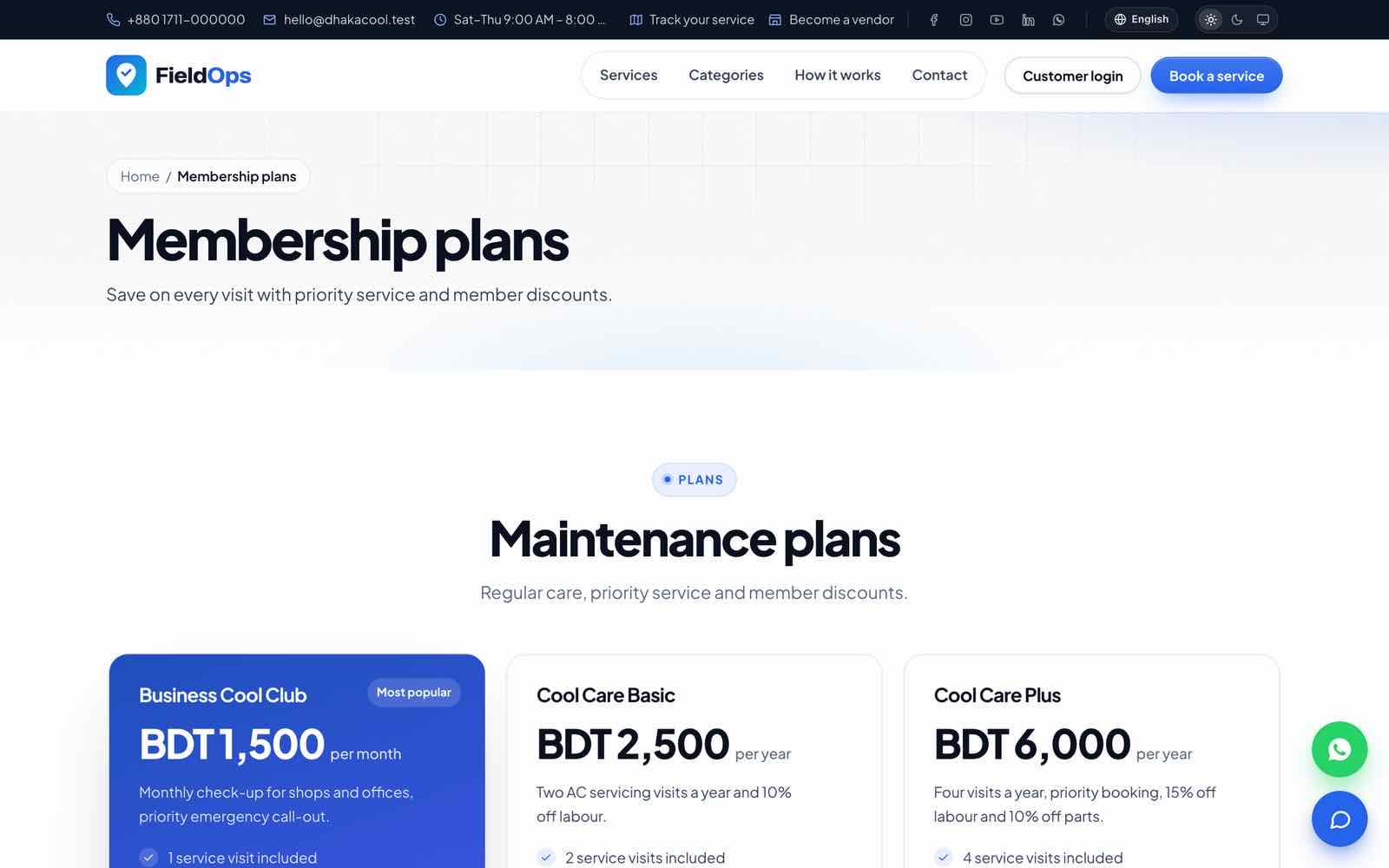
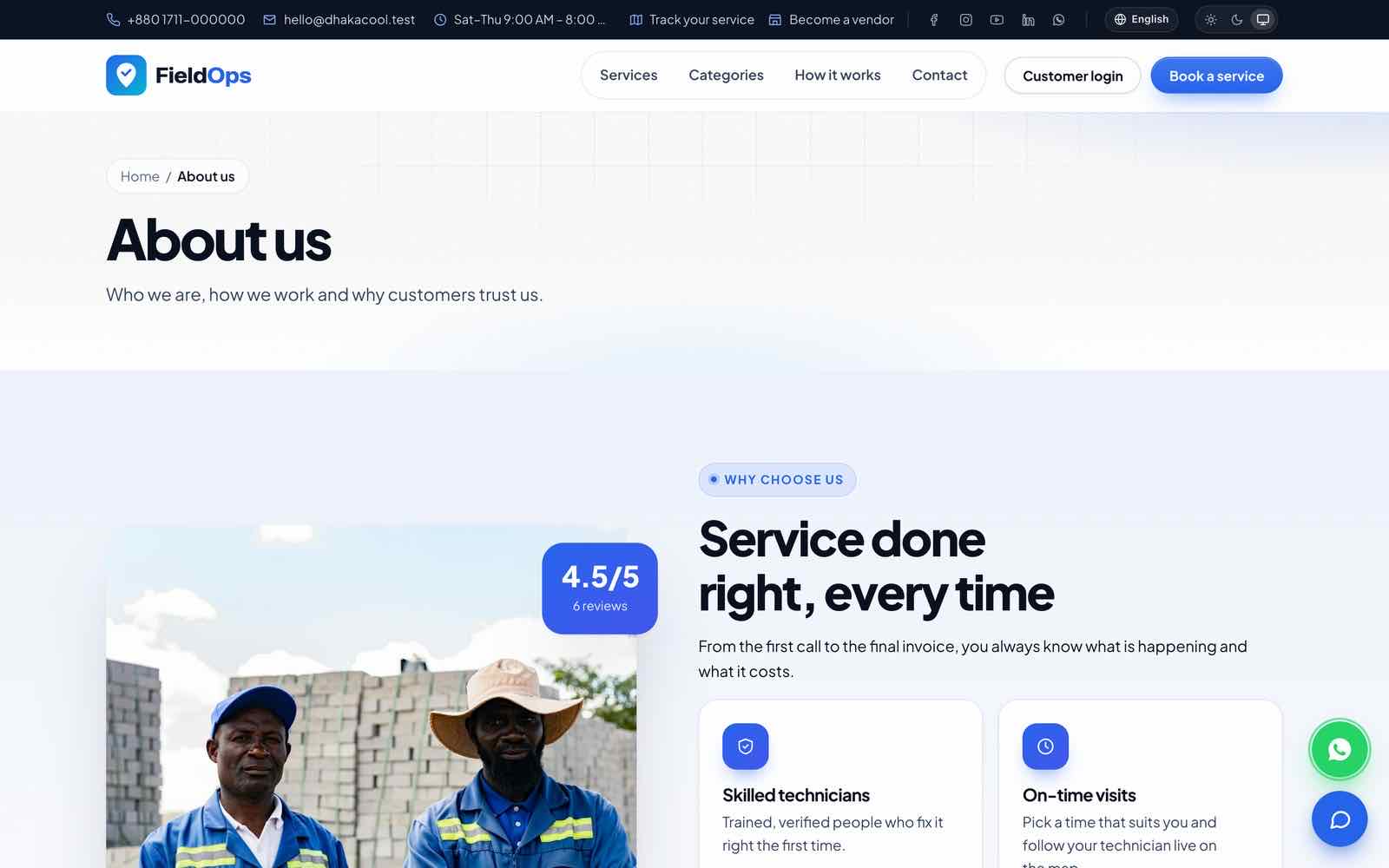
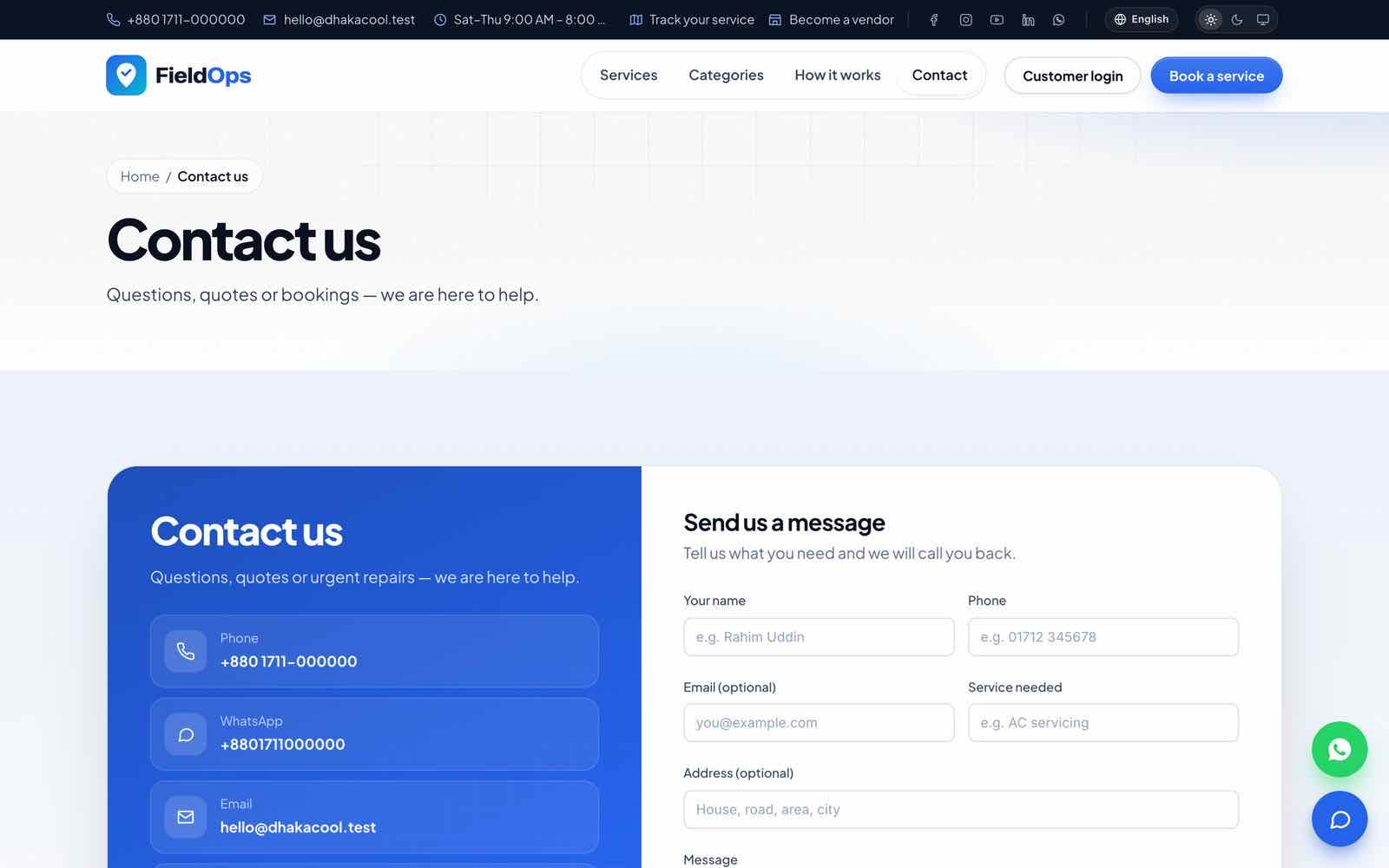
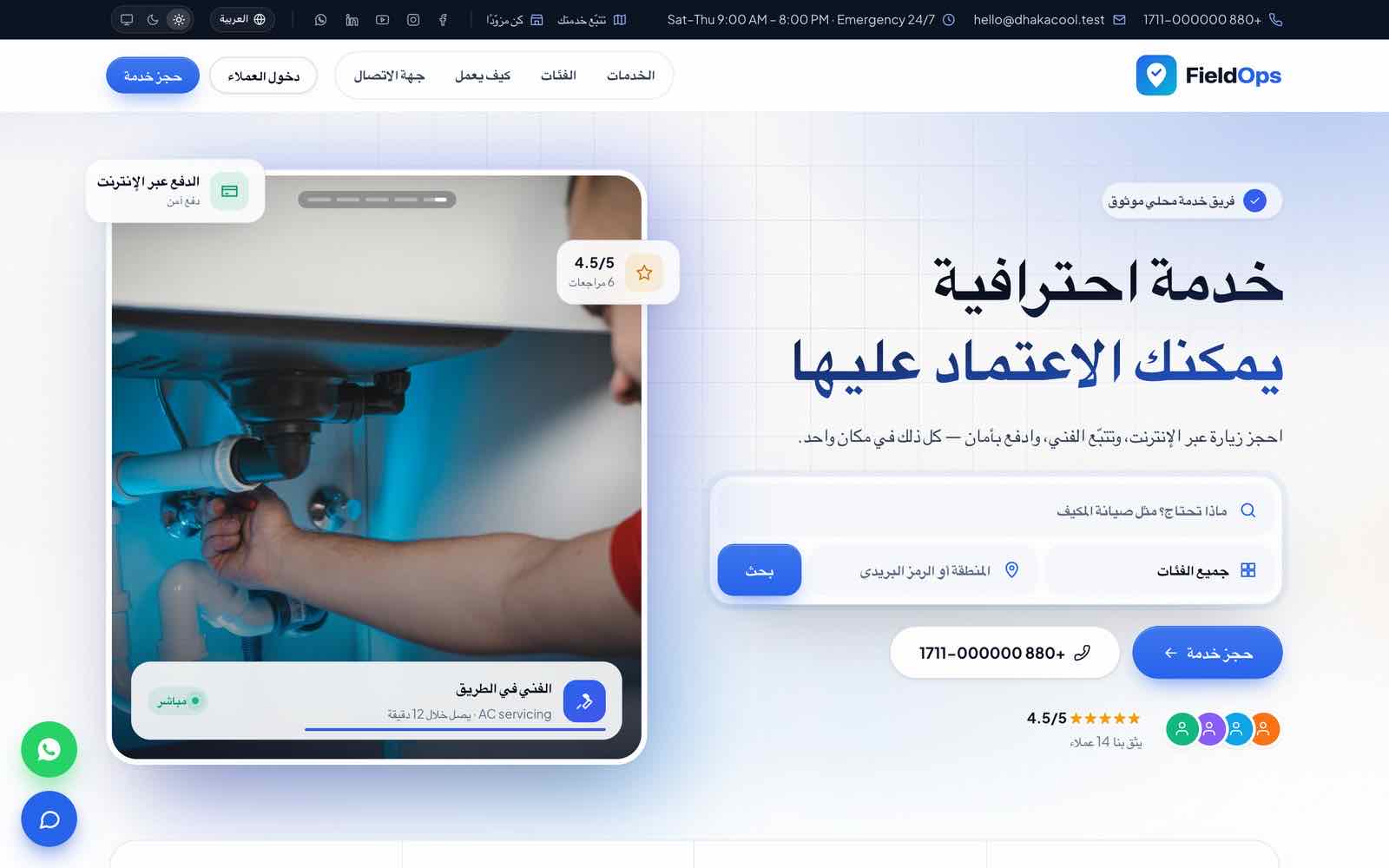
The public website at / belongs to the main company and uses the design chosen in Platform settings. Inner pages: /categories, /how-it-works, /plans, /reviews, /faq, /about, /contact; plus the service catalogue /services with search and filters, vendor pages /vendors/{slug}, /become-a-vendor and /sitemap.xml. The language switcher is in the header; a signed-in customer sees My account, staff see Dashboard. Service cards always show the providing company.
Online Booking, Tracking & Live Chat
Online booking
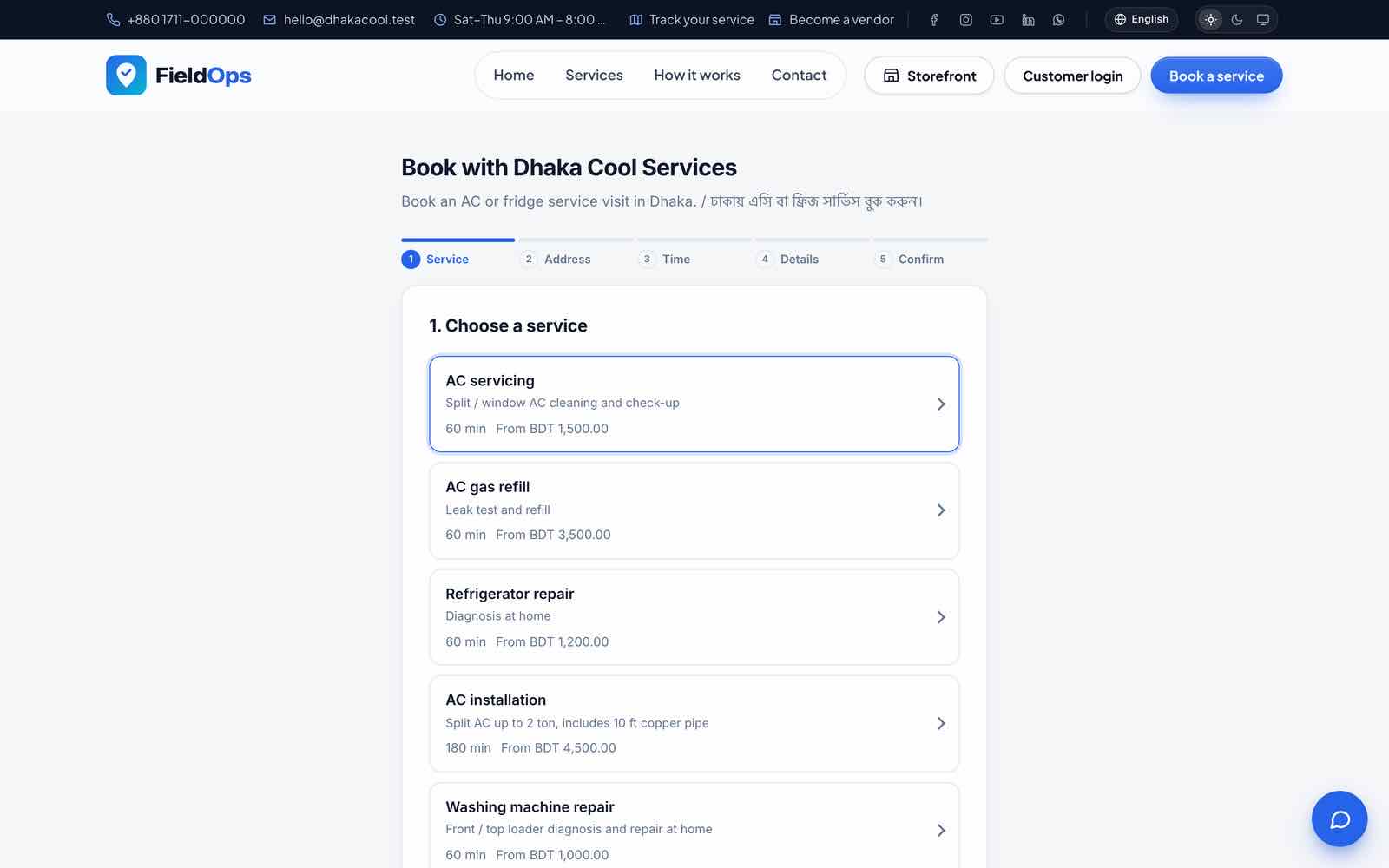
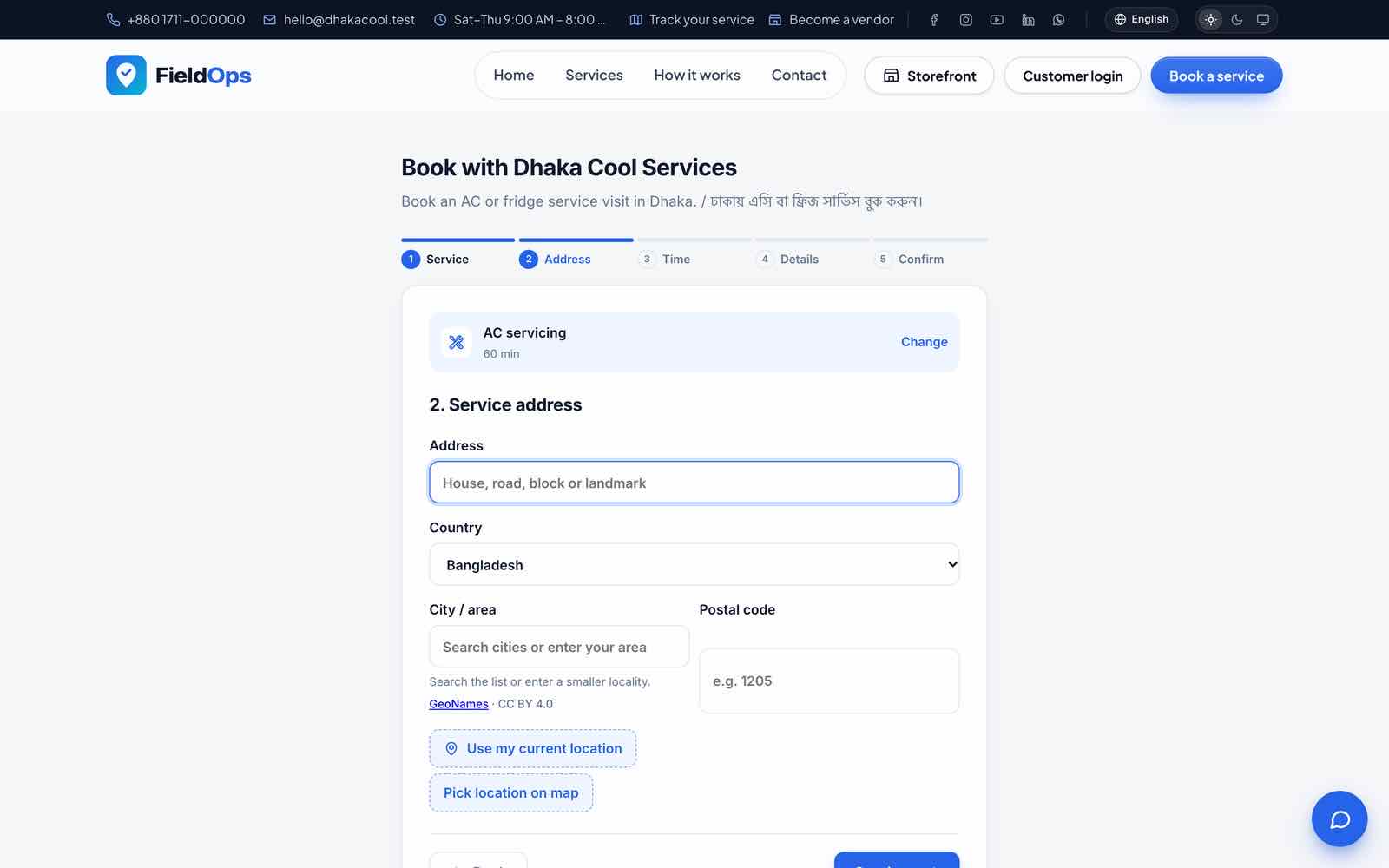
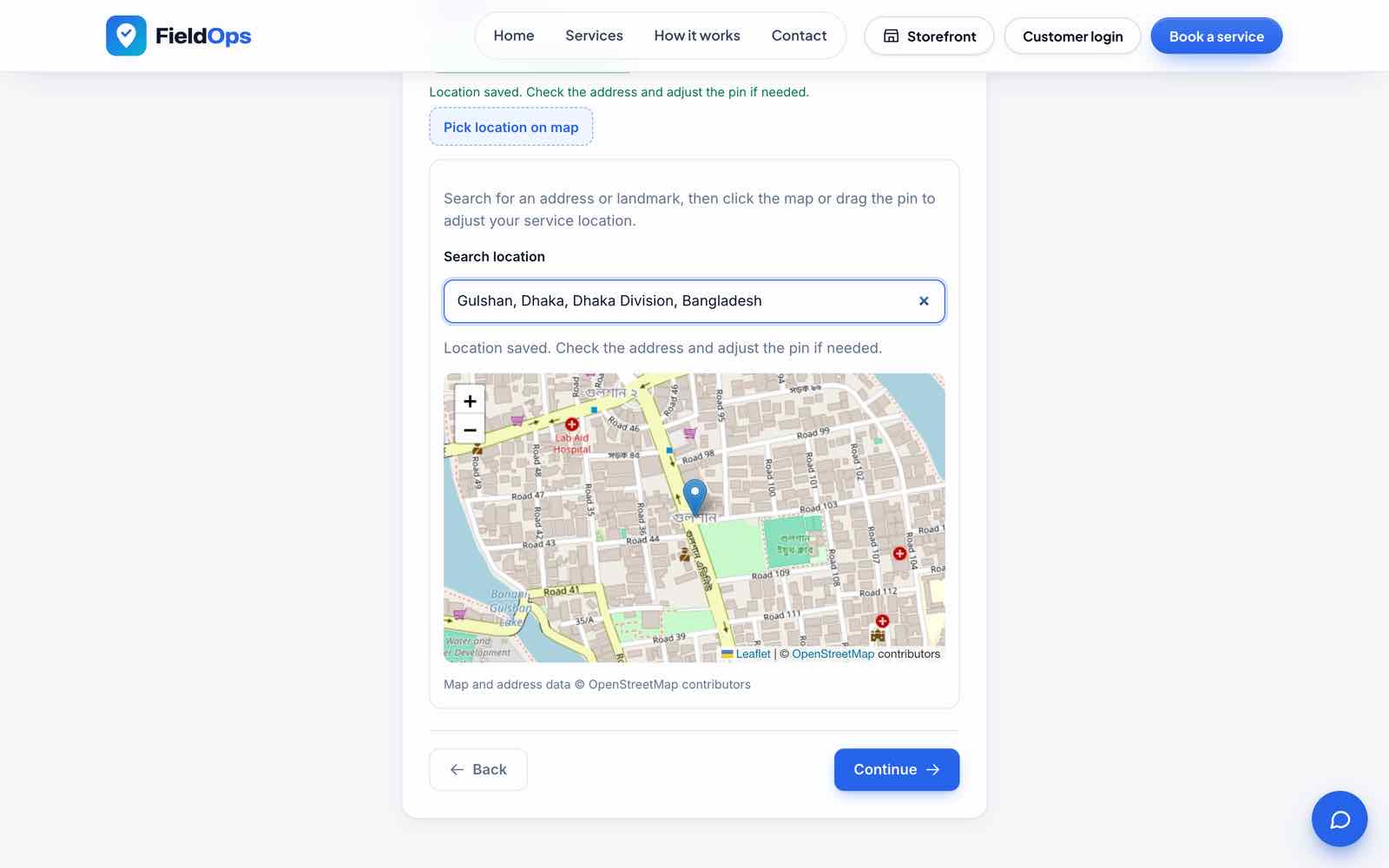
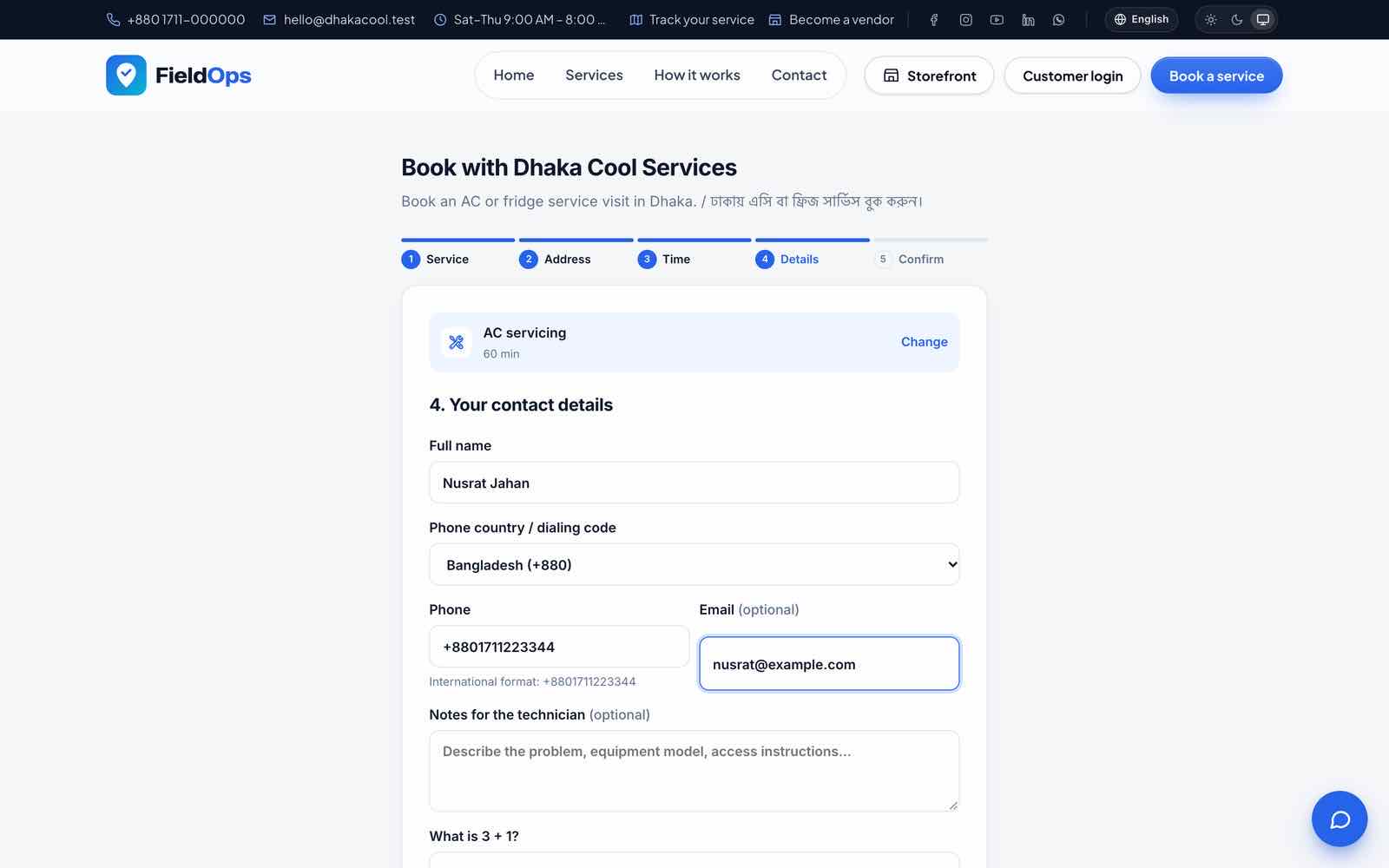
/book/{slug} (“Book with {company}”) takes a booking in five steps: service; address with country, city autocomplete (bundled GeoNames list), “Pick location on map” with location search, “use my current location” and a service-area check; a time slot or a typed preferred time (checked for availability); contact details with phone dialing code (validated and stored in international E.164 format); confirmation. The company’s math captcha is checked when the visitor leaves the details step; Google reCAPTCHA applies too when configured. The booking becomes a service request. Put it on any other website with the widget from Online booking:
<script src="https://your-domain.com/js/booking-widget.js" data-fieldops-booking="https://your-domain.com/book/your-slug"
        data-mode="button" data-label="Book a service" data-color="#2563eb" async></script>
data-mode="inline" renders the booking page in place (optionally inside data-target="#selector").
Live tracking
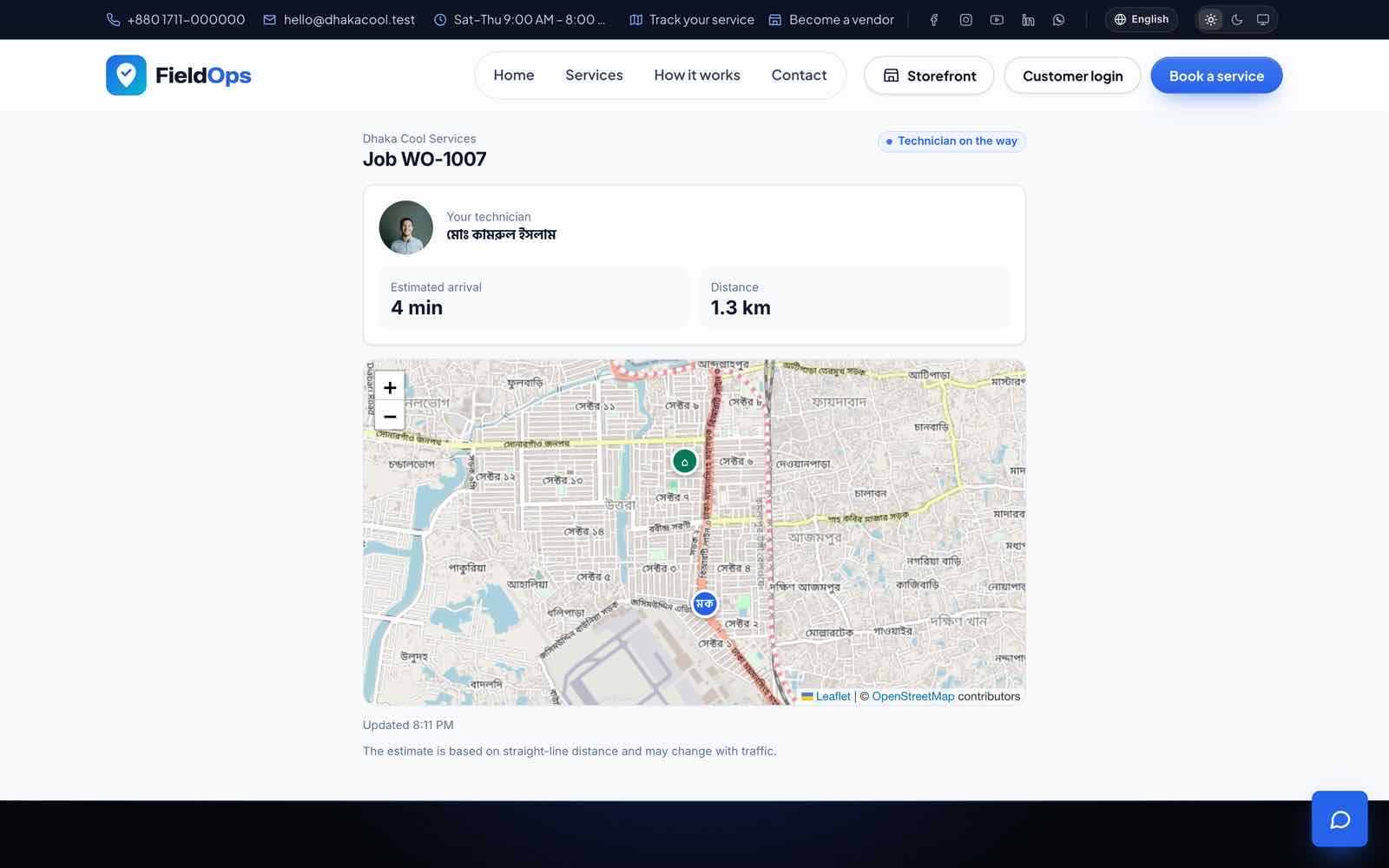
When a technician sets a job to on the way, the app sends location pings and the customer gets a link /track/{job} with a live map, distance and ETA (link valid TRACKING_LINK_HOURS, default 12). Customers can also chat about the job at /chat/job/{job}.
Website live chat
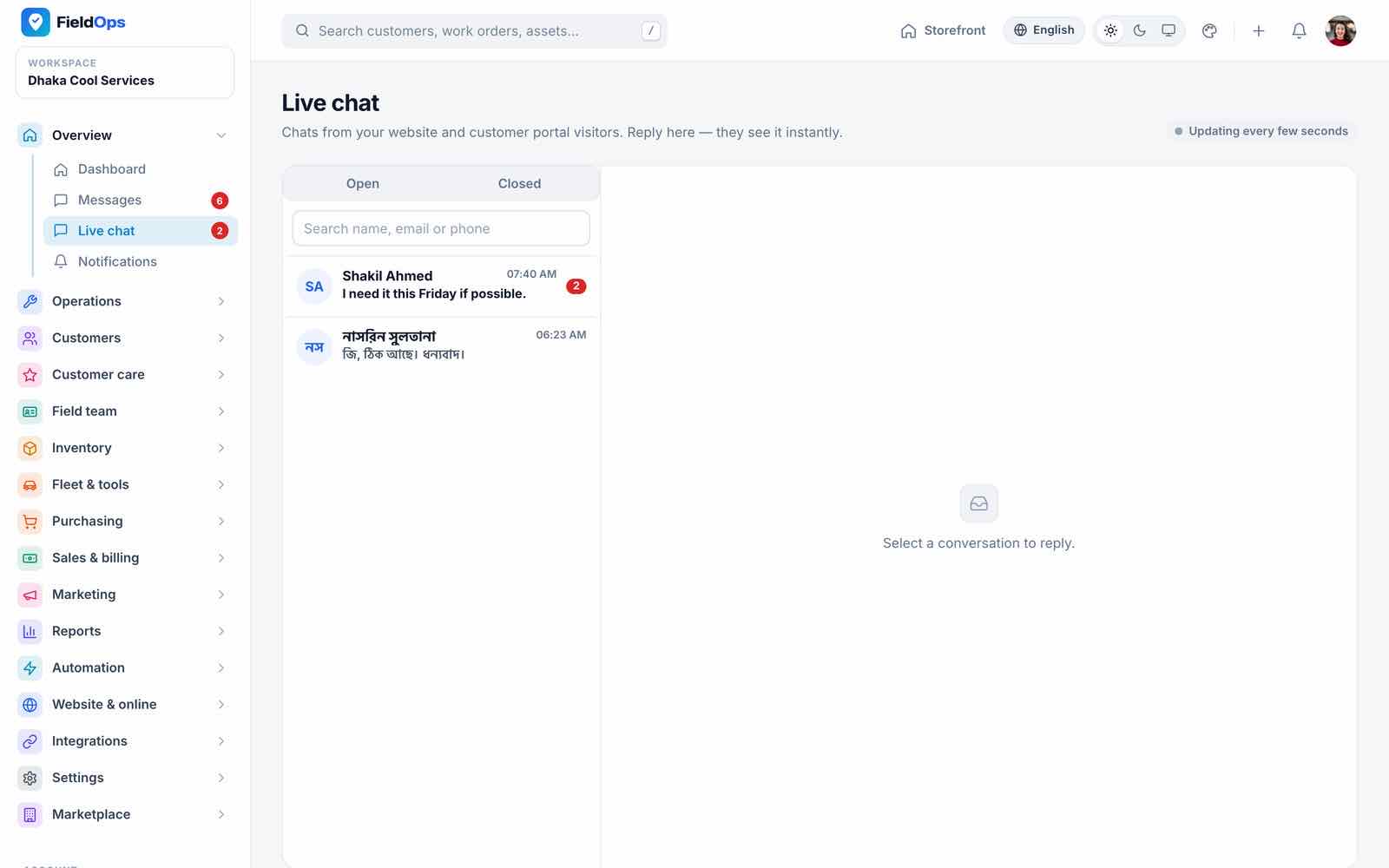
A chat widget on the website lets visitors message the company; staff answer in Overview → Live chat and managers in the app. With Reverb running, messages arrive instantly; without it, both sides poll every few seconds (Reverb).
Payment Gateways, Webhooks & Callbacks
Nine methods (GatewayRegistry). Each company sets its own in Website & online → Online payments for customer invoices and deposits; you set the platform’s in Billing & revenue → Payment gateways for vendor subscriptions (with PLATFORM_* .env values only as a fallback). Credentials are stored encrypted with APP_KEY.
| Gateway | Company | Platform | Confirmation |
|---|---|---|---|
| SSLCommerz | Yes | Yes | IPN + browser return |
| Stripe (Checkout) | Yes | Yes | Signed webhook |
| bKash (tokenized checkout) | Yes | Yes | Callback |
| PayPal (Orders v2) | Yes | Yes | Signed webhook (Webhook ID) |
| Razorpay | Yes | Yes | Signed webhook + callback signature |
| Paystack | Yes | Yes | Signed webhook |
| Flutterwave (v3) | Yes | Yes | Webhook secret hash, then re-verified |
| Manual / offline | Yes | No | Instructions only; staff record the payment |
| Bank transfer | Yes | No | Payer submits reference and receipt; staff confirm |
Register these URLs at the gateway ({owner} is platform for vendor subscriptions, or the company’s numeric id for a company’s own account). All URLs are built from APP_URL, which must be the public https:// address. They are CSRF-exempt and rate-limited, and must be reachable without basic auth, IP allow-lists or a maintenance page.
| Purpose | URL | Where to register |
|---|---|---|
| SSLCommerz IPN | /payments/sslcommerz/ipn | Sent per transaction; also set as IPN URL in the SSLCommerz merchant panel |
| Stripe webhook | /payments/stripe/webhook/{owner} | Dashboard → Developers → Webhooks. Events: checkout.session.completed, checkout.session.async_payment_succeeded, checkout.session.async_payment_failed, checkout.session.expired; copy the whsec_… secret |
| PayPal webhook | /payments/paypal/webhook/{owner} | developer.paypal.com → your app → Webhooks; events CHECKOUT.ORDER.APPROVED, PAYMENT.CAPTURE.COMPLETED, PAYMENT.CAPTURE.DENIED; copy the Webhook ID |
| Razorpay webhook | /payments/razorpay/webhook/{owner} | Accounts & Settings → Webhooks; events payment.captured, payment.failed, order.paid; the secret goes into Webhook secret |
| Paystack webhook | /payments/paystack/webhook/{owner} | Settings → API Keys & Webhooks (test and live separately); event charge.success |
| Flutterwave webhook | /payments/flutterwave/webhook/{owner} | Settings → Webhooks: URL + Secret hash (same value in FieldOps); event charge.completed |
| Browser returns and callbacks | /payments/return/…, /payments/bkash/callback/…, /payments/paypal/return/…, /payments/razorpay/callback/…, /payments/paystack/callback/…, /payments/flutterwave/callback/… | Sent per payment; nothing to register |
| Bank transfer page | /payments/bank-transfer/{tran}/{state} | Nothing to register |
Every browser return is verified on the server, and every success goes through one idempotent settle step, so a webhook that arrives before, after or twice with the browser return records the payment once. Each gateway lists the currencies it accepts; others are hidden from payers. Invoices can ask for a deposit first.
Refunds: a refund of an online payment is sent to the gateway’s refund API with an idempotency key (all 7 online gateways). It is recorded in the books only when the gateway confirms it; fieldops:reconcile-refunds (every 5 minutes) checks pending ones, and anything unclear is marked needs review.
Bank transfer receipts (JPG, PNG, WebP or PDF, up to BANK_TRANSFER_PROOF_MAX_KB, default 5120) are stored privately under payment-proofs/. Staff with the expenses.manage permission confirm or reject them in the online payment transactions table.
SMS, WhatsApp, Push & E-mail
Every channel has a driver; log (the default) writes the message to storage/logs instead of sending it. .env holds the platform fallback; each company can enter its own credentials in Customer notifications → Channels. SMS and WhatsApp are off per company until switched on there.
| Channel | Driver | .env keys (platform fallback) |
|---|---|---|
| SMS: any provider with an HTTP API | log, http | SMS_DRIVER=http, SMS_GATEWAY_URL, SMS_GATEWAY_METHOD, SMS_GATEWAY_PARAMS (JSON template with {api_key}, {to}, {message}, {sender}), SMS_GATEWAY_API_KEY, SMS_SENDER_ID |
| WhatsApp Cloud API (Meta) | log, cloud_api | WHATSAPP_DRIVER=cloud_api, WHATSAPP_PHONE_NUMBER_ID, WHATSAPP_ACCESS_TOKEN (permanent system-user token), WHATSAPP_API_VERSION (v20.0) |
| Push: Firebase Cloud Messaging HTTP v1 | log, fcm | FCM_DRIVER=fcm, FCM_PROJECT_ID, FCM_SERVICE_ACCOUNT_PATH (or FCM_SERVICE_ACCOUNT_JSON) |
| SMTP, sendmail and log out of the box; SES, Postmark or Mailgun after installing their mailer package | MAIL_* (Common Setup → Mail) |
Fill the keys
Then
php artisan config:cache && php artisan queue:restart.WhatsApp templates
Business-initiated messages outside Meta’s 24-hour window need approved templates in Meta Business Manager.
Firebase service account
Firebase console → Project settings → Service accounts → Generate new private key. Save it as
storage/app/private/firebase-service-account.json(chmod 600, owned by the web user, never in a public folder) and put its absolute path inFCM_SERVICE_ACCOUNT_PATH. The app’s Firebase files must come from the same project (Mobile App → Firebase).Test
Send test per channel.fieldops:check-productionreports channels still onlogand enabled drivers with missing credentials.
AI Assistant (Claude)
The AI features use Anthropic Claude only and are optional: without a key FieldOps works fully and the AI buttons explain that no key is set.
| Feature | Where |
|---|---|
| Job summary / service report draft | Work order and the app’s “AI service report” when completing a job |
| Customer reply draft | Job conversations |
| Request classification | Incoming service requests |
| Checklist generation | Checklists |
| Knowledge-base Q&A over uploaded documents | Operations → Knowledge base and the app’s “Ask knowledge base” |
Whose key?
- Company key: in Integrations → AI settings (
/company/ai/settings) a company pastes its own Anthropic API key, picks the model (Claude Sonnet 5.5, recommended; Opus 5.5, most capable; Haiku 4.5, fastest), sets a monthly token budget and presses Test. Usage is logged per company. - Platform key:
ANTHROPIC_API_KEYin.env. The main company may always use it; vendors only while the marketplace is on and their plan slug is listed inAI_PLATFORM_KEY_PLANS(*= every plan, empty = own key only), capped byAI_PLATFORM_MONTHLY_TOKENSper company per month (default 200,000).
Other keys: AI_DEFAULT_MODEL (claude-sonnet-5-5), AI_RATE_LIMIT_PER_MINUTE (20), AI_TIMEOUT (60), ANTHROPIC_BASE_URL. Create a key at the Anthropic Console; usage is billed by Anthropic per token.
Maps & Routing
Maps use Leaflet 1.9.4 with OpenStreetMap tiles (Leaflet-Geoman to draw service areas): no Google Maps API key is needed. “Open in Google Maps” links hand directions to the phone’s map app. Leaflet and the tiles load from the internet (cdnjs and tile.openstreetmap.org); for heavy traffic, read the OpenStreetMap tile usage policy and consider your own tile provider.
The booking page searches places with Photon (GEOCODING_SEARCH_URL, default https://photon.komoot.io) and turns a map pin into an address with Nominatim (GEOCODING_URL, default https://nominatim.openstreetmap.org, at most 1 request per second). Results are cached for 24 hours and rate-limited. The public servers have fair-use policies; point these keys at your own servers for heavy use.
Route optimisation (config/dispatch.php):
| Key | Default | Meaning |
|---|---|---|
ROUTING_DRIVER | haversine | haversine (straight-line distance × ROUTING_ROAD_FACTOR 1.3, no server needed) or osrm (road distances; falls back to haversine on errors) |
OSRM_URL | https://router.project-osrm.org | The public OSRM demo server, for testing only. In production run your own OSRM server and put its URL here |
OSRM_PROFILE, OSRM_TIMEOUT | driving, 5 | Routing profile and timeout in seconds |
ROUTING_AVERAGE_SPEED_KMH | 25 | Used for ETAs |
Live tracking keys (config/tracking.php): TRACKING_PING_INTERVAL_SECONDS (20), TRACKING_LINK_HOURS (12), TRACKING_PING_RETENTION_DAYS (30; older pings are pruned daily).
Languages & RTL
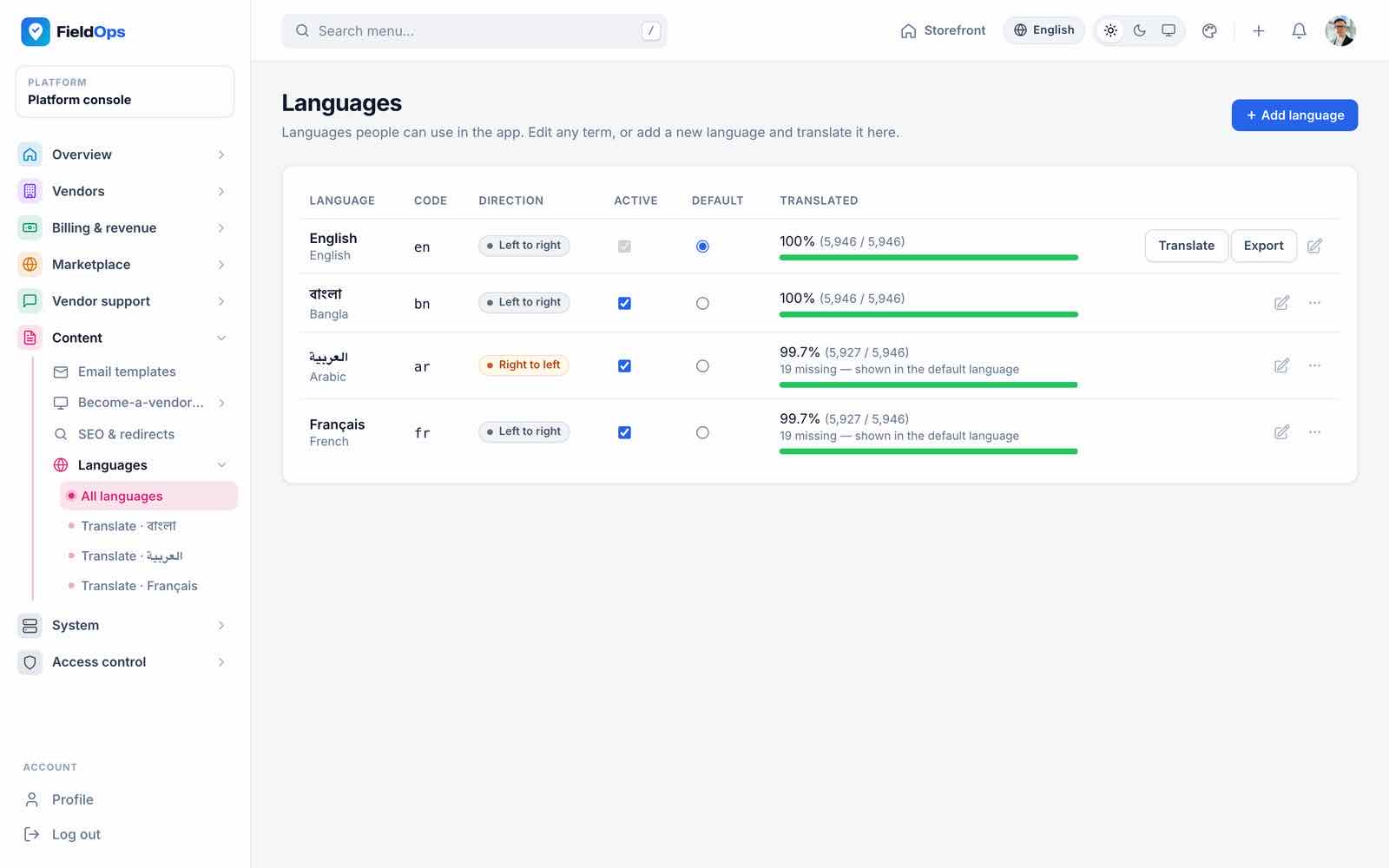
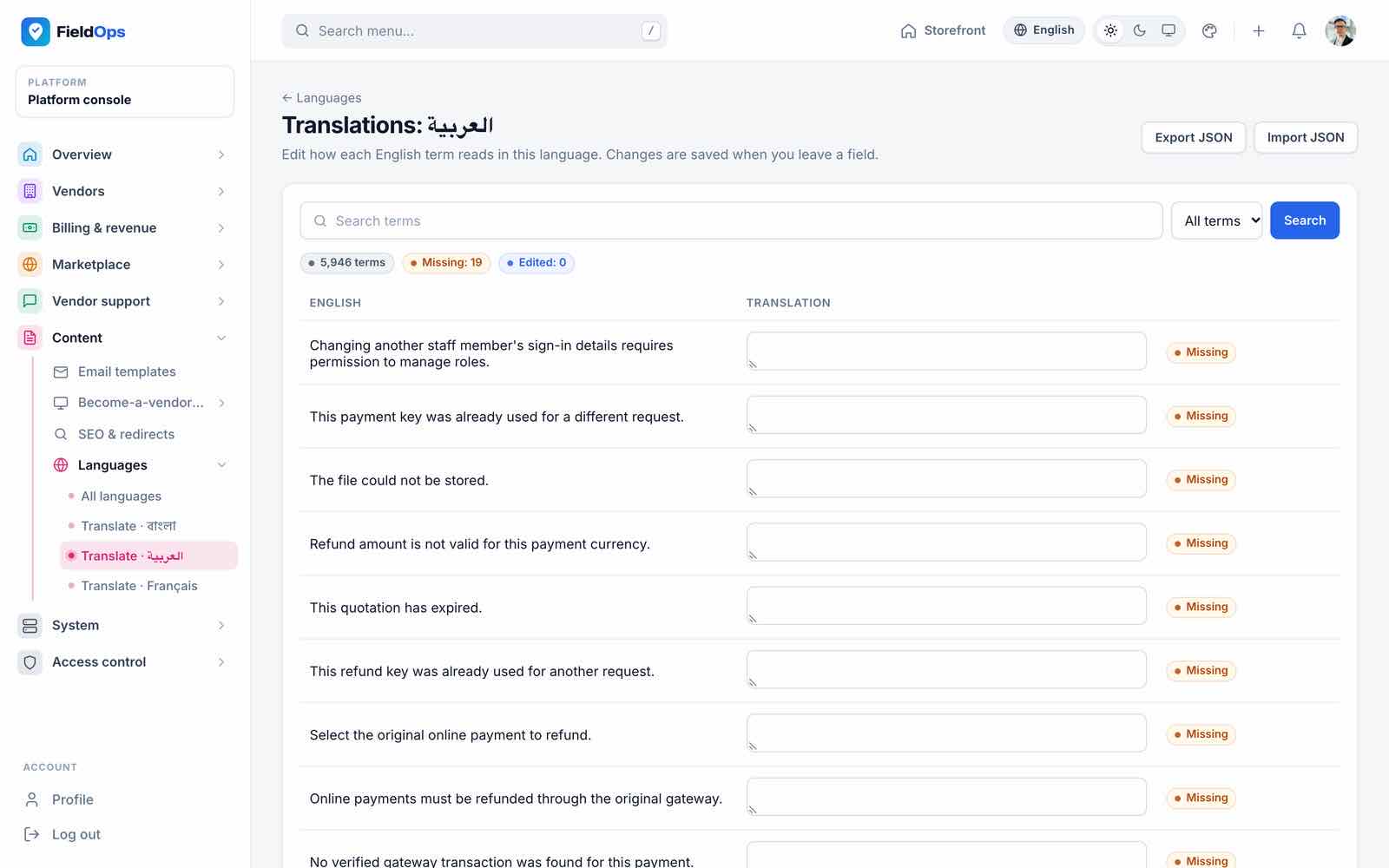
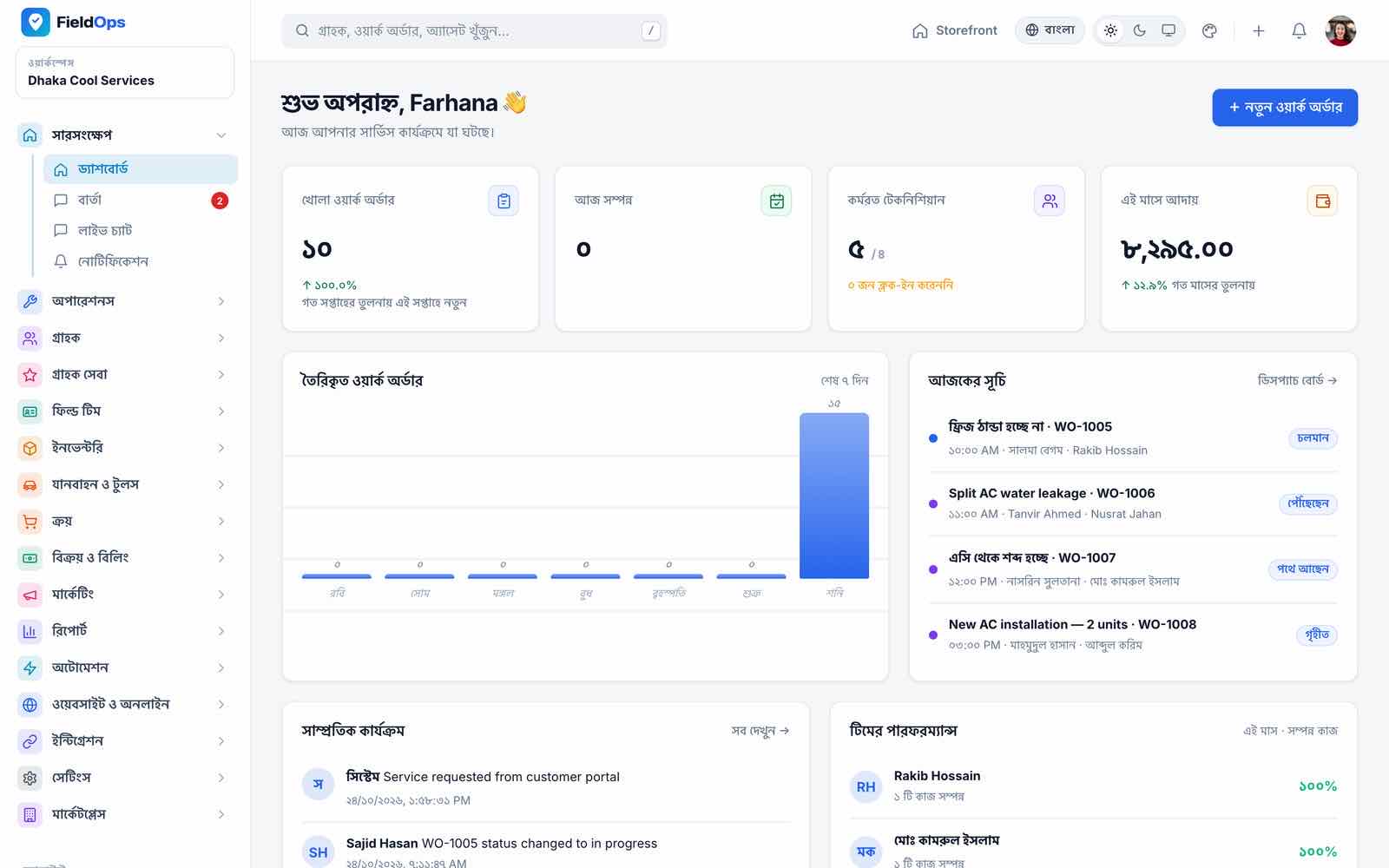
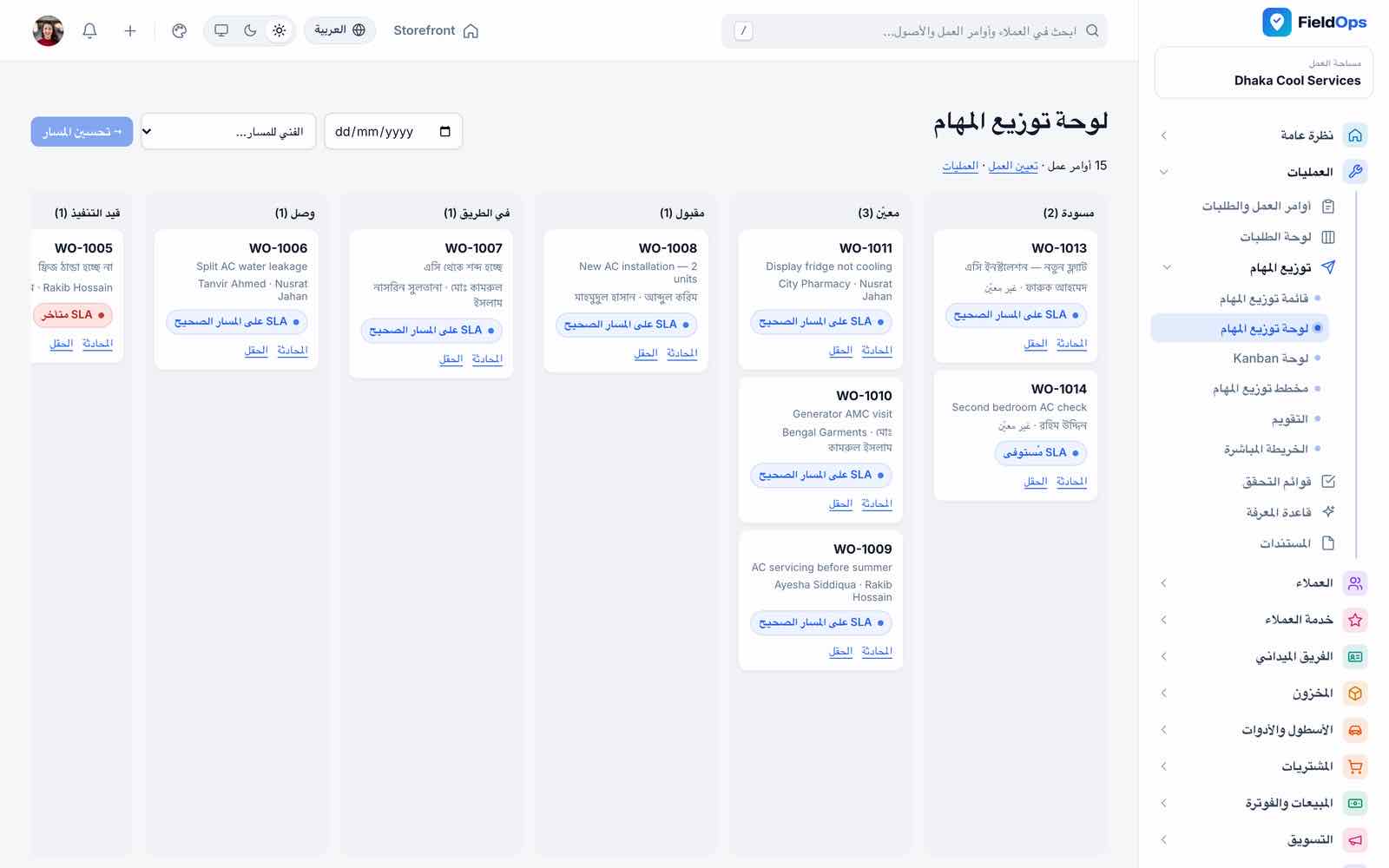
The web app ships in English, Bangla, Arabic (right-to-left) and French, with about 5,900 interface strings each (a few of the newest strings fall back to English in Arabic and French until translated in Content → Languages) plus the PHP files for authentication, validation, passwords, pagination and notifications. The app ships in the same four languages (1,143 strings each).
- Content → Languages (
/admin/languages): add a language, set it active, choose the default; right-to-left is detected for Arabic, Hebrew, Persian, Urdu and other RTL languages. - The translation editor (
/admin/languages/{code}/terms) changes any string per language. - Each user and customer picks a language from the switcher; companies set their default in Preferences.
Scheduler & Commands
One cron entry runs Laravel’s scheduler every minute (or keep php artisan schedule:work running under Supervisor; use one, not both):
* * * * * cd /var/www/fieldops && php artisan schedule:run >> /dev/null 2>&1
Scheduled tasks (routes/console.php, bootstrap/app.php); times use the app time zone (UTC unless you change config/app.php):
| Command | When | What |
|---|---|---|
fieldops:scheduler-heartbeat | Every minute | Proves the scheduler runs (Platform health) |
fieldops:send-campaigns | Every minute | Sends due marketing campaigns (queued) |
fieldops:escalate-sla | Every 5 minutes | SLA escalation rules |
fieldops:reconcile-refunds | Every 5 minutes | Checks pending gateway refunds |
fieldops:review-requests | Every 15 minutes | Delayed review requests after good feedback |
fieldops:review-requests --reminders | 10:00 | One-time feedback reminders |
fieldops:notify-overdue-work-orders | Hourly | Overdue work orders |
fieldops:expire-subscriptions | 00:30 | Vendor subscription expiry |
fieldops:generate-maintenance | 01:00 | Maintenance work orders from contracts and schedules |
fieldops:expire-loyalty-points | 01:30 | Loyalty points past expiry |
fieldops:backup | 02:00 | Database backup, only when enabled in Backups |
fieldops:prune-location-pings | 03:15 | Drops GPS pings older than the retention |
fieldops:check-updates | 04:20 | Remote update check (only with FIELDOPS_UPDATE_URL) |
fieldops:marketplace-commissions | 05:30 daily; with --bill on the 1st at 06:30 | Records marketplace commission; bills it monthly |
fieldops:generate-recurring-invoices | 06:00 | Recurring invoices |
fieldops:notify-low-stock | 08:00 | Low stock |
fieldops:auto-reorder | 08:10 | Draft purchase orders (companies with auto reorder on) |
fieldops:notify-warranty-expiring | 08:30 | Warranty expiry (30 and 7 days) |
fieldops:notify-contract-expiring | 08:35 | Contract expiry (30 and 7 days) |
fieldops:notify-service-due | 08:40 | Service due (3 days before) |
fieldops:notify-fleet | 08:45 | Vehicle papers, services due, tool returns and calibration |
fieldops:notify-membership-expiring | 08:45 | Membership expiry (14 and 3 days) |
fieldops:notify-vendor-documents | 08:50 | Vendor verification documents expiring |
fieldops:notify-overdue-invoices | 09:00 | Overdue invoices |
fieldops:saas-dunning | 09:15 | Vendor invoice dunning |
fieldops:demo-reset --force | FIELDOPS_DEMO_RESET_CRON | Demo installs only (APP_DEMO=true) |
Commands you run by hand:
| Command | What |
|---|---|
php artisan fieldops:install | Create the main company and its admin from the command line (Command-Line Install) |
php artisan fieldops:check-production | Read-only readiness report; exit code 1 on critical items. --strict also fails on warnings, --json for CI |
php artisan fieldops:backup --force | Backup now even when scheduled backups are off; --keep=N overrides retention |
php artisan fieldops:main-company {id} | Make another company the main company |
php artisan schedule:list | Show every scheduled task and its next run |
Queue
Notifications (SMS, WhatsApp, push, e-mail alerts) run on the notifications queue, outgoing webhooks on webhooks, everything else on default. QUEUE_CONNECTION is database (no extra software) or redis; sync is refused by the readiness check because a slow SMS gateway would block web requests.
php artisan queue:work --queue=notifications,webhooks,default --sleep=3 --tries=3 --backoff=10 --timeout=75 --max-time=3600
Keep --timeout below DB_QUEUE_RETRY_AFTER / REDIS_QUEUE_RETRY_AFTER (90). Supervisor config: deploy/supervisor/fieldops-worker.conf (Common Setup → Queue Worker). After every code change run php artisan queue:restart. Failed jobs: php artisan queue:failed, php artisan queue:retry all.
Reverb Live Chat
Website live chat and the workspace live-chat inbox use Laravel Reverb (a WebSocket server) when it runs, and fall back to polling every few seconds when it does not. Nothing breaks without Reverb; it only makes chat instant.
Generate keys
Run
php artisan reverb:installor fillREVERB_APP_ID,REVERB_APP_KEY,REVERB_APP_SECRETyourself, and setBROADCAST_CONNECTION=reverb.Public address
REVERB_HOST= your domain,REVERB_PORT=443,REVERB_SCHEME=https(what browsers connect to). The server itself listens onREVERB_SERVER_HOST/REVERB_SERVER_PORT(default 0.0.0.0:8080) behind your web server’s WebSocket proxy.Rebuild assets
The workspace inbox reads
VITE_REVERB_*at build time: runnpm ci && npm run buildafter setting them. The website widget reads the server config directly.Keep it running
php artisan reverb:startunder Supervisor (Common Setup → Reverb).Check
Platform health shows “Reverb is reachable”.
REST API v1
170 routes under /api/v1 serve the Flutter app and your own integrations. Sign in with POST /api/v1/auth/login (email or phone, password, device_name) and send the returned Sanctum token as Authorization: Bearer <token>. Requests are limited to API_RATE_LIMIT per minute per user (default 120).
| Area | Examples |
|---|---|
| Auth | auth/login, auth/two-factor, auth/me, auth/permissions, auth/password, auth/forgot-password, auth/logout |
| Work orders (28 routes) | list, detail, history, navigation, check-in, status, checklist, evidence, parts used/returned, comments, chat, complete with signatures, report, AI summary |
| Technician | technician/dashboard, technician/earnings, attendance, timesheets, trips, leave requests, expenses, warranty claims, stock requests, van stock, my/vehicle, my/tools, tools scan |
| Billing | invoices, payments and receipts, quotations (on-site estimates), price book |
| Manager | dispatch/board, suggested technicians, assign, schedule, dispatch/emergency, team/work-orders, technician ratings, live chat |
Customer app (29 routes, /api/v1/customer) | auth/login (customer e-mail + password, own token, 30-day expiry), overview, services, service-requests, appointments, assets, contracts, warranty-claims, quotations/{{id}}/respond, invoices/{{id}}/pay, payments, PDFs, work-orders/{{id}}/feedback, profile, password; header X-Customer-Account picks the company |
| Platform | branding, demo-logins, announcements, support tickets, device-tokens, notifications, tracking |
The company web screens call their own JSON routes under /company/api (session-authenticated). A route reference is in docs/api-reference.md of the web source; php artisan route:list --path=api/v1 prints all of them.
Updating
A. Update package in the browser
System → System update (/admin/system-update) accepts a zip with an update.json manifest at its root ({"version": "1.1.0", "requires": "1.0.0", "changelog": [...]}). Only files under app, config, database, lang, public, resources and routes are accepted, executables are refused, and nothing runs on upload: you review it and apply it, which copies the files and runs pending migrations. Maximum size FIELDOPS_UPDATE_MAX_KB (51200 = 50 MB; nginx and PHP must allow 64 MB). After applying, run php artisan optimize && php artisan queue:restart so caches and workers load the new code.
With FIELDOPS_UPDATE_URL set, the console checks a release manifest daily and can download and stage a release (size-capped, SHA-256 verified); applying still needs your confirmation.
B. Replace the files
Back up
Database (Backups → Create),
.envandstorage/app.Upload the new release
Over the old files, keeping
.envandstorage/.Run the deploy steps
bash deploy/deploy.shdoes maintenance mode,composer install, asset build (SKIP_ASSETS=1to skip),migrate --force, caches,queue:restartand the readiness report. By hand:composer install --no-dev --optimize-autoloader && php artisan migrate --force && php artisan optimize && php artisan queue:restart.
Your edits to Blade templates or code are overwritten by an update. Keep them in a list or in version control so you can re-apply them.
Backups
System → Backups creates a database backup on demand and, when the daily schedule is on, every day at 02:00 with the retention you set (fieldops:backup). Files go to storage/app/backups as .sql (mysqldump) or JSON when mysqldump is missing.
- Copy the backups off the server (for example a nightly
rcloneoraws s3 syncofstorage/app/backups). - With
FILESYSTEM_DISK=localalso back upstorage/app/publicandstorage/app/private(uploads, evidence photos, receipts). - Keep
.envand especiallyAPP_KEY: without it the saved gateway and channel credentials cannot be decrypted. - Test a restore into a scratch database before going live.
Troubleshooting
- Every page goes to
/installafter installing APP_INSTALLEDis nottruein.env, or the database inDB_*has noplatform_settingstable. Check both, thenphp artisan config:clear.- “500 Server Error” or a blank page
Read
storage/logs/laravel.log. Usual causes:vendor/missing,storageorbootstrap/cachenot writable, emptyAPP_KEY, PHP older than 8.3.- Logos, photos or evidence images do not load
The
public/storagelink is missing:php artisan storage:link. CheckAPP_URLmatches the address you use.- Reminders, SLA escalation or recurring invoices never happen
The cron entry is missing or uses the wrong PHP. Platform health shows the last scheduler heartbeat;
php artisan schedule:listshows the tasks.- SMS, WhatsApp, push or e-mails are not sent
No queue worker, or the channel is still on the
logdriver (the message is instorage/logs). Checkphp artisan queue:failedand the company’s Channels page.- An online payment stays pending
The gateway cannot reach the webhook or IPN:
APP_URLmust behttps://, the URL must be public (no basic auth, IP allow-list or maintenance mode) and the webhook secret must match. Check the gateway’s delivery log for the HTTP status.- An invited user cannot sign in
Only active users can sign in. The user must open the “Set your password” e-mail within 60 minutes (resend the invite otherwise); check that mail is not on the
logdriver.- A refund stays “pending” or “needs review”
The gateway has not confirmed it yet. Check the queue worker and cron (
fieldops:reconcile-refunds), then the refund in the gateway dashboard.- Live chat is delayed by a few seconds
Reverb is not running, so chat polls. See Reverb; Platform health shows the state.
- Locked out by reCAPTCHA
Set
RECAPTCHA_FORCE_DISABLE=truein.env, runphp artisan config:clear, sign in and fix the keys in Platform settings.- “413 Request Entity Too Large” on uploads
Raise nginx
client_max_body_sizeand PHPupload_max_filesize/post_max_sizeto 64M.- Bangla shows as boxes in PDFs
Keep
PDF_ENGINE=auto(mPDF for Bangla) and leavePDF_BANGLA_FONT_PATHempty to use the bundled Noto Sans Bengali, or point it at a TTF with Bengali glyphs.- Maps are grey
The browser cannot reach cdnjs (Leaflet) or
tile.openstreetmap.org.- Changes in
.envhave no effect The configuration is cached:
php artisan config:cache(orconfig:clear) andphp artisan queue:restart.
App problems are listed in Mobile App → Troubleshooting.
Support
Use the support tab of the item page on CodeCanyon. Please include:
- your purchase code;
- the FieldOps version (System update shows it) and your PHP and MySQL versions;
- what you did and what you expected;
- the relevant lines of
storage/logs/laravel.logwith secrets removed, and the output ofphp artisan fieldops:check-production.
Support covers installation questions and bugs in the item as delivered. It does not cover hosting, third-party provider accounts, custom changes or code you modified, as described in the Envato item support policy.
Honest Notes
- AI creation disclosure: AI tools assisted with parts of the Laravel and Flutter source code, documentation and graphics. The delivered product also includes optional Anthropic Claude features for job summaries, service-report drafts, checklist generation, knowledge-base answers and customer-message drafts; buyers provide their own API key or configure a platform key.
- All 9 payment gateways (including the gateway refund calls), SMS, WhatsApp, FCM, Claude, OSRM, Photon / Nominatim geocoding, reCAPTCHA and the Envato check were tested with simulated HTTP responses. You supply your own accounts and keys (and your own Firebase project and, for production routing, your own OSRM server); run one real test of each before going live.
- The app was built and tested as debug builds; it was not tested on a real device (Android or iOS). There is no store listing; you publish it under your own developer accounts. The project also contains Flutter web and Linux targets, which were not tested (the offline store has no web implementation).
- Not included: voice notes, payroll (only commissions and earnings), Google Maps API, live QuickBooks/Xero sync (CSV export only), AI providers other than Anthropic Claude. The app has no real-time chat push (job chat polls) and support tickets in the app have no attachments.
- The web pages load fonts, Leaflet, a QR library and reCAPTCHA (when configured) from outside hosts.
Changelog
Version 1.0.0 — initial release
- Web installer with Envato purchase-code check and a command-line installer; readiness report
fieldops:check-production. - Platform console: vendors, approvals, verification documents, review moderation, disputes, plans, subscriptions, revenue, commissions, dunning, coupons, platform payment gateways, categories and areas, featured listings, vendor referrals, support tickets, announcements, e-mail templates, become-a-vendor CMS, SEO and redirects, languages, backups, system update, activity log, platform health, data and privacy, staff, roles, login security, impersonation.
- Optional multi-vendor marketplace with vendor sign-up, service catalogue and vendor pages.
- Company workspace: work orders and requests, six dispatch views, checklists, knowledge base, customers, assets, contracts, memberships, customer care, team, attendance, timesheets, trips, commissions, inventory, van stock, fleet, tools, procurement, price book, quotations, invoices, recurring invoices, credit notes, expenses, marketing, loyalty, reports, automation, webhooks, CSV import.
- Customer portal (PWA) with one login across companies; public website with four designs, online booking (map pin, location search, phone validation, captcha), live tracking, job chat and live chat.
- Staff invitations by e-mail, gateway refunds, scheduled marketing campaign delivery.
- Nine payment methods; SMS, WhatsApp, FCM push and e-mail; Claude AI assistant; OpenStreetMap maps with optional OSRM routing.
- English, Bangla, Arabic (RTL) and French.
- Flutter app for technicians, managers and customers: offline outbox, GPS tracking, biometric login and push, plus a customer panel (requests, appointments, quotations, invoices and online payment).
Credits & Licences
FieldOps is built on open-source software; each package keeps its own licence.
| Component | Licence |
|---|---|
| Laravel 13, Sanctum, Reverb, Tinker, laravel-dompdf | MIT |
| dompdf | LGPL-2.1 |
| mPDF (Bangla PDFs; installed by Composer) | GPL-2.0-only |
Noto Sans Bengali font (resources/fonts) | SIL Open Font License 1.1 |
| jQuery, Alpine.js, Tailwind CSS, Vite, Laravel Echo, Pusher JS | MIT |
| Leaflet | BSD-2-Clause |
| Leaflet-Geoman (free), qrcodejs | MIT |
| Map data © OpenStreetMap contributors; Photon and Nominatim geocoding results | ODbL |
City list from GeoNames (resources/data/cities.json) | CC BY 4.0 |
Phone number metadata from libphonenumber (resources/data/phone-regions.json) | Apache-2.0 |
Flutter app: Flutter, Riverpod, go_router, Dio, sqflite, geolocator, mobile_scanner, image_picker, local_auth, flutter_secure_storage, Firebase Messaging, flutter_local_notifications, share_plus, url_launcher and the other packages in pubspec.yaml | BSD-3 / MIT / Apache-2.0 |
